Apple’s new major version of its mobile software is coming in September, with messaging in particular set for a big upgrade.
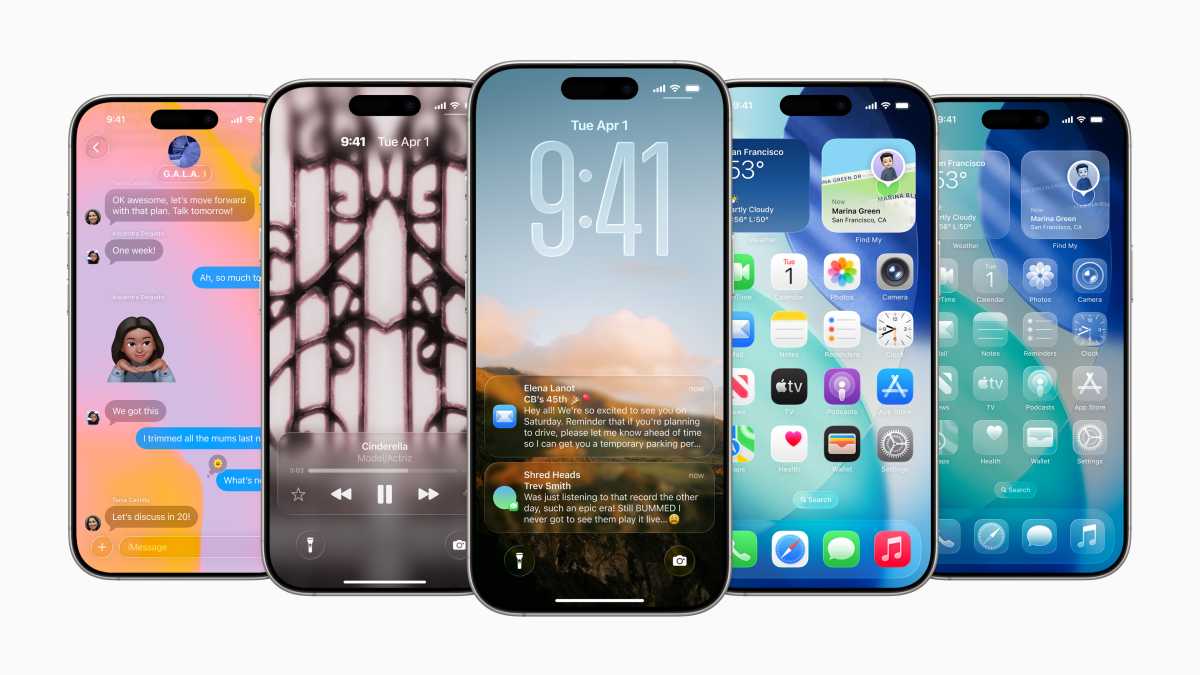
The Messages app in iOS 26 has been given a new look with the so-called Liquid Glass design. At the same time, it introduces a range of features that improve both private and group chats, from customised backgrounds to smart real-time translation.
Here’s a closer look at everything that’s coming.
Custom background for each conversation
You can now choose a custom background for each chat. Users can choose from ready-made themes such as sky or water, solid colour options or images from their own gallery. It’s also possible to generate images using Apple’s generative AI ‘Image Playground’ app.
This feature is only available in iMessage conversations and requires iOS 26, iPad OS 26 or Mac OS Tahoe.
Polls in chats
Users can create polls directly in chats, with up to twelve response options.
On devices that support Apple Intelligence, Messages can also suggest creating a poll based on the content of the conversation.
Live translation in real time
Using Apple Intelligence, the app can translate messages as you type, enabling conversations between people who speak different languages.
The feature supports English, French, German, Italian, Korean, Portuguese, Spanish and Simplified Chinese.
Apple
Improvements to group chats
Group chats are getting two potentially useful new features. Just like in 1:1 chat, it’ll now show indicators of who is writing, matching what’s already available on WhatsApp.
Elsewhere, it’s also possible to quickly add unknown participants to your Contacts.
Smarter copying
Select and copy individual parts of a message, such as an address field or tracking number, simply by long-pressing and selecting “Select”.
New filters for messages
Messages from unknown senders and suspected spam can now be sorted into different categories: unknown, transactions, advertising, spam, and recently deleted. It’s also possible to hide notifications from certain categories, aside from time-sensitive messages.
Natural text search
The search function has been improved and now understands natural language, so you can type searches in everyday language rather than exact phrases.
Image handling when data is low
A new setting sends low-quality image previews when the iPhone is using limited data. The full version is automatically sent anytime the phone is connected to Wi-Fi.
New Genmoji features
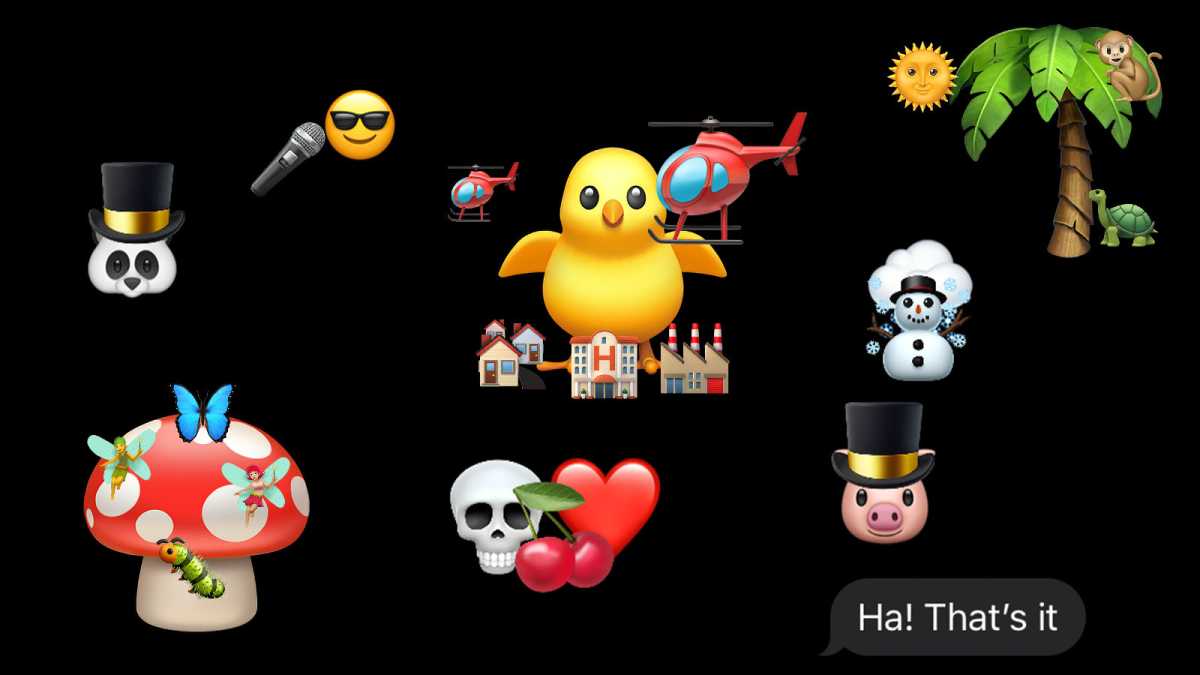
Genmoji allows you to combine two or more emoji symbols into a new, customised symbol. The result can also be customised with text descriptions.
Again, this is an Apple Intelligence feature, but it works similarly to the stacked emojis that went viral in 2024 , shown below.
Emma Rowley / Foundry
Improvements to CarPlay
Messages in CarPlay now support Tapbacks, plus the ability to pin conversations for quick access.
EU alignment and future encryption
In the EU, a new API is being introduced that allows third-party apps to send and receive SMS, MMS and RCS. Apple also plans to introduce end-to-end encryption for RCS conversations between iPhone and Android users in future updates.
- iOS 26: Release date, iPhone compatibility & new features
- iOS 26 stole these Pixel features
This article originally appeared on our sister publication Macworld Sweden and was translated and adapted from Swedish.
Author: Petter Ahrnstedt, Contributor, Tech Advisor

Petter has a solid grasp of what is happening in the Apple world, including the latest rumors of upcoming products and services. He previously worked at Apple as PR manager, but in recent years has returned to journalism, where he started many years ago.
Recent stories by Petter Ahrnstedt:
- The 15 devices Apple will reportedly launch in 2026
- Apple prepares to integrate Google Gemini into Apple Intelligence
- With the iPhone 16e, a nearly 20-year-old Apple feature is dead
