Over the years, Google has rolled out software updates that introduce new features, improve existing ones, and fix issues to provide a better Android experience.
We’ve seen interesting features that really changed our mobile experience, including the Material 3 Expressive redesign. While some recently added features bring major, helpful changes, others make little or no changes to how you use apps.
Here are five features within Android that you can really do without.
When pinning goes too far
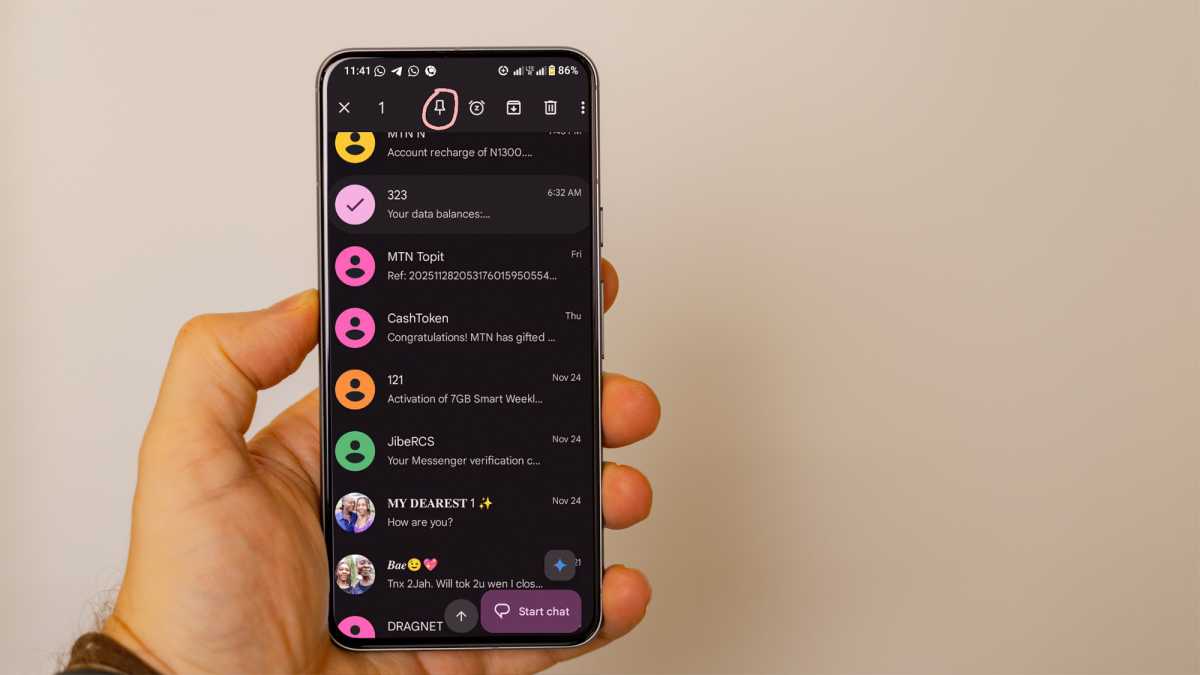
Pinning chats is really helpful when you need to access important details quickly without scrolling through your chats. Once you open the Messages app, it’s right there staring at you. Initially, Messages allowed users to pin up to three conversations. Later on, it was upgraded to five. Then, it doubled to 10. Now, it sits at 20 .
Pinning 10 chats was okay enough. An Android phone can only display an average of 6-9 conversations on a screen. Unless you’re using a large device, you would have to scroll down before viewing twenty of your chats, defeating the aim of pinning the chat in the first place. Besides, pinning 20 conversations does make your Messages app look a little cluttered – the exact opposite of what it’s designed to do.
Foundry
To pin a chat in Messages, touch and hold the conversation in your chat list. Click the pin icon that appears in the action menu, and you’re done. A small notification bubble at the bottom of your screen shows you how many pinned chats you have: “Pinned X out of 20 conversations.”
A real test
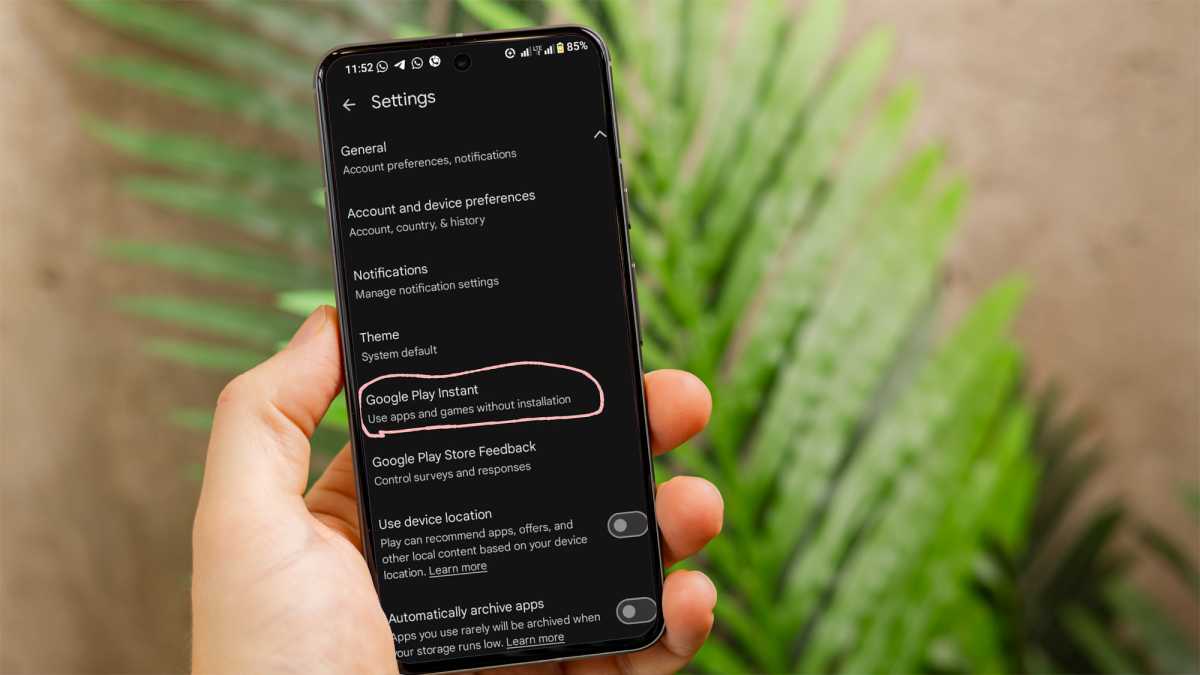
Android Instant Apps is a feature that lets people use apps or play games without installing them first. It’s like a free plan before a paid subscription, which in this case is installing the apps. If you don’t think any app is worth it, you can skip downloading it.
While it seems advantageous to the users, it puts developers at a disadvantage. Not only do they have to build a trimmed-down version of their full app, but most Instant Apps users don’t end up downloading the full version after testing the apps for a few minutes. It’s double the work for half the results.
Foundry
Soon, you won’t even be able to use Instant Apps if you want to, as Google has confirmed that it’ll be scrapped . Good riddance, I say.
To enable Instant Apps while it’s still around, go to the Settings app on your Android. Under Google > Instant Apps and toggle the feature on. On the Play Store, navigate to the menu icon at the top right corner, click Settings > General > Google Play Instant and enable Upgrade web links.
A worse version of the same features
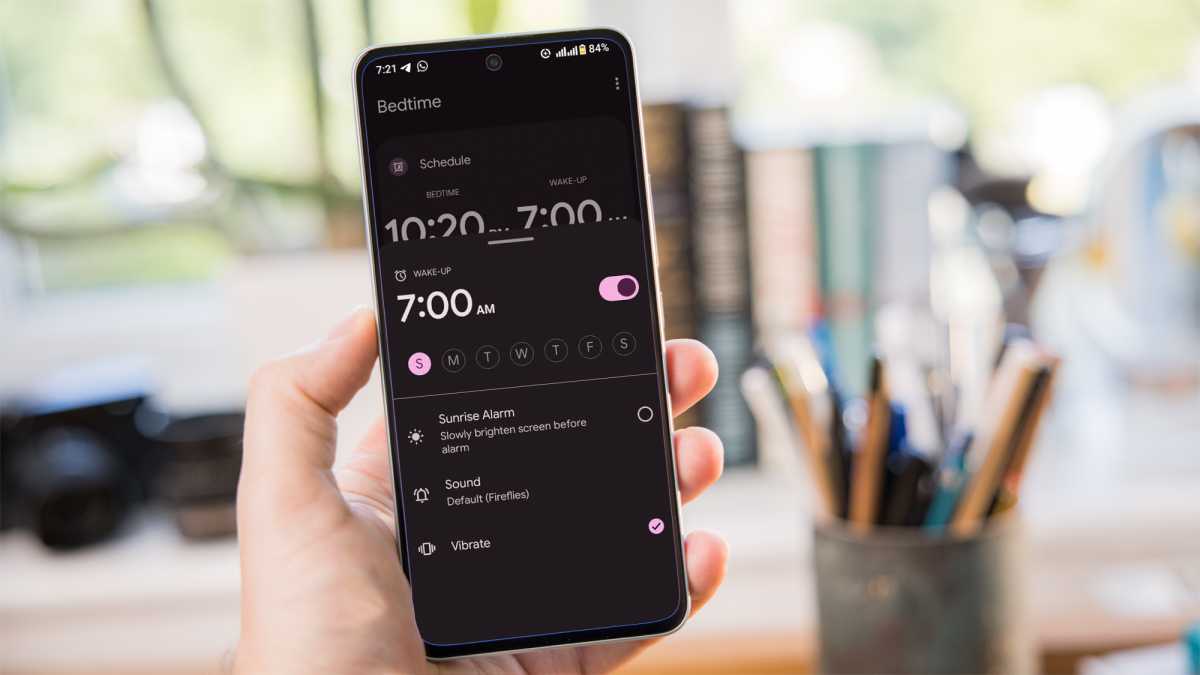
What Bedtime Mode in Google Clock basically does is help you fall asleep and monitor your sleep pattern. Bedtime Mode dims the screen, limits notifications, and changes display settings – exactly what Do Not Disturb and Focus Mode do more reliably.
Foundry
It doesn’t have relevant features to improve sleep habits, like adjusting the alarm volume, optimising your screen brightness intelligently, and silencing other sleep-interrupting apps like WhatsApp or Instagram unless you do it yourself. Bedtime Mode is just another Android setting that offers the same functions as Do Not Disturb, Focus Mode and Battery Saver Night Mode.
While it seems to be helpful on paper, without personalisation and health insights, it does very little that isn’t already done better by existing Android tools.
Making emojis unnecessarily difficult
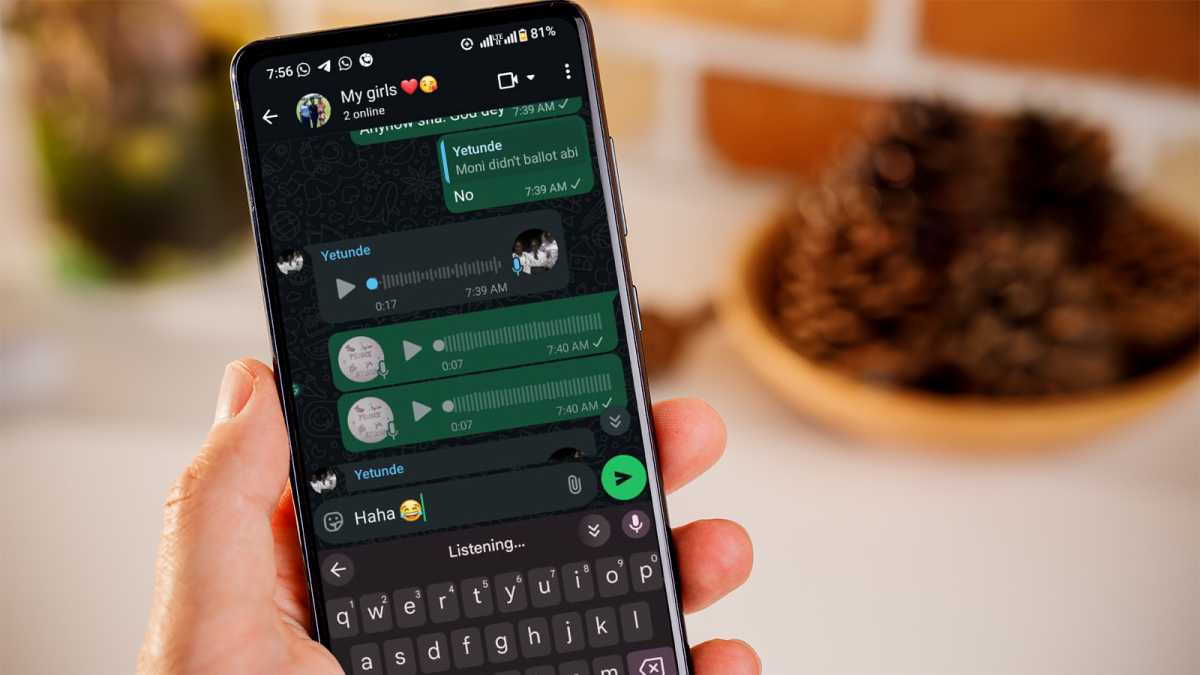
You’re chatting with a friend while voice typing . “Face with tears of joy emoji,” you say. It takes two or three attempts to actually get the 😂 emoji right.
By then, you probably wouldn’t be laughing anymore as you send your reply. It might be a useful accessibility feature, but for most people, it makes using emojis more complicated than it needs to be.
I would rather just search for it under ‘recent emojis’ on my Gboard than go through all that trouble. It seems like a really cool idea until you actually try it out.
Foundry
To make it more appealing, Google needs to work on its accuracy. Even when it gets the word description correctly, the desired emoji doesn’t always pop up, or nothing happens at all.
It’s definitely not a very helpful feature, just something you would try for the fun of it and then forget afterwards. To try out this feature, simply describe the emoji you have in mind and include “emoji” at the end of the description. Gboard recognises you are referring to an emoji and displays it for you.
A very unreliable battery estimate
Your Android phone is constantly analysing how much time you spend on your phone, which apps you use most, and how fast your battery is depleting.
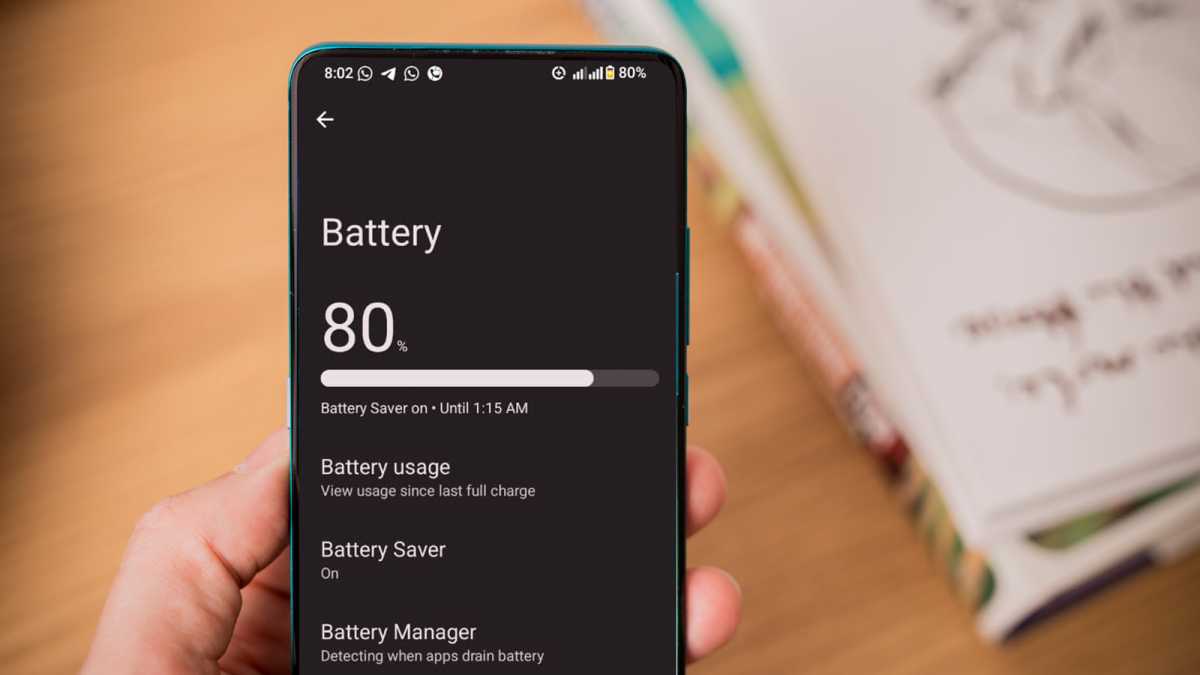
A lot of the Battery Usage data within Settings can be helpful, but what’s not so useful is the battery estimate . Most times, it simply isn’t reliable.
Foundry
It predicts how long your phone’s battery can last based on your recent usage. One moment it says “6 hours left,” then you open Maps or take photos, and it becomes “2 hours left.” It doesn’t take into account battery-draining apps, screen brightness, streaming or surfing the web. It’s based on assumptions, so the prediction is more of a guess than a guarantee.
To see your battery’s estimated time, go to Settings > Battery, but take it with a big pinch of salt.
While Google keeps adding new features every year, not all of them end up being helpful. Some don’t really improve the Android experience, feeling unnecessary or repetitive. All we need are simple, faster features that make our day easier.
