It’s important to be aware that many people online could have access to something related to your identity, be it your name, appearance, address, job, date of birth or something else.
This is especially alarming given that identity fraud accounted for 64% of cases filed to the National Fraud Database in 2023, with 77% of those involving a current address.
With enough of your information, criminals can open bank accounts in your name for money laundering or apply for loans, leaving you responsible for debts and potentially ruining your reputation and career. Identity theft can ruin your life , so protecting your identity should be a top priority.
Hundreds of data brokers collect and sell your personal information, increasing your chances of spam, scams and identity theft. Take back control of your data privacy. Opt out of these databases with Incogni.
Moreover, lax online privacy can expose you to harassment from various people, including former bullies, ex-partners or annoying acquaintances. Fortunately, there are tools and best practices to help protect your online identity.
Below you will find some of the main ones that we recommend implementing.
Use a password manager
One way people can get to your personal information is by guessing your passwords and logging into accounts that contain that information.
Maintaining separate passwords for each and every account you use is a drag, not to mention impractical.
You could come up with strong and unique passwords for everything that requires one and maybe even write those down on a piece of paper, or in a notebook, and keep that somewhere safe. But that obviously isn’t convenient for times when you’re out and about.
You could also use a third-party service such as Facebook or Google to sign into other apps and services – a more convenient solution, but then, of course, you’re giving Facebook and Google, or whoever, an even greater idea of your browsing and spending habits.
Web browsers such as Chrome and Firefox also offer built-in password managers, but you should find out whether it is safe to store passwords in your browser before using them.

Jim Martin / Foundry
A more practical option is to use a password manager, an app which stores and encrypts login details for every service you use behind a single, strong master password.
The best password managers can protect your accounts with biometric logins, meaning you can use fingerprint scanners and front-facing cameras (if secure enough) on your phone, laptop or PC to confirm that it is indeed you that’s logging in and not someone else.
A good password manager will also support multi-factor authentication by default, which means when you correctly enter your master password, you’ll also be required to enter an additional code, securely sent to you through another app. Speaking of which…
Use two-factor or multi-factor authentication
Two-factor authentication, commonly expressed as ‘2FA’, or sometimes ‘two-step verification’, is a simple but effective way of adding an extra layer of protection to any account you regularly sign in to.
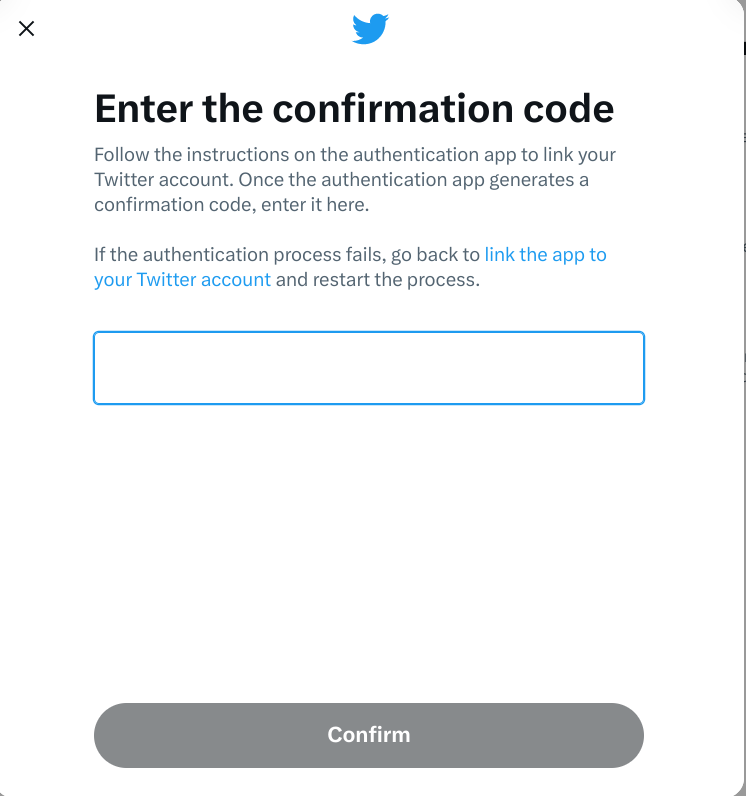
With two-factor authentication set up, once you’ve entered your password – the first factor of authentication – you’ll be sent a four or six digit code to enter as well – the second factor of authentication.
Here’s what it looks like on X, which was previously known as Twitter:
IDG / Ashley Biancuzzo
If you don’t have access to that second code, then you’re not getting in. That means it doesn’t matter if someone has correctly guessed your password: they still can’t access your account.
The best approach is to have authentication codes sent to you via an authenticator app, such as Authy, Duo Mobile, Google Authenticator or Microsoft Authenticator . Some password managers, like Dashlane and 1Password, come with their own built-in authenticators.
You could also consider investing in a security key. These hardware devices have to be plugged into one of your laptop’s USB port or tapped on your phone to authenticate via NFC. However, you need to be careful not to lose them, much like your house keys, and they’re not supported by all that many services online.
Security key options include Yubico’s YubiKey 5C , CryptoTrust’s OnlyKey and Thetis’s FIDO2 .
Don’t have authentication codes texted to you
While 2FA is a great idea in theory, in practice, it’s not a good idea to have companies text you authentication codes.
The reason for this is simple: SMS text messages can be intercepted and it doesn’t require costly equipment or extensive technical knowledge to do so. Once someone has your authentication code, then they could very well gain access to a number of things: your online bank account, investment portfolio or whatever account you’re trying to log in to.
If a service supports 2FA, you should check if you can use an authenticator app instead having codes via text/SMS.
Alternatively, there might be an option to be sent authentication codes via email instead. That’s a more secure option, as your email provider should be encrypting messages in transit as standard. However, if your email account is compromised, then you’re still at risk.
For this reason, it’s good practice to automatically delete any kind of authentication email that’s sent to your account.
Use a VPN
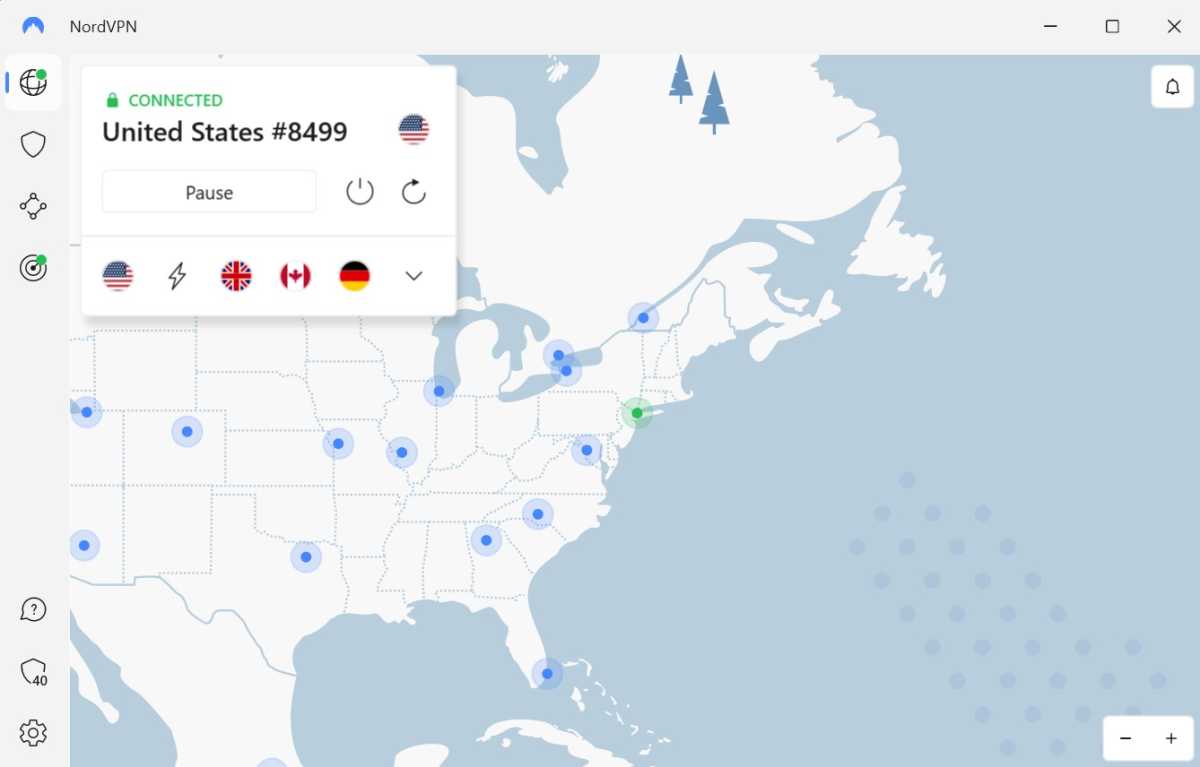
A VPN (Virtual Private Network) is a good way of securing your online activity, as a VPN encrypts all of your network traffic, preventing anyone from keeping a log of your online sessions.
Anyron Copeman / Foundry
Well, almost anyone – the only organisation that could know which sites and services you visit and log in to is the VPN provider itself.
This is why, when shopping around for a VPN provider it is important to check to see if the VPN provider operates a strict ‘no connection logs’ policy and, more importantly, if that policy has been independently verified.
VPNs that have made the grade in this regard in our most recent round of testing include NordVPN, CyberGhost and PureVPN – see our round-up of the best VPN services for a full breakdown.
Use burner email address
Foundry / IDG
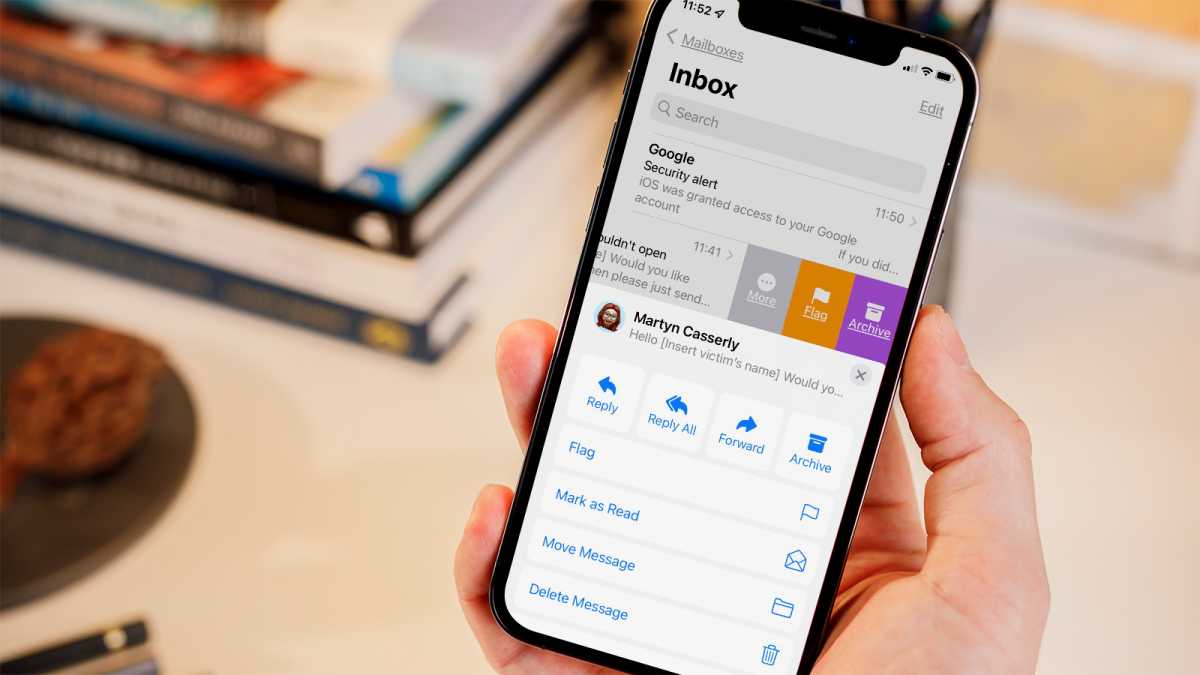
While that in itself is not an inherent security risk, what it can do is make it harder for you to spot scam emails and similar phishing attempts, which often disguise themselves as legitimate marketing emails. Plus, who wants junk mail? No-one.
If all marketing traffic is funneled towards a specific email account, it leaves your mail account with emails you might actually want to read.
Ask data brokers to delete information they hold on you
Data brokers, such as Acxiom, Equifax, Experian and TransUnion make money from selling information about you to marketing companies.

Tech Advisor/Foundry
Information about you can come from a variety of sources, from companies selling your data to third parties as described above to analysing your web browsing history and your shopping history.
In the US, your rights currently vary from state to state , but you still may be successful in contacting a company or organisation with an SAR – or SRR (subject rights request) as they’re also known. US-based non-profit Privacy Rights Clearinghouse maintains a list of data brokers, which states they’re located in and whether or not they allow an opt out.
As per the Australian Privacy Act , you can request access to the data that a company holds on you and request to correct any incorrect information, delete it or de-identify it, provided it’s no longer required for their purposes.
In order to make any kind of access request, you will need to provide some basic information – such as your name, home address, phone number email address – and possibly some supplementary information, such as your account name/user ID, so that a company can correctly identify you and process your request.
You can also pay third parties to contact data brokers on your behalf if you are short on time – organisations offering such a service include DeleteMe , Incogni , Onerep , OptOut UK and Privacy Bee .
However, data brokers may not respond to requests made on behalf of individuals by third parties such as these. It might be that a company can only tell you who holds data about you – in which case it would then be up to you to contact the company and request that they delete any data held on you.
Lock down or delete social media accounts
In addition to getting rid of the inevitable cringe posts and photos of you with regrettable haircuts/outfits/both, closing or deleting old or inactive social accounts and blogs can be a good idea, especially if they contain anything too personal.

Hannah Cowton/Foundry
Whether it’s damaging to your reputation or personal credibility or not, there’s information you’ve posted out there on a platform you’ve not updated or maintained for a number of years, there’s a chance that someone could gain access to your profile. You should purge any old accounts, especially if they are still linked to an active email address.
In short, if you’re no longer using Facebook , Twitter/X , Instagram , TikTok or any similar platform, consider deleting it, or, at the very least, lock down the privacy settings to control who can see that data. That way, you still maintain a presence on those platforms, but they’re much less likely to be used by anyone trying to impersonate you.
Don’t share too much online
Comedian Stewart Lee once memorably described Twitter as “the Stasi for the Angry Birds generation” and famously does not maintain a personal social media presence.

Tech Advisor/Foundry
While you might not want to employ the same approach to social media as Mr. Lee, his main point about revealing one’s whereabouts and habits on a public online platform like Twitter/X is worth keeping in mind.
Posting a photo of you in front of the house you’ve recently moved into, then later complaining that your landlord still hasn’t fixed that downstairs window and then announcing to the world that you’re about to go on holiday for a couple of weeks, could all add up to you coming back home to a nasty surprise.
Opt out of sharing data
It’s tempting to click or tap through the welcome or installation screens without paying any attention to what they’re saying. Quite often you have the opportunity to limit the data you share with that company, but you need to read those screens to know if you need to tick a box or click the decline button.
Use some form of multi-factor authentication, but don’t have codes sent to you via SMS if at all possible and consider using a password manager and a VPN to better protect yourself and your online activity.
