At a glance
Expert’s Rating
Pros
- Fire TV interface with Alexa
- Four HDMI inputs
- AirPlay support
Cons
- Limited viewing angles
- Not very bright
- Short warranty
Our Verdict

You’re spoiled for choice with budget TVs nowadays. There are so many to choose between and even if you want a big TV, you can have one – if you’re prepared to make some compromises.
Although it’s a step up from the 2-Series, that’s mainly because of the screen sizes: don’t let the naming fool you that these are mid-range TVs: they’re basic models in the great scheme of things.
But does having Fire TV and Alexa make the 4-Series a good buy? Read on to find out.
Design & build
- Plastic frame and feet
- Option to wall mount
- Alexa via microphone on remote control
When you get the Fire TV 4-Series out of its box you notice how lightweight it is. That’s partly because it’s fairly thin but also because it’s clad in plastic and has glossy black plastic feet.
Four screws is all it takes to attach them to the base of the TV if you’re putting it on a TV bench rather than wall mounting it. The feet are 980mm apart, so your bench needs to be at least that long.
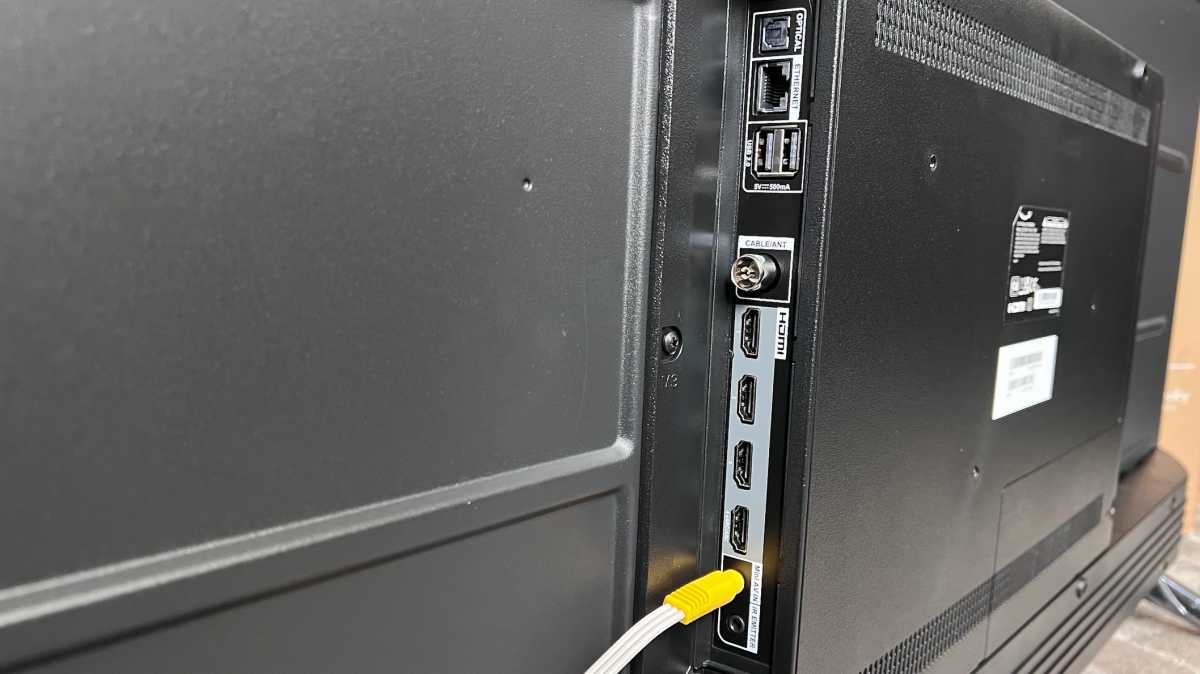
The detachable power cable plugs into the left-hand side (when looking at the TV from the front) and all other ports are on the right.
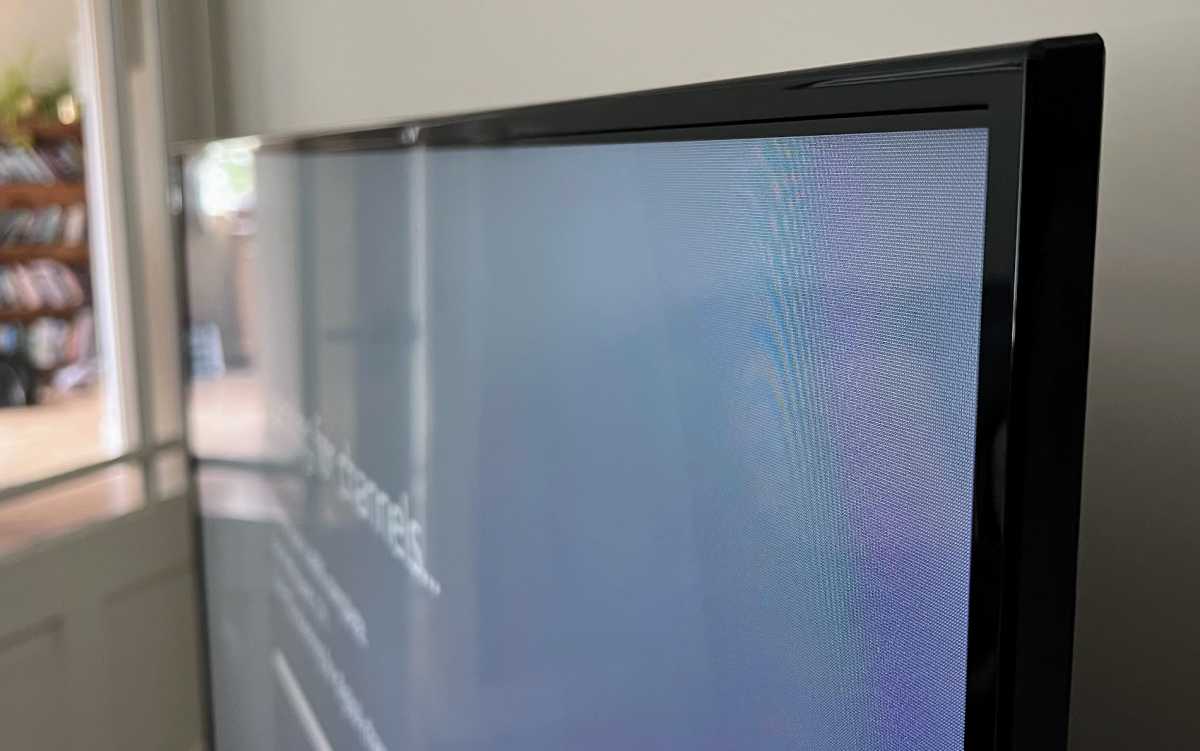
The bezel isn’t too thick, and has the same gloss black finish as the feet.
Jim Martin / Foundry
Specs & features
- Standard LED backlight
- Support for HDR10, HLG
- Fire TV software
For what is otherwise a relatively basic model, it’s good to see a quartet of HDMI inputs, and with the same specs as the Omni QLED – three HDMI 2.0 and one HDMI 2.1 eARC.
Jim Martin / Foundry
Just note that you can’t have the TV speakers on at the same time as using Bluetooth audio.
Unlike the more expensive Omni QLED there’s no ambient light sensor or presence sensor so the 4-Series can’t adjust brightness according to the lighting in your room, nor can it turn off if no-one’s around to watch it. This also means it doesn’t support Dolby Vision IQ – it doesn’t support Dolby Vision at all: just HDR10 and HLG.
Jim Martin / Foundry
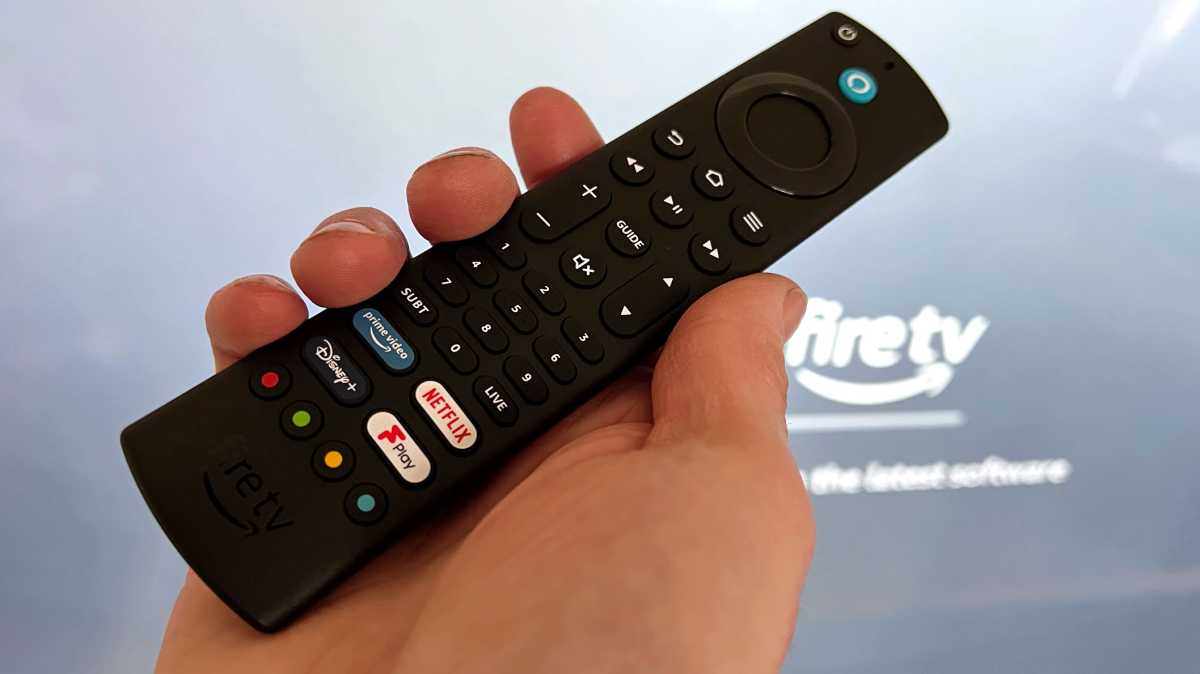
There are no built-in farfield microphones so you have to use Alexa via the remote by pressing the Alexa button: there’s no hands-free option here.
Jim Martin / Foundry
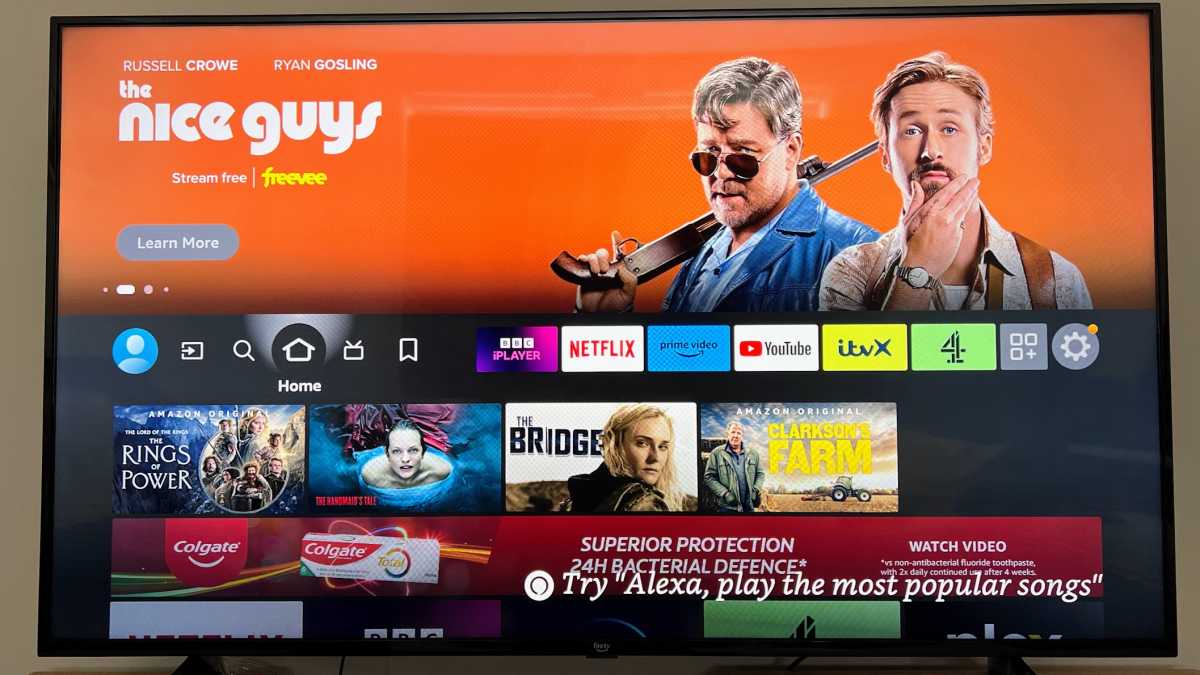
Jim Martin / Foundry
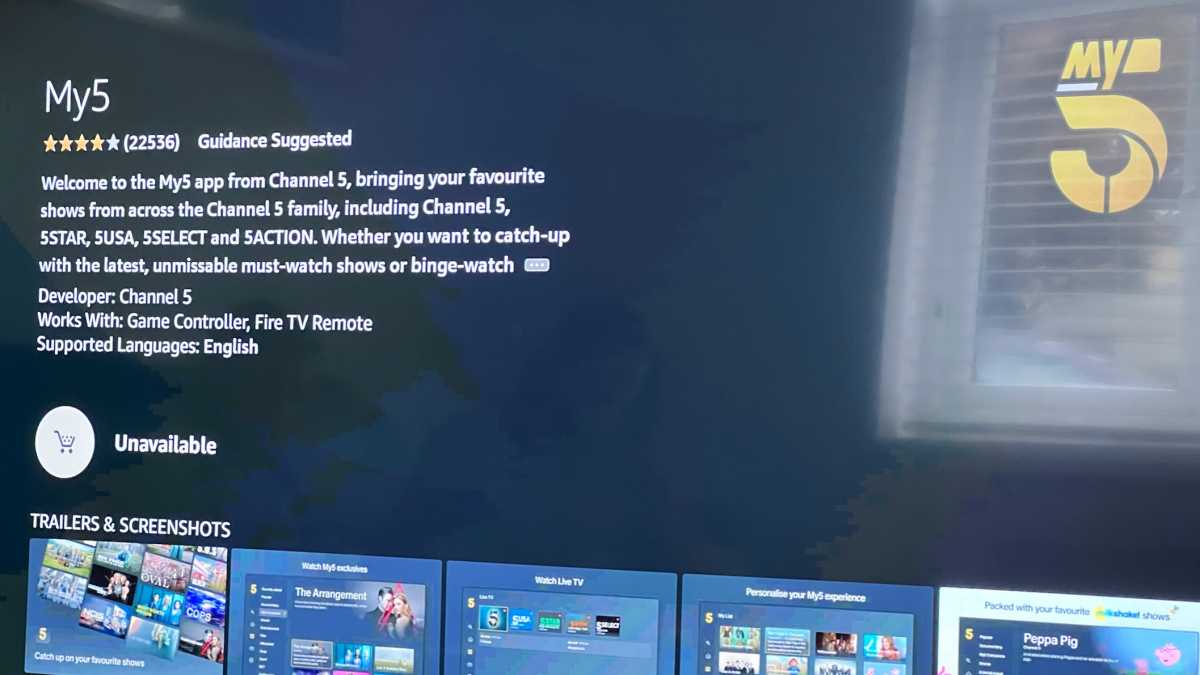
Jim Martin / Foundry
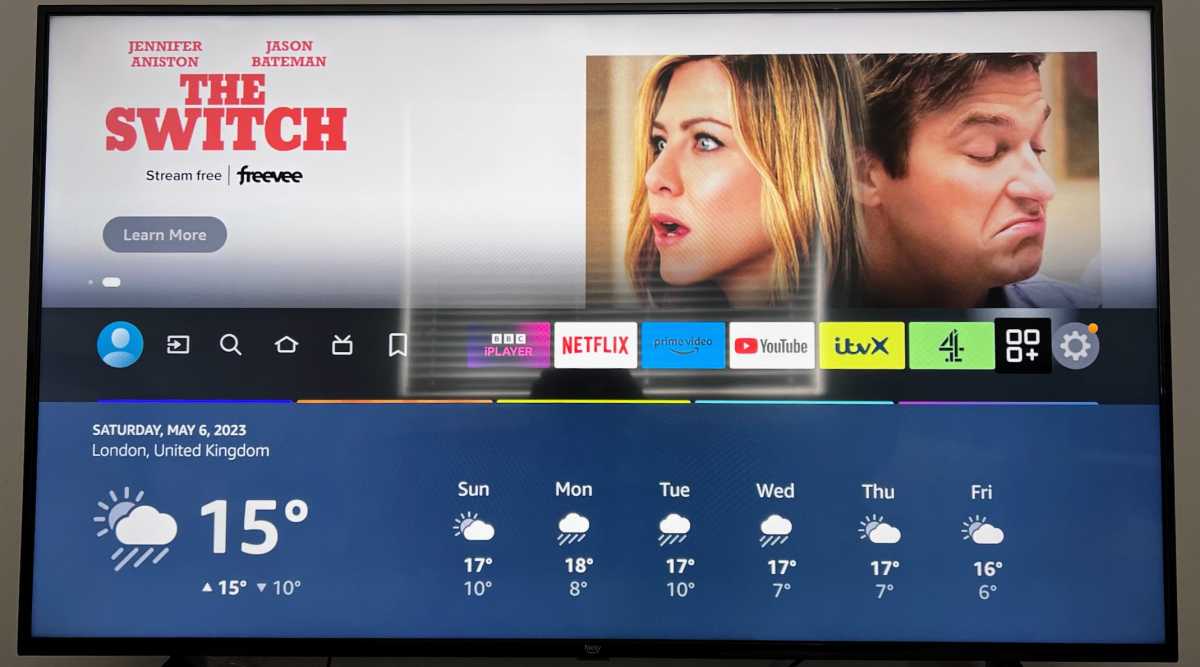
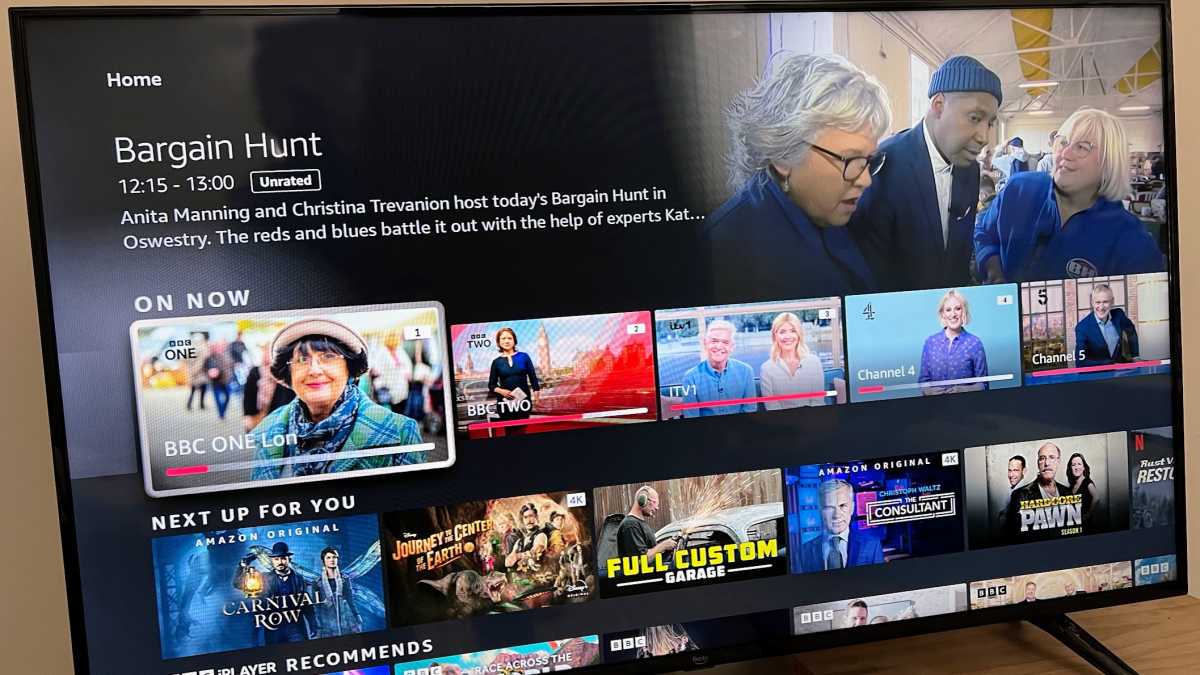
The interface can lag quite badly and the 4-Series doesn’t feel as responsive as even a basic third-gen Fire TV Stick.
Live TV on UK models comes from a built-in Freeview Play tuner and the programme guide is nice and clear. You can’t record anything, despite the USB ports which you’d think might be for a USB thumb drive.
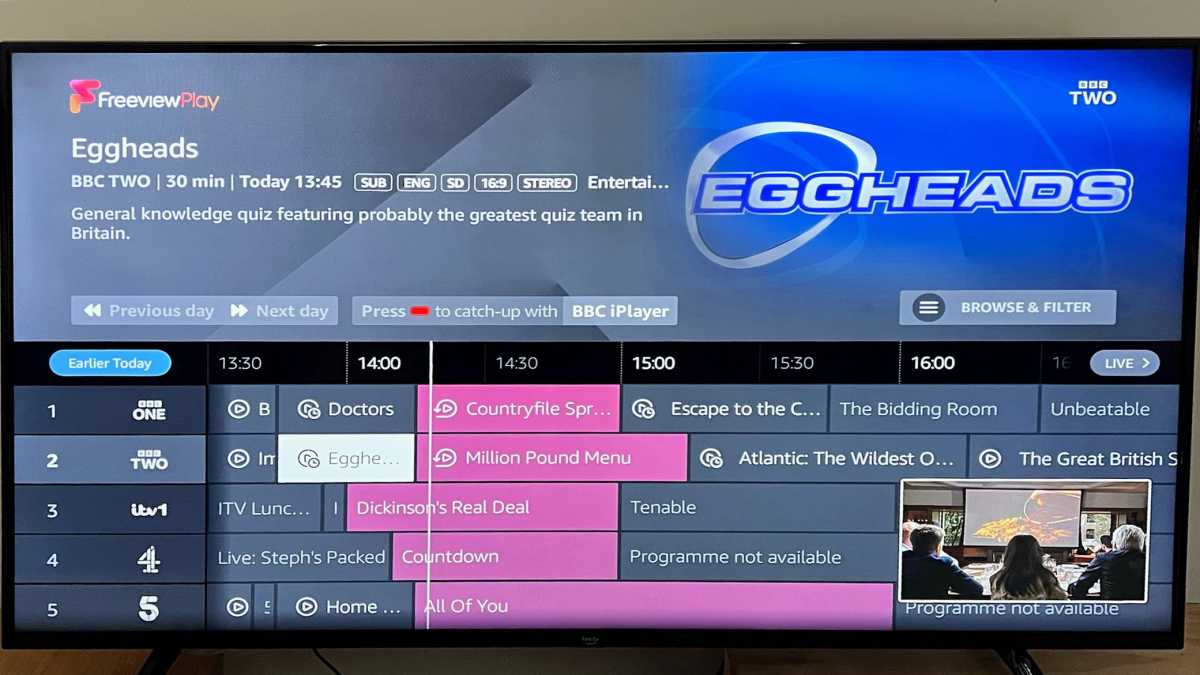
Jim Martin / Foundry
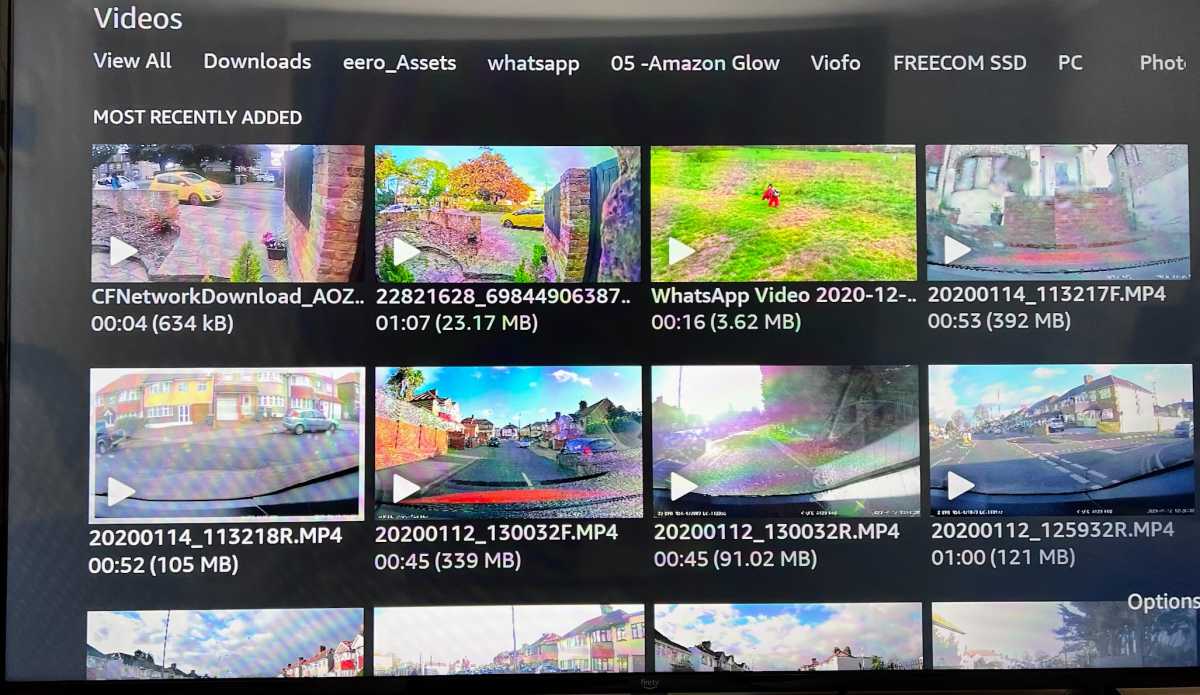
Jim Martin / Foundry
Plus, like the Omni QLED, there’s proper AirPlay support so you can beam videos and photos from your iPhone and iPad to the Fire TV and see them on the big screen. The usual AirPlay restrictions apply, so some apps won’t let you watch video over AirPlay, such as Channel 4 and Sky Go.
Picture and sound quality
- 60Hz refresh rate
- Dolby Digital Plus audio
- 8W + 8W speakers
Colours are fine but don’t pop like they do on QLED models. They’re only fine, though, as long as you’re sat square-on to the screen. Move off centre and they quickly start to fade and look noticeably washed out if you’re watching off to either side.
Jim Martin / Foundry
The top brightness of 300 nits is relatively low, and rather dismal for an HDR TV. Although the Fire TV 4-Series supports 4k HDR in the HDR10 and HLG formats, you’ll be hard pressed to notice the difference. Really you need double the brightness (or more) for highlights to really shine.
As the 4-Series doesn’t have full array local dimming, there’s also a distinct lack of deep, inky blacks.
The screen isn’t too reflective, but it’s best to avoid place the TV facing a window as the low brightness means it can’t overcome the reflections during the day.
Jim Martin / Foundry
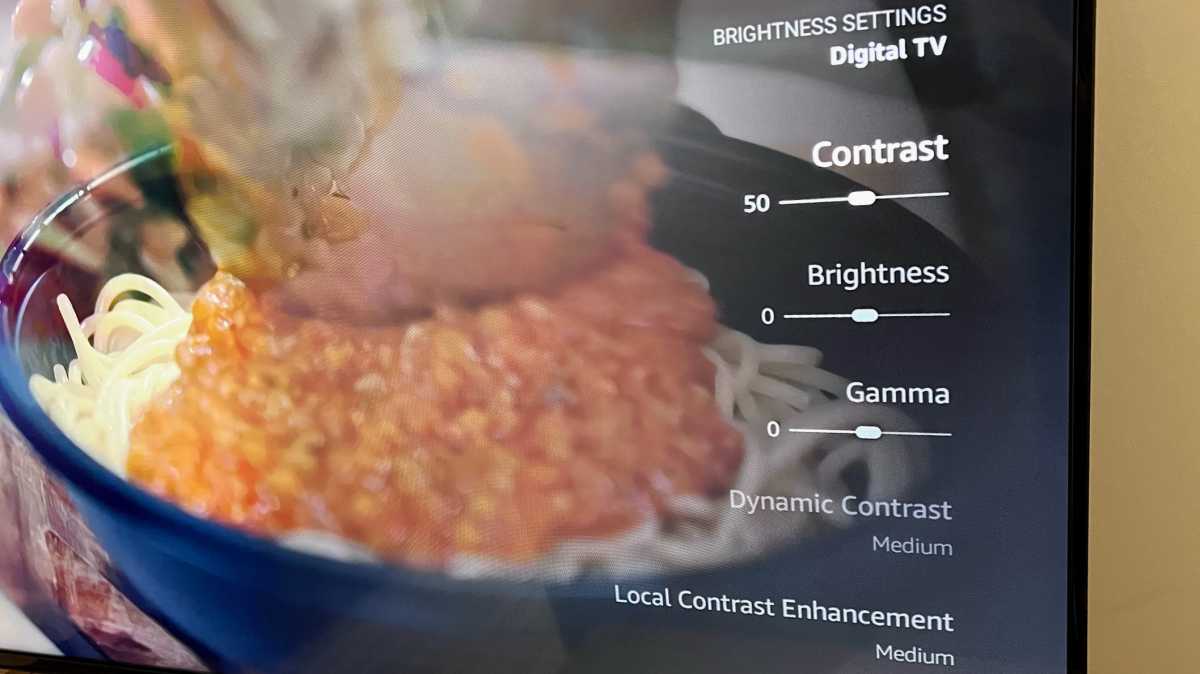
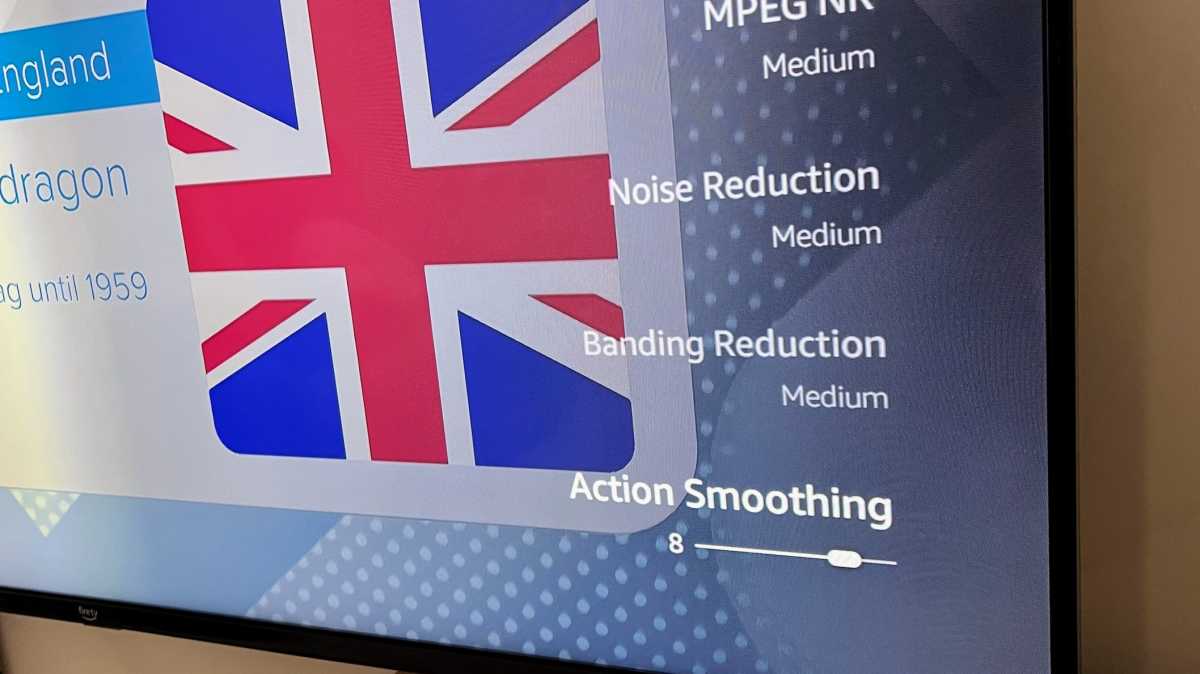
As with the Omni QLED, picture settings are saved per input, so you can (and need to) adjust those settings for digital TV, streaming media and the HDMI inputs individually. By default Action Smoothing is set fairly high and it’s something you’ll want to reduce or turn off completely, especially if you’re watching movies. But it’s great for sports as it smooths out any judder between frames.
Jim Martin / Foundry
Sound from the dual 8W speakers is pretty thin but par for the course. If you care about sound quality, connect a decent sound bar to the HDMIU eARC input. The Fire TV can control a lot of sound bars this way without any extra setup, meaning you can adjust volume using the Fire TV remote.
Price & availability
The Fire TV 4-Series range starts at £429.99 / $369.99 for the 43in, £499.99 / $449.99 for the 50in and £549.99 / $519.99 for the range-topping 55in.
Like the Omni QLED, the 4-Series has a paltry one-year warranty as standard. In the US, though, you can pay extra for a total of four years’ cover, from $40 for the smallest size to $70 for the largest.
This option isn’t yet available in the UK where, as you’ll have noticed, the TVs cost quite a bit more than in the US.
For more options, including TVs without the Fire TV interface, take a look at our roundup of the best budget TVs. Or, if money is no object, we’ve also selected the best TVs.
Verdict
At full price, the Fire TV 4-Series is difficult to recommend. Yes it has the Fire TV interface and Alexa, but you can have better picture quality if you shop around at the same price.
At the discounted prices, which can seemingly be had regularly, they are better value, especially in the US for those who aren’t after the ultimate in quality.
For telly addicts in the UK, the higher prices are tougher to stomach, and the discounts aren’t as generous. If the convenience of having a Fire TV Stick effectively built in appeals and you don’t mind that Alexa isn’t hands-free, you might be perfectly happy.
But if you care about image quality, want proper HDR and are happy to pay more, then you should probably look at the Omni QLED range – or elsewhere.
Specs
- Sizes: 43/50/55in
- Model tested: 55in
- Display technology: LED
- Resolution: 3840 x 2160 4K
- Refresh rate: 60Hz
- HDR support: HDR10, HLG
- HDMI: x3 2.0, x1 2.1 eARC
- Tuner: Freeview Play
- OS: Fire TV
Author: Jim Martin, Executive Editor, Tech Advisor

Jim has been testing and reviewing products for over 20 years. His main beats include VPN services and antivirus. He also covers smart home tech, mesh Wi-Fi and electric bikes.
Recent stories by Jim Martin:
- The Best of CES 2024 Awards
- Get Amazon’s new Omni QLED 4K TV almost half price
- Amazon Fire TV Omni QLED review
