
At a glance
Expert’s Rating
Pros
- 16GB of storage
- All popular streaming services
- Ambient Experience and generative AI
Cons
- Still too much self-promotion
- Voice Remote Pro would have been nice
- Micro-USB power connector
Our Verdict
The name might be a mouthful, but the 2 nd -gen Fire TV Stick 4K Max is one of the best (and best value) streaming sticks out there if you need all the bells and whistles.

It’s a cheap way to upgrade an older smart TV, and a brilliant option if you want to use a spare computer monitor as a small TV in the kitchen or a bedroom.
You can even bung it in your suitcase and take it on holiday to plug into your hotel room’s TV.
Fire TV Sticks are known for being cheap, so how does this latest, most expensive model compare for value?
Features & design
- Updated design
- Wi-Fi 6E
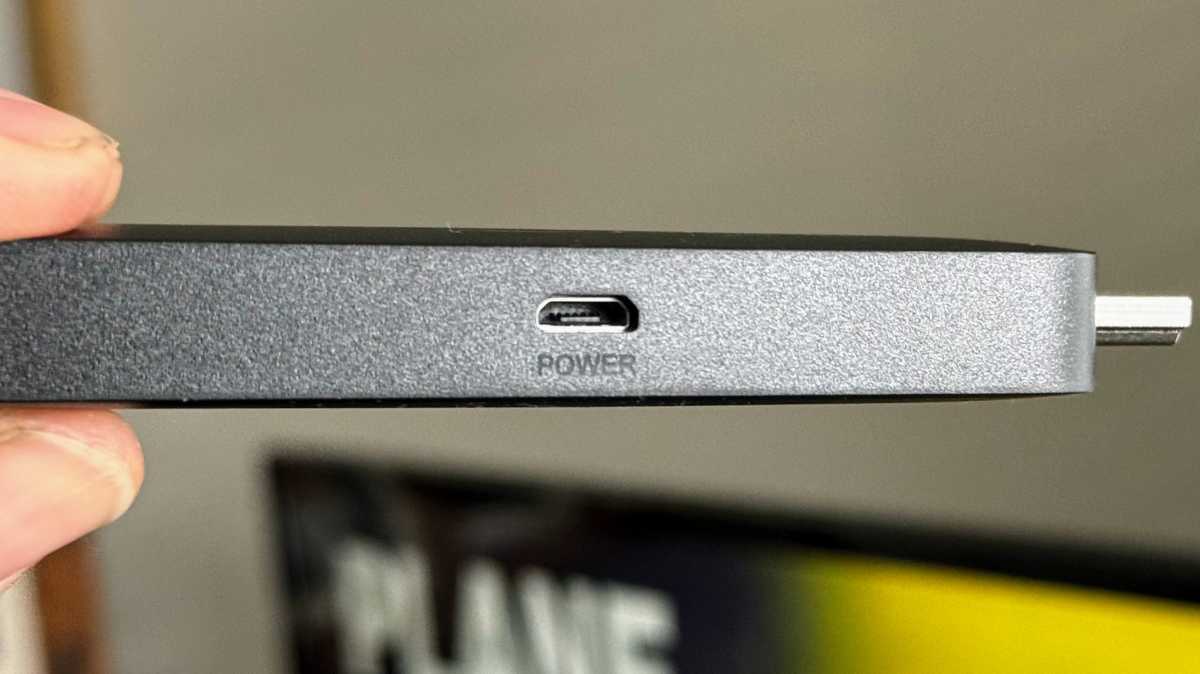
- Micro-USB power connector
It’s still a black, plastic dongle and you still get a short HDMI extension in the box in case it isn’t possible to plug the 2 nd -gen 4K Max directly into one of your TV’s inputs.
What hasn’t changed is the annoying micro-USB power connector. It’s a minor gripe as it isn’t as if you’ll be disconnecting the power cable very often. Given the price increase, it would have been nice to see a USB-C port.
Jim Martin / Foundry
The extra money has gone on a slightly faster processor (a quad-core 2GHz) and, usefully, double the storage of the original 4K Max . With 16GB on board, and around 12GB of actual, usable storage, you can install a bunch of apps and games without worrying too much.
There’s still 2GB of RAM, but Wi-Fi has been upgraded to 6E, meaning this new 4K Max can take advantage of the 6GHz band. That’s only if you have a Wi-Fi 6E router, though, and it’s close enough. Otherwise, it’ll still use 5- or 2.4GHz just like older Fire TV Sticks.
You still get a power supply in the box, and it’s still the same 5W model as ever, meaning the 2 nd -gen Fire TV Stick 4K Max uses barely any power despite those hardware upgrades.
Jim Martin / Foundry
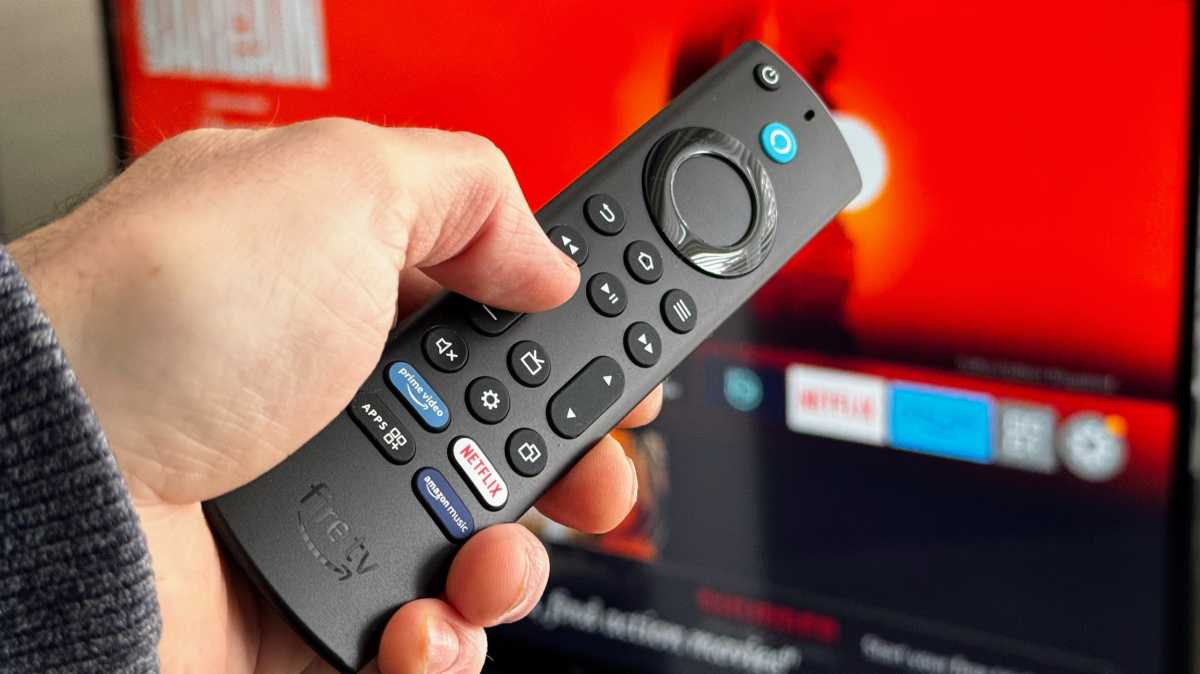
Also in the box is an Alexa Voice Remote Enhanced. It’s not quite the Voice Remote Pro , which has backlit buttons and the ability to beep when you lose it, but it does have more buttons including one for settings and another for live TV.
During setup it’ll figure out how to control your TV so you can use it to adjust the volume, change channel and other things without having to reach for your original TV remote. The fact it uses infrared allows it to control a wide variety of equipment which is something you can’t do with a Roku or Apple TV remote.
Instead of making all four of the lower-most buttons shortcuts to specific streaming services, the UK version allocates one to Apps. Although you can ask Alexa to launch any app with your voice, you still have to press a button to do that as there’s no hands-free Alexa here.
So the shortcut is very welcome as it saves a few button presses to navigate through the home screen to all apps, and was one of my criticisms of the older streaming stick’s remote.
Audio and video support is unchanged from the original 4K Max, so there’s Dolby Atmos, Dolby Vision, HDR10+ and HLG. Video up to 4K60 is supported, but whether you’ll get any of this will depend upon the exact content you’re watching and your AV equipment.
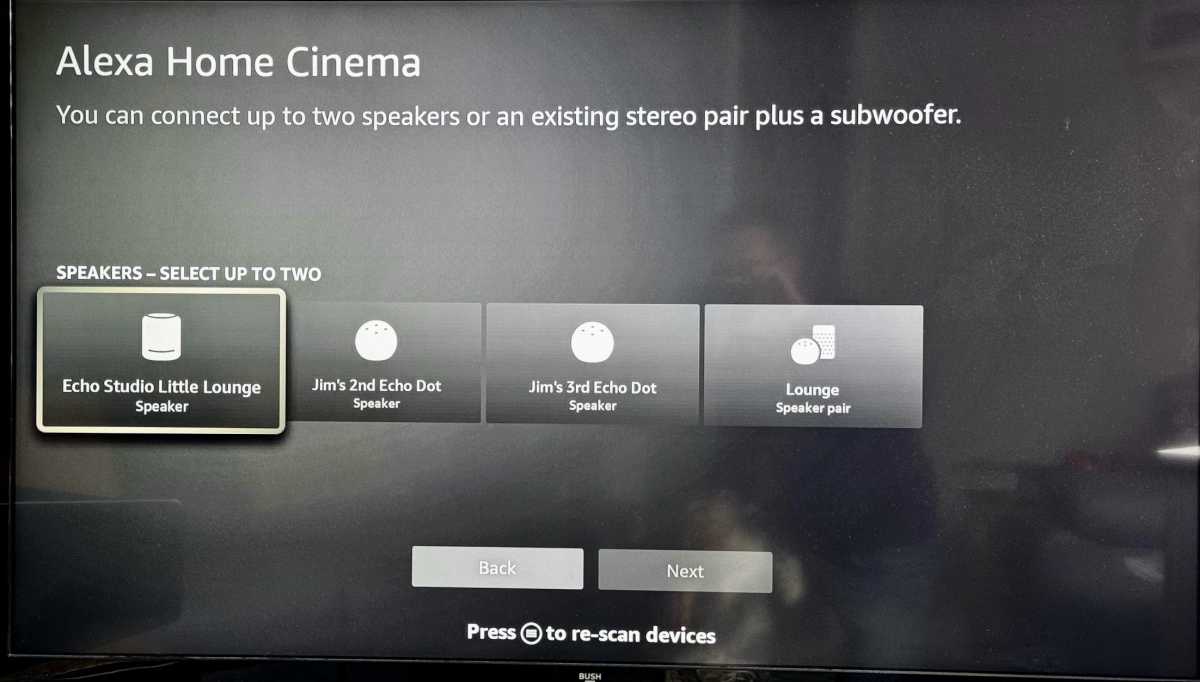
Another useful feature is Alexa Home Cinema, which lets you pair up to two Echo speakers and an Echo Sub. You’ll then hear audio from those speakers instead of your TV, and it’s possible to adjust any delay to eliminate lip sync issues.
Jim Martin / Foundry
Better still, the 4K Max (both generations and the new 2 nd -gen Fire TV Stick 4K) lets you hear other sources connected to your TV, such as a games console, through those Echo speakers by using your TV’s HDMI ARC port.
Last, but not least, it’s good that you can control the volume of connected Bluetooth speakers (or headphones) with the remote’s volume buttons. Most older Fire TV Sticks can’t do this.
Interface & content
- Slightly improved
- Wide choice of apps and games
- Ambient Experience
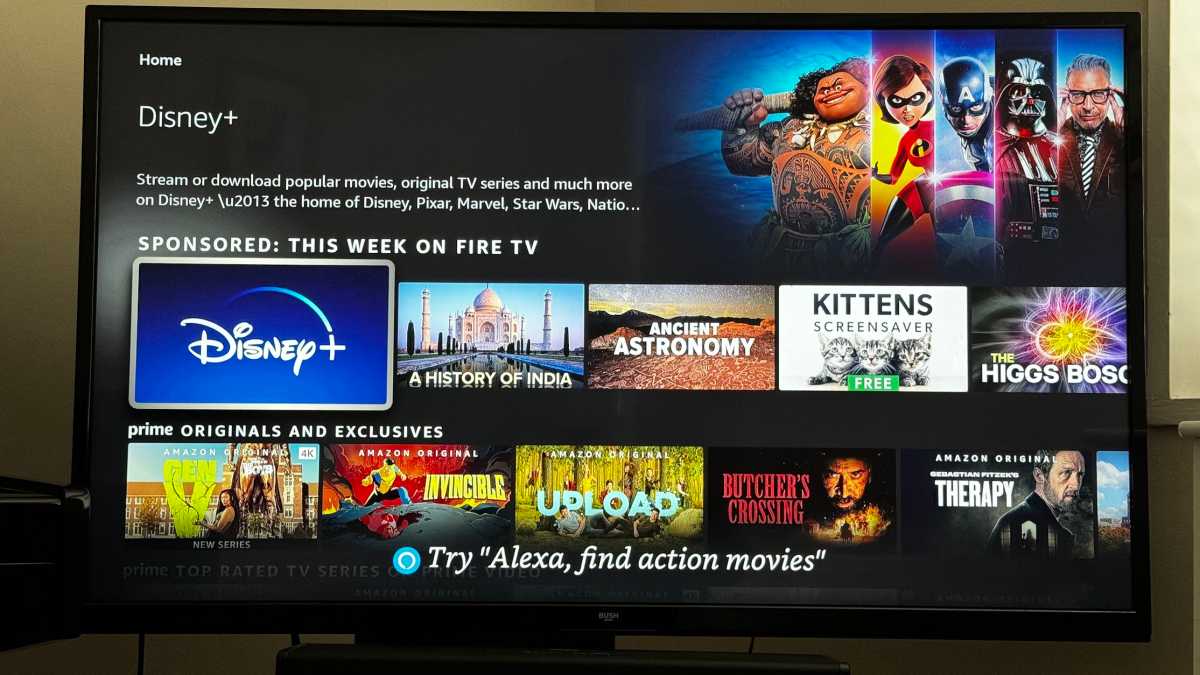
The Fire TV interface is something that seems to divide opinion. Some say it’s unintuitive, others that it’s too cluttered with ads and self-promotion.
I quite like it, overall, but that could be because I have Fire TV Sticks for all the TVs in my home and I’m used to it.
Jim Martin / Foundry
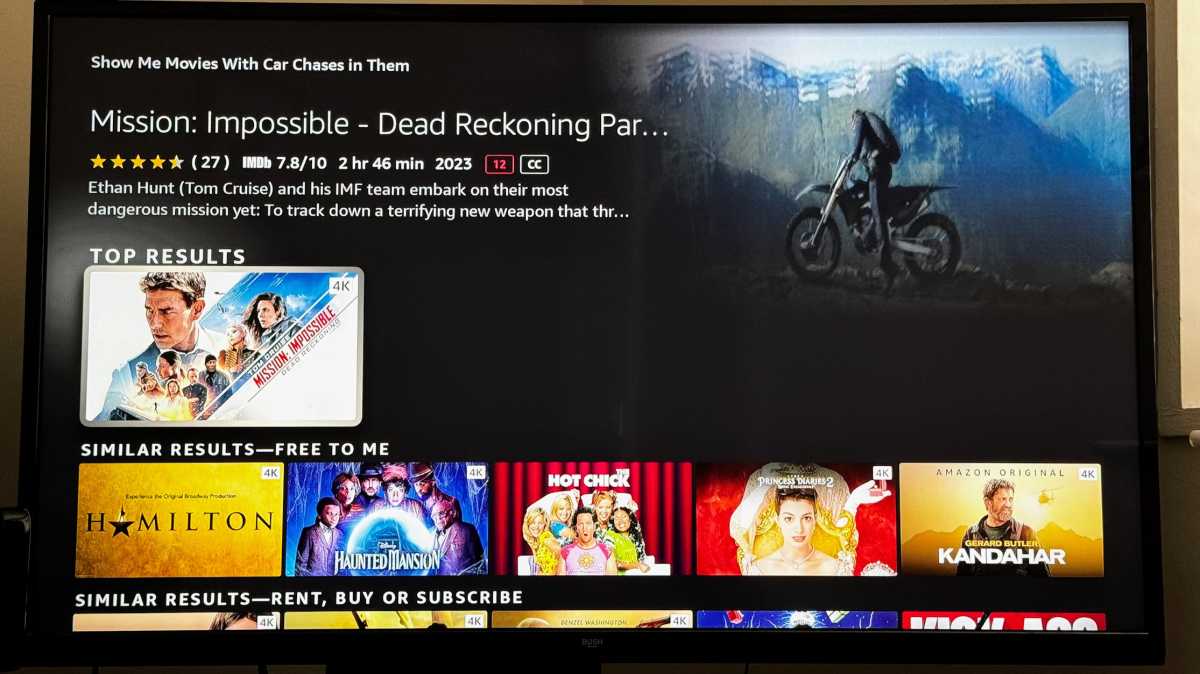
It’s easy to search for things to watch, though. There are various ways to do it, but the easiest is just to press the Alexa button on the remote and ask for whatever you’re feeling like. For example, you can say “Alexa, show me spooky shows” or “Alexa, show me some good action movies”.
Later in 2023 – in the US at least – owners will be able to ask even more nuanced and open-ended questions such as “Alexa, find me action movies with car chases” or “Alexa, show me comedies that are free to me”.
Jim Martin / Foundry
Plus, something I and many people have wanted for a long time is being added: a ‘continue watching’ row.
Although that’s in practically every streaming app (and on the Apple TV) already, you’ve always been forced to launch the app first and use its own Continue watching section to carry on where you left off.
Hopefully, this update will solve that particular woe and will be rolled out in the UK as well very soon.
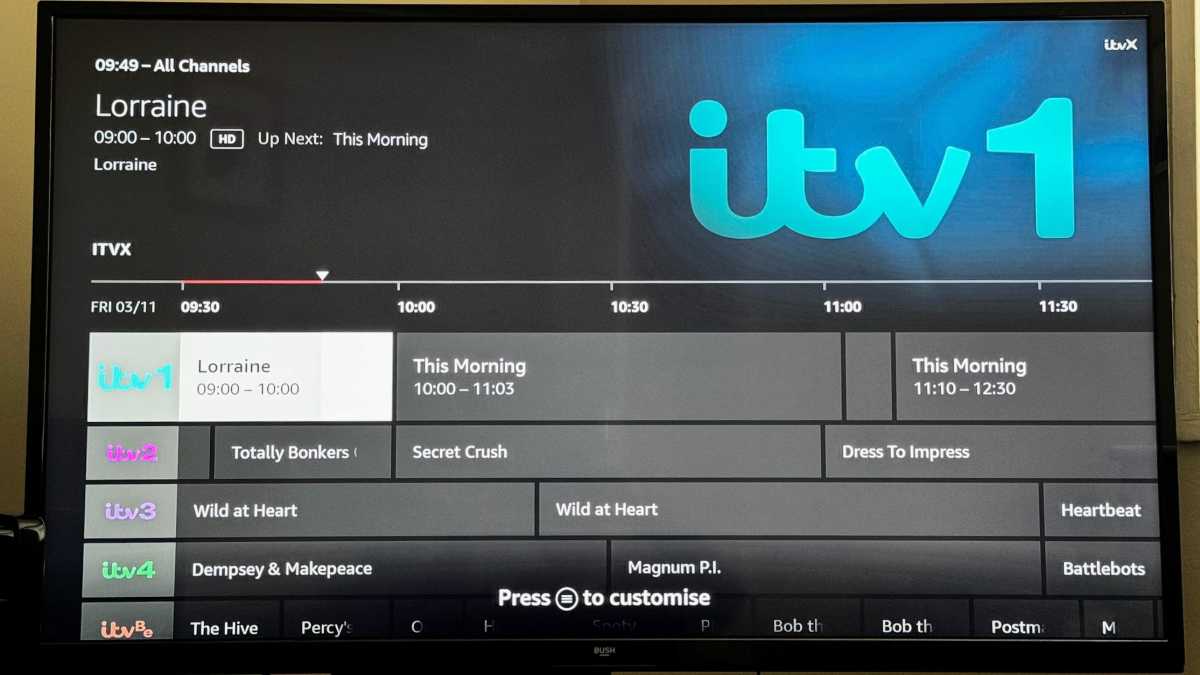
One thing that isn’t new but worthy of a mention is the Live TV row which displays all the shows that are currently being broadcast live from the apps you have installed. That didn’t quite work as expected: I saw only ITV and Prime Video channels and nothing from BBC, Channel 4 or other UK streaming services.
Jim Martin / Foundry
When you press the Live TV button on the remote you get a traditional EPG that shows what’s on. It’s odd seeing this for Prime and Freevee, given it’s all available on demand.
Of course, it’s most useful when live sports are on, and of course Prime Video has some live sport now such as Premier League matches and Rugby Union.
Jim Martin / Foundry
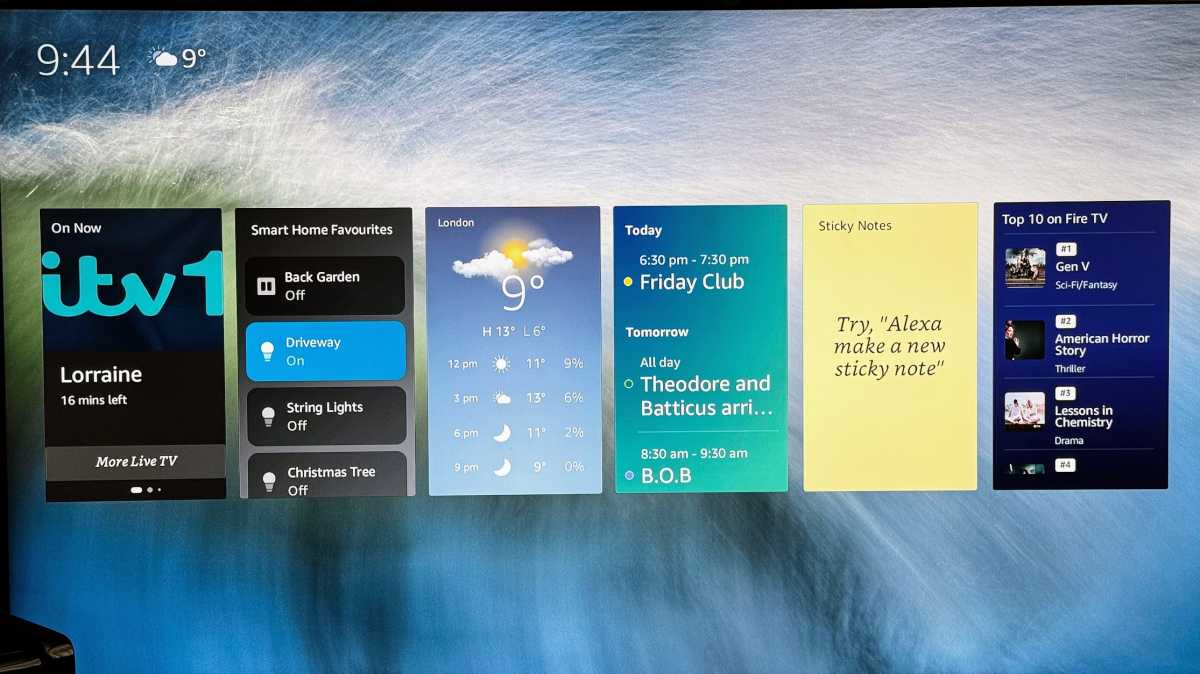
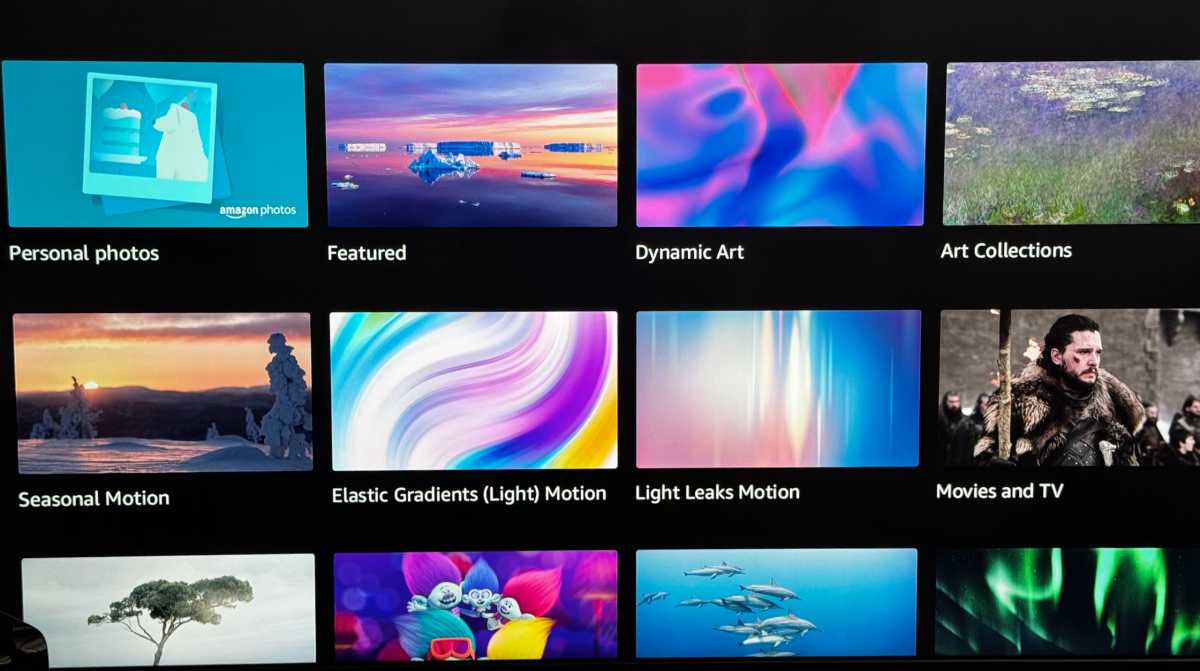
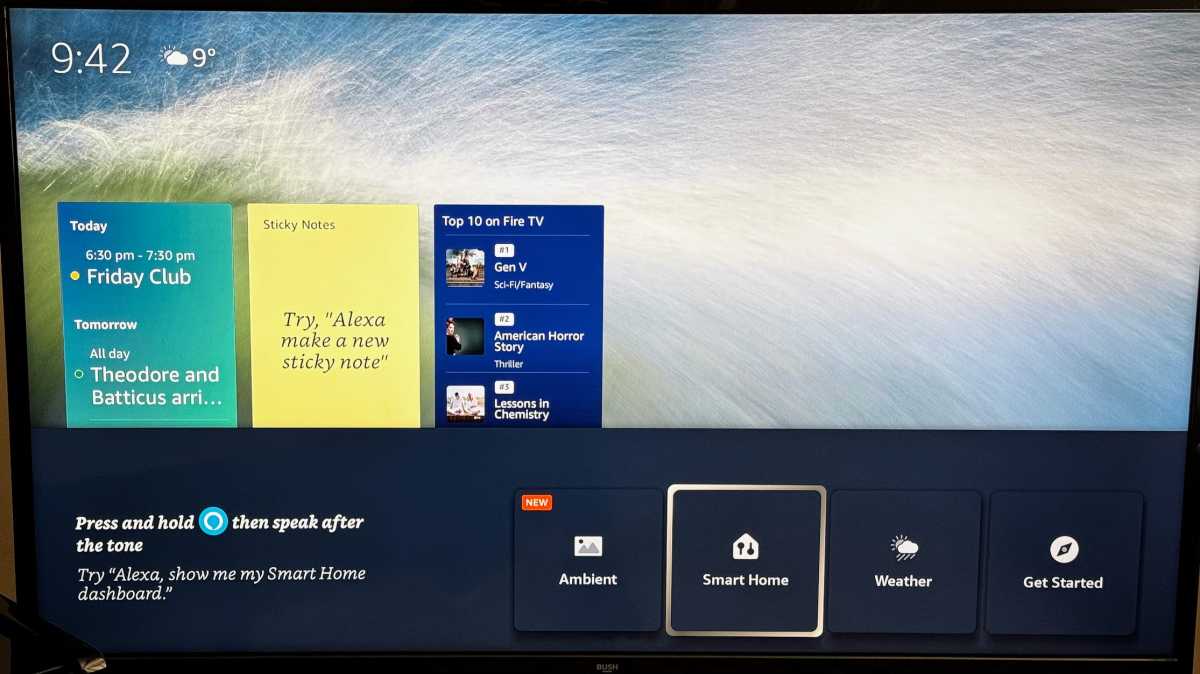
You can choose from a variety of background styles – mostly static, but a few animated – and decide whether you want widgets to be displayed on top of them.
There are eight to pick from in the UK including weather forecast, your calendar, reminders and sticky notes. You can also interact with some widgets, such as the smart home one that allows you to turn lights on and off, or adjust the thermostat temperature if you own compatible smart devices.

Jim Martin / Foundry
If you like artwork, Ambient Experience includes over 2000 curated pieces with the nice touch of displaying information about what you’re looking at.
Jim Martin / Foundry
Jim Martin / Foundry
When you head into the settings, it’s nice that there are prominent warnings to OLED TV owners that displaying static information can lead to burn-in, as well as the option to display widgets that disappear after a short time.
Price & availability
This means the 2023 Fire TV Stick 4K Max is better value in the US, and a harder sell in the UK.
If not, you can buy the 2 nd -gen Fire TV Stick 4K for £10 / $10 less. The only differences are that it has half the storage, Wi-Fi 6 and no Ambient Experience. Oh, and the included remote is the standard version with fewer buttons.
Of course, you can also read our full roundup of the best streaming devices if you want alternative options.
Should I buy the 2nd-gen Fire TV 4K Max?
However, even with that caveat, it’s still a great choice. There’s not a lot of point in saving £10 / $10 and going for the 2 nd -gen Fire TV 4K instead; if you’re on a tight budget and still need 4K either wait until these latest models are discounted in a sale, or look for an older refurbished or pre-owned one.
Author: Jim Martin, Executive Editor, Tech Advisor

Jim has been testing and reviewing products for over 20 years. His main beats include VPN services and antivirus. He also covers smart home tech, mesh Wi-Fi and electric bikes.
Recent stories by Jim Martin:
- Now there’s a native Apple TV app for NordVPN
- What is EE TV and what’s happening to BT TV?
- Amazon Alexa Voice Remote Pro review
