You can use most Google apps – including YouTube – via the web browser built into Fire tablets. For some people that will be an acceptable workaround but, for others, it’s a deal-breaker.
However, do note that unless you pay $15/£10 to upgrade to the ‘without ads’ model when you buy a Fire tablet, the lock screen will display adverts, which can be annoying.
For some models there’s also the option of a Fire Kids Pro. These cost the same as the non-Pro versions but have a more grown-up case and a less cartoon-y interface that’s better suited to older kids from around 7-12.
- The best kids’ tablets to buy
So the question is, which model should you buy? Here’s what we recommend.
Pros
- Nice screen
- Good performance
- Optional keyboard and stylus
Cons
- Limited selection of apps
- No Google
- Only 64GB base storage

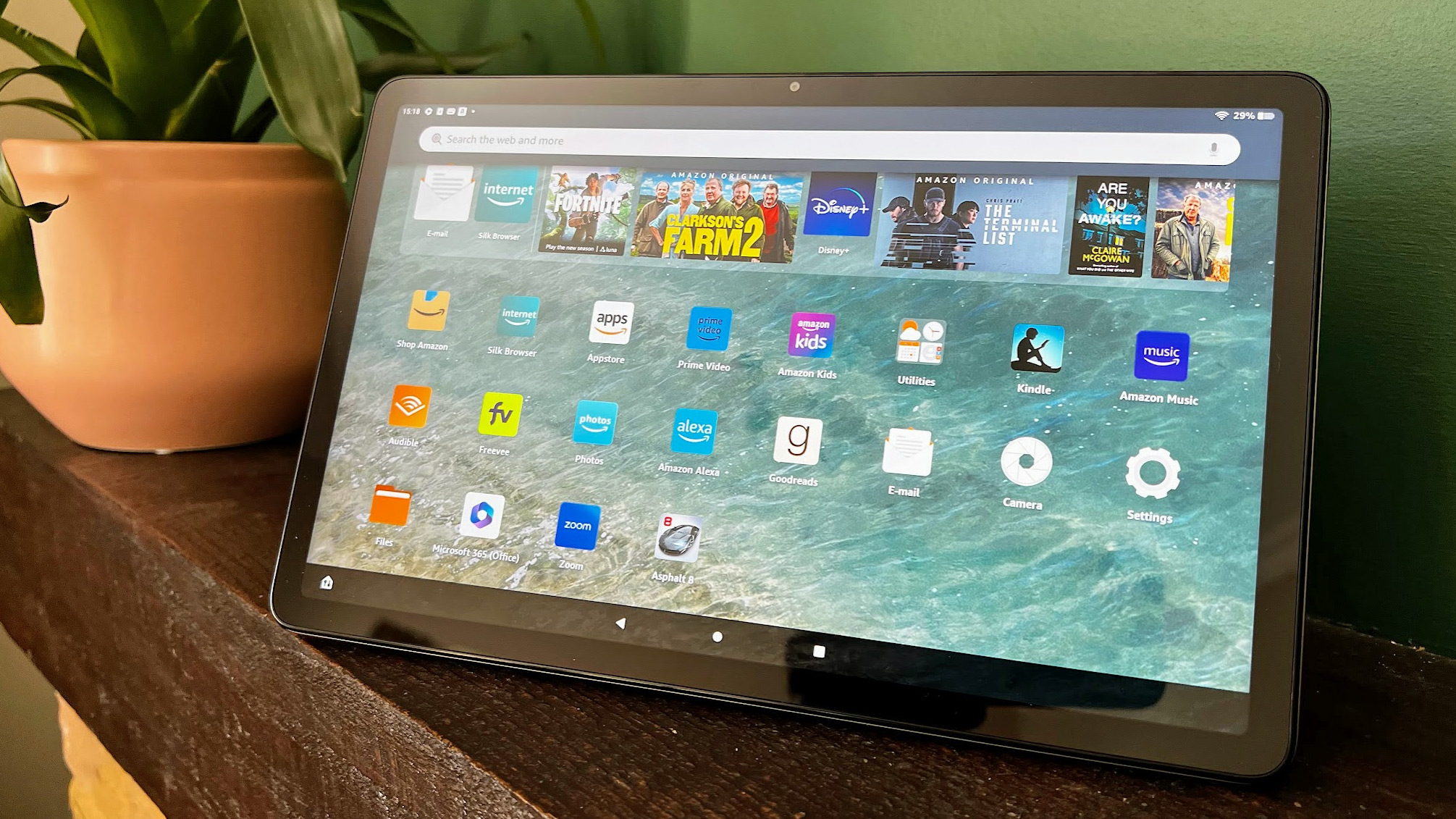
It really looks like an iPad 10.2 and is the only Fire tablet to have a metal body, something that makes it feel more premium. The 11 inch screen is great – especially for watching video – and the speakers aren’t bad either. Cameras are good as well, something you can’t say about other Fire tablets.
With decent performance on top, only the relatively slow charging can be criticised.
Not included in the price but good accessories if you want them are a keyboard case and stylus, both of which are available separately.
Pros
- Amazingly cheap
- Good battery life
Cons
- Small, low-resolution screen
- Poor performance and cameras
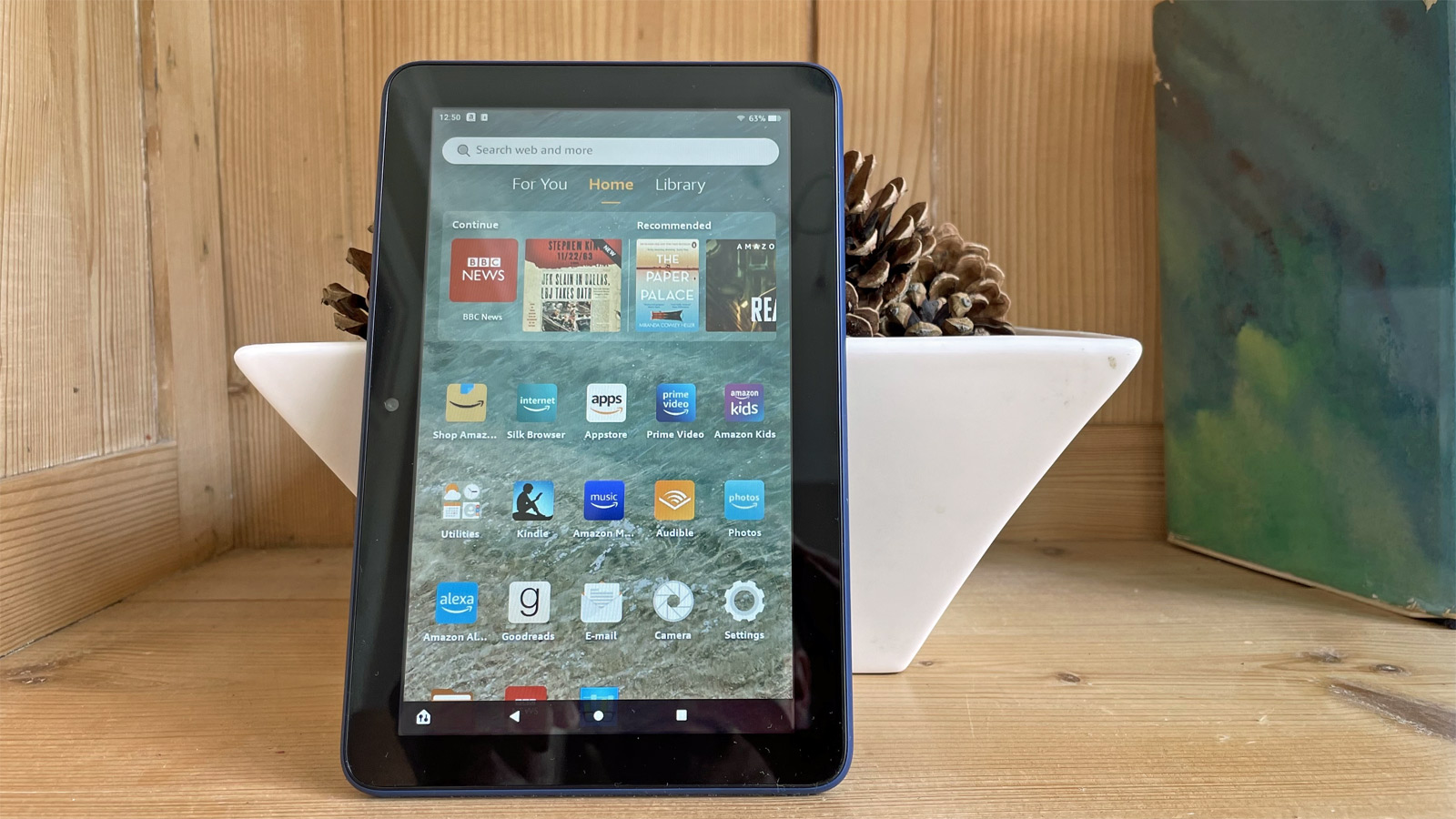
The Fire 7 is the smallest in the range with, as you’d guess, a 7in screen. It’s great value, despite the price increase for this new model as it has better battery life (10 hours) and a more convenient USB-C charging port.
The reason you may want to steer clear is because saying that it isn’t hugely powerful is an understatement. Obviously, you shouldn’t expect a lightning-fast tablet for this price and you’ll have to put up with waiting a little longer for apps to load than you’d expect. Basically, it’s the best option for kids because they are unlikely to complain about it… unless you’re buying it to replace a broken iPad, which won’t go down well.
The screen has good colours and good-enough viewing angles, but the low resolution of 1024×600 means it’s not as sharp as the HD 8. Again, this won’t bother kids.
The Fire 7 has hands-free Alexa like its more expensive siblings, which is nice, and this new model has a USB-C charging port that’s much easier to use than the annoying old microUSB. And there’s still a headphone jack.
Pros
- USB-C charging
- Stereo speakers
Cons
- Mediocre cameras

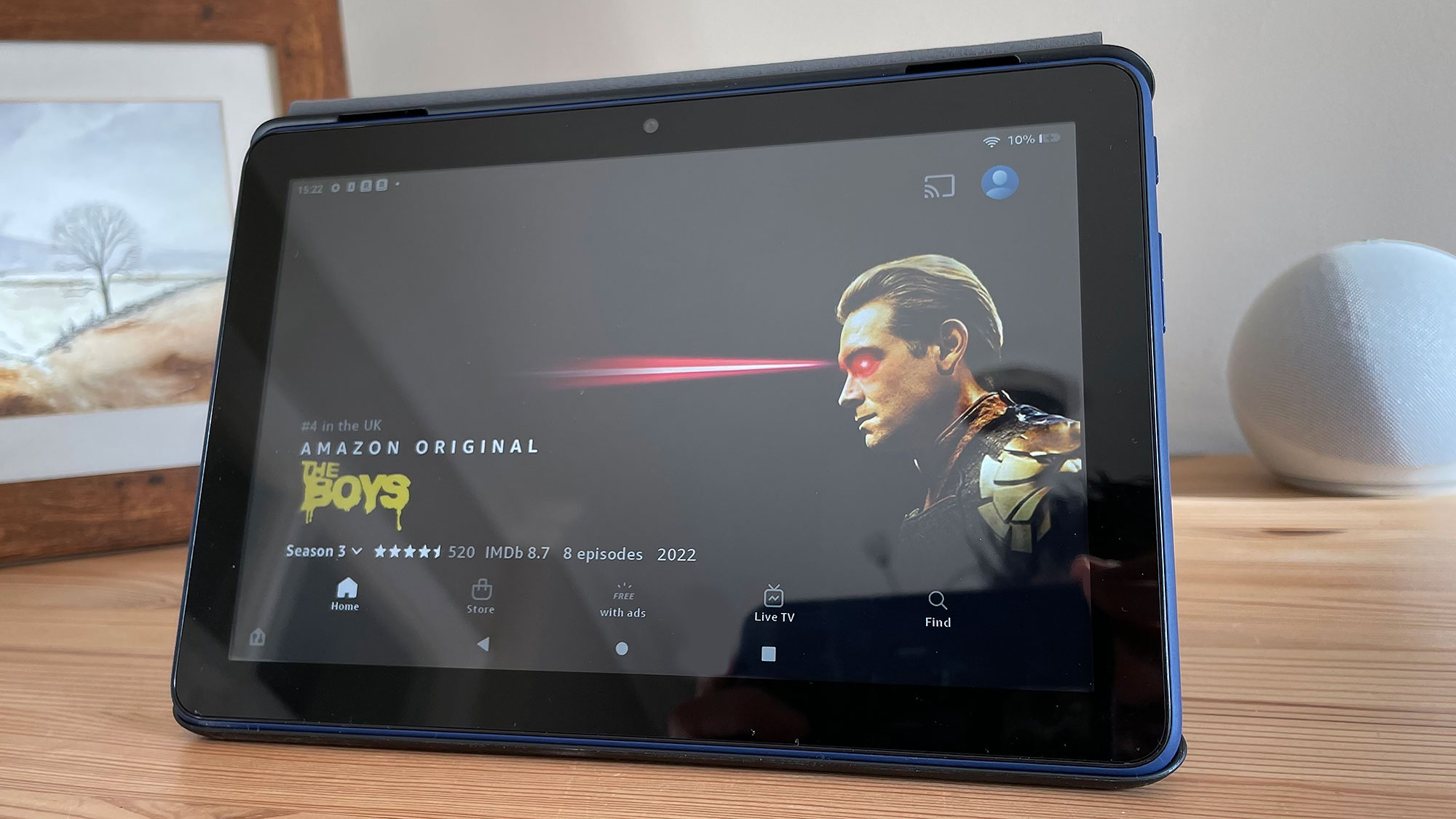
The Fire HD 8 is now on its 12th generation. Its screen may be only one inch larger than the Fire 7, but it makes quite the difference. It has a higher resolution of 1280×800, but we wish the screen had been upgraded for this new model – it’s not even full HD.
Cameras are the same on both tablets, but processing power is a little better which means it’s not quite a sluggish. There’s also more RAM (even more in the Plus model), more storage and you can expand that by up to 1TB using a microSD card.
It still isn’t particularly responsive and, of course, everything about the interface and available apps and services is the same.

Pros
- Big screen
- Most powerful processor in the range
Cons
- Relatively expensive
- Can get Android tablets for similar money
Charging is via USB-C and the battery lasts for 12 hours.
Anyone looking for a standard iPad-size tablet shouldn’t be disappointed with the HD 10 considering the $149.99/£149.99 price. And it’s also available in a Fire HD 10 Kids Edition and the Fire Kids Pro for 6-12 year olds for $199.99/£199.99.
Here’s a summary of the key specs of the latest versions showing how they compare.
Note: the Plus versions of the Fire HD 8 and HD 10 have wireless charging and extra RAM. They’re otherwise identical to their non-Plus versions but are only available in a Slate colour.
Author: Jim Martin, Executive Editor, Tech Advisor

Jim has been testing and reviewing products for over 20 years. His main beats include VPN services and antivirus. He also covers smart home tech, mesh Wi-Fi and electric bikes.
Recent stories by Jim Martin:
- Controlling screen time on Amazon Fire tablets is invaluable – here’s how to do it
- The Best of CES 2024 Awards
- Amazon Fire Max 11 review
