Festival season is here, and if you’re planning on heading to one of this year’s biggest music events, it’s time to patch up the holes in your tent and make sure your airbed still inflates. And don’t forget to pack your sunscreen and welly boots – this summer, it’s hard to say whether you’re more in danger of a downpour or sunburn.
But it’s not just yourself that you need to worry about. Protecting your smartphone also deserves some thought. After all, it’s probably acting as your ticket, your camera, and your only way to find your mates in a sea of sweaty revellers.
I recently attended Download Festival, and as a phone reviewer, I had a few handsets in tow. Thankfully, sunstroke was more of a concern than rain and mud, but it still got me thinking about the best ways to keep phones safe. So, if you’re getting ready for a wild weekend in a field, here are my top tips for keeping your phone protected.
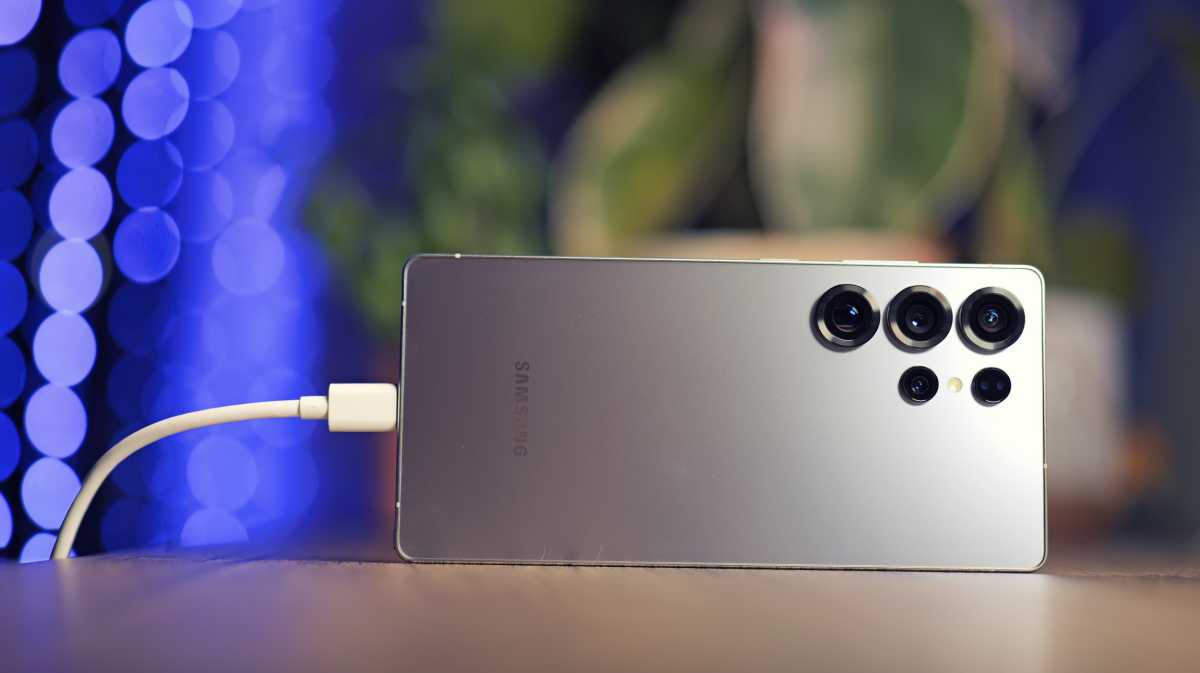
1. Back up before you head out
Even if you don’t think your festival experience is going to get hectic, it’s a good idea to back up your phone before any trip.
Both Androids and iPhones make this process super simple, and it means that if your phone gets damaged or stolen, you can transfer all your old data to your new device – including your contacts, apps, call history, messages, photos and more.
Luke Baker
It couldn’t be easier, and it can really save you a headache if the worst happens. Check out our guide to backing up your iPhone, or backing up your Android phone , and if you don’t want to spend a penny on cloud storage, here’s a method that lets you do it for free .
2. Keep your phone out of the sun
When you start to overheat at a festival, you know you need to find a shady spot – but your phone can struggle when it gets hot, too. An overheating phone can become unstable, causing unexpected shutdowns, and draining your battery prematurely. Thankfully, there are a few things you can do to keep your phone running as it should.
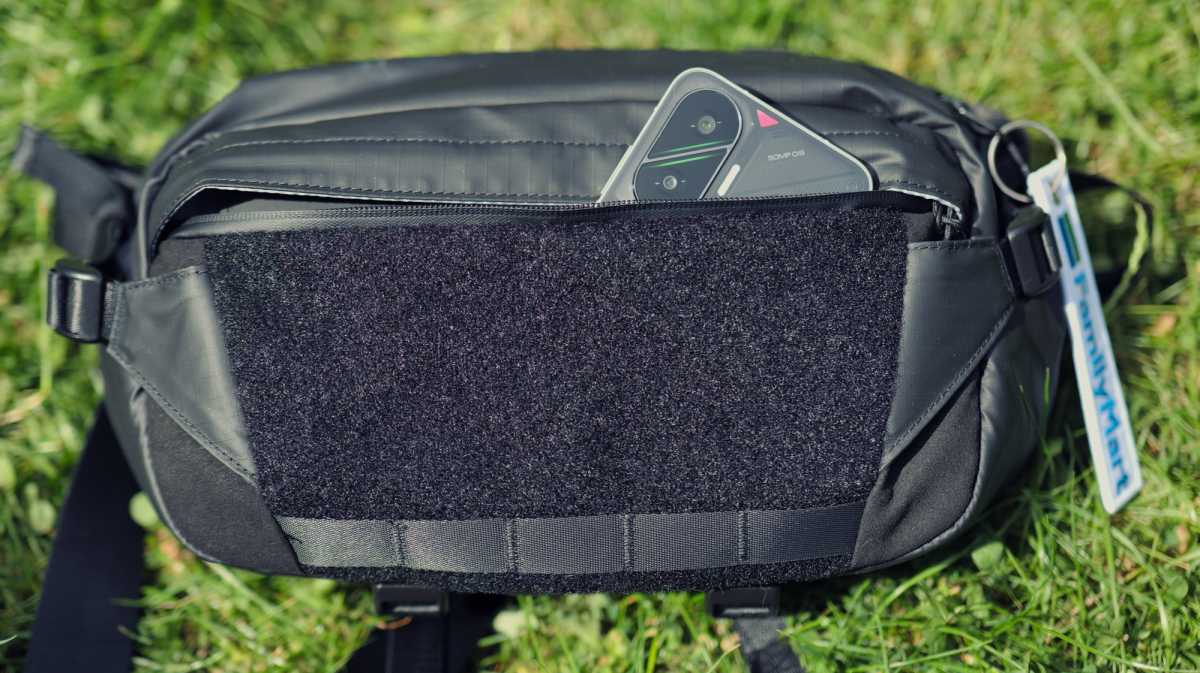
First, never leave your phone out in direct sunlight, and try not to leave it zipped up in a hot tent, either. It’s much better to keep your phone in the shade where possible, or in a backpack/sling bag when you’re not using it.

Luke Baker
It’s even more important when you’re charging, as the phone will heat up more as the battery is filling. Try to charge in the shade, and ideally with your case removed to allow air to flow across the body of the phone. Doing so will keep the temperature in check, and possibly even reduce its charging time.
Another thing that causes heat build-up is recording long, high-resolution videos – perhaps another reason to be in the moment and limit your phone use while watching your favourite band .
If you want to be extra prepared, you could consider investing in a phone cooler. These are designed for gamers, but they work just as well for recording long videos, and if the weather forecast is looking extra spicy, it could be what you need.
3. Plan for rain
Unfortunately, a torrential downpour is just as likely as a heatwave in the UK, so keeping your phone dry is worth considering, too.
Thankfully, most phones these days come with an IP rating for water resistance, but older phones, budget phones and foldables can be more at risk. Even phones that were originally IP68 certified can become less water resistant over time, so it’s better to be safe than sorry.
Luke Baker
Personally, I carry a weatherproof sling bag ( this Ulanzi one , to be specific), and toss my phone in there when I’m not using it. But of course, a proper waterproof jacket should work just as well.
If you want to go the extra mile, you could pick up a waterproof pouch for your phone. They’re designed to let you shoot photos underwater, and you can still use the touchscreen through the pouch. Honestly, they’re a little annoying to use, but they’re cheap and they do an amazing job keeping water out – trust me, I’ve used one while diving in the ocean.
4. Keep your phone close
Of course, making sure you don’t lose your phone is just as crucial as protecting from damage. In my opinion, the best thing you can do to keep your phone safe is to break the habit of setting it down on a table.
I don’t have data to back it up, but anecdotally, I’ve known so many phones get stolen or misplaced after being placed on a table. It’s safest to keep it in your pocket or in a (zipped-up) bag while you’re not actively using it.
It almost goes without saying, but it’s worth turning on Find My Device / Find My iPhone , if you’ve not already. Neither system is foolproof, but it could point you in the right direction if you get separated from your phone.
Luke Baker
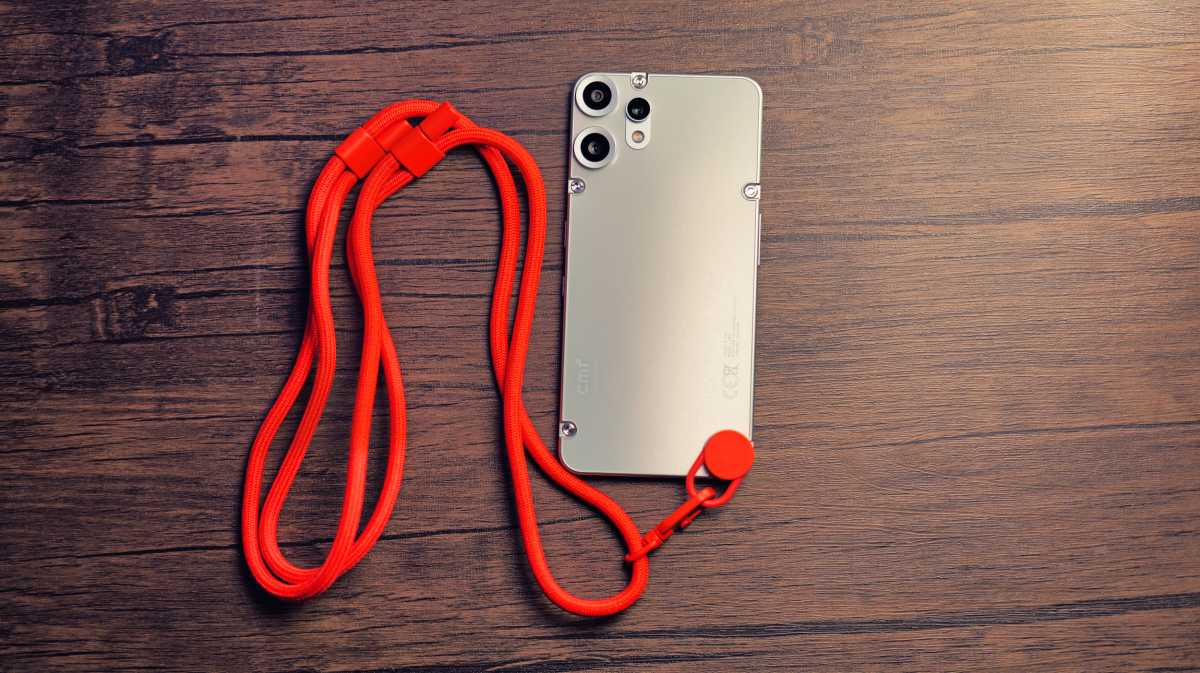
If you think you’re likely to put it down somewhere, you could grab a lanyard or wrist strap to keep your phone physically tethered to you at all times. I’m a big fan of these, especially the crossbody straps. They’re super convenient, especially when you’re wearing shorts with flimsy pockets.
5. Keep it charged
Even the best phone in the world is useless with a dead battery, and with most festivals being long, multi-day events, you should think about how you’re going to keep it charged.
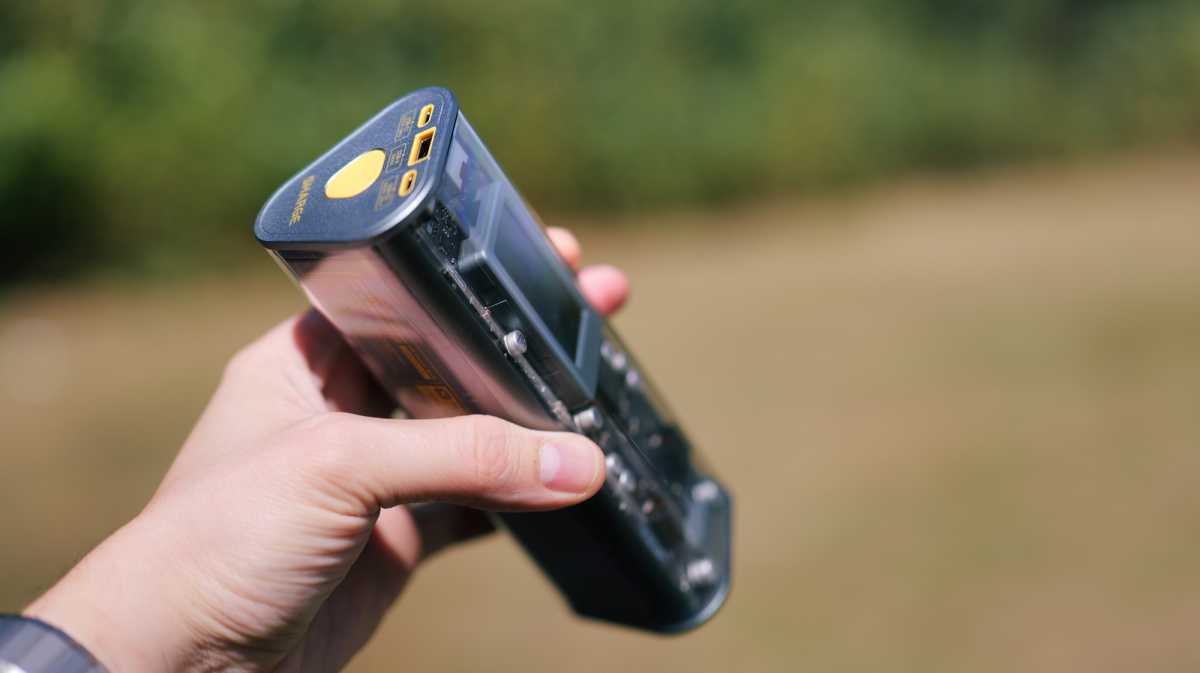
There are charging stations at almost every event, but you’ll usually need to pay for the privilege. In my opinion, it makes more sense to invest in a good power bank that you can charge from for the duration of the festival.
Luke Baker
We’ve got a guide to our favourite portable chargers , but for me, the most important factors are weight and capacity. A bigger and heavier power bank will charge your phone more times, but it’s more annoying to carry, so as with many things in life, it’s all about finding the right balance.
Author: Luke Baker, Contributor, Tech Advisor

Luke is a freelance journalist who has been working in consumer electronics for over a decade. Previously Features Editor at Pocket-lint, Luke can now be found contributing reviews and features to a variety of publications, as well as running a YouTube channel called Neon Airship in his spare time. Luke loves anything that takes pictures, whether it’s a smartphone, camera or drone, and he also gets very excited about the latest VR and AR tech.
Recent stories by Luke Baker:
- Sony Xperia 1 VII review: When unique isn’t enough
- Oppo Find X9 Pro review: I think I’m in love
- Google Pixel 10 Pro Fold vs Samsung Galaxy Z Fold 7: Which to buy?
