In summary
- Emergency Alert coming 7 September at 15:00
- 10-second test alert to be sent out to all UK phones
- It’s possible to opt out
The UK’s Emergency Alert test is set to take place this coming Sunday. Here’s what you need to know, including how to opt out.
Back in July we reported on the UK government’s announcement that its national emergency alert system was due to be put through its paces. This system sends out warning messages to all mobile phones in the event of a serious threat to life.
The government will be conducting a test alert on 7 September “as part of plans to strengthen the country’s preparedness”.
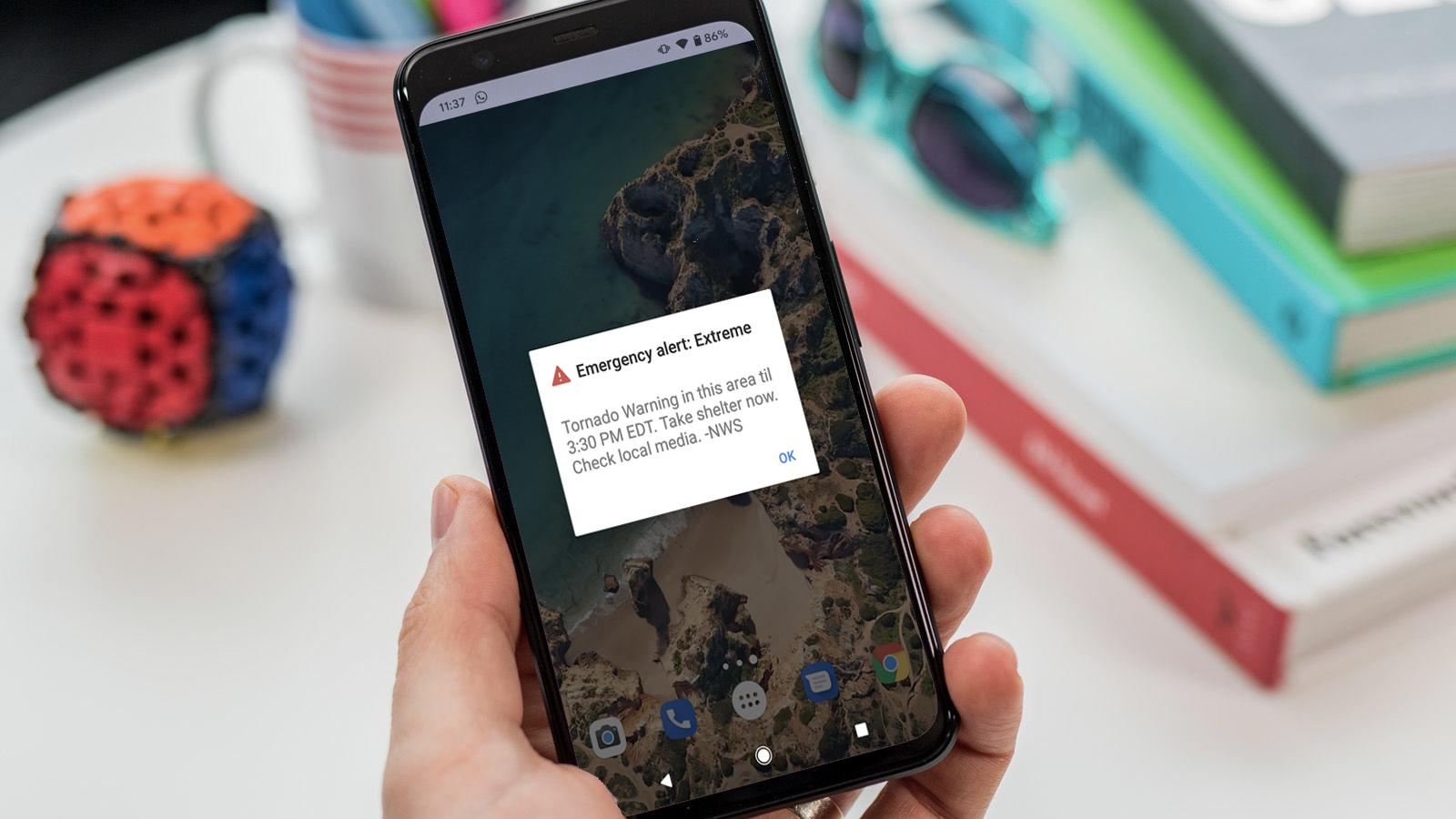
Foundry
At 15:00 this coming Sunday, a 10 second siren alert (with added haptic feedback) will be pushed out to the country’s 87 million mobile phones.
It’s worth planning for this event, because putting your phone on silent won’t be effective. The sound will override any such modes.
You’ll also get a visual alert, announcing that the message is merely a test. Still, this probably isn’t the ideal time to head to your local cinema, theatre, or library.
If you do have an even planned that will clash with this test, or if you simply don’t wish to receive it (the UK government points out some other more serious reasons why someone might want to opt out), there is a way to opt out.
How to opt out of emergency alerts
On iPhone, head to Settings > Notifications, then scroll down to the bottom of the menu. Now hit the ‘Extreme Alerts’ and ‘Severe Alerts’ toggles to turn them off.
On Android, the method can vary depending on the brand and model of the phone, but it’s broadly the same as above. Open the Settings menu and search for the ‘Emergency alerts’ option, then toggle off ‘Extreme Alerts’ and ‘Severe Alerts’.
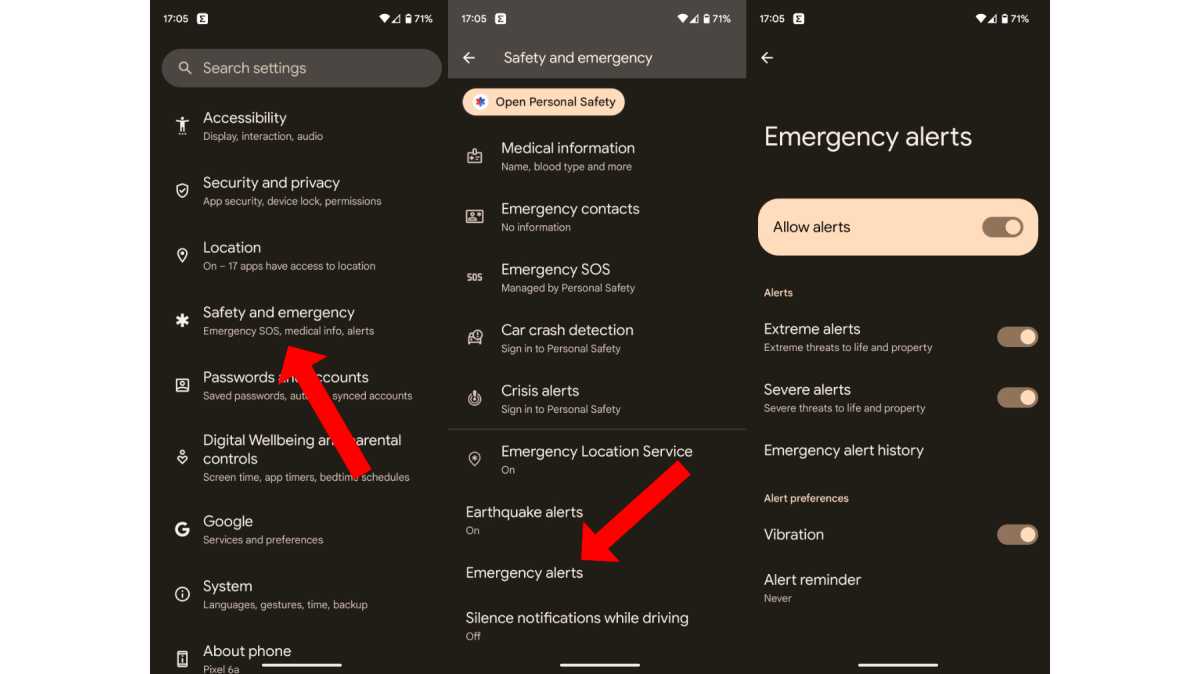
Martyn Casserly
Having checked on the Google Pixel 10 Pro , this can be found in the Safety and emergency section of the Setting menu. On the Samsung Galaxy Z Flip 7 , it’s also in a section called ‘Safety and emergency’, but you’ll need to tap ‘Wireless emergency alerts’ and toggle off ‘Extreme threats’ and ‘Severe threats’.
Most Android phones will offer a settings search field, so you can just type Emergency alerts into that.
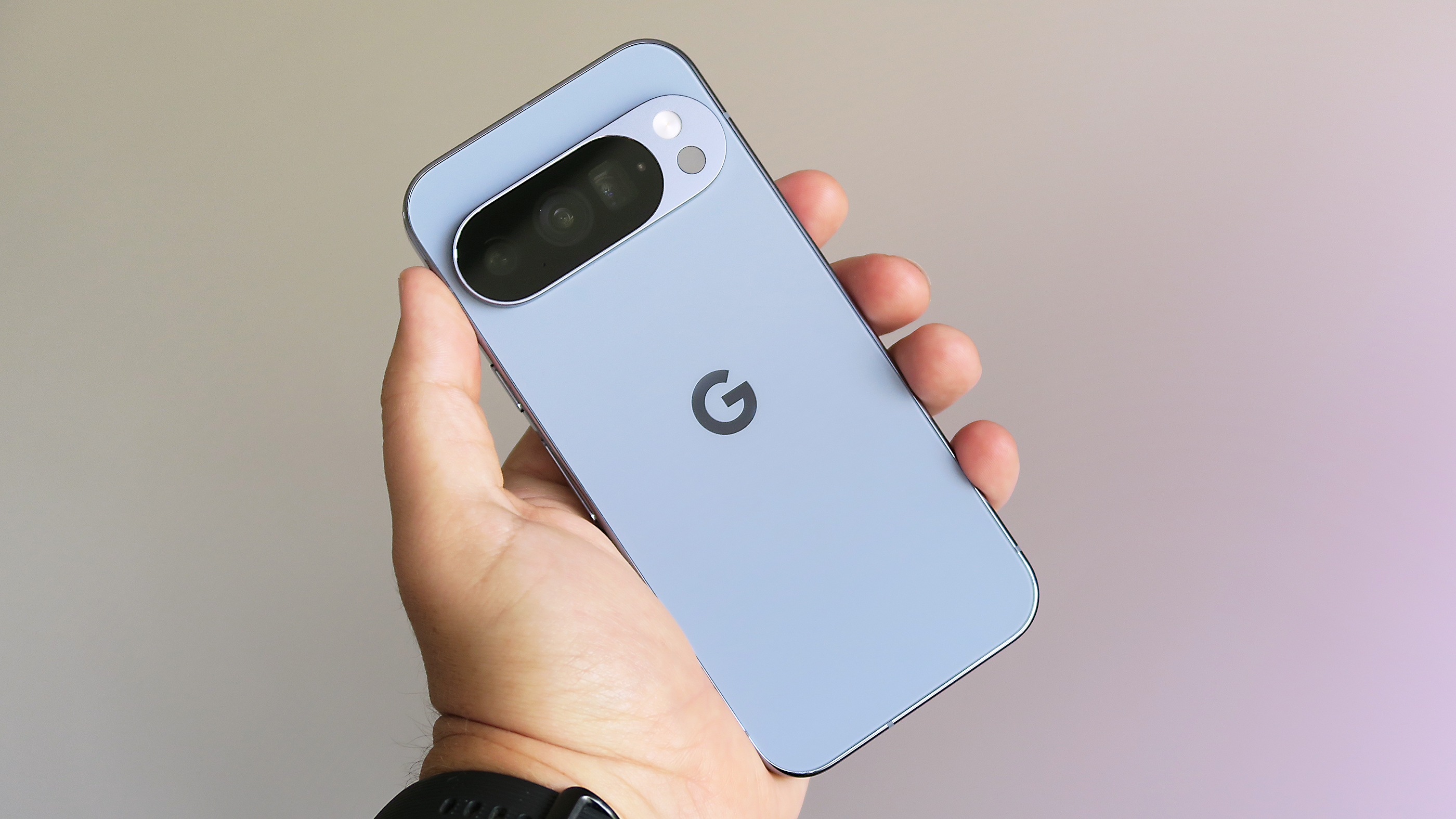
Google Pixel 10 Pro
Author: Jon Mundy, Contributor, Tech Advisor

Jon is a freelance journalist who got his start covering mobile games at the dawn of the App Store. He has since covered everything from smart home tech and laptops to food and culture, but always seems to return to his fascination with smartphones.
Recent stories by Jon Mundy:
- Nothing Phone (4a) and Pro get tipped release date
- Xiaomi 17 Ultra European pricing leaks, and it’s good news
- Samsung Galaxy Wide Fold could be a bigger deal than expected
