In summary
- New editing UI rolling out
- Intuitive cropping and image manipulation
- Incoming ‘Help me edit’ feature discovered
Google Photos users are reporting the arrival of a major upgrade with a fresh UI and new editing features.
The company initially announced that it would be supplying a new Google Photos UI and a suite of AI-imbued editing tools towards the end of May.
Now, around two months on from that announcement – and much later than the initial June target – users are reporting that the new UI is starting to roll out.
Reddit offers evidence of a number of users receiving the Google Photos update. I just checked Google Photos on the Samsung Galaxy Z Flip 7 and on my Google Pixel 9 Pro , and both now contain this latest UI.
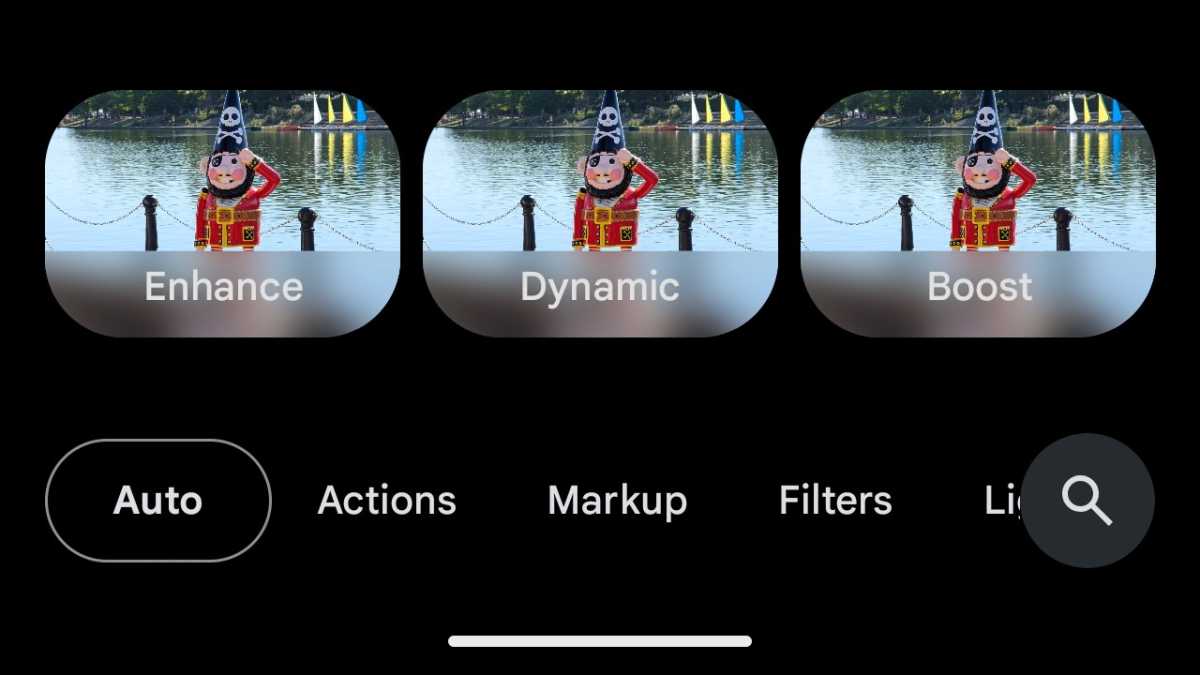
Jon Mundy / Foundry
What’s on offer
There’s a new look to editing images in Google Photos, with a fresher, more vibrant UI that replaces the usual basic editing options with AI-driven scene enhancement recommendations. Further actions exist below.
There’s a new search feature to help with that, so you can quickly jump to the tool you require.
Google is placing its main tools front and centre, with the ability to crop straight away when in Edit mode by dragging the corners. You can also draw on the image to highlight elements for blurring, erasing, moving, and reimagining straight off the bat.
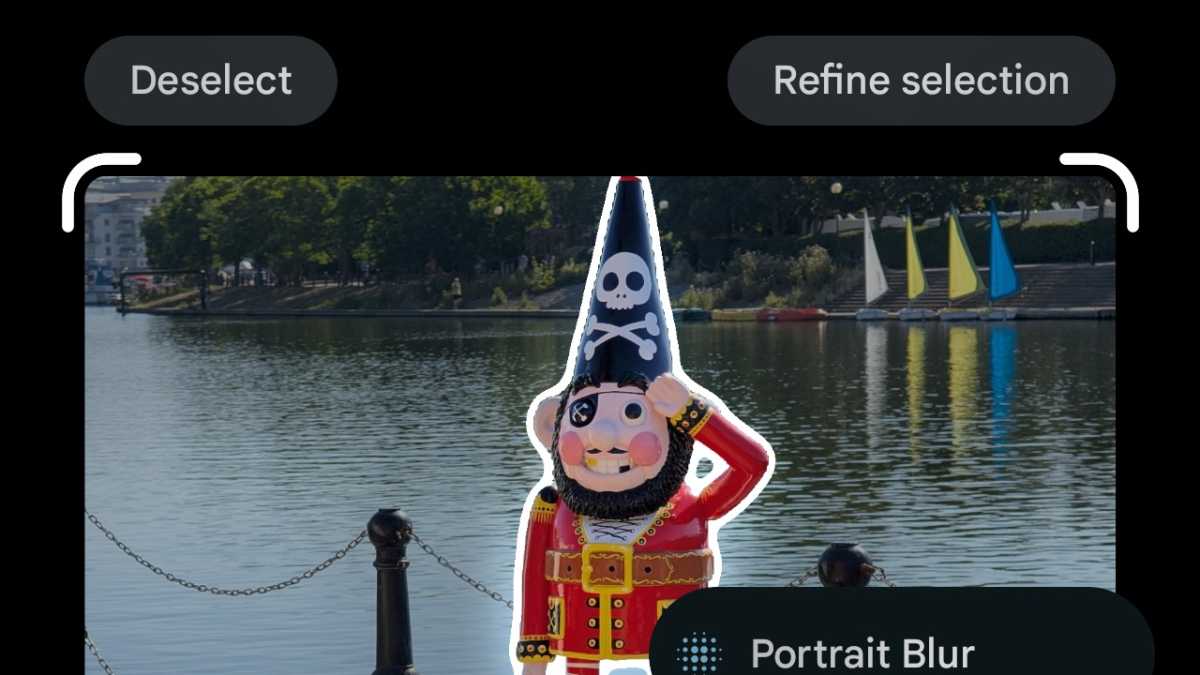
Jon Mundy / Foundry
More editing help incoming
Google isn’t ending its Photos editing help there. Android Authority has discovered the mention of a new “Help me edit” feature within the code of Google Photos v7.38.
This appears to take the form of a text box that enables you to write instructions for what you want to do in the edit. “Recolour the car to be light blue” is the example provided here, and sure enough, the car in the photo is turned blue. The user also uses this conversational approach to transform the bog-standard wheel into a premium alloy.
This box can also be used to surface editing suggestions from Google itself.
It’s the kind of powerfully intuitive AI tool we’ve seen put to use elsewhere in Reimagine, but applied to specific photo edits.
There’s no news on when Google might roll this new feature out, but we’ll keep you posted. Almost-hands-free photo editing is seemingly within our grasp.
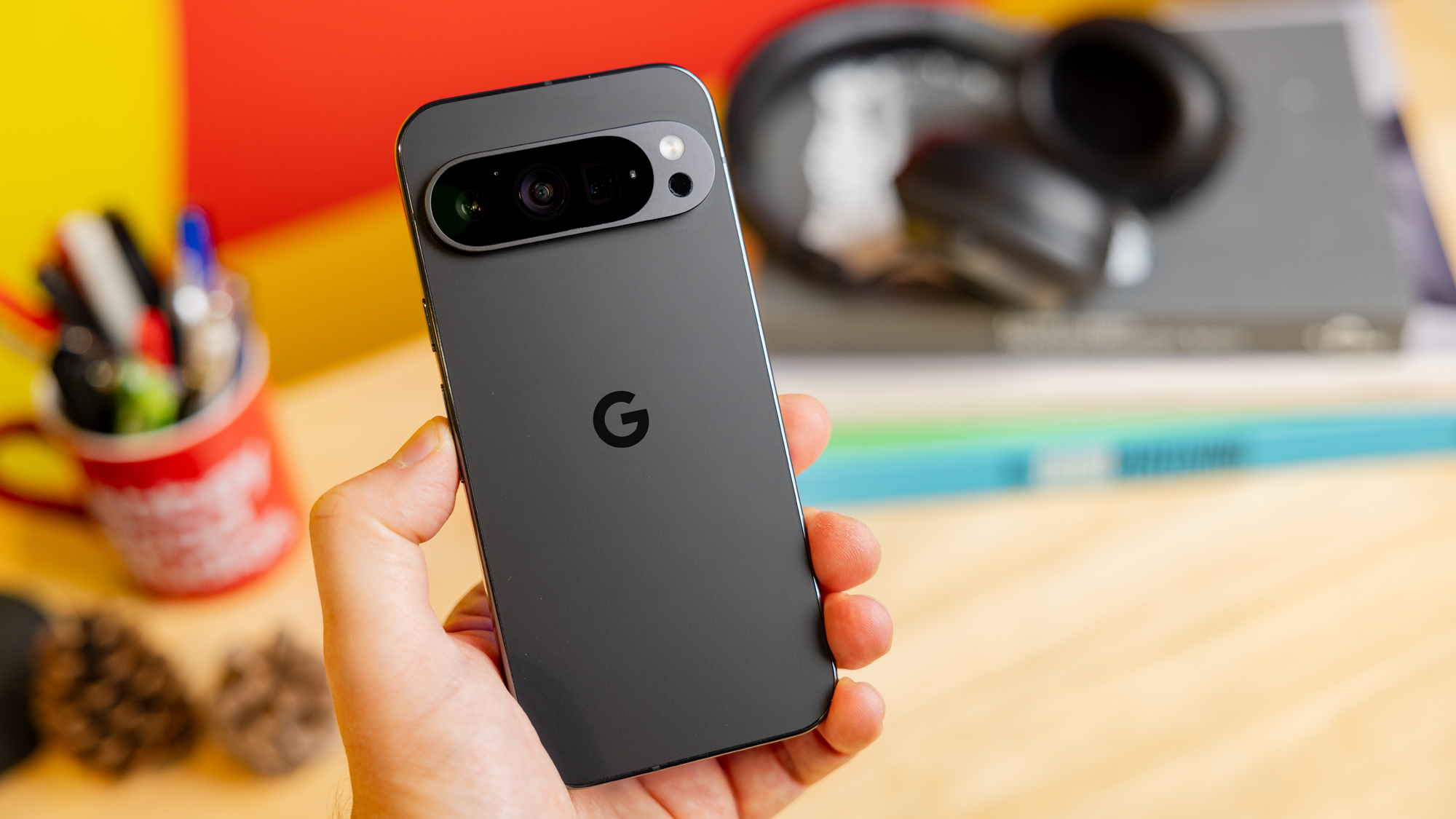
Google Pixel 9 Pro
Author: Jon Mundy, Contributor, Tech Advisor

Jon is a freelance journalist who got his start covering mobile games at the dawn of the App Store. He has since covered everything from smart home tech and laptops to food and culture, but always seems to return to his fascination with smartphones.
Recent stories by Jon Mundy:
- Nothing Phone (4a) and Pro get tipped release date
- Xiaomi 17 Ultra European pricing leaks, and it’s good news
- Samsung Galaxy Wide Fold could be a bigger deal than expected
