Google has made its latest and most powerful Gemini AI model available to everyone under the guise of Gemini 2.0, which currently comes in three distinct flavours.
The company announced its second generation AI in mid-December, boasting advances such as “advances in multimodality” such as “native image and audio output”. At the time Gemini 2.0 was only available to developers and selected testers.
Now Google DeepMind CTO Koray Kavukcuoglu has issued a fairly self-explanatory blog post titled ‘Gemini 2.0 is now available to everyone’.
Three flavours of Gemini 2.0
The key takeaway here is that anyone can now try it out in the form of Gemini 2.0 Flash within the Gemini app, or through the Gemini API in Google AI Studio and Vertex AI.
It’s described as Google’s “workhorse model” for handling high volume, high frequency tasks. If you’ve been chatting to Gemini through the app already, it’s a pretty straightforward upgrade.
How to install Google Gemini on your phone
Google has also released Gemini 2.0 Experimental Advanced Pro, which it describes as “our best model yet for coding performance and complex prompts”.
This advanced AI model exhibits an even better understanding of world knowledge, employing 2 million context window tokens – double that of Gemini 2.0 Flash. It’s available through the Google AI Studio and Vertex AI in public preview, as well as to Gemini Advanced users through the app.
At the opposite end of the scale, Google is also making Gemini 2.0 Flash-Lite available as a public preview. The company describes this new model as its “most cost-efficient model yet”. It costs a mere $0.075 per million tokens compared to $0.10 in Gemini 2.0 Flash.
Or, to put it another way, Gemini 2.0 Flash-Lite provides better quality than 1.5 Flash by most metrics, but at the same speed and cost.
At release, all three models can provide multimodal input with text output, though image generation and text-to-speech are said to be coming soon.
Jon Mundy
How do I access Gemini 2.0?
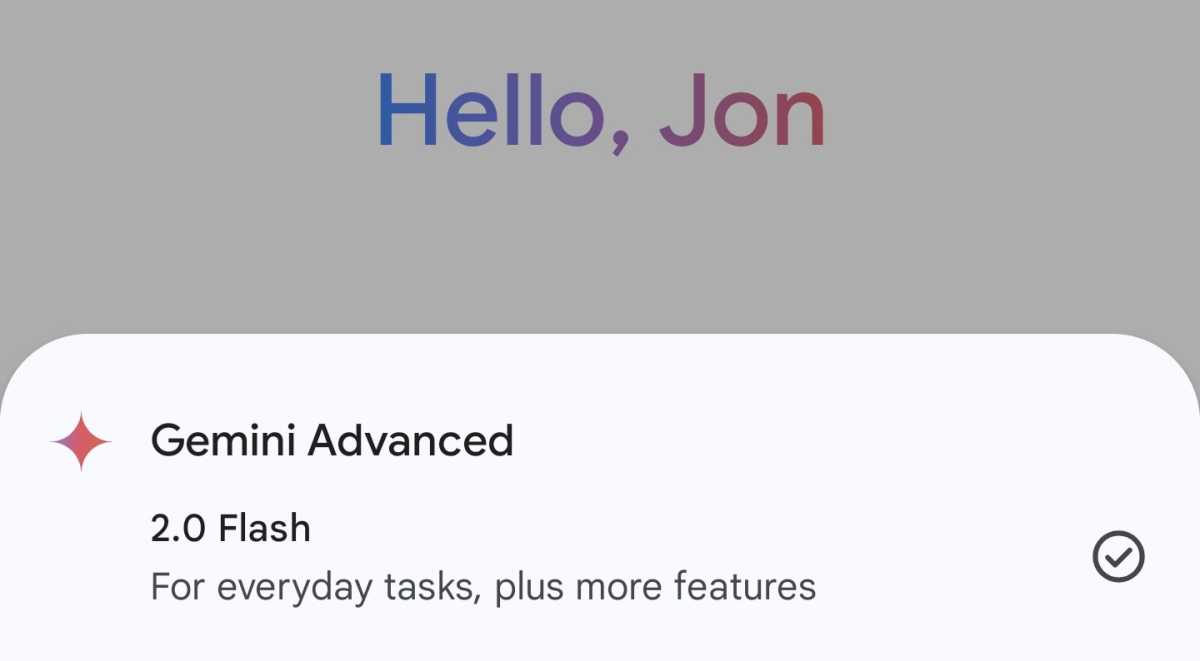
To access Gemini 2.0, simply open up the Gemini app on your phone , or log into your Gemini account on a web browser, and ensure that Gemini 2.0 Flash is selected from the drop-down menu at the top of the page.
Related reading:
- Google Gemini app for iPhone spotted on the App Store
- Google Maps will get free AI upgrades
- How to install Google Gemini on your phone
Author: Jon Mundy, Contributor, Tech Advisor

Jon is a freelance journalist who got his start covering mobile games at the dawn of the App Store. He has since covered everything from smart home tech and laptops to food and culture, but always seems to return to his fascination with smartphones.
Recent stories by Jon Mundy:
- Nothing Phone (4a) and Pro get tipped release date
- Xiaomi 17 Ultra European pricing leaks, and it’s good news
- Samsung Galaxy Wide Fold could be a bigger deal than expected
