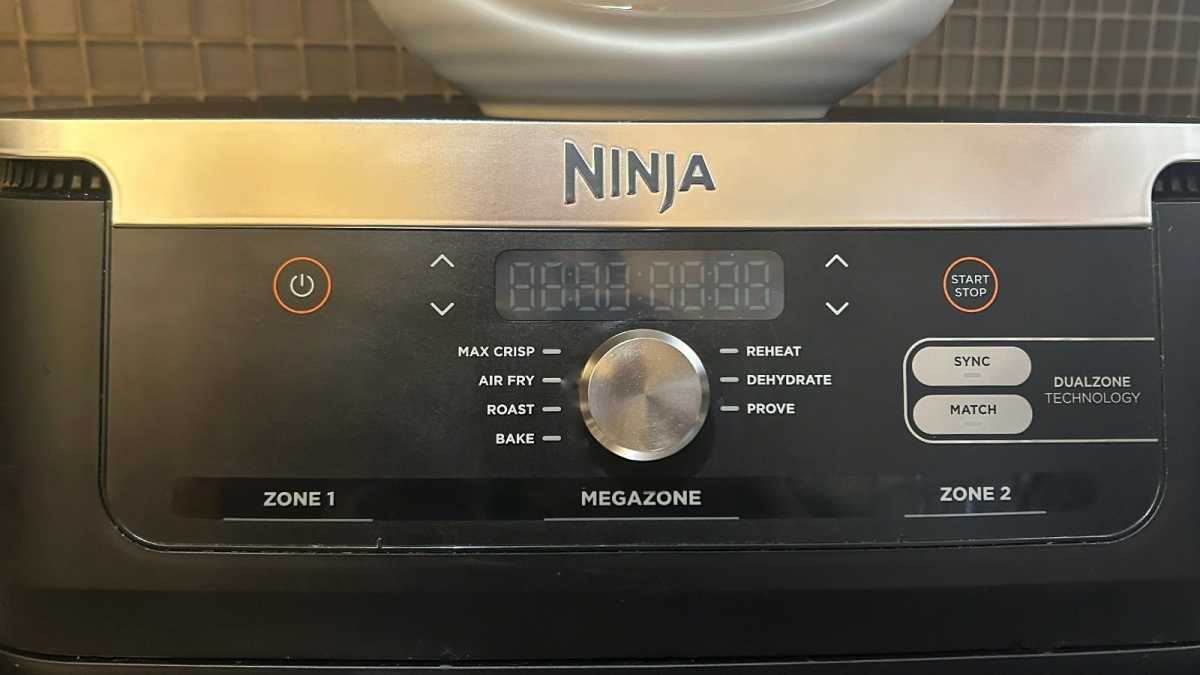
You might have noticed some extra functions on the control panel of your dual-drawer air fryer. Apart from time, temperature and cooking mode options, you’ll see two buttons labelled Match and Sync.
Emma Rowley / Foundry
If you’re used to a single-drawer air fryer, you might not know how to use them. So, what do these functions do and how do you use them?
If you’re looking to replace your air fryer, or buy one for the first time, you’ve come to the right place. We have recommendations for the best dual- drawer air fryer , the best Ninja air fryer , the best air fryer oven and the best air fryer overall. All recommended models have been tested by our team.
What is the Match function?
The purpose of the match function is to make it faster and easier to programme the two drawers for cooking.
When would you use the Match function?
Use it when you want to programme both drawers to cook in exactly the same way.
How do you use the Match function?
Bear in mind that the following instructions are based on a Ninja model, but most dual-drawer air fryers work in the same way.
- Choose a drawer – ie, press the button for drawer one or drawer two.
- Programme your chosen drawer with your desired cooking mode, time and temperature.
- Press the Match button and the cooking instructions will be copied across from one drawer to the other.
- Press Start and that’s it!
Alex Greenwood / Foundry
What is the Sync function?
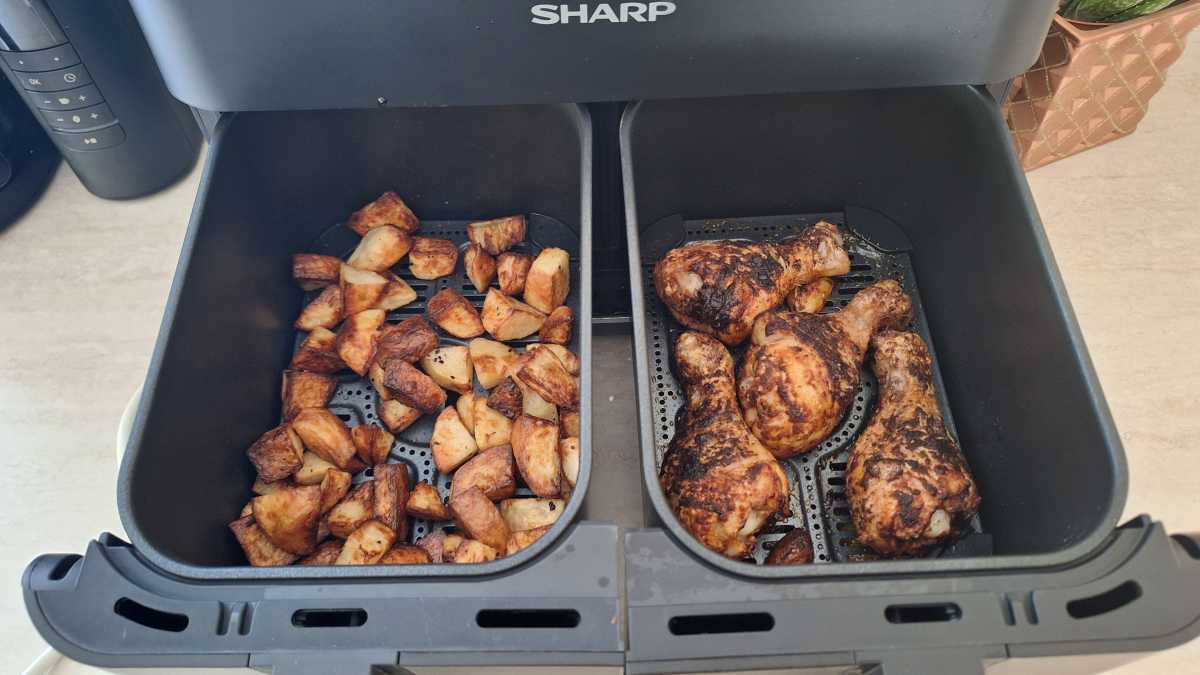
The Sync function ensures that both drawers finish their cooking programmes at the same time, so you can dish up everything at once.
When would you use the Sync function?
Use the Sync function whenever you’re using both cooking drawers simultaneously – but using different cooking times, temperatures and programmes, or even if some of these are the same. Both drawers will finish at once, so both parts of a meal are ready at the same time.
The Sync function will automatically delay the start time of the drawer with the shorter cooking time.
How do you use the Sync function?
Again, these instructions are based on a Ninja model, but most dual-drawer air fryers work in the same way.
- Choose a drawer – ie, press the button for drawer one or drawer two.
- Programme that drawer, choosing mode, time and temperature.
- Press the Sync button.
- Press the button for the other drawer and choose your cooking settings.
- Press the Start button and you’re done!
Author: Emma Rowley, Deputy Editor, Tech Advisor

Tech Advisor’s Deputy Editor, Emma has been a journalist and copywriter for over 20 years and has been testing and writing about home tech and appliances for seven years. She tries out every appliance she writes about at home, and aims to recommend time- and energy-saving products that will last.
Recent stories by Emma Rowley:
- I switched to air fryer cooking for everything and I won’t go back
- The Ninja Crispi is Tech Advisor’s Best New Air Fryer of 2025-26
- Best Ninja air fryer: Tech Advisor’s top recommendations compared
