If you’ve got Disney+ but need to watch it in a place without the internet, then never fear. We’ve found a few workable solutions that allow you to download shows and movies on Disney+. Keep on reading if you want to find out more information.
With a subscription you’ll be able to watch movies and films in the MCU , classic shows such as The Simpsons and exclusive originals like Andor . If you’d like to know more about setting up the streaming service on your home device, then take a look at our guide to watching Disney+ .
Use the Disney+ app to download shows and movies
If you don’t mind watching recordings on your mobile or tablet, then you can simply download the Disney+ app, which can be found on iOS and Android . Here are the steps you need to take:
- Time to complete: 2 minutes
- Materials required: Disney+ app, iOS or Android device
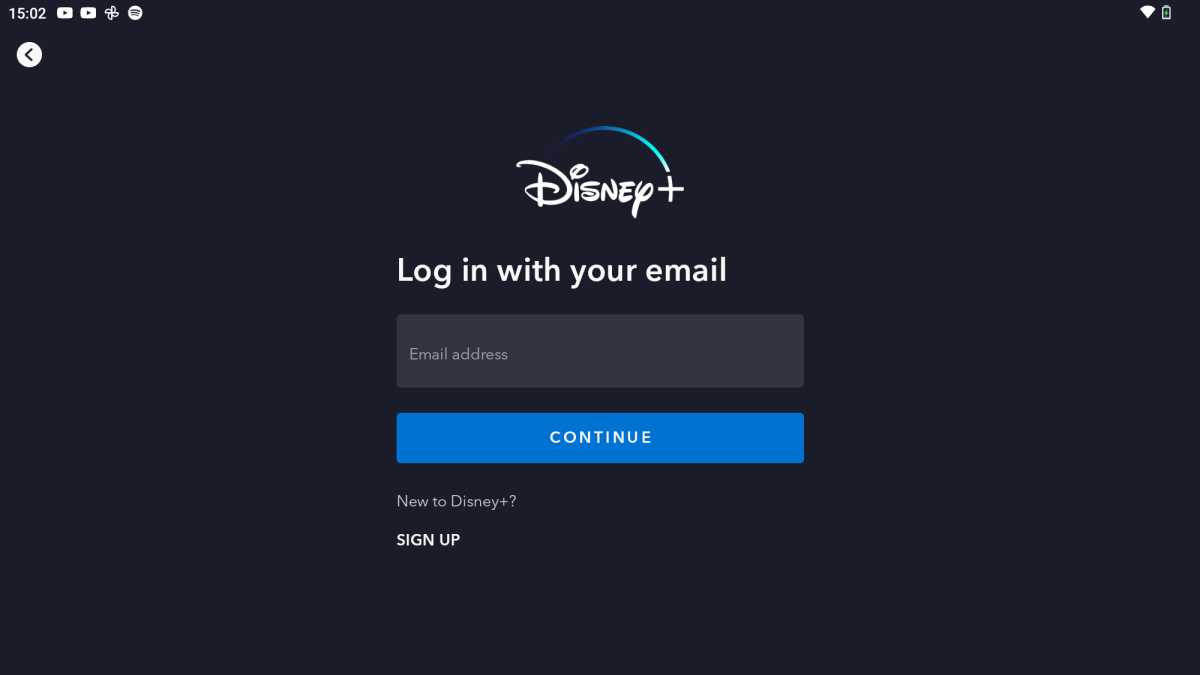
Download the Disney+ app and sign in to your account
Hannah Cowton / Foundry
The app is free on iOS and Android, but you will need an active subscription to sign in
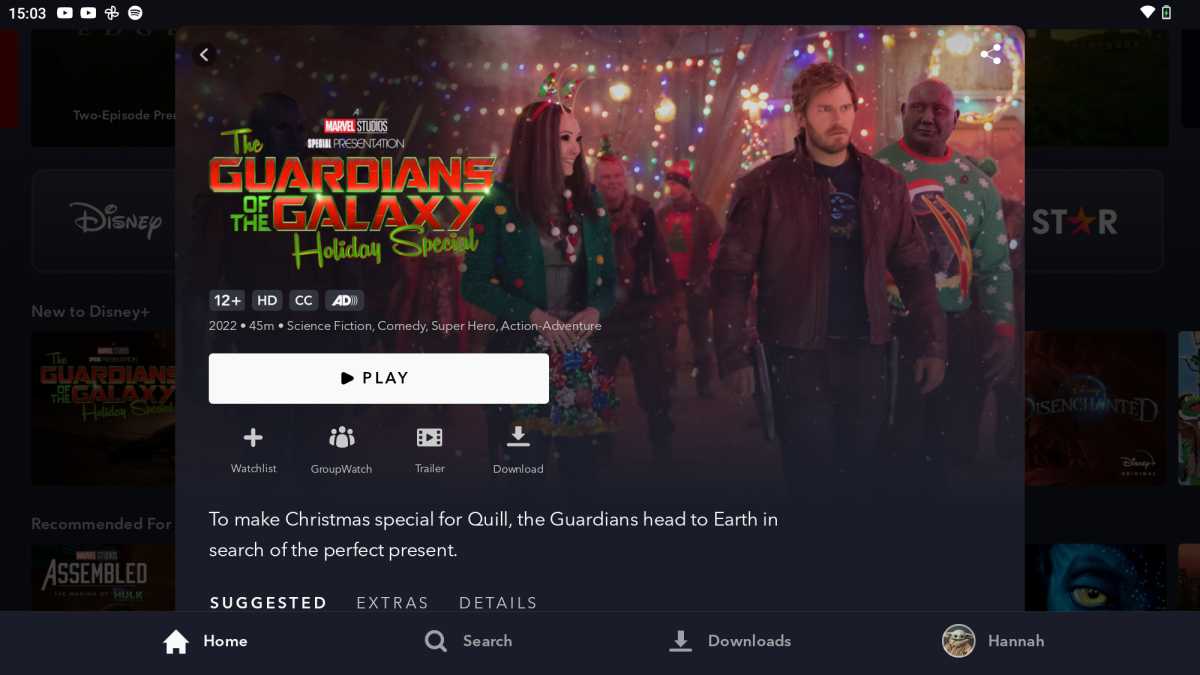
Click on your chosen show/film
Hannah Cowton / Foundry
Downloads should be available on the majority of content on the app
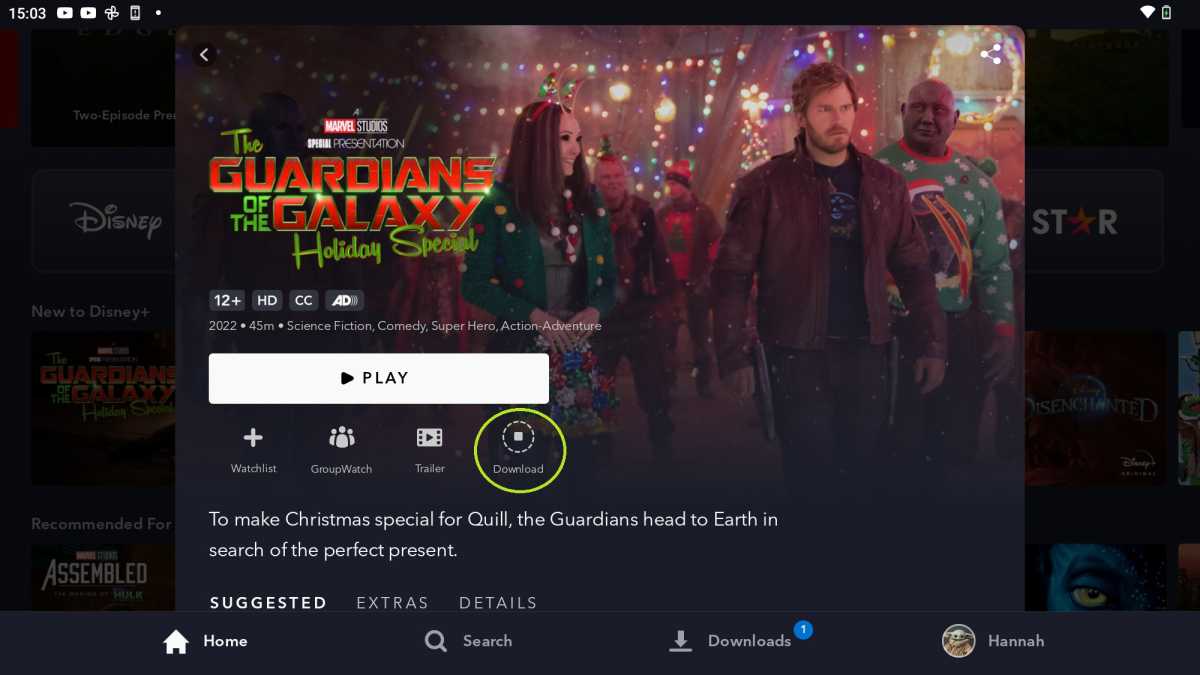
Click on the downward arrow icon below the title card titled ‘Download’
Hannah Cowton / Foundry
For TV shows, you can download an entire season by tapping the icon to the right of ‘Season’
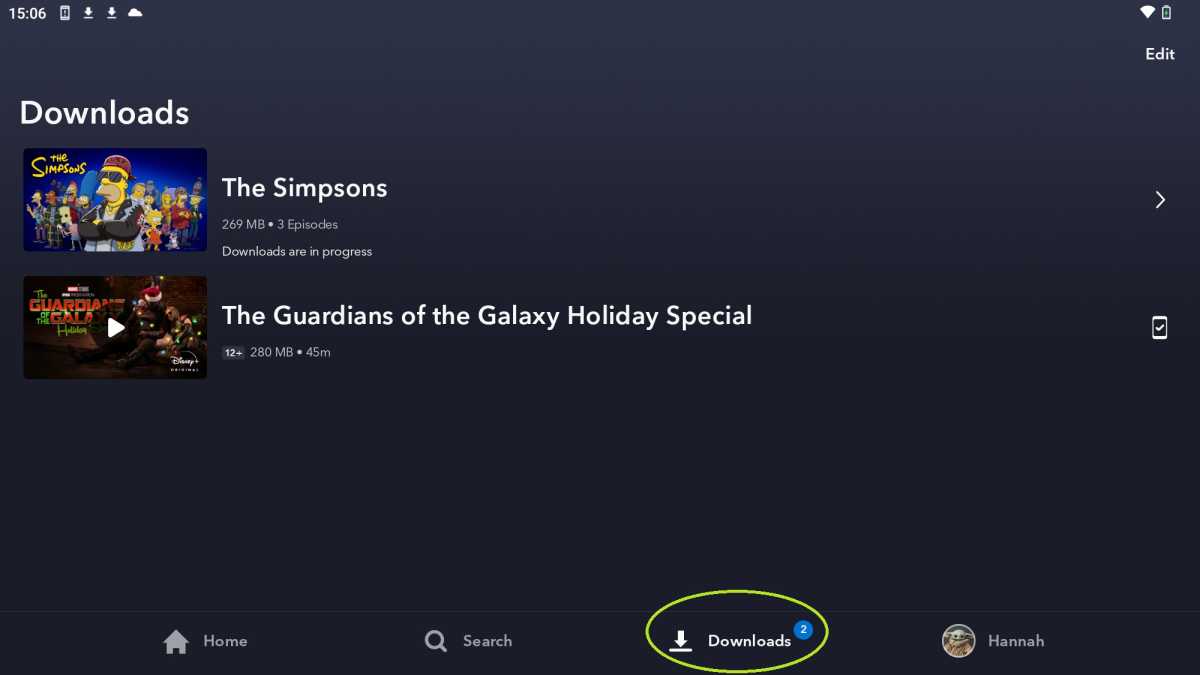
Click on ‘Downloads’ to the bottom right of the menu bar to view what is in your library
Hannah Cowton / Foundry
The size of each download will also display here. An item is fully downloaded when the phone icon with a tick displays
There’s no limit on the amount of downloads you can have, providing you have enough storage on your mobile device. If you want to get rid of anything, simply going into the ‘Downloads’ section, select your programme or movie and click the check mark to the right of it.
In my experience, logging out of the app also clears the downloads – so keep this in mind if you’re planning on watching anything.
How to watch offline on your TV
The long and the short of it – you can’t. However, you can connect a device with downloaded movies and shows to your TV. For phones/tablets, you can use Google Chromecast, Apple AirPlay or other screen mirroring options to link up your screens and play the downloaded files.
How to watch offline on your computer or laptop
If you’d rather have your downloads on your computer device, then you can’t unfortunately do this directly with just the website as you can with the app. The best way is to use your tablet/mobile and then cast to a bigger screen.
Author: Hannah Cowton-Barnes, Entertainment Editor, Tech Advisor

As Tech Advisor’s Entertainment Editor, Hannah is the resident expert in all things streaming, film and TV. Before joining Tech Advisor in 2019, she studied Theatre and Performance at the University of Leeds and created a website dedicated to geek culture and lifestyle. She’s also reviewed a whole range of gadgets including flagship smartphones, wearables and styling tools. Outside of Foundry, she’s written freelance pieces for Polygon, Metro and Den of Geek, and is proud to be a Women Techmakers Ambassador for Google.
Recent stories by Hannah Cowton-Barnes:
- Harry Potter TV series has finally revealed a release window
- Jessica Jones returns in Daredevil: Born Again season 2 trailer
- The Traitors will return for season 5 with new twists and challenges
