If you’re not using Gmail as your main email provider, it’s probably Outlook instead.
The latter boasted over 400 million active users in Microsoft’s last official figures from 2018, and that number is only likely to have grown since then.
But if you’re thinking of switching, Outlook’s inclusion in the premium Microsoft 365 service may have put you off. After all there’s no need for most people to pay to send and receive emails.
How to get Outlook for free on Mac
Until 2023, signing up for Microsoft 365 or buying a standalone version of Office were the only ways to get Outlook on macOS.
That all changed when Microsoft announced an official Outlook app, which is available now on the Mac App Store . Simply download it like you would any other app, then sign in with your Microsoft account or create a free one.
How to get Outlook for free on Windows
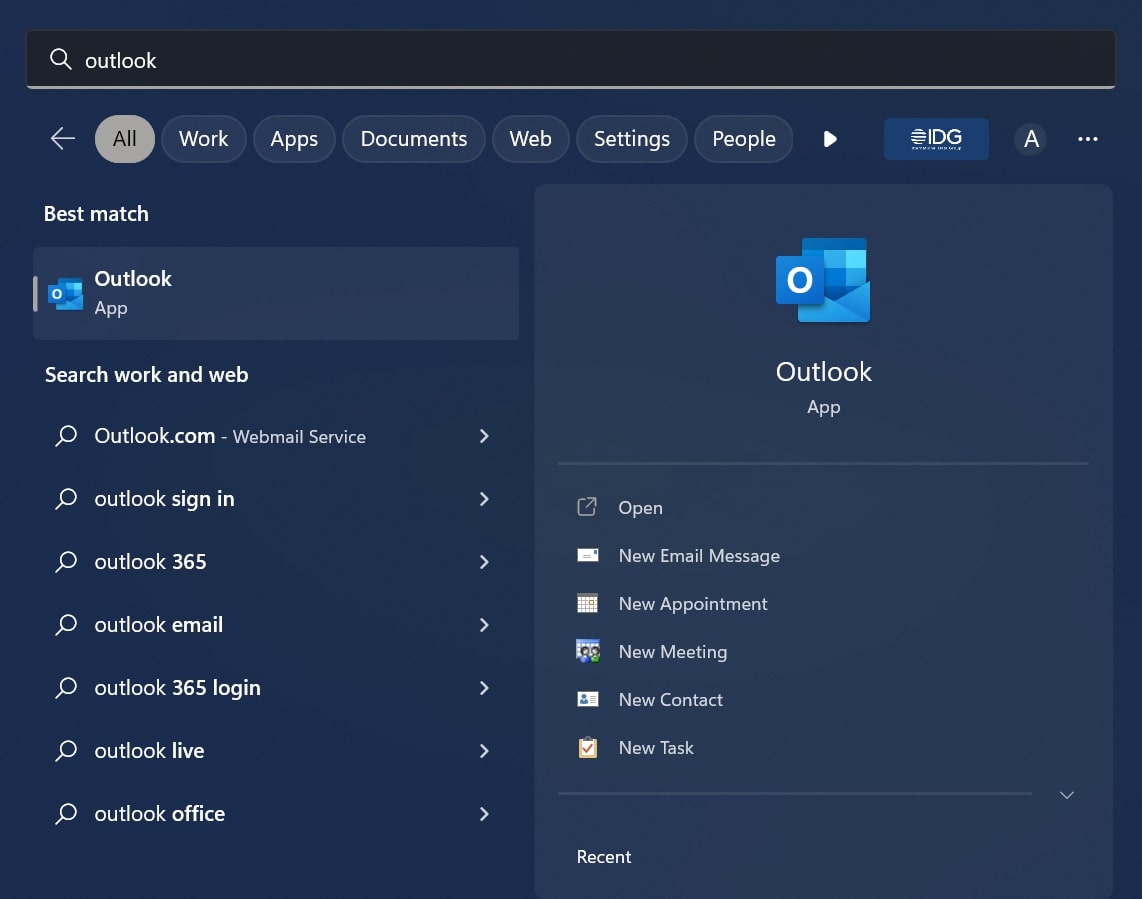
Outlook is pre-installed with all Windows 10 and Windows 11 devices, meaning you’ll already have it on your computer.
If you haven’t set this up already, just search and launch it like you would any other app. Then follow the instructions to add your account.
Anyron Copeman / Foundry
How to get Outlook for free on iOS
Outlook is free to download from the App Store on any recent iPhone or iPad. Once installed, just create an account or sign in like you would on many other apps.
How to get Outlook for free on Android
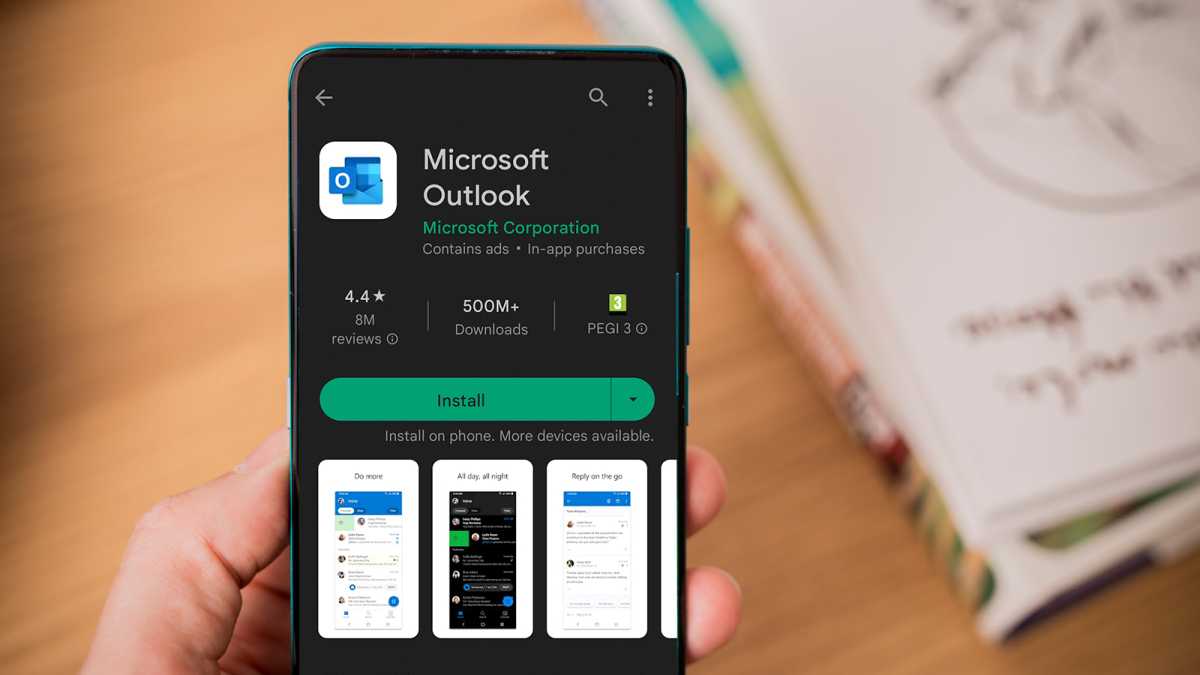
Outlook is also completely free on the Google Play Store , and will work on all recent Android smartphones, tablets and hybrid devices (such as Microsoft’s own Surface Duo 2 ).
Dominik Tomaszewski / Foundry
How is Outlook better with a Microsoft 365 subscription?
- 50GB of email storage (rather than 15GB)
- No ads, which also ensures pages load faster
- Email encryption, which also includes the option to prevent forwarding
- Extra security tools for detecting viruses and malware in attachments and links
- Premium support, supposedly Microsoft’s “highest level of service”
Consumers also have the option to step up to Personal ( $69.99 / £59.99 pa or $6.99 / £5.99 pm) or Family ( $99.99 / £79.99 pa or $9.99 / £7.99 pm) plans.
See how they compare, plus all your other options, in our full Microsoft 365 buying guide .
- How to get Microsoft Word for free
- How to get Microsoft Excel for free
- How to get Microsoft PowerPoint for free
- Do students get Office 365 for free?
Author: Anyron Copeman, Mobile Editor, Tech Advisor

Anyron is Mobile Editor at Tech Advisor, where he’s been a mainstay of the editorial team since 2019. In his current role, Anyron is responsible for all smartphone, tablet and mobile network coverage on the site. A BA Journalism graduate, he has experience with a wide range of consumer tech products and services, including smartphones, tablets, foldables, wearables and more.
Recent stories by Anyron Copeman:
- Google Meet’s new translation feature is coming to rival Microsoft Teams
- Google Gemini’s new AI features could finally fix email, and I can’t wait
- What is DeepSeek AI and why should I care?
