Large gatherings are back on the cards for the first Christmas in three years, but you might not be able to meet up with everyone in person.
Whether it’s a friend who lives abroad or family members at the other end of the country, video calls are a great way to stay in touch over the festive season.
There are lots of services to choose from, but many limit you to 40 or 60 minutes per call unless you’re willing to pay. However, there are some ways to get unlimited calls free of charge – here are your options.
Google Duo
If you’re planning to have an extended call with 3 or more participants, Google Duo is your best bet. It supports up to 32 people for as long as you like – you’ll just need to sign in with a Google account. It’s available directly on the website , but also on iOS , Android and via any Google smart speaker with a display.
Skype
FaceTime
If everyone you’re calling uses an Apple device, this is the best option. Apple finally added group video call support to FaceTime in 2018, and you can now have up to 32 participants on a call. The app comes pre-installed on any new iPhone, iPad or Mac, while you can even join with audio via the Apple Watch.
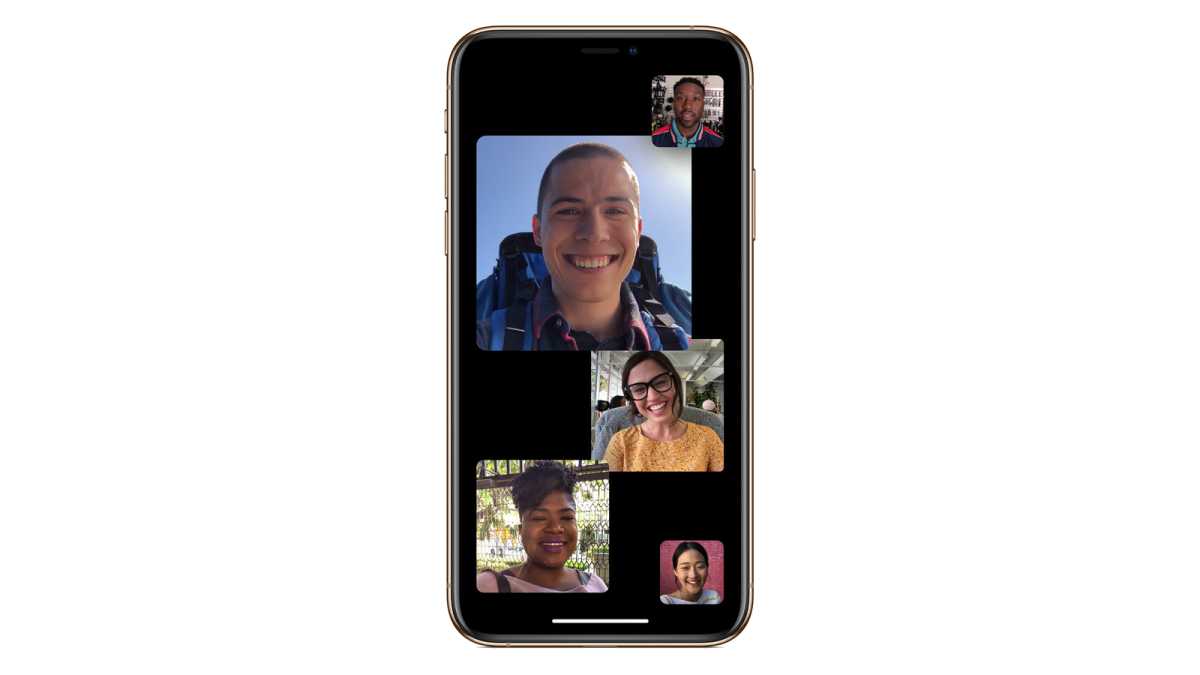
Apple
Apple added the ability for Android and Windows devices to join FaceTime calls via web links in 2021, but an Apple user will still need to send out the invite. It also feels clunky compared to the two services above, which are optimised for use across multiple platforms.
Google Meet
Google Meet has a 60-minute limit, but only on meetings with 3 or more participants. If it’s just you and one other person, you can keep going for up to 24 hours. Again, anyone with a Google account can create or join meetings.
Google Meet primarily works via the web , but apps for iOS and Android are also available.
Microsoft Teams
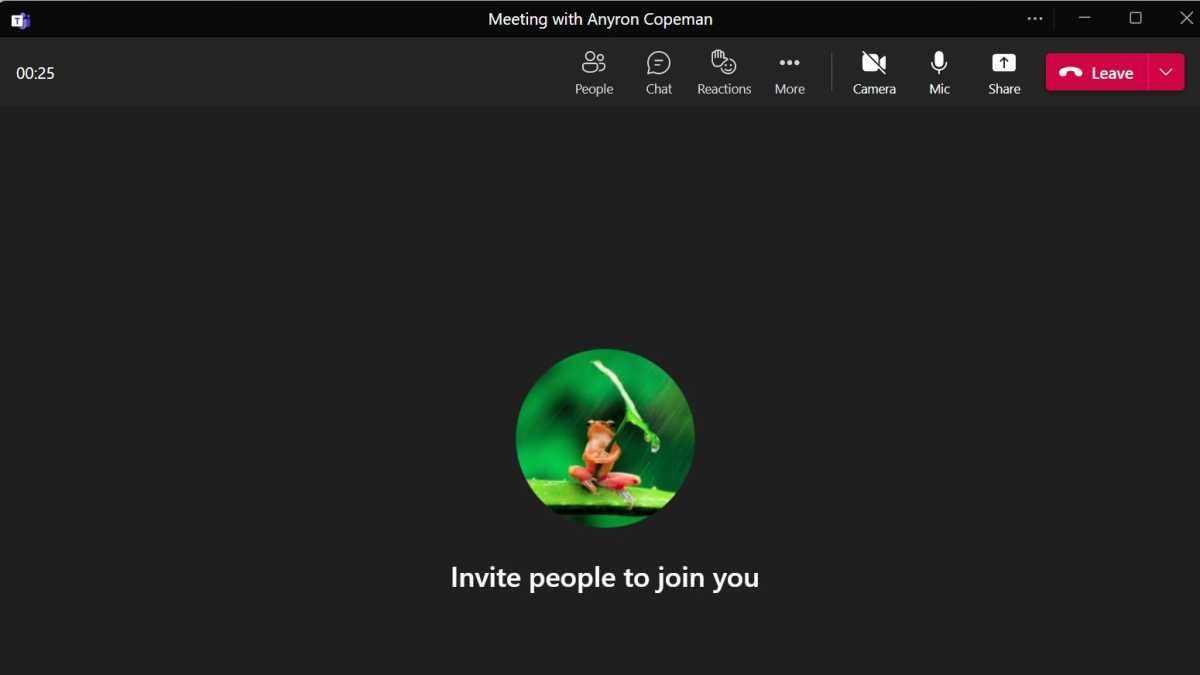
Teams is traditionally focused on business users, but Microsoft launched a version for personal use in 2021. The limits here are similar to Google Meet – 60 minutes for calls with 3 to 300 participants, but 24 hours free for 1:1 calls.
Anyron Copeman / Foundry
Everything is accessible within the Microsoft Teams for Home app, available for Windows , macOS . On iOS and Android , you can use the same regular Teams app. It also works via the web .
Instant messaging apps
Apps such as WhatsApp , Messenger , Instagram and Snapchat all have video calling functionality within the mobile apps. WhatsApp Web and a desktop Messenger app means they work on desktop too, but it’s not the most optimised experience.
As you can see, it’s easy to video call friends and family with no limitations, completely free of charge. You’re spoilt for choice with 1:1 calls, but there are also plenty of options if you have more participants.
What about Zoom?
Zoom might be the first video calling service you think of, but it’s not a good option for free calls.

Apple
There is a workaround that allows you to get around the Zoom 40-minute limit , but it’s not perfect.
Zoom is available for Windows , macOS , iOS and Android .
- How to get around Zoom’s 40 minute limit
- Best online video conferencing services
Author: Anyron Copeman, Mobile Editor, Tech Advisor

Anyron is Mobile Editor at Tech Advisor, where he’s been a mainstay of the editorial team since 2019. In his current role, Anyron is responsible for all smartphone, tablet and mobile network coverage on the site. A BA Journalism graduate, he has experience with a wide range of consumer tech products and services, including smartphones, tablets, foldables, wearables and more.
Recent stories by Anyron Copeman:
- Google Meet’s new translation feature is coming to rival Microsoft Teams
- Google Gemini’s new AI features could finally fix email, and I can’t wait
- What is DeepSeek AI and why should I care?
