Whether you’re trying to protect your privacy or you just want to keep your number from appearing on caller ID, hiding your number when making calls is a simple process.
Most of the best Android phones have a built-in feature that allows you to hide your caller ID. Here’s how to do it.
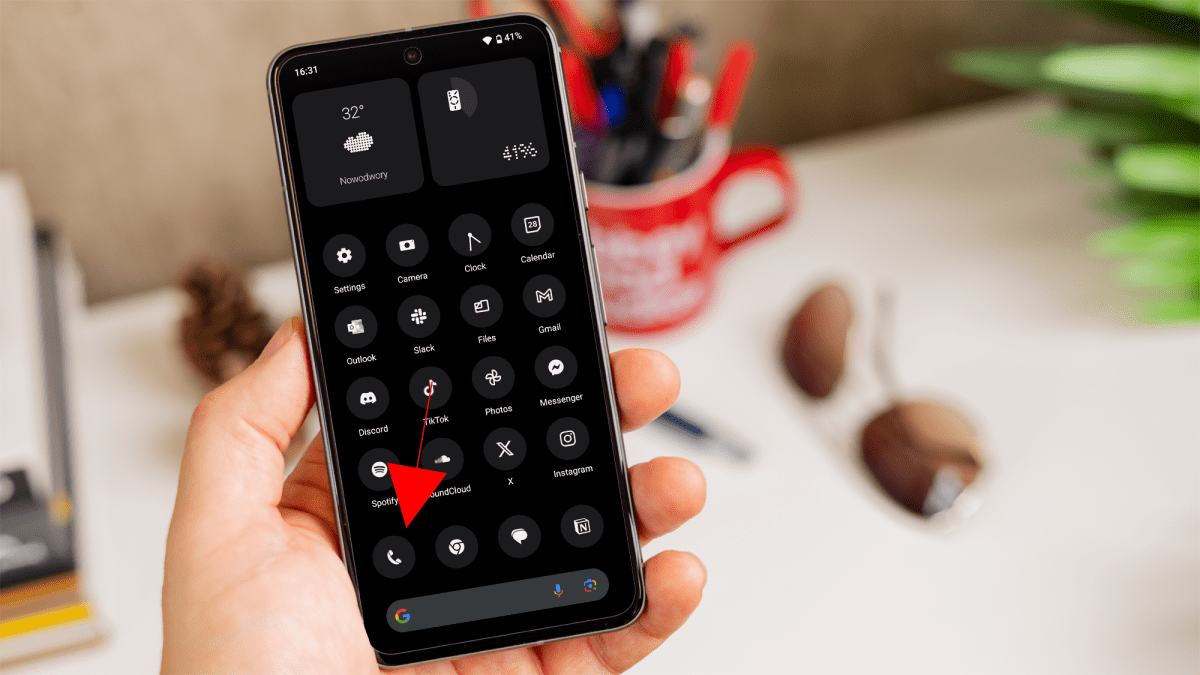
Open the Phone app
Dominik Tomaszewski / Foundry
Tap on the ‘Phone’ icon, from your home screen or apps drawer.
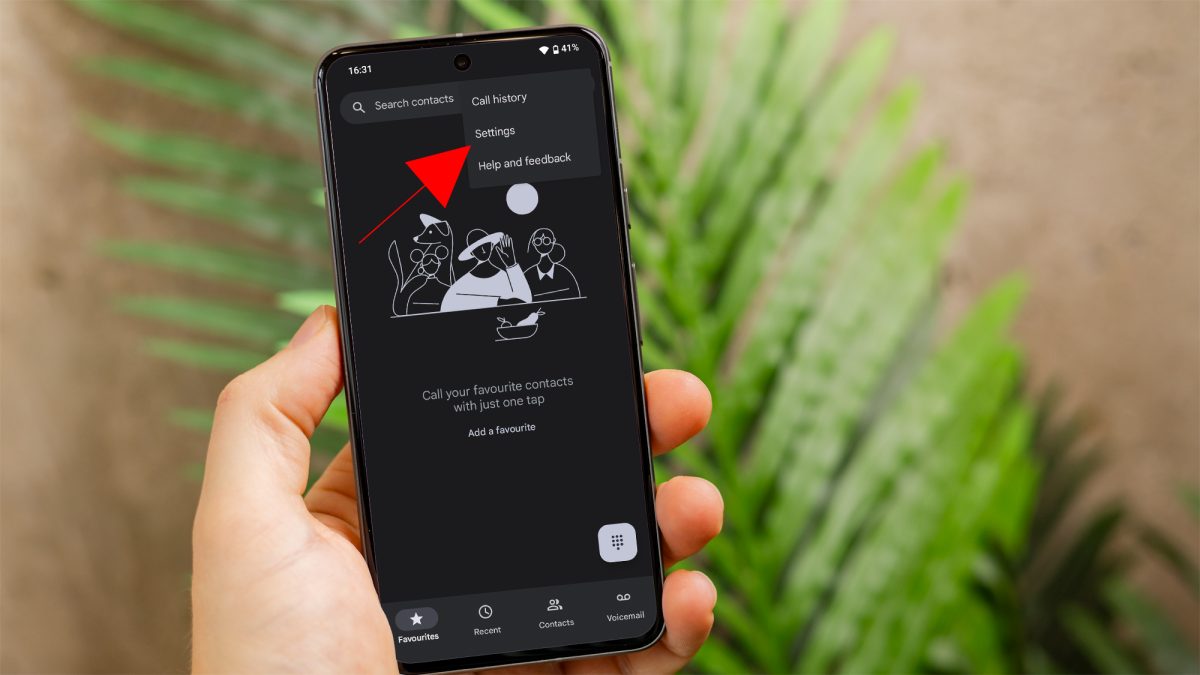
Access Settings
Dominik Tomaszewski / Foundry
Tap on the three vertical dots or the gear icon (depending on your device) in the top-right corner of the screen, to open the menu.
Then, select “Settings” from the drop-down menu.
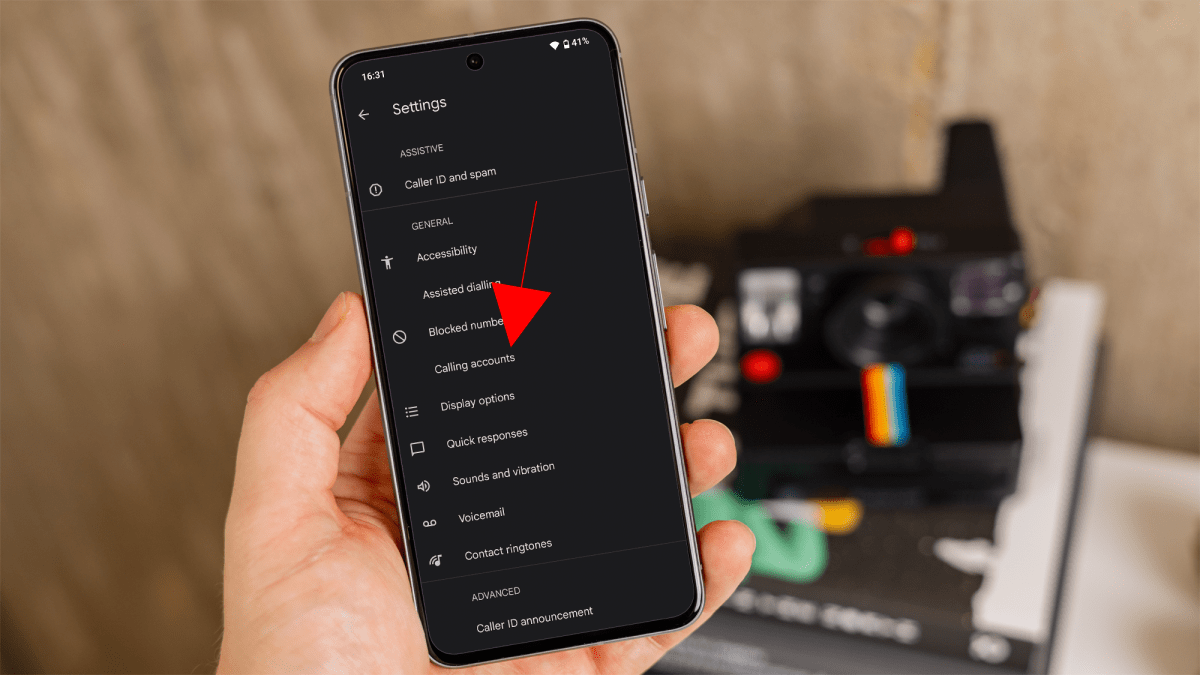
Caller ID Settings
Dominik Tomaszewski / Foundry
Navigate to ‘Calling accounts’ or ‘Calls’ and select the SIM card for which you want to hide your number.
From here, select ‘Additional settings’. This option may be labeled differently on some phones, such as ‘More settings’.
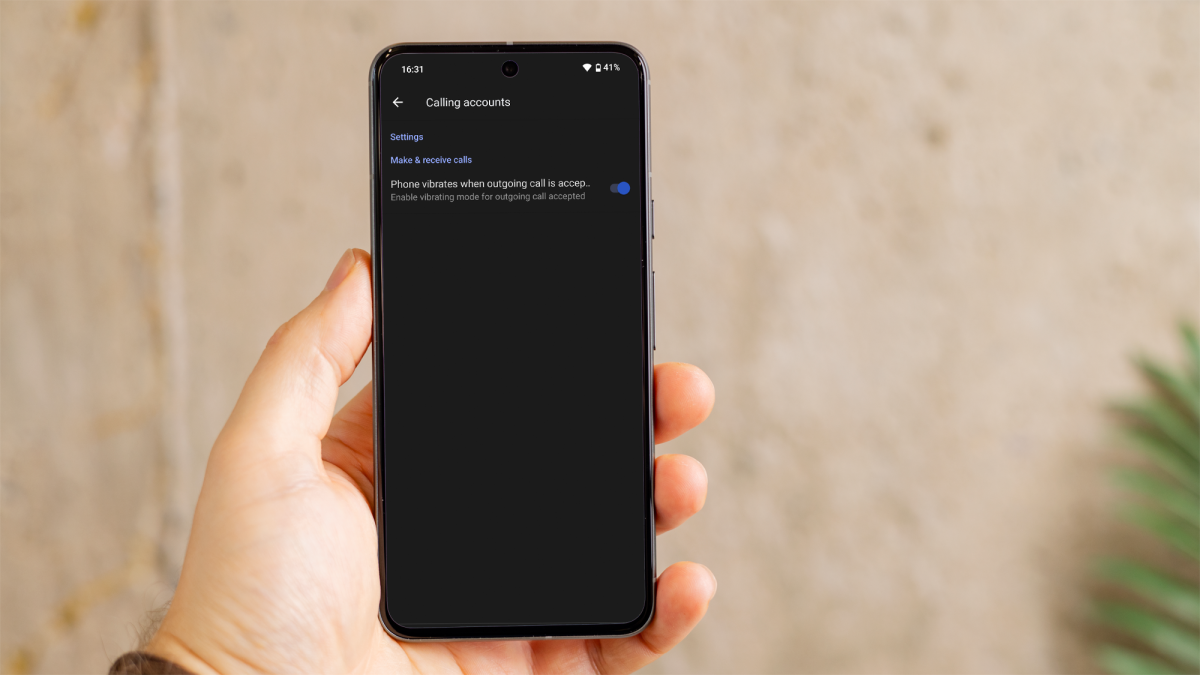
Hide Caller ID
Dominik Tomaszewski / Foundry
If your carrier allows it, you should be able to tap on ‘Caller ID’ and choose ‘Hide number’ from the list of options.
If you want to revert this setting, simply take a step back and select ‘Show number’ or ‘Network default’.
However, if you can’t use the method above, another quick way to hide your number is by using a prefix code. This method also works well if you only need to hide your number occasionally.
Before dialing the number you want to call, enter the prefix code for hiding your caller ID. The code varies by country:
- In the United States, Canada, and certain other countries, the prefix is *67
- In the United Kingdom and Ireland, the prefix is 141
For example, if you’re in the US and you want to call (123) 456-7890, you would dial *67 123 456 7890. Your call will proceed normally, but your number will not be displayed to the recipient.
After using any of these methods, all outgoing calls from your Android phone should hide your number.
Author: Artur Tomala, Mobile Writer, Tech Advisor

Artur is a Mobile Writer at Tech Advisor, where he covers a range of smartphone, tablet and smartwatch-related topics. He has been working in the tech industry since 2021, including time spent leading a team focused on mobile news, reviews and product rankings. As an ambassador for the productivity app Notion, he runs training workshops and creates advanced templates to help people stay organised and productive.
Recent stories by Artur Tomala:
- How to set up a new Android phone
- Samsung Galaxy A26: Everything you need to know
- What is an eSIM and how does it work?
