Losing important text messages can be frustrating and stressful, especially if they contain crucial information or cherished memories.
However, all is not lost. There are several methods for recovering deleted text messages.
Whether you have one of the best Android phones or continue to nurture an old faithful, this guide will walk you through the steps and tools needed to potentially recover lost messages.
Check your backup
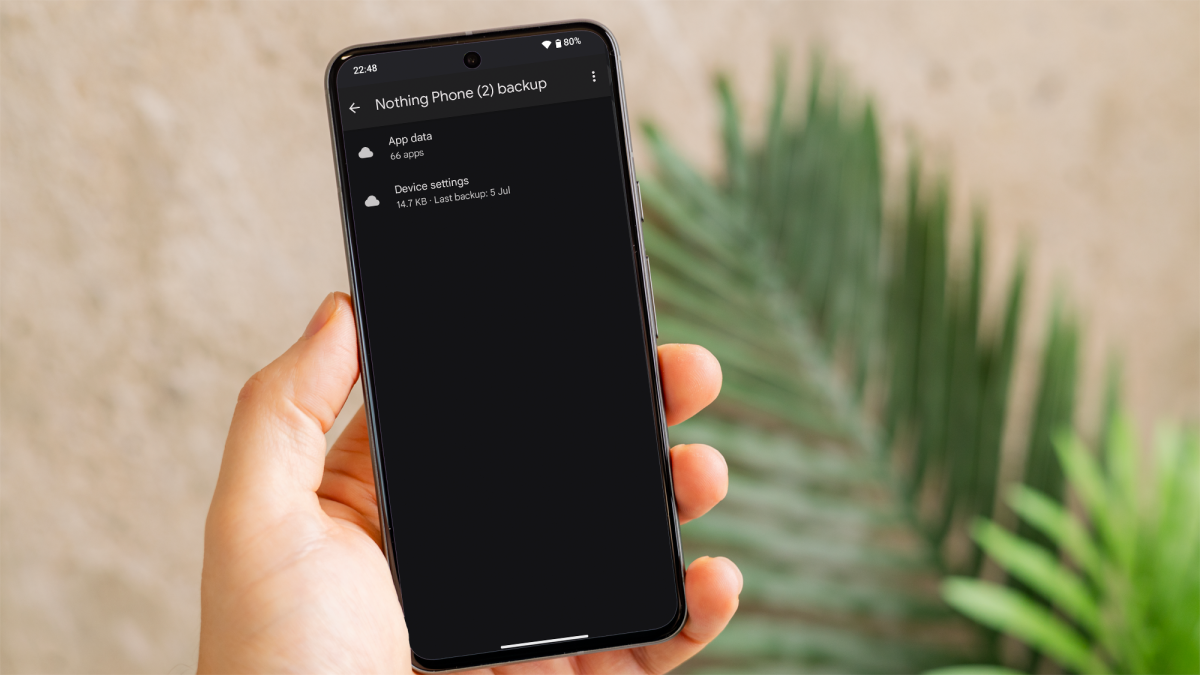
It’s always worth checking if your text messages were automatically backed up by your device. Every Android device has access to Google Drive, and this is how to check the backup that is stored there:
- Open the ‘Google Drive’ app on your Android device.
- Tap on the three horizontal lines in the top left corner and select ‘Backups’.
- Look for your device’s backup file. If your text messages were backed up then they should be listed there under SMS or MMS.
- If you find a relevant backup, you may need to perform a factory reset on your device to restore it. Be aware that this will erase all current data on your phone.
Dominik Tomaszewski / Foundry
Many Android manufacturers, such as Samsung, Xiaomi and Huawei, provide their own backup solutions. Check the backup apps provided by your device manufacturer and follow similar steps to that of the Google Drive backup method outlined above.
Use data recovery software
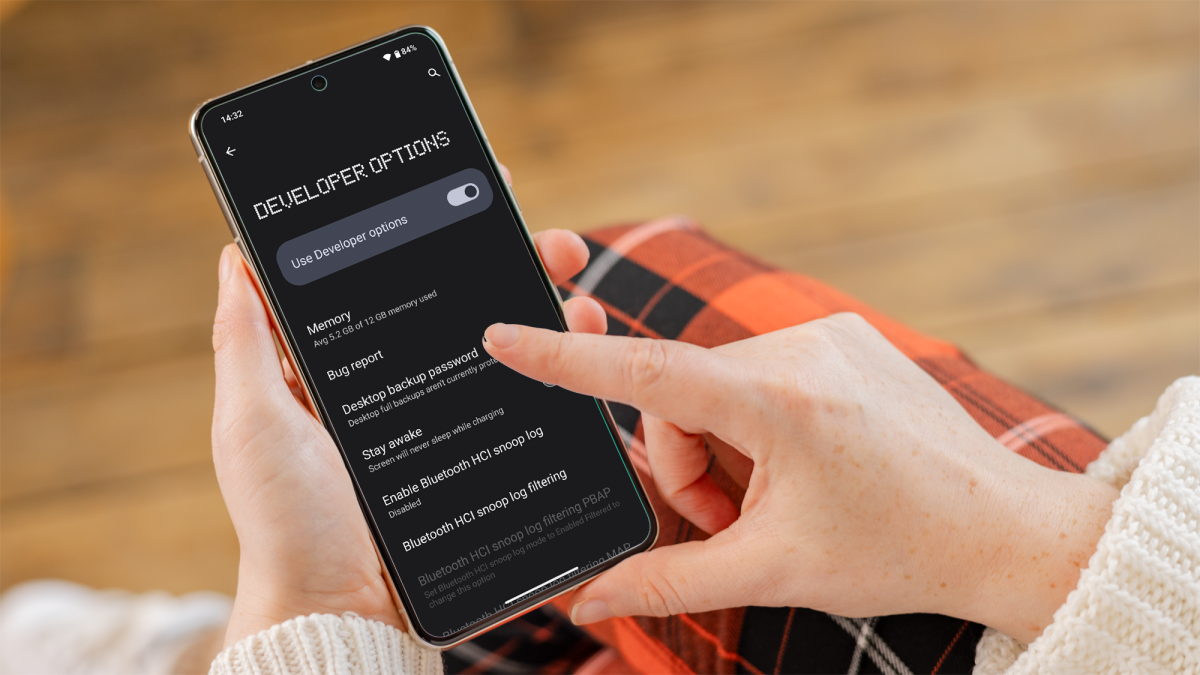
With no options available directly on the phone itself, you’ll need to find some external software to help search the storage on your device. This isn’t quite as easy as it sounds though, as many of the third party software packages require you to root your phone so that they can gain access to the files.
While rooting isn’t that hard it does pose risks for your handset, which in a worst case scenario could become inoperable if things go wrong. Rooting also opens you up to increased security vulnerabilities, and is really best left to enthusiasts who want to take complete control over their handset.
If you want to go down this route then it’s worth reading our beginners’ guide on how to root Android before you start.
Dominik Tomaszewski / Foundry
In regards to third-party software, we’ve seen decent feedback on Fonepaw’s Android Data Recovery , which you download to your PC or Mac and use to interrogate your phone. At around £30 though, it’s something you want to be sure of before you buy. There is a free trial version, which allows you to see what’s on your phone, but doesn’t let you recover the data unless you upgrade to the paid tier. There are a few others out there, but the story is much the same in regards to rooting and paying.
In the end you’ll need to decide how much the text message means to you. If it’s priceless, then you can get it back with a bit of effort and money, but if not, maybe it’s best to remember what it said and move on.
Contact your mobile provider
One last possibility worth trying is contacting your phone service provider. Obviously your text messages pass through their servers, so it’s possible they may have some record of them.
Author: Artur Tomala, Mobile Writer, Tech Advisor

Artur is a Mobile Writer at Tech Advisor, where he covers a range of smartphone, tablet and smartwatch-related topics. He has been working in the tech industry since 2021, including time spent leading a team focused on mobile news, reviews and product rankings. As an ambassador for the productivity app Notion, he runs training workshops and creates advanced templates to help people stay organised and productive.
Recent stories by Artur Tomala:
- How to set up a new Android phone
- When will my Samsung Galaxy phone get One UI 7?
- How to get One UI 7 on your Samsung Galaxy phone
