There are times when you might need to access a Wi-Fi password for a network to which your Android device is already connected.
Whether you want to share it with a friend or connect another device, knowing how to view the Wi-Fi password can be handy.
This guide will walk you through the steps required to see your saved Wi-Fi passwords on Android phones and Android tablets .
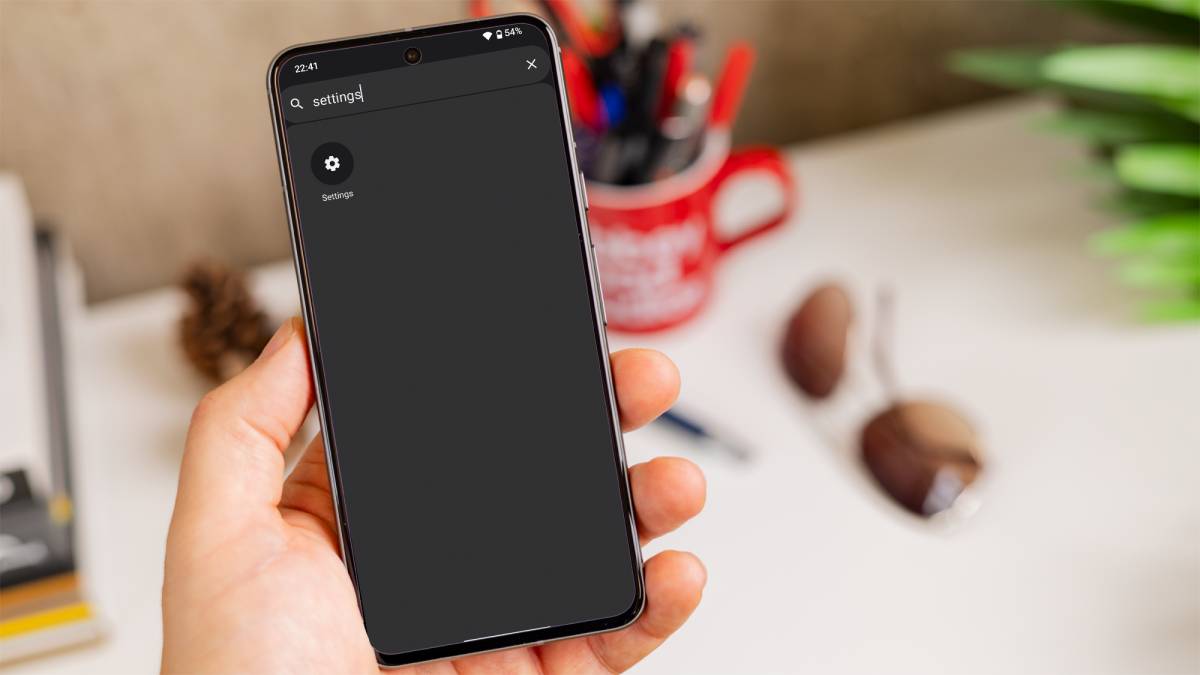
Open the‘Settings‘app
Foundry
Go to your Android device’s home screen and find the ‘Settings’ app.
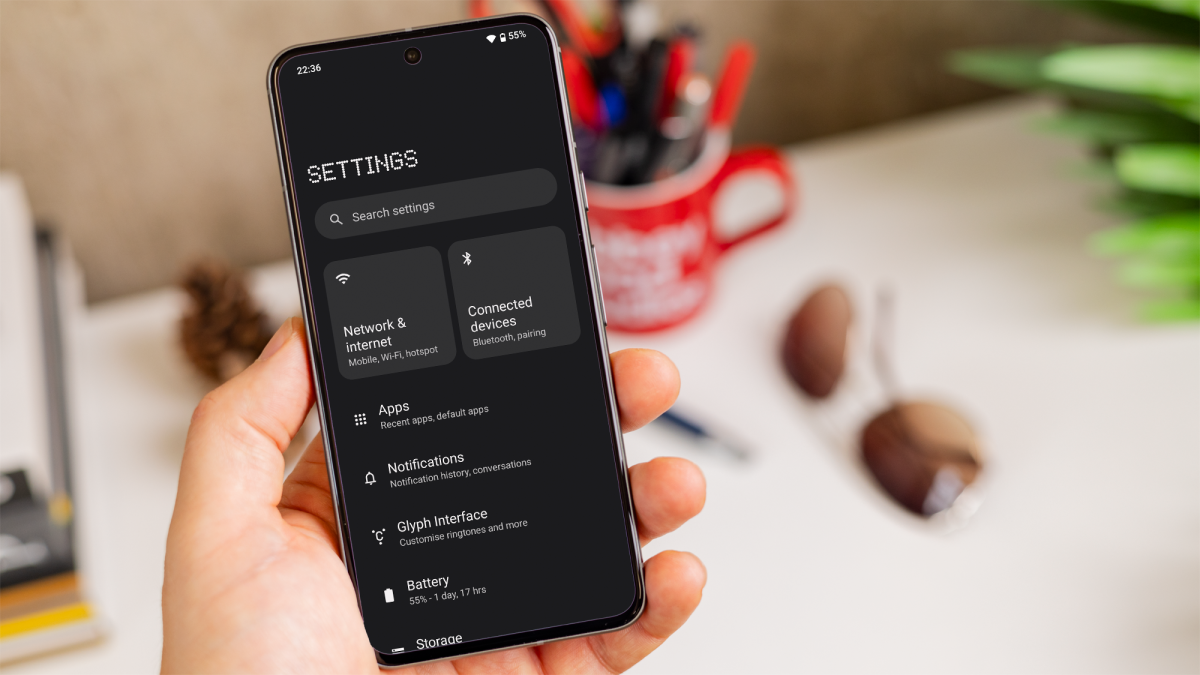
Go to ‘Network & internet‘
Foundry
Once in ‘Settings,’ scroll down and tap ‘Network & internet.’ This is where you manage all network-related settings.
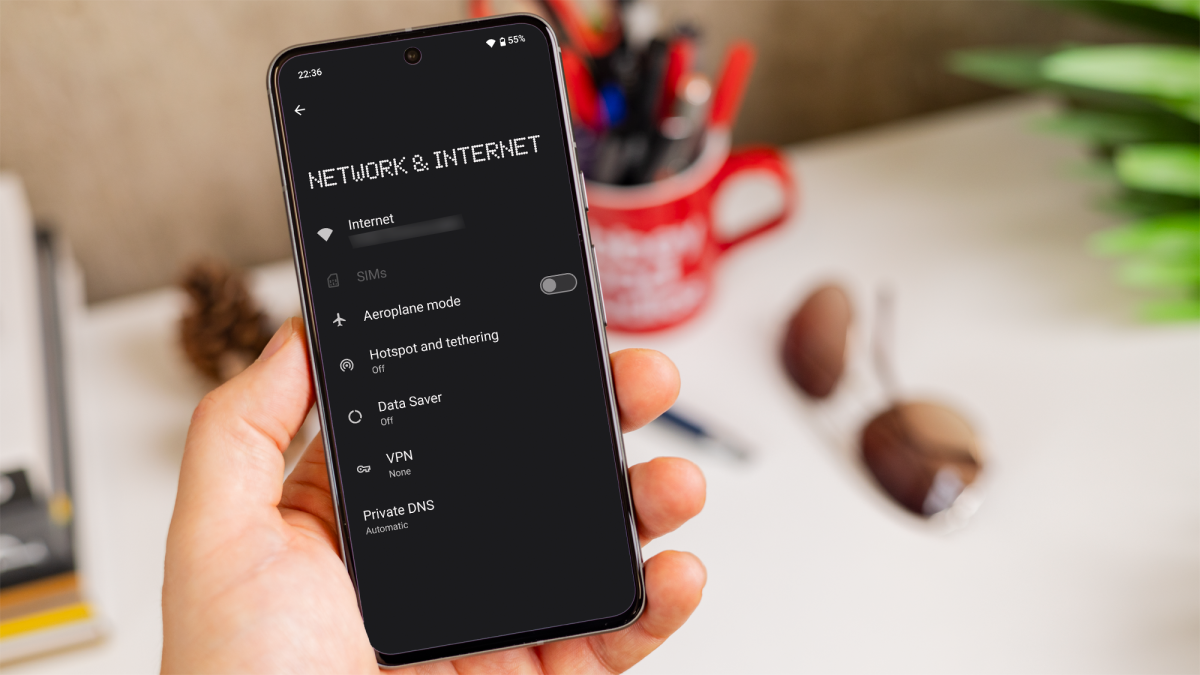
Tap on‘Wi-Fi‘
Foundry
From the ‘Network & internet’ section, tap on Wi-Fi or the name of the network you’re connected to.
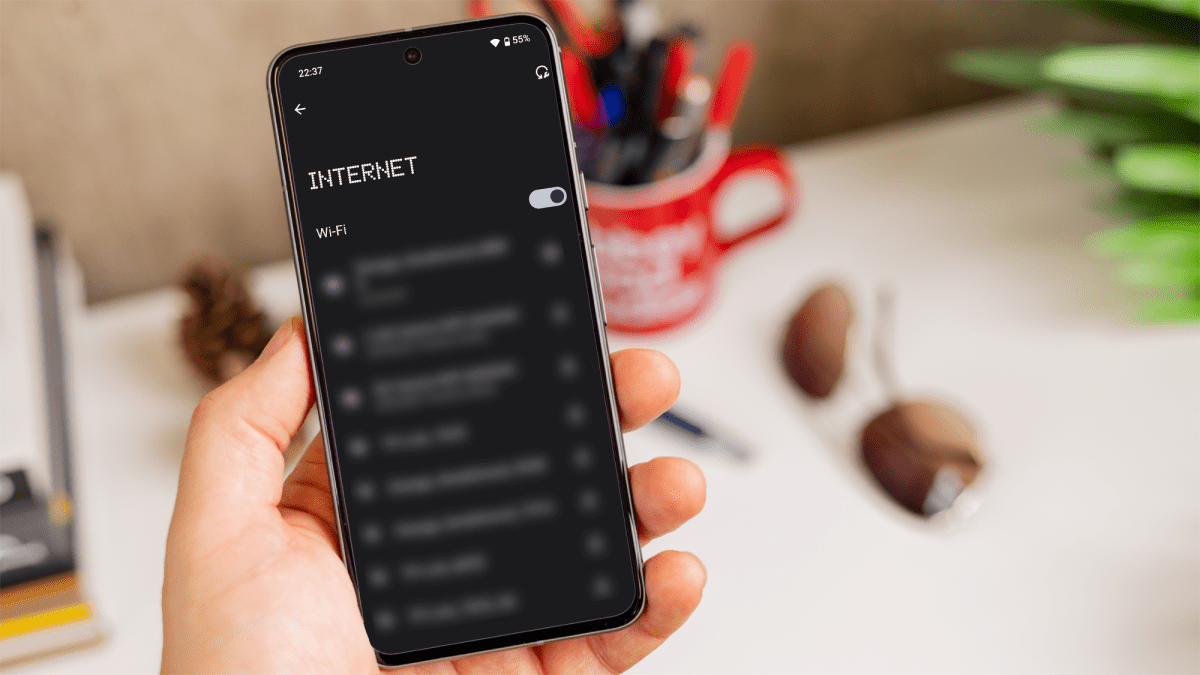
Select the network
Foundry
Find the Wi-Fi network you’re connected to or the one for which you want the password. If you’re currently connected, it will be displayed at the top of the list.
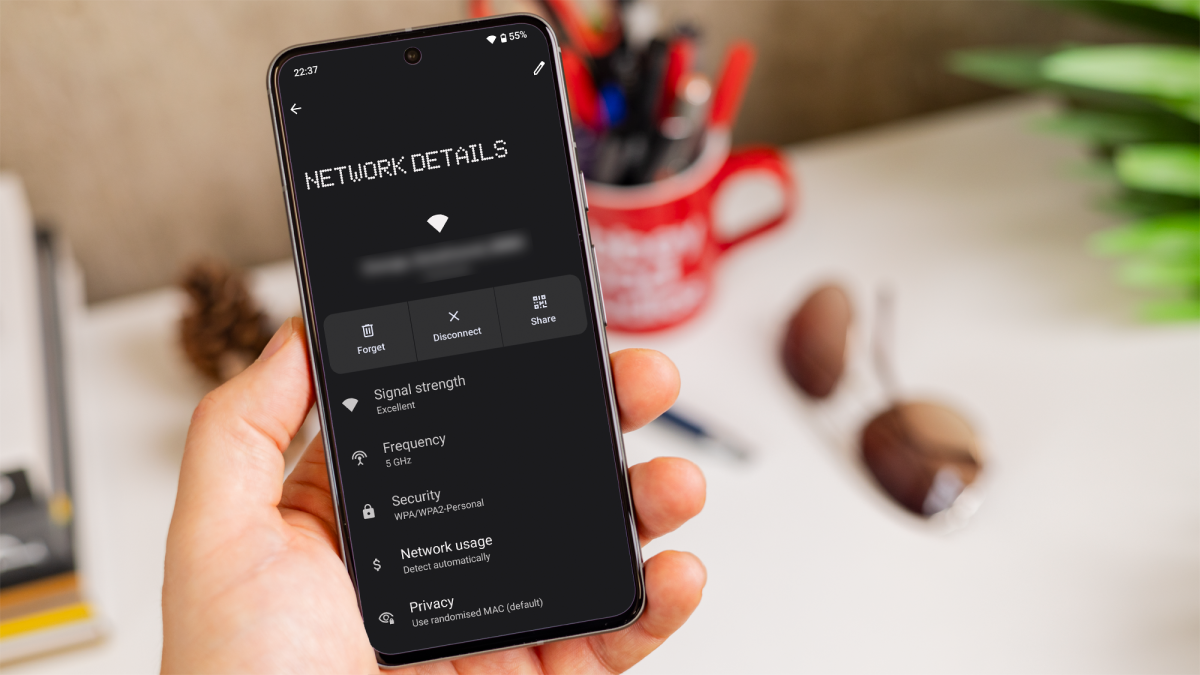
Once you tap on the connected network, you’ll see the details for that specific Wi-Fi network.
Share option
Foundry
Look for a ‘Share’ button with a QR code icon (you might need to authenticate with your fingerprint or PIN to access this feature).
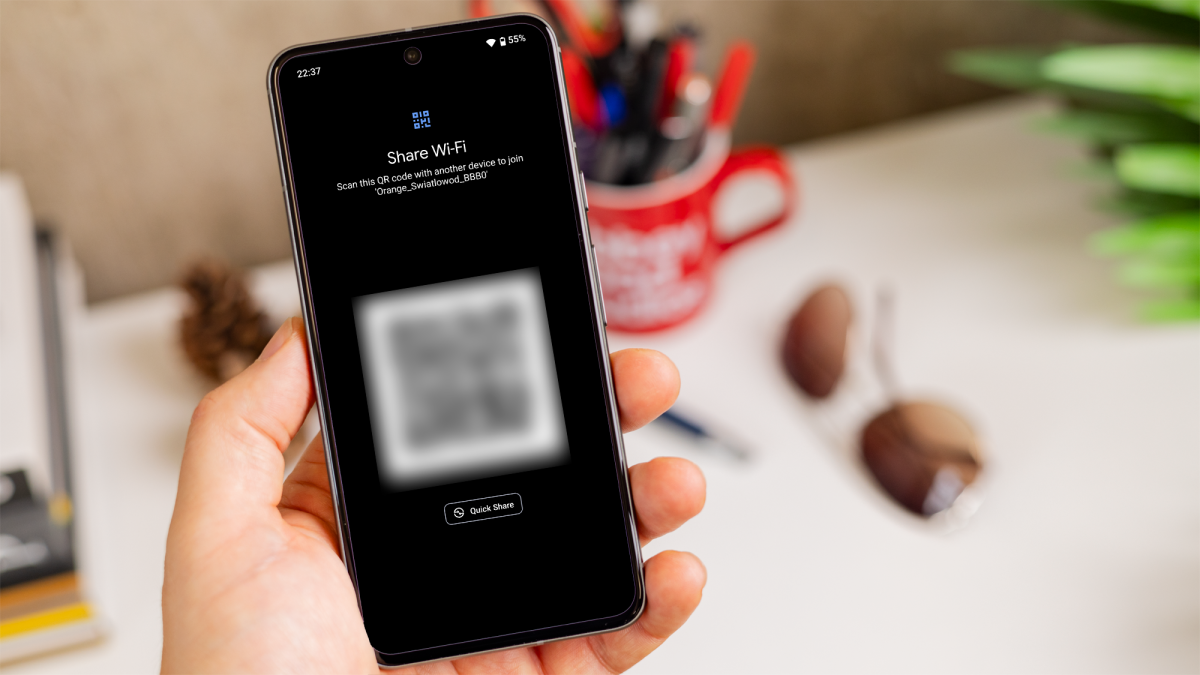
See the password
Foundry
After authentication, a QR code will appear on your screen, and below it, you’ll see the Wi-Fi password in plain text.
You can now either share the password with others or scan the QR code directly on another device to connect to the network without typing the password. For more ways to get the most out of your handset, try reading our how to master your Android phone guide.
Author: Artur Tomala, Mobile Writer, Tech Advisor

Artur is a Mobile Writer at Tech Advisor, where he covers a range of smartphone, tablet and smartwatch-related topics. He has been working in the tech industry since 2021, including time spent leading a team focused on mobile news, reviews and product rankings. As an ambassador for the productivity app Notion, he runs training workshops and creates advanced templates to help people stay organised and productive.
Recent stories by Artur Tomala:
- How to set up a new Android phone
- Samsung Galaxy A26: Everything you need to know
- What is an eSIM and how does it work?
