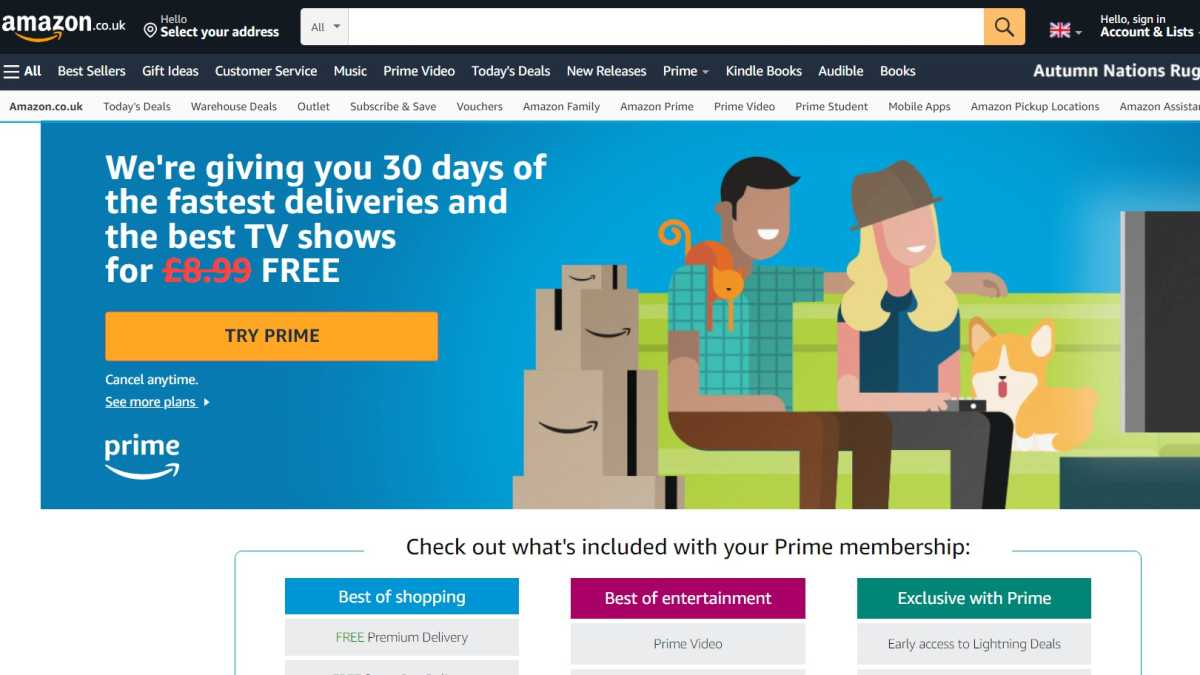
Somrata Sarkar / Foundry
The first month is free, as a part of the 30-day free trial
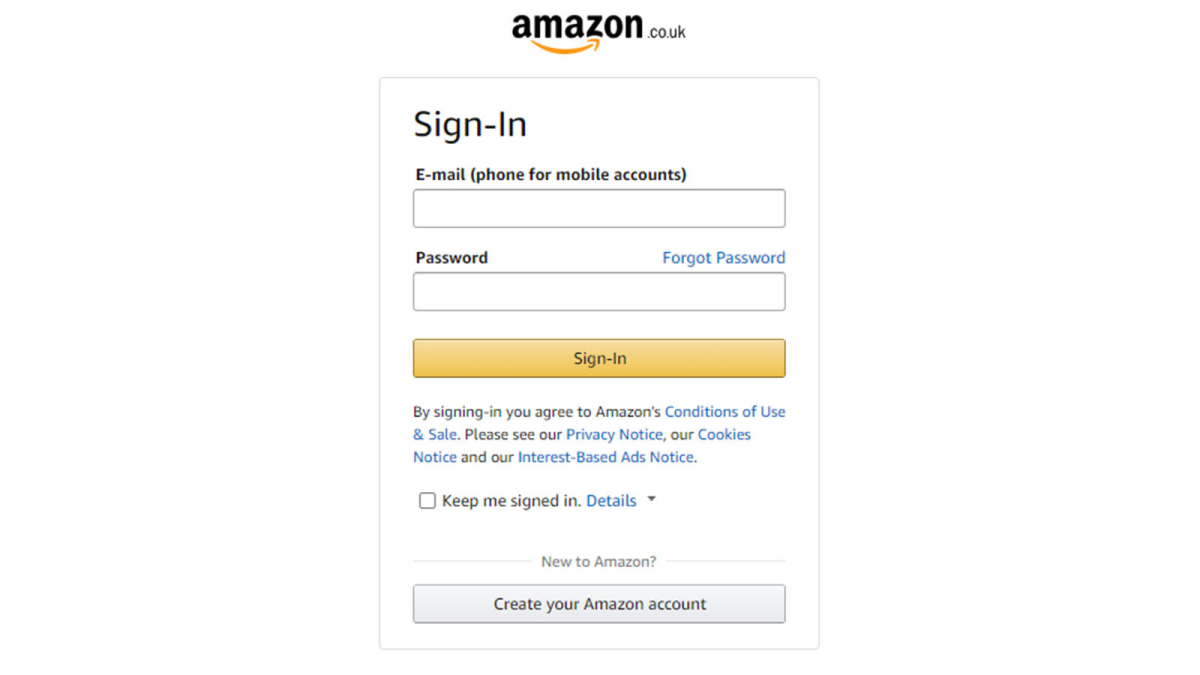
Somrata Sarkar / Foundry
Once on the homepage, hover the ‘Prime’ button just under your basket
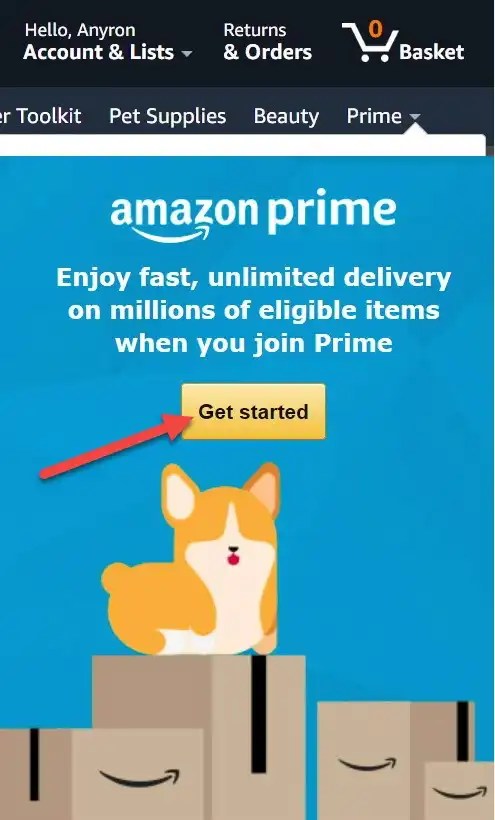
Anyron Copeman / Foundry
Click the gold ‘Get started’ button
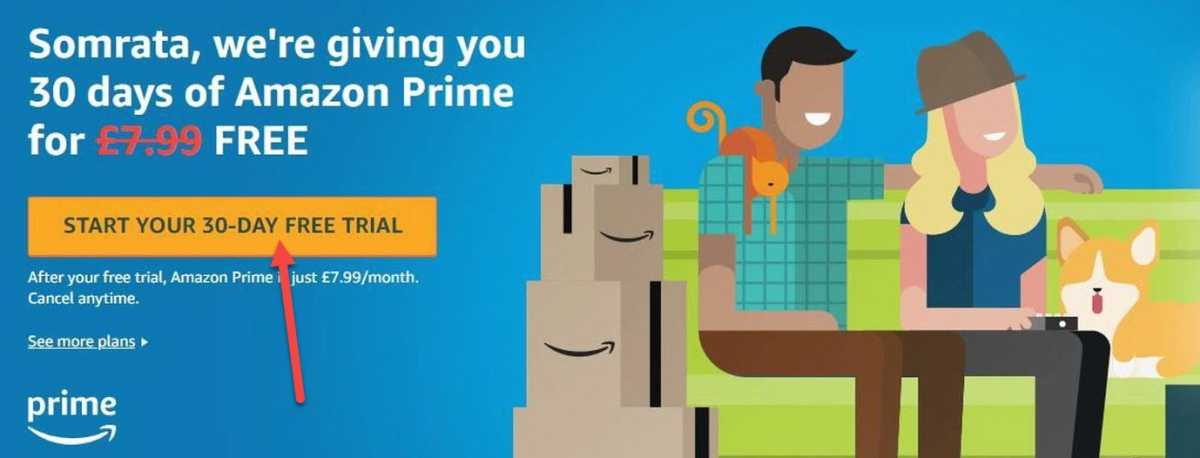
Somrata Sarkar / Foundry
Click on ‘Start your 30-day free trial’
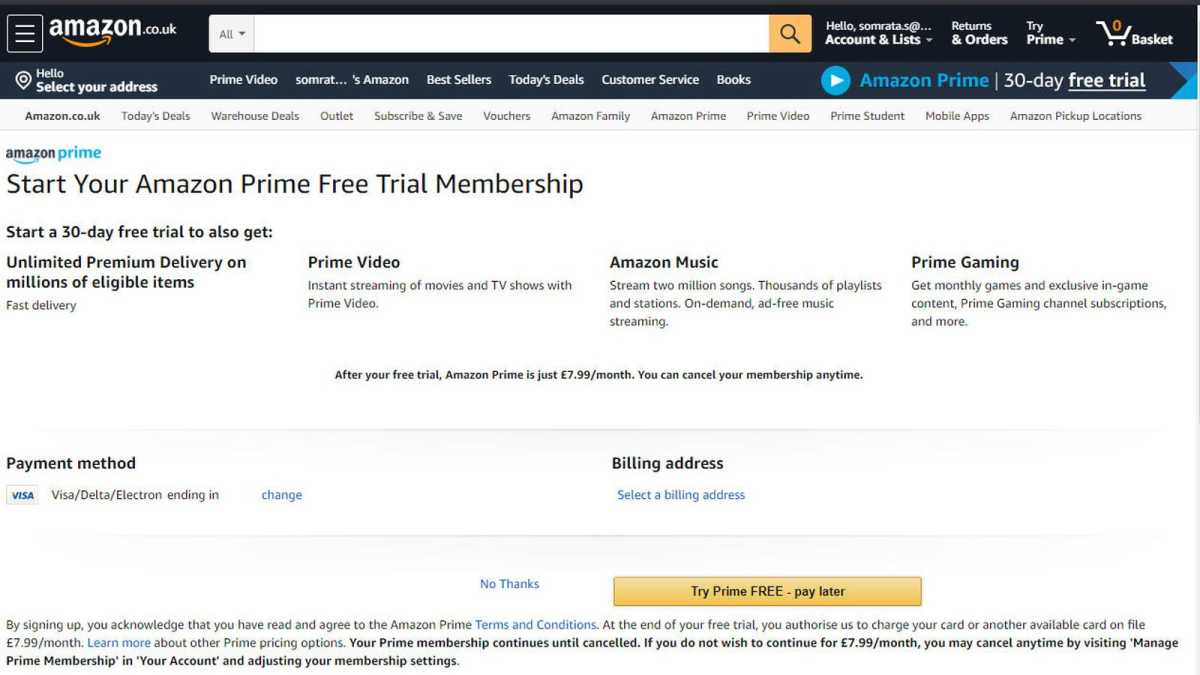
Somrata Sarkar / Foundry
If everything looks okay, click on ‘Try Prime FREE – pay later’
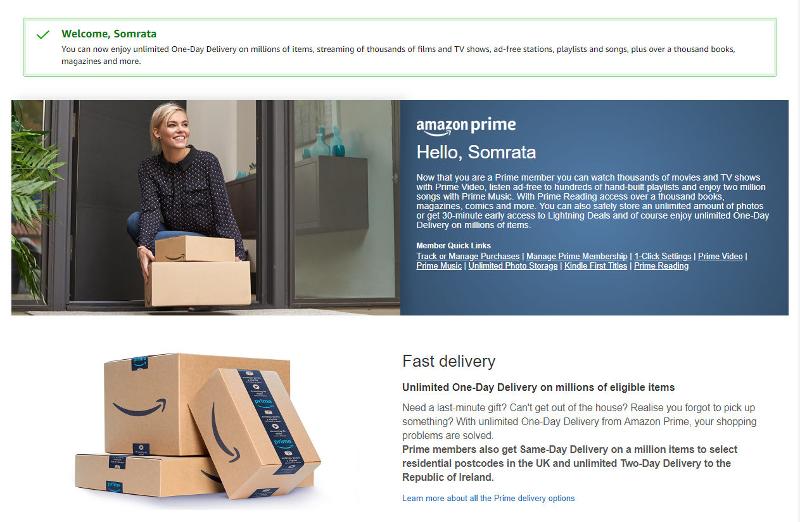
Somrata Sarkar / Foundry
You can now have access to free delivery, video streaming and more
Author: Hannah Cowton-Barnes, Entertainment Editor, Tech Advisor

As Tech Advisor’s Entertainment Editor, Hannah is the resident expert in all things streaming, film and TV. Before joining Tech Advisor in 2019, she studied Theatre and Performance at the University of Leeds and created a website dedicated to geek culture and lifestyle. She’s also reviewed a whole range of gadgets including flagship smartphones, wearables and styling tools. Outside of Foundry, she’s written freelance pieces for Polygon, Metro and Den of Geek, and is proud to be a Women Techmakers Ambassador for Google.
Recent stories by Hannah Cowton-Barnes:
- When is Black Friday 2025? Early Deals go Live
- Here’s how to watch HBO TV shows in the UK
- How to get Amazon Prime for free
