With most of the world connected to the internet, staying safe online has never been more important. Whether you’re browsing the web, checking emails, or posting on social media, there’s always a risk involved.
The biggest concern for most people is keeping their personal data secure, including photos, documents and financial information. Hackers and scammers are always looking for ways to exploit vulnerabilities, but by taking a few key precautions, you can keep yourself safe.
Below you’ll find the best practices to stay safe online.
Use a password manager
It’s tempting to use the same password for multiple accounts because it’s easier to remember, but this is a major security risk. If hackers get hold of one password, they could access several of your accounts in one go.
Instead, use a password manager like Bitwarden, 1Password, or LastPass. These tools store all your login details securely, so you only need to remember one master password.
They can also generate strong, unique passwords for each of your accounts, making them much harder to hack. Most password managers work as browser extensions and mobile apps, so they’ll autofill your credentials when needed.

Jim Martin / Foundry
Just make sure your master password is something strong and memorable. If you forget it, you could lose access to everything.
Here’s our list of the best password managers and a guide on how to use a password manager .
Web browsers such as Chrome and Firefox also offer built-in password managers, but you should find out whether it’s safe to store passwords in your browser .
Enable two-factor authentication (2FA)
Two-factor authentication (2FA) adds an extra layer of security to your accounts.
With 2FA enabled, logging in requires both your password and a second code, usually sent to your phone or generated by an authentication app like Google Authenticator.
This simple step makes a huge difference in keeping your accounts secure.
However, while 2FA is a great idea, some types of communication are better than others. Here’s why it’s not the best form of security to have companies text you authentication codes.
Watch out for scams
Online scams are constantly evolving, but they all rely on tricking you into giving up personal details. Here are a few common scams to be aware of:
- Phishing emails and messages : These pretend to be from a trusted company (such as your bank or PayPal) and ask you to click on a link and enter your details. If you receive an email that looks suspicious, don’t click any links – go directly to the official website instead.
- Too-good-to-be-true offers : If you get an email saying you’ve won a prize – although you never entered a competition, or you’re offered an investment opportunity that guarantees profits, it’s probably a scam.
- Fake tech support calls : Scammers may call claiming to be from Microsoft or Apple, saying they’ve detected a virus on your computer. They’ll ask you to install software so they can ‘fix’ the issue – don’t do it! Legitimate companies never make unsolicited tech support calls.
A good rule of thumb is that if something feels off, it probably is. Be cautious, and never give out personal details over the phone or via email unless you’re absolutely sure it’s legitimate.
Use a VPN for privacy
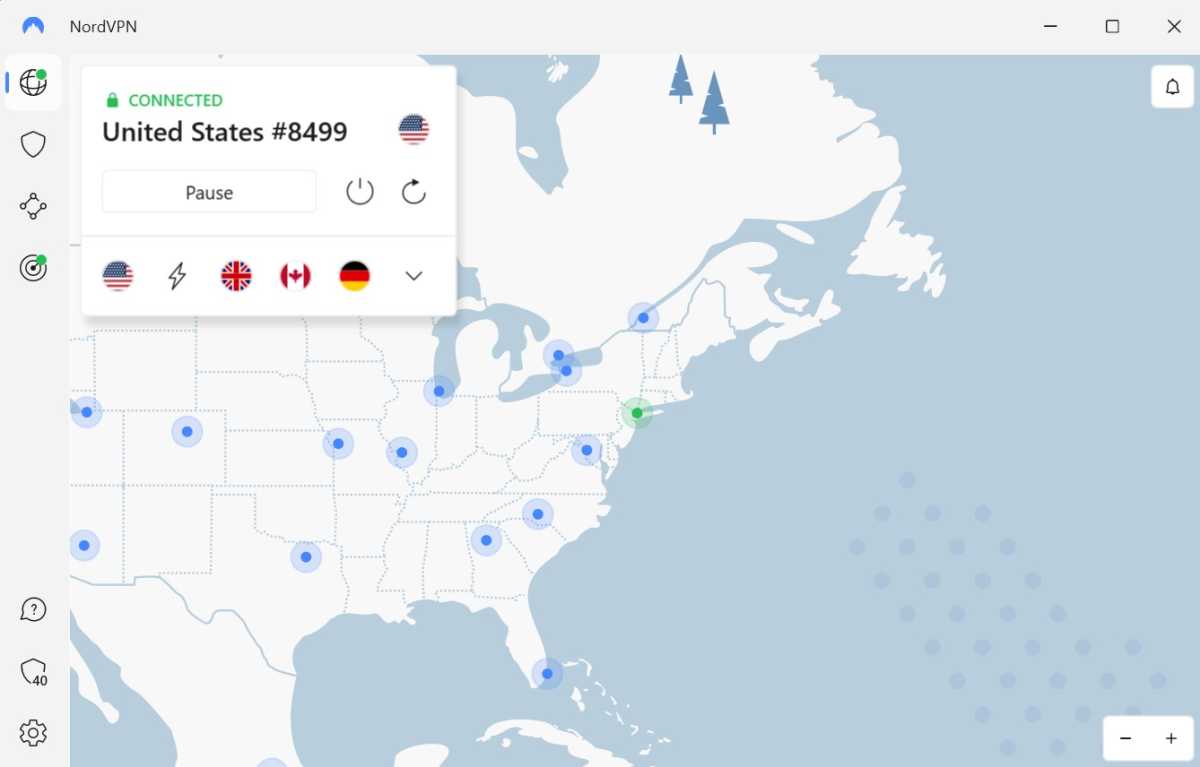
A VPN (Virtual Private Network) encrypts your internet traffic, making it much harder for anyone to track what you’re doing online. This is especially important when using public Wi-Fi, for example in coffee shops or airports, where hackers can easily intercept data.
Anyron Copeman / Foundry
Using one of the best VPN services like NordVPN, ExpressVPN, or Surfshark is as simple as clicking a ‘Connect’ button, and your online activity becomes much more secure. It also prevents your internet service provider (ISP) from tracking your browsing habits and selling your data.
Be careful on social media
Social media is great for staying connected, but oversharing can put you at risk. First of all, make sure only friends can see your posts , not ‘Everyone’ or ‘Friends of Friends’.
Also avoid sharing personal information like your address, workplace, or holiday plans. Criminals can use this information to target you.

Hannah Cowton/Foundry
Scammers often create fake profiles to trick people into sharing information. If you don’t know the person, don’t accept their request.
Install antivirus software
Antivirus software is your first line of defence against malware, ransomware, and other cyber threats. If you don’t already have one, be sure to take a look at our recommendations of the best antivirus software , such as Norton 360, Bitdefender, or Kaspersky.
Make sure your antivirus is always up to date so it can protect you from the latest threats. Many antivirus programs also include extra features like real-time protection, firewall monitoring, and anti-phishing tools.
Don’t trust AI chatbots
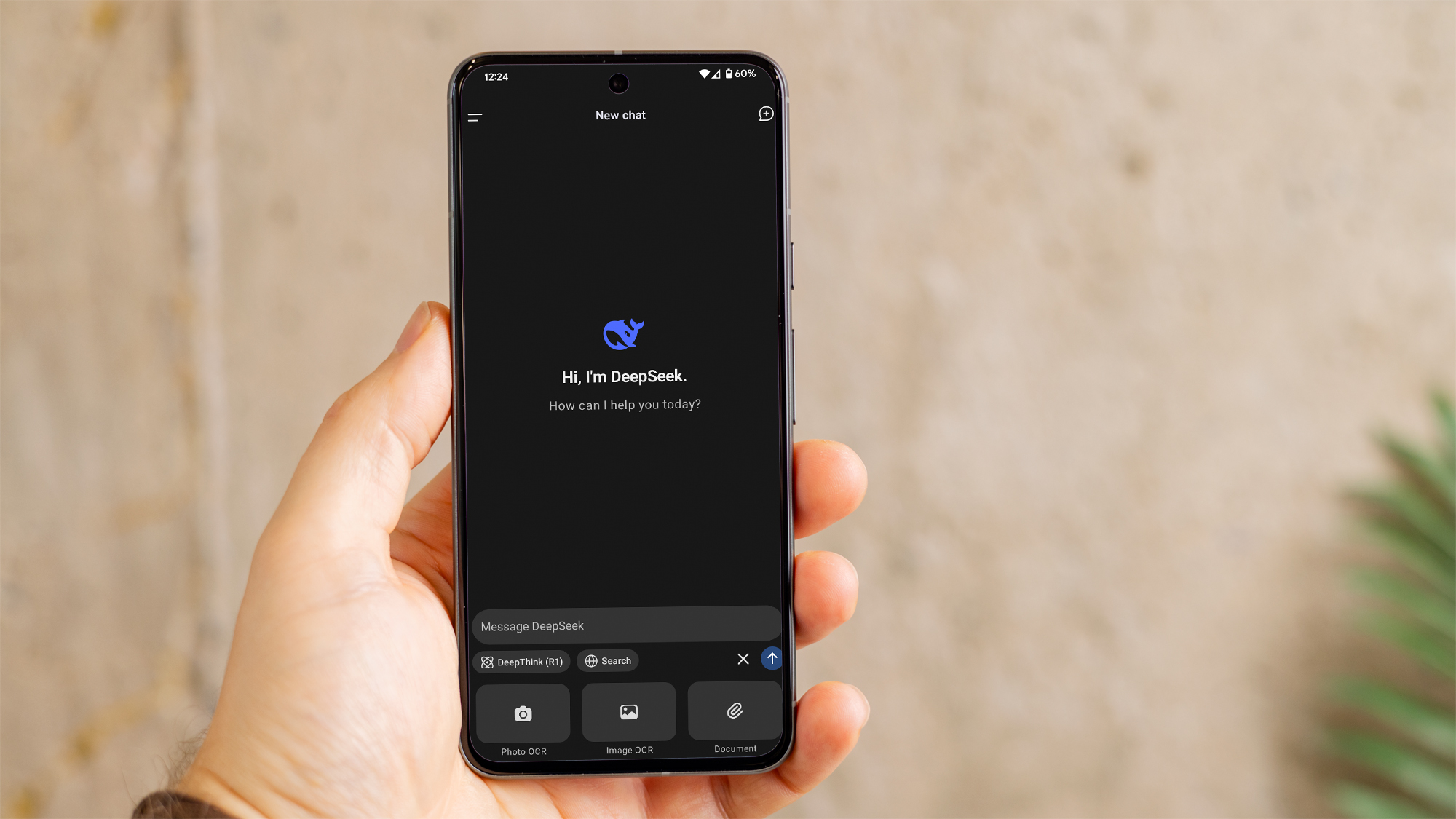
AI chatbots, such as ChatGPT , Gemini or DeepSeek AI can be useful, but they also come with risks. While many are designed to provide helpful information, they can sometimes spread misinformation, be manipulated by bad actors, or even be used to scam people.
Dominik Tomaszewski / Foundry
Never share sensitive personal details like passwords, bank information, or private data with a chatbot. Always verify critical information from reliable sources instead of relying solely on AI-generated responses.
- All security news
- Do you really need antivirus on Windows?
- Can Macs get viruses?
- Do you really need antivirus on Android?
- Best antivirus software for Windows (plus free options )
- Best antivirus software for Android
- Best antivirus deals
- Best VPN services (plus free options )
- Best VPN deals
Author: Artur Tomala, Mobile Writer, Tech Advisor

Artur is a Mobile Writer at Tech Advisor, where he covers a range of smartphone, tablet and smartwatch-related topics. He has been working in the tech industry since 2021, including time spent leading a team focused on mobile news, reviews and product rankings. As an ambassador for the productivity app Notion, he runs training workshops and creates advanced templates to help people stay organised and productive.
Recent stories by Artur Tomala:
- Sick of Siri? iPhone owners can use Gemini too. Here’s how
- Google Gemini just got smarter, but the trade-off could be your data
- Worried DeepSeek has your data? Gemini has even more
