When it comes to smartphone software, Android is one of the so-called ‘big two’.
Unless you have an iPhone (which runs iOS), you almost certainly use some version of Android if you have a smartphone .
However, your Android phone up to date is key to ensuring that you get the latest features and that your device remains secure.
How do I update my phone?
We’re using the Nothing Phone (2) for the purposes of this tutorial, but the method is much the same on any Android phone.
Most phones automatically notify you of new updates by default, but will only download them when connected to Wi-Fi and when they have over 50% of battery. Here’s the method for doing so manually.
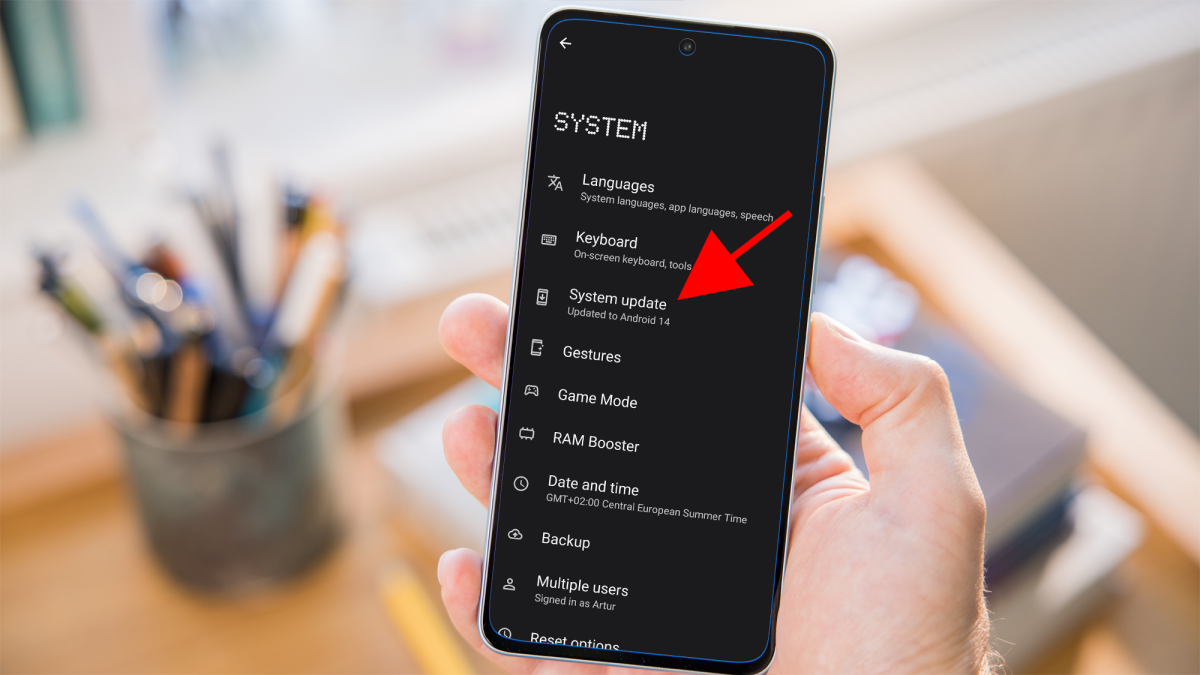
Open ‘Settings’
Dominik Tomaszewski / Foundry
Open the settings app on your phone.
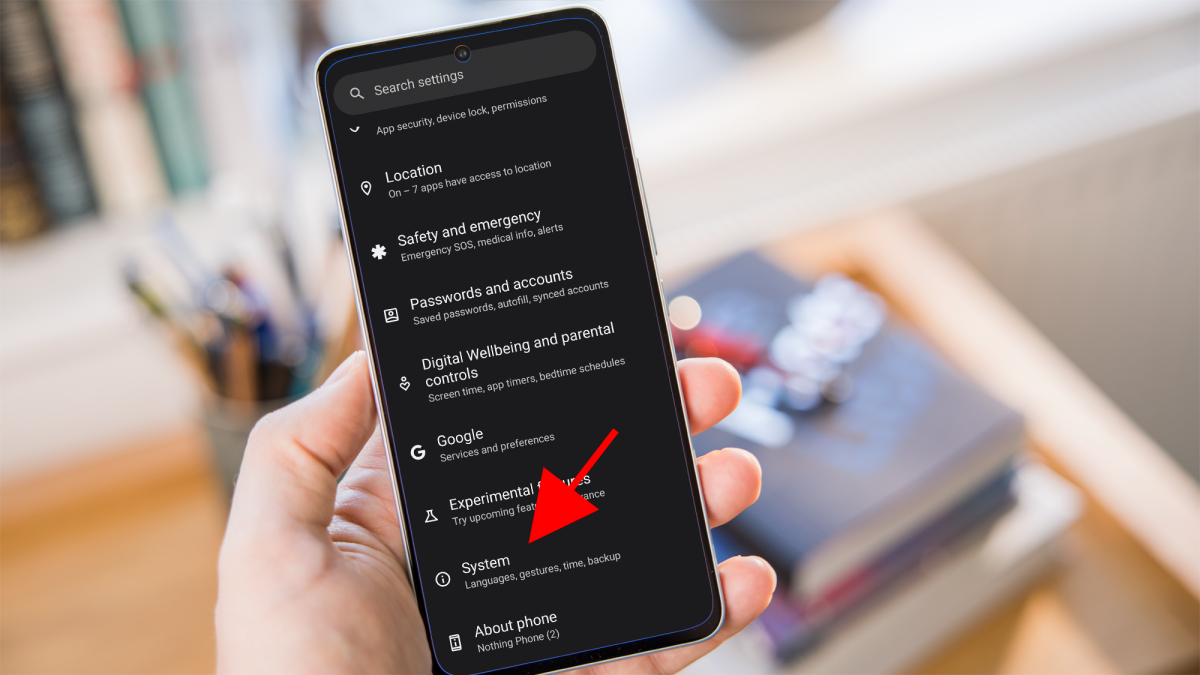
Go to the ‘About’ section
Dominik Tomaszewski / Foundry
Find the ‘About’ section. It’s usually towards the bottom of the list, either as a standalone option or within ‘System’.
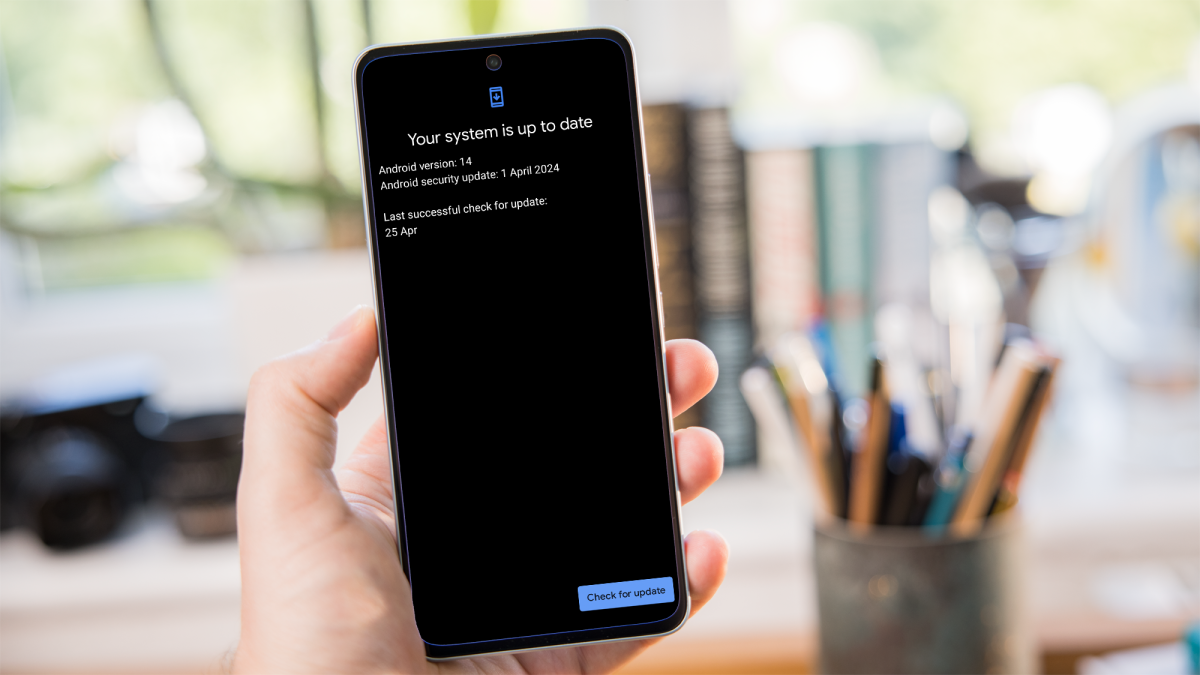
Check for updates
Dominik Tomaszewski / Foundry
Tap on Software Update’ or ‘System Update’. Your phone will check for available updates.
If an update is available, follow the prompts to download and install it. This will usually require a restart.
Why should I update Android?
One of the primary reasons to update Android is to protect your phone from security threats. Updates often include patches for vulnerabilities that could be exploited by malware, hackers or other malicious entities.
Software bugs and glitches can also affect the performance and usability of your phone. Updates typically address these issues, providing fixes that improve stability, responsiveness and overall user experience.
Android updates also sometimes introduce new features and functionalities, or improvements to existing ones. These updates may include enhancements to the user interface, productivity tools, accessibility options and more. By updating regularly, you gain access to these as soon as they become available.
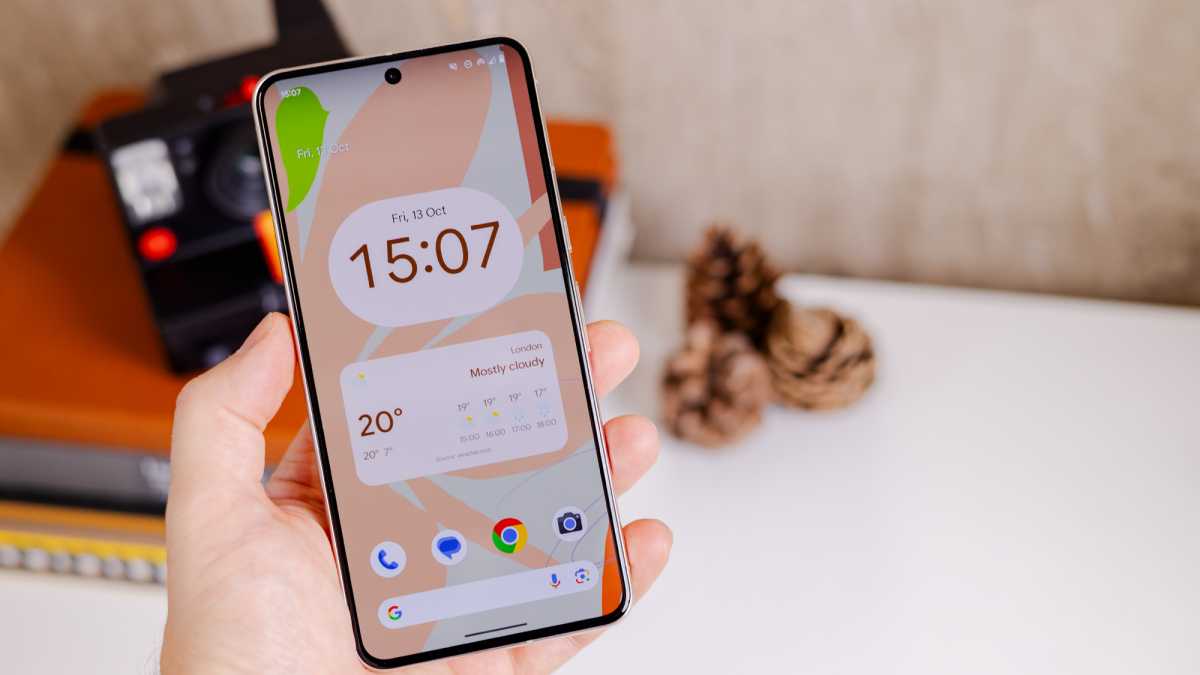
Pixel 8 phones offer advanced AI features via Android 14
Dominik Tomaszewski / Foundry
What’s more, new versions of Android often come with compatibility updates that ensure seamless integration with third-party apps, services and hardware.
Lastly, manufacturers and developers provide ongoing support and maintenance for their devices through software updates. They may include performance optimisations that enhance the speed, battery life, and overall efficiency of your device.
When will I get an Android update?
Security patches for Android are typically delivered on a monthly basis, while major Android updates are released annually – typically around August or September. Usually, we find out a few months beforehand what the new version of the system will bring at the annual Google I/O conference .
Google typically prioritises its own Pixel phones for updates, with a gradual rollout for other manufacturers. A full rollout can often take several months.
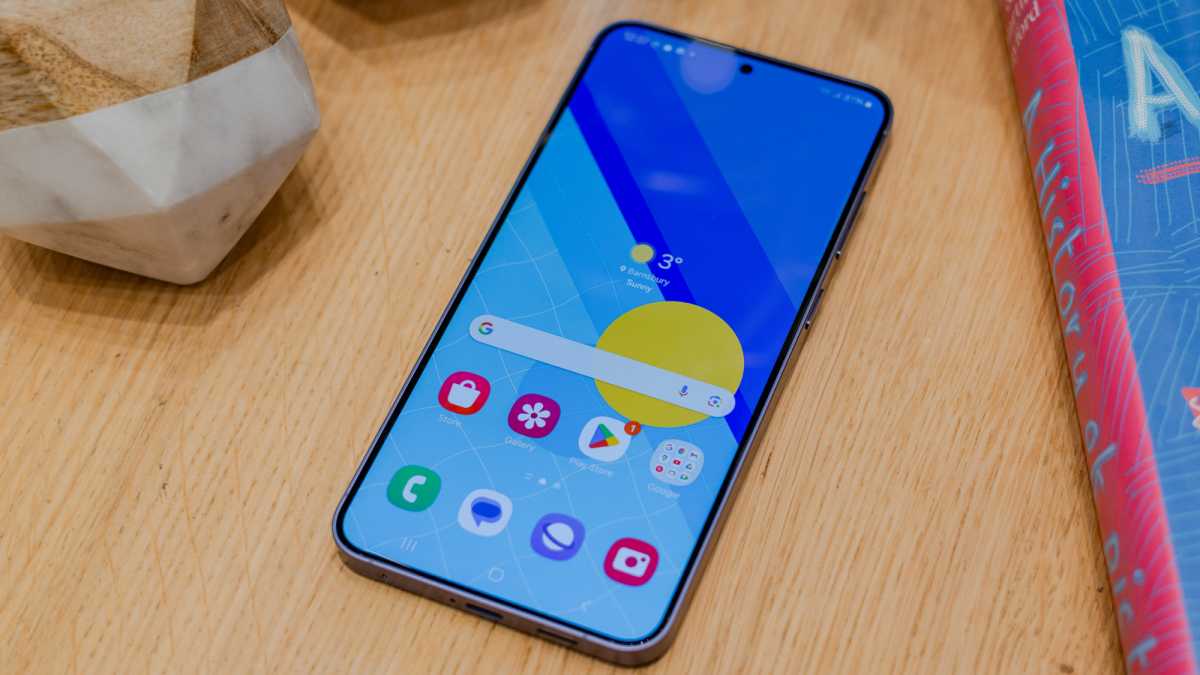
Samsung’s Galaxy phones use an Android skin called One UI
Dominik Tomaszewski / Foundry
How long updates take to arrive on a device can vary by manufacturer, the class of device (i.e. budget, mid-range or flagship) and in some cases, carrier involvement.
However, manufacturers will typically support higher-end Android devices for longer. It’s usually at least a couple of years after release. However, some manufacturers, like Google and Samsung, are now committing up to seven years of support with their flagship devices.
Author: Artur Tomala, Mobile Writer, Tech Advisor

Artur is a Mobile Writer at Tech Advisor, where he covers a range of smartphone, tablet and smartwatch-related topics. He has been working in the tech industry since 2021, including time spent leading a team focused on mobile news, reviews and product rankings. As an ambassador for the productivity app Notion, he runs training workshops and creates advanced templates to help people stay organised and productive.
Recent stories by Artur Tomala:
- How to set up a new Android phone
- Samsung Galaxy A26: Everything you need to know
- What is an eSIM and how does it work?
