That’s a cheaper way of expanding an Eero network than buying extra units, especially if you already own compatible Echo devices.
It’s taken a full year to roll this capability out beyond the US and Canada, but now those in the UK can join in on the fun.
Which Echo speakers can work as Eero mesh extenders?
Any fourth- or fifth-generation Echo will work. That means the following devices:
- Echo (4 th gen)
- Echo Dot (4 th gen)
- Echo Dot with Clock (4 th gen)
- Echo Dot (5 th gen)
- Echo Dot with Clock (5 th gen)
They all have “Eero Built-in” which means they can use Eero’s TrueMesh software to provide a Wi-Fi network up to 1000 square feet (around 93 square metres).
That sounds pretty good, but there are three chief limitations to be aware of:
- Eero Built-in uses 5GHz only , which means devices that work on 2.4GHz and don’t have a 5GHz radio won’t be able to connect to an Echo, and that rules out a lot of smart home kit.
- Eero Built-in offers a speed of up to 100Mbps, which is much slower than the performance Eero systems offer.
- Only 10 devices can connect to each Echo.
Still, if you do have some 5GHz devices that would otherwise have a weak signal, it’s well worth setting up Eero Built-in to extend your Wi-Fi network .
How to set up Eero Built-In on an Echo smart speaker
Update your Eero
Dominik Tomaszewski / Foundry
We’re assuming you already have an Eero mesh system. If not, you’ll need to set that up first – something we’re not going to cover here.
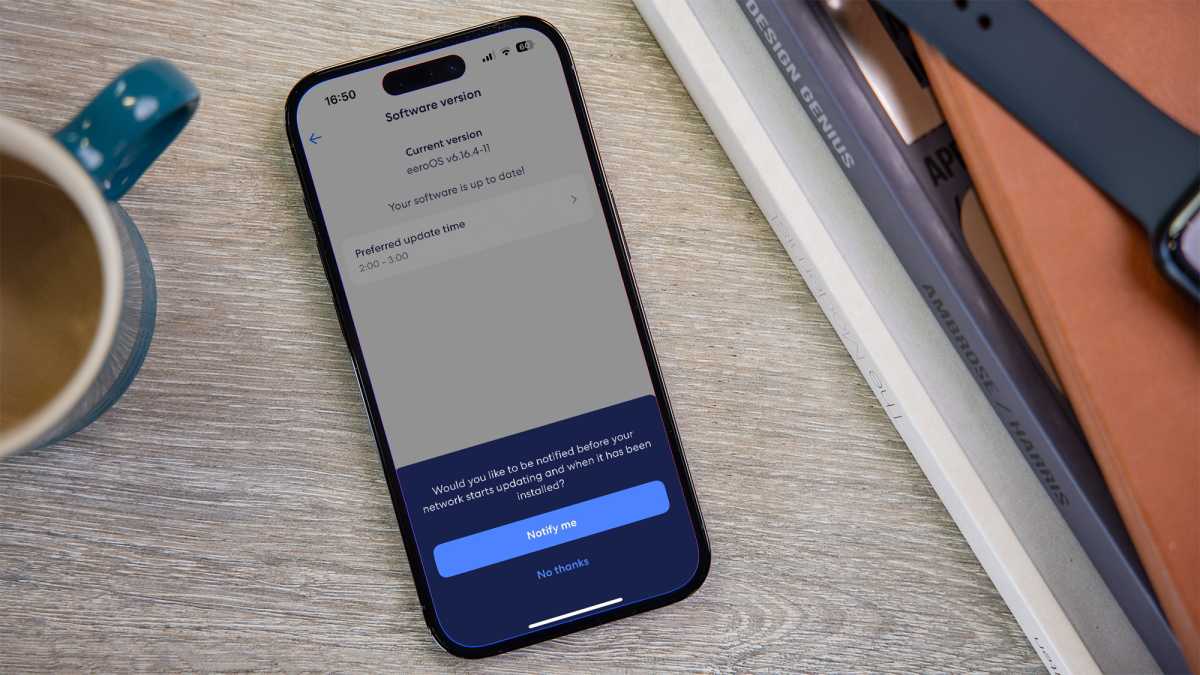
Check to see if there are any updates for your Eero system. To do that, open the Eero app, tap on Settings, then Software version.
You’ll be told if there’s an update, or if everything is already up to date.
Set up your Echo
Dominik Tomaszewski / Foundry
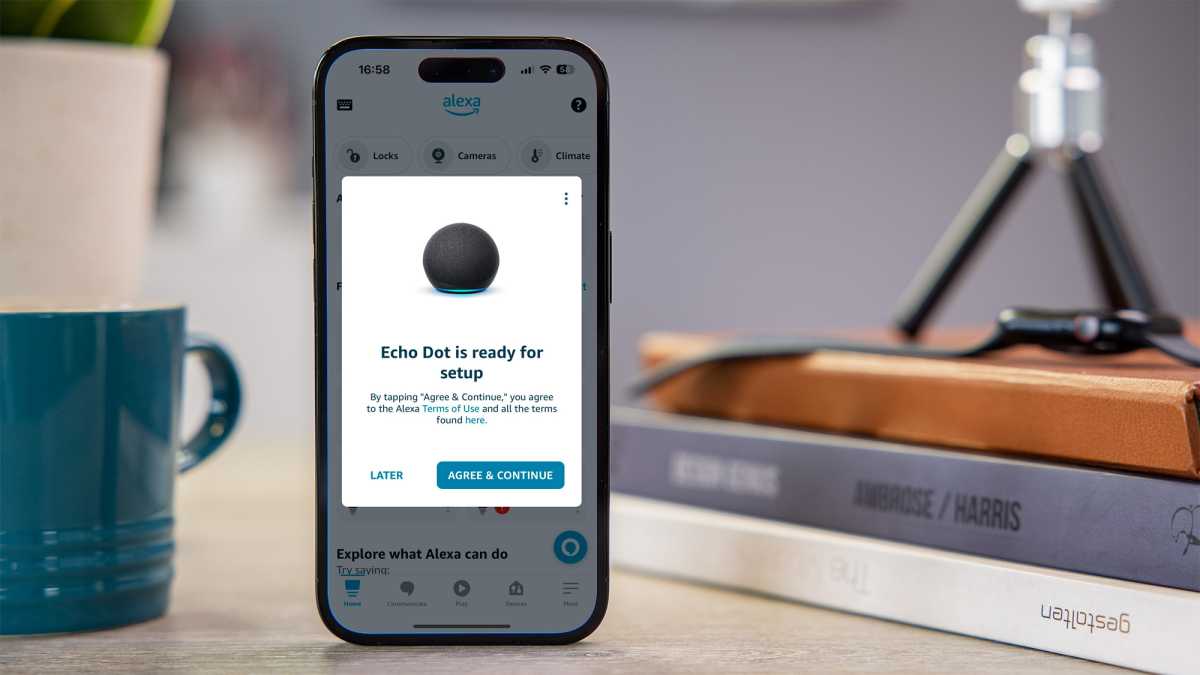
If you’ve bought one specifically to extend your Eero network, set up your Echo speaker. Once plugged in, it will announce that it’s ready for setup.
Just follow the instructions, but make sure you pick your Eero Wi-Fi network when prompted as the Echo needs to be connected to it for Eero Built-in to work.
Dominik Tomaszewski / Foundry
See which devices are working as extenders
Dominik Tomaszewski / Foundry
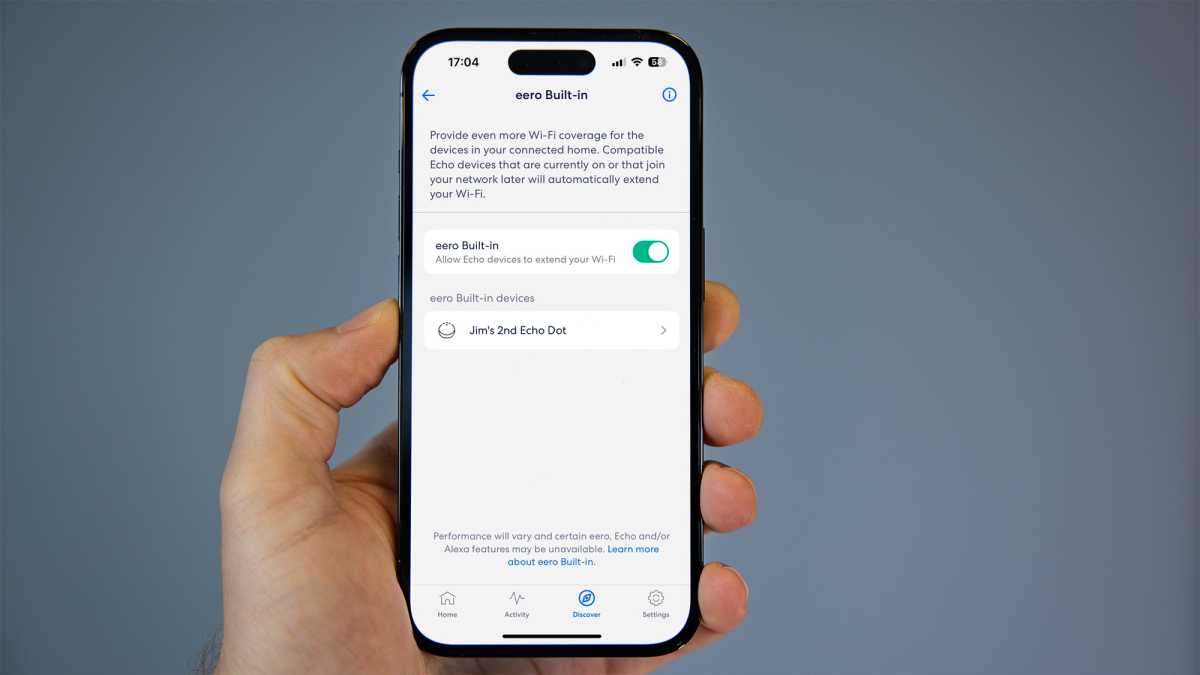
When Eero Built-in is enabled, compatible Echo devices will be used automatically to extend your Eero mesh Wi-Fi network.
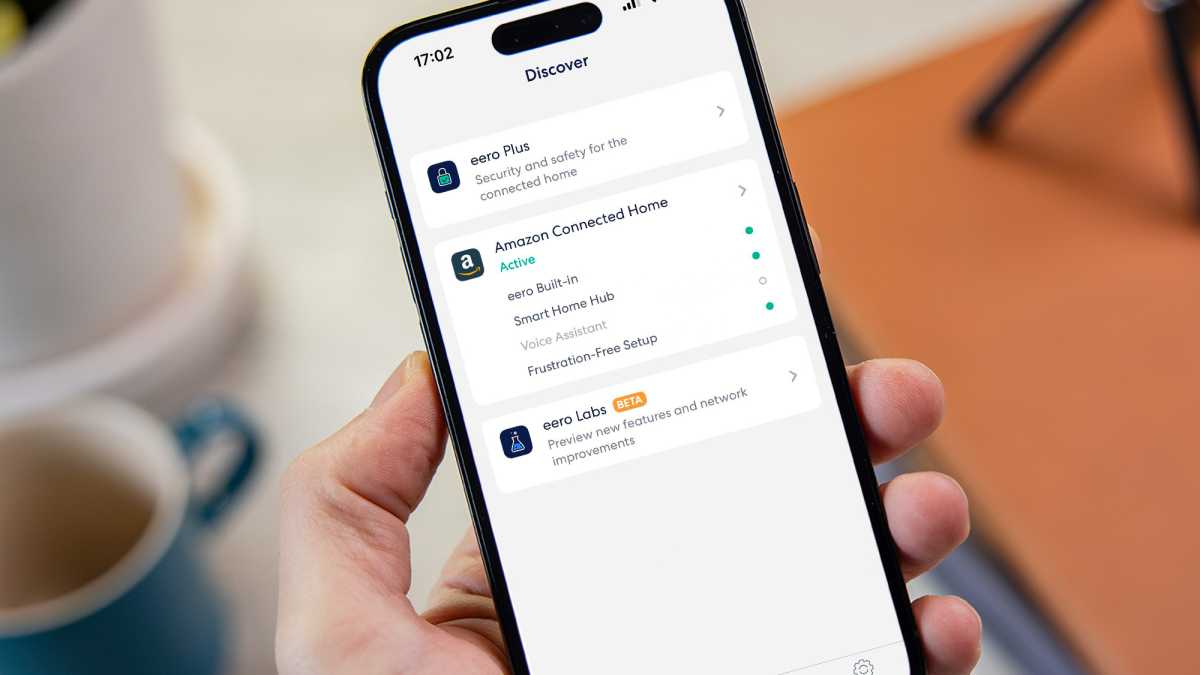
To see which devices have been detected and are being used, tap Discover → Eero Built-in.
You can tap on those to see their status. If they’re already within strong Wi-Fi coverage of your existing Eero network you’ll see a message saying that Eero Built-in has been disabled.
That’s because of those limitations mentioned at the start: the Eero network is the preferable choice for speed and versatility. So if you can, you should move your Echo further away from the nearest Eero device and check again to see if Eero Built-in is enabled.
Author: Jim Martin, Executive Editor, Tech Advisor

Jim has been testing and reviewing products for over 20 years. His main beats include VPN services and antivirus. He also covers smart home tech, mesh Wi-Fi and electric bikes.
Recent stories by Jim Martin:
- The best ethernet cables to buy
- Best Wi-Fi routers 2024: Upgrade your network
- How to move a device to a different room in the Alexa app
