There are now a plethora of messaging apps to choose from, and using all or even several of them at the same time can be frustrating. Constantly jumping from one app to another and managing messages in them over time can simply become tedious.
Thanks to new app Beeper , you can now bring all your chats from multiple apps into one place, recalling the glory days of BlackBerry Hub.
And yes – it means you can get iMessage working on an Android phone, or on any other platform for that matter. As long as you are signed into iMessage on one device, the messages will be delivered to any other device signed into Beeper.
But how exactly does it work? Here’s our full guide.
What is Beeper?
Artur Tomala / Foundry
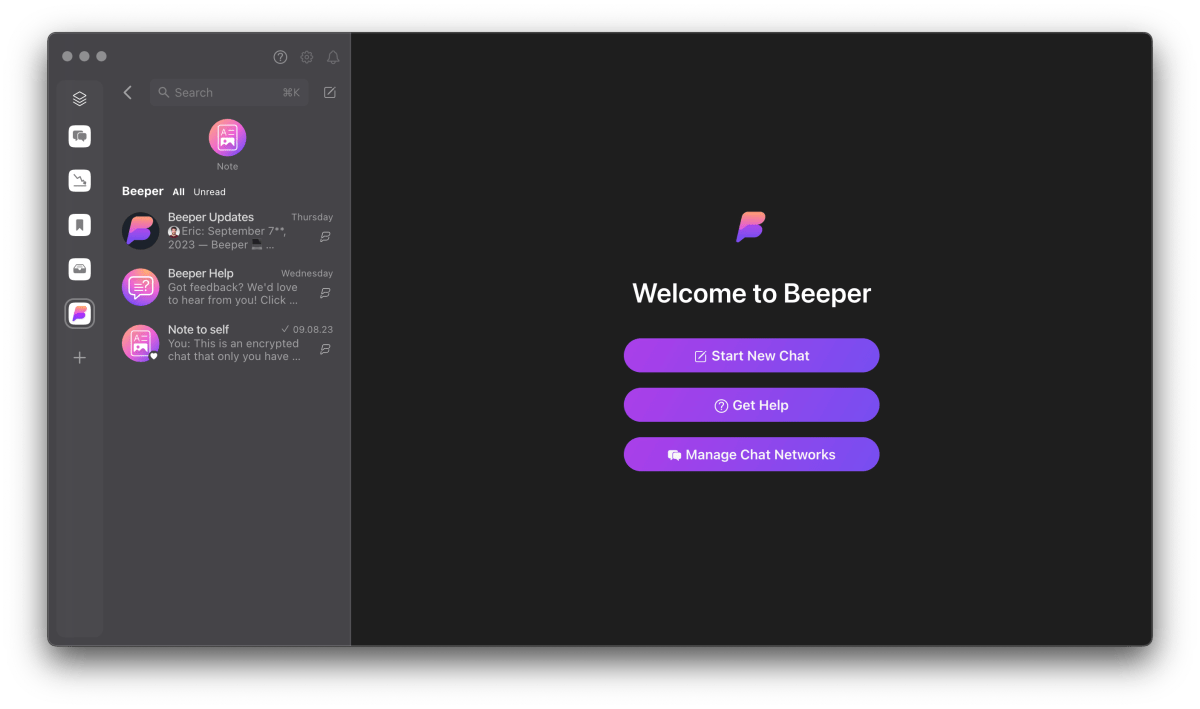
Beeper is a universal app for sending and receiving messages by linking to 15 different apps, such as Facebook Messenger, WhatsApp, Instagram, and even iMessage. Yes, you can get iMessage on Android or Windows!
Beeper acts like a bridge and allows you to collect and manage all your chats in one place.
Beeper is available on many platforms, including macOS, Windows, iOS, Android, Linux, and Chrome OS and syncs simultaneously across all your devices. A web application is also planned, but is not available at the time of this writing.
How to set up Beeper
Artur Tomala / Foundry
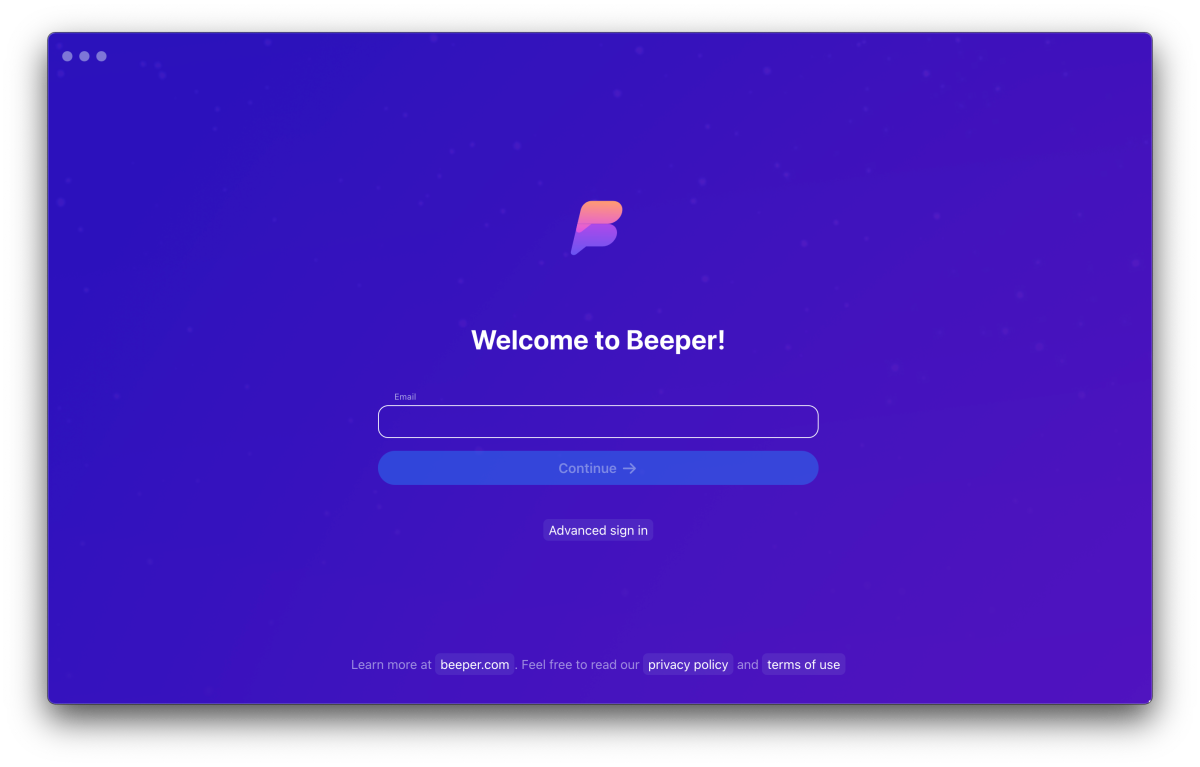
If you have received an invitation, download Beeper to your computer and log into the app, then enter the required details to set up your account. You will then receive a Recovery Code, which will be used to recover your account if you forget your password and allow you to log in on other devices. Be sure to save it in a safe place.
Artur Tomala / Foundry
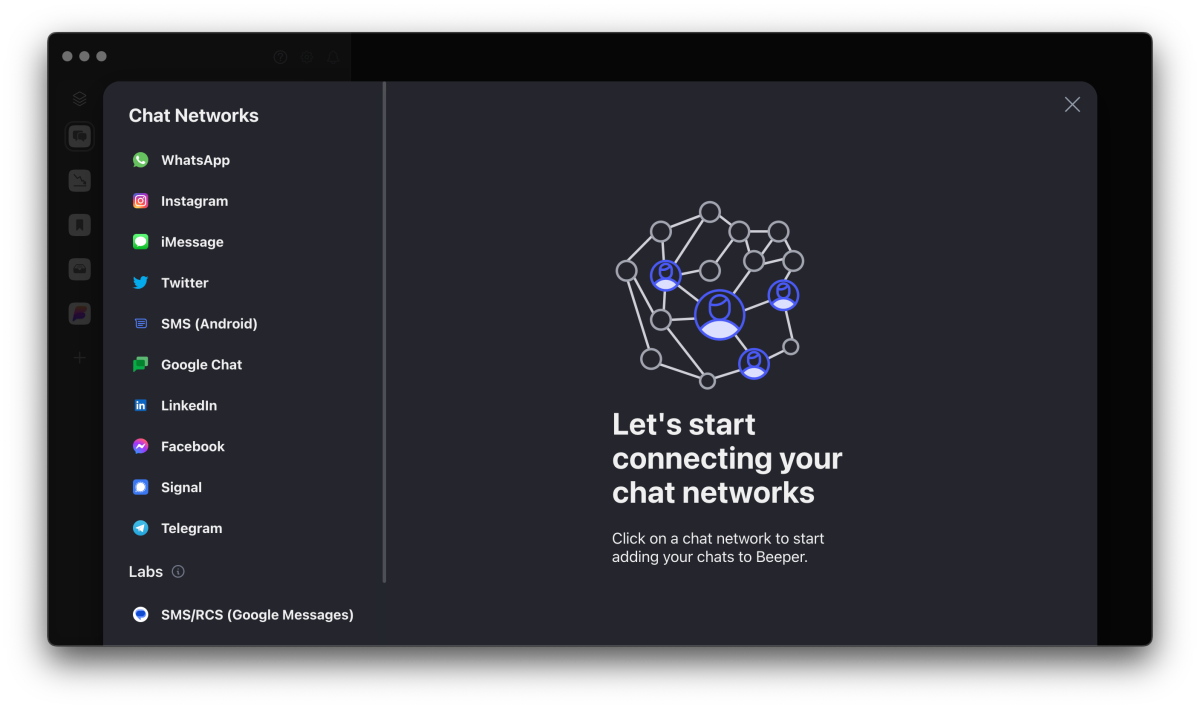
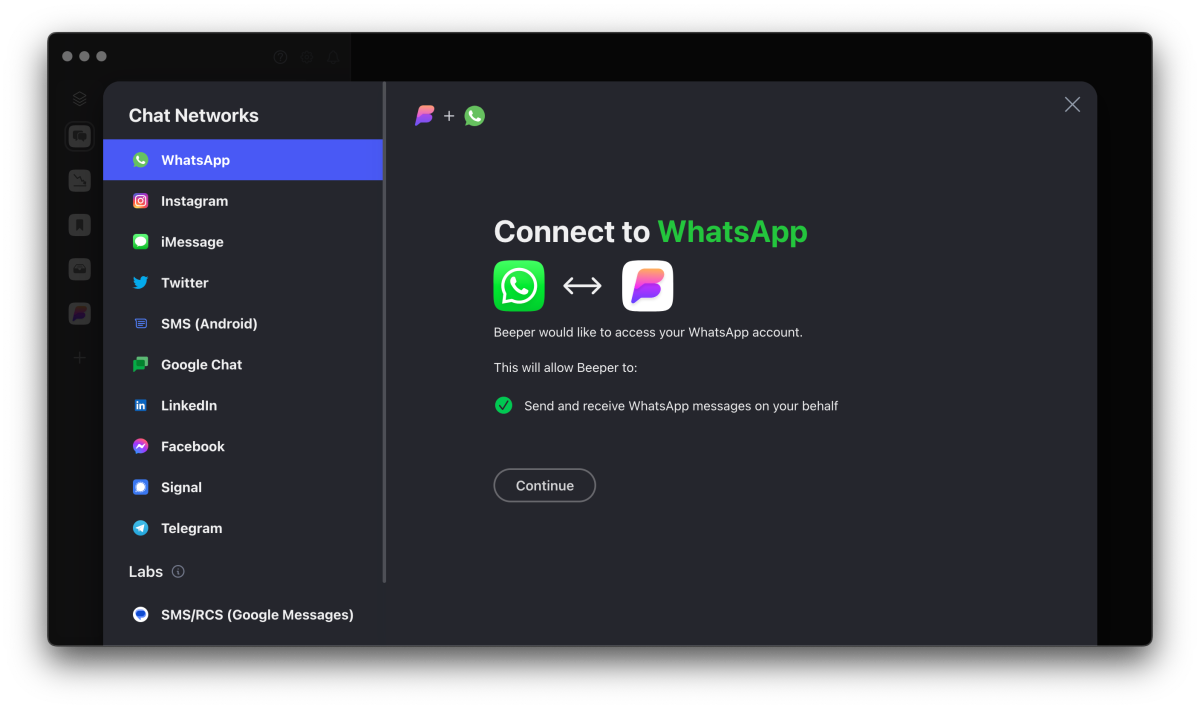
You will then be able to select from a list of messaging apps the ones you would like to use with Beeper. Simply select the app in question, log into it and authorise the process. Each has a slightly different way of doing it, but they are all simple and straightforward.
If everything goes through successfully, messages from other apps will be available in Beeper. You can always add new connections later by clicking the ‘+’ icon on the left-hand side of the app next to the chats.
The final step is to install a mobile version as Beeper works across iOS and Android. The app is available on both the App Store and Google Play Store. Simply download it and log in using the email assigned to your account. It is good practice to disable notifications from other apps so that they do not duplicate those that Beeper will send.
How to use Beeper
Artur Tomala / Foundry
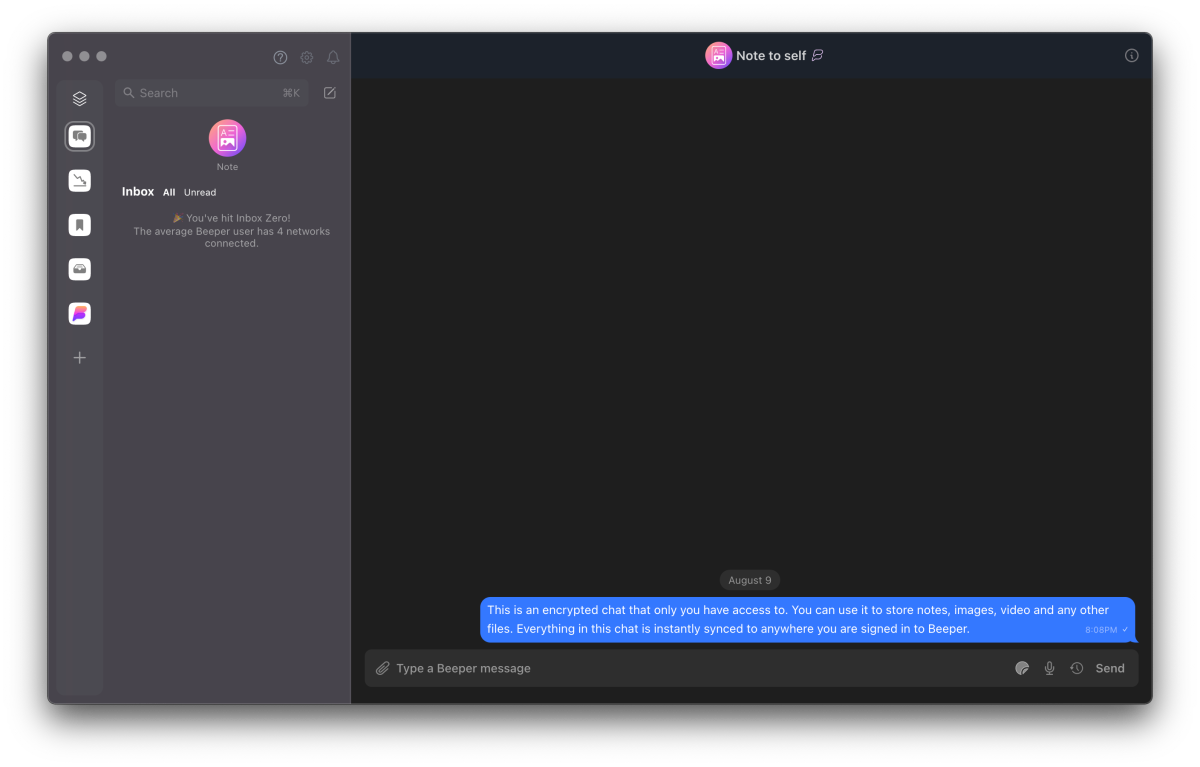
Using Beeper in practice is exactly the same as for other messaging apps. All the chats from other apps are displayed on the left-hand side, and each one additionally has a small icon of the one it came from. All you have to do is tap or the relevant chat and start chatting. That’s it, simple and intuitive. No more hopping between messaging apps.
Beeper has a search engine to help you find the right chat or a specific message. In addition, each chat can be marked as low priority, bookmarked or archived. You can also use the ‘Note’ option, which allows you to create an encrypted chat that only you have access to.
iMessage on Beeper
If you are fed up of being left out of the group chat, you can set up iMessage using Beeper even if you don’t own an Apple device. You can sign into to the iMessage tab in Beeper using an iCloud account and your Apple ID, so you will need one of those.
Messages you send from the iMessage client within Beeper will come from your Apple ID email address rather than a phone number, but it gets you in the blue bubble world!
Is Beeper free to use?
Artur Tomala / Foundry
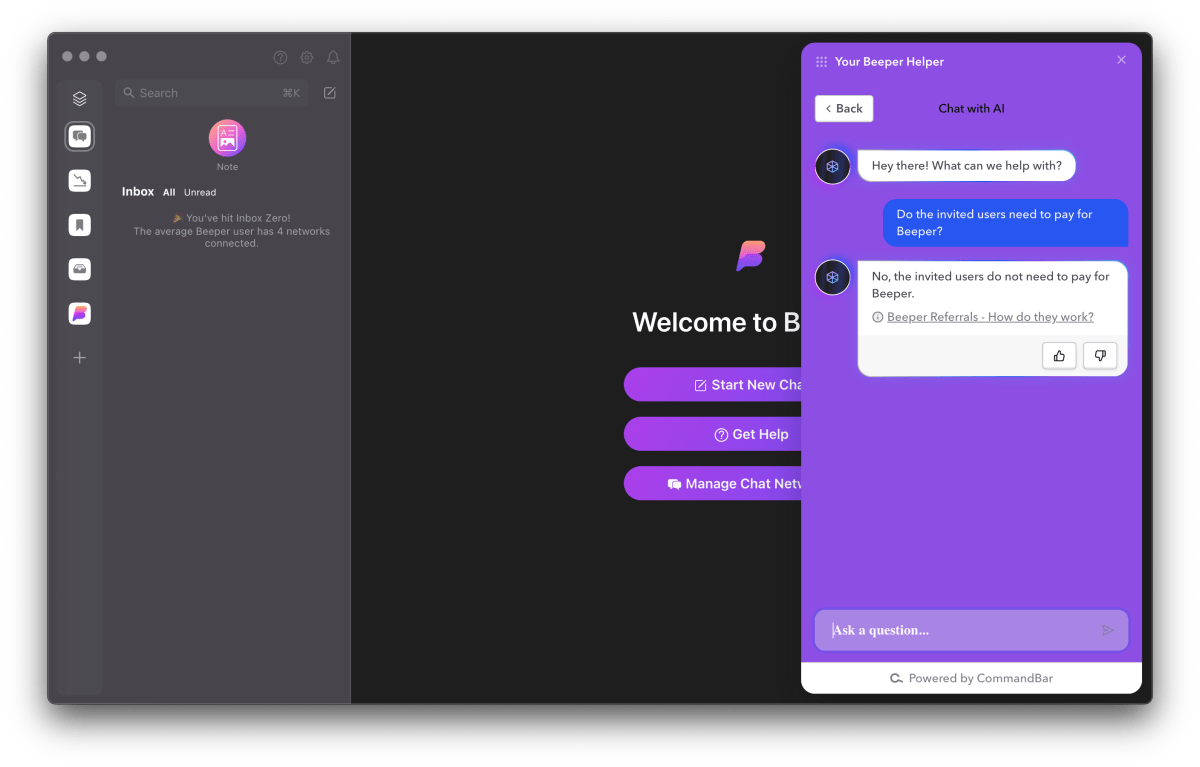
For the moment, all invited users don’t need to pay for Beeper and have access to all additional Beeper Plus features for free, as part of a closed beta. Additional features include larger chat history backup, access to unlimited network connections, and more.
Is Beeper secure?
Artur Tomala / Foundry
Beeper serves as a bridge between all your messaging apps, which is not as secure as using these apps directly. You are giving that app permission to receive and send messages through it, to use your user data. This, in turn, may involve less security, especially for apps that use end-to-end encryption, such as WhatsApp.
Beeper states that it cannot come into possession of your messages and the files you send or receive, but the risk of these coming into the possession of third parties should always be taken into account. Especially now that the app is still in closed beta.
Author: Artur Tomala, Mobile Writer, Tech Advisor

Artur is a Mobile Writer at Tech Advisor, where he covers a range of smartphone, tablet and smartwatch-related topics. He has been working in the tech industry since 2021, including time spent leading a team focused on mobile news, reviews and product rankings. As an ambassador for the productivity app Notion, he runs training workshops and creates advanced templates to help people stay organised and productive.
Recent stories by Artur Tomala:
- How to set up a new Android phone
- When will my Samsung Galaxy phone get One UI 7?
- How to get One UI 7 on your Samsung Galaxy phone
