It used to be DVDs and now it’s on-demand movies streamed online , but all of us will have at some point sat down with friends to enjoy a film. During lockdown, doing so is tricky – but not impossible.
Netflix Party ( now known as Teleparty ) is a Chrome extension that allows you to watch the same film as your friends at exactly the same time and chat onscreen while you do so. If you’re the kind of person who can’t watch a film without discussing the plotline it could make nights in alone much more sociable.
Another down side to Netflix Party is that all friends must either have their own Netflix account or access to one.
For Netflix Party to work you’ll all need to be running the Chrome web browser and the Netflix Party extension. You will need to use the desktop version of Chrome, since extensions aren’t supported on mobile versions. That means you can’t watch on your iPad, iPhone or on Android.
To get started with Netflix Party head to netflixparty.com and click the Install Netflix Party. Click Add to Chrome in the next screen – you’ll notice an NP icon appears at the top right of your browser window.
Now open Netflix and begin playing a film. Click the TP icon at the top of the window. By default everyone invited can control the Netflix Party, but you can change this by ticking the box. To start the Netflix Party click Start the party.
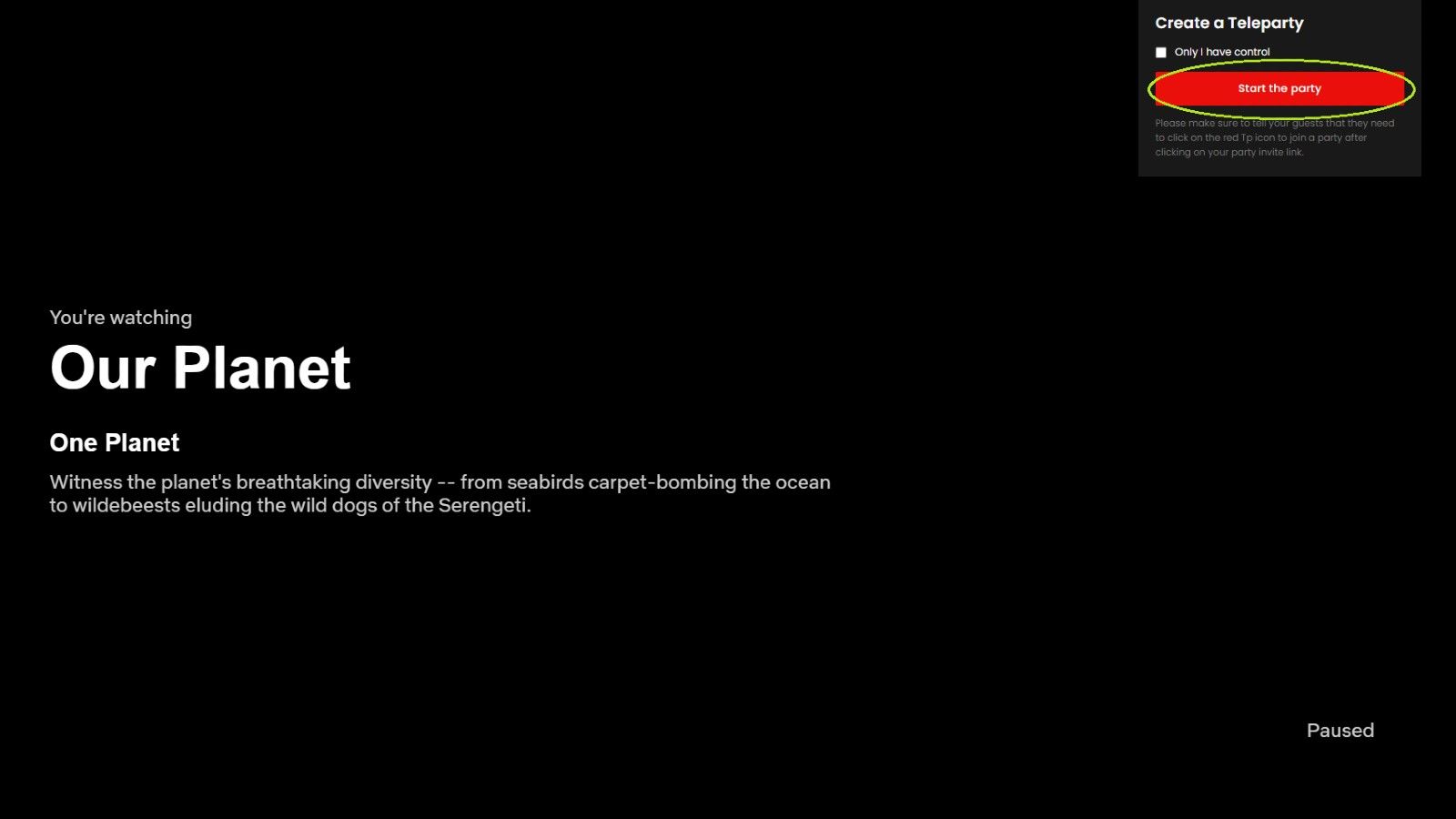
This pop-up will now offer a shareable link that you can send to your friends. Click Copy URL to add it to your clipboard, then paste it into an email or instant message to your friends.

You and your friends can chat with each other simply by typing into the field to the right of the movie and hitting Enter.

To end the Netflix Party click on the TP icon again and choose Disconnect.
For further Netflix tips, check out how to remove series and movies from your ‘Continue Watching’ list .
Author: Marie Black, Global Director of Content Operations, Foundry

Marie is Global Director of Content Operations at Foundry. A Journalism graduate from the London College of Printing, she’s worked in tech media for 20 years. These days she is focused on refining editorial processes and workflows, and on our evergreen, transactional and custom content strategy.
Recent stories by Marie Black:
- Smart Answers: GenAI tool makes it quicker and easier to find the info you need on Tech Advisor
- Is WhatsApp down? How to check and fix WhatsApp
- Is Slack down?
