You may have seen lots of photos from Lensa flood your social media recently. Lensa is an AI image generator app that can create what it calls ‘magic avatars’. These are artistic renders of photos that are created from 10-20 selfies that you upload.
The app processes your images to create a series of avatars that look as if they have been hand-drawn by a real-life artist (at least, in theory). Lensa also includes other photo editing tools, including the option to change your background, remove objects and erase blemishes on photos.
If you want to download your own set of magic avatars, we’ve rounded up everything you need to know – including the steps involved, how much it costs and what you should know about how Lensa uses your data: you may want to think twice before using it, or letting your kids use it.
How to generate AI magic avatars on Lensa
- Time to complete: 25 minutes
- Tools required: Smartphone and Lensa app
- Cost: At least $1.99/£1.99
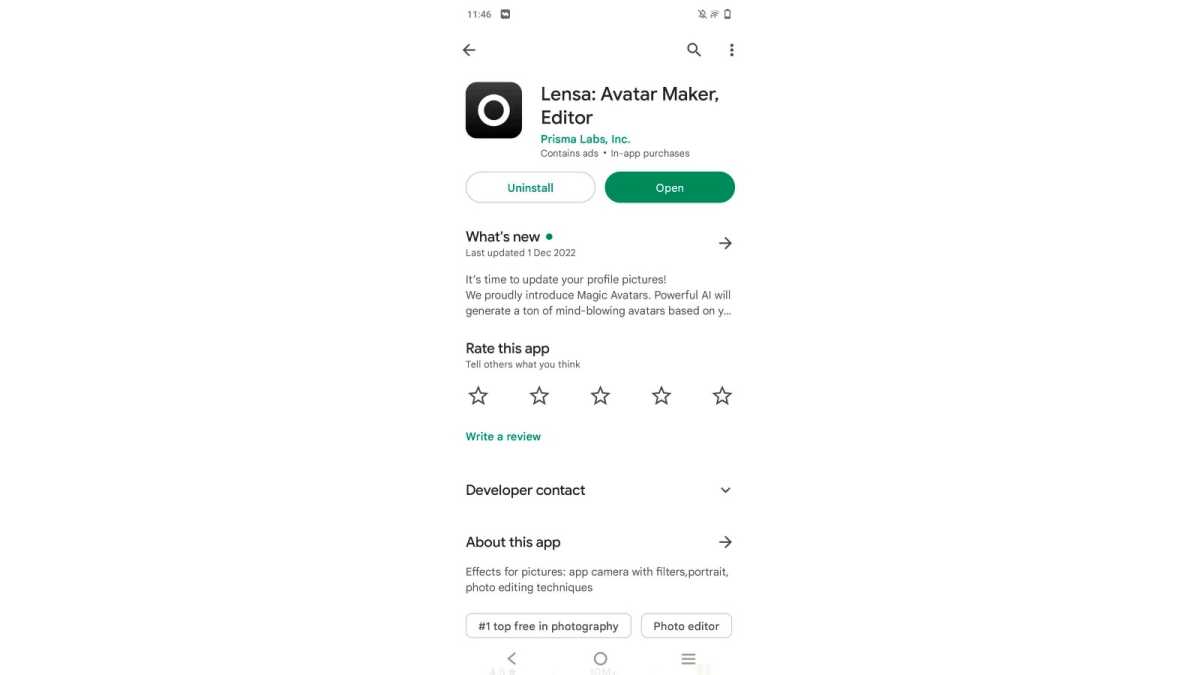
Download the app on iOS/Android
Hannah Cowton / Foundry
The app is available on both the Apple App Store and Google Play , and it is called ‘Lensa: Avatar Maker, Editor’ by Prisma Labs Inc.
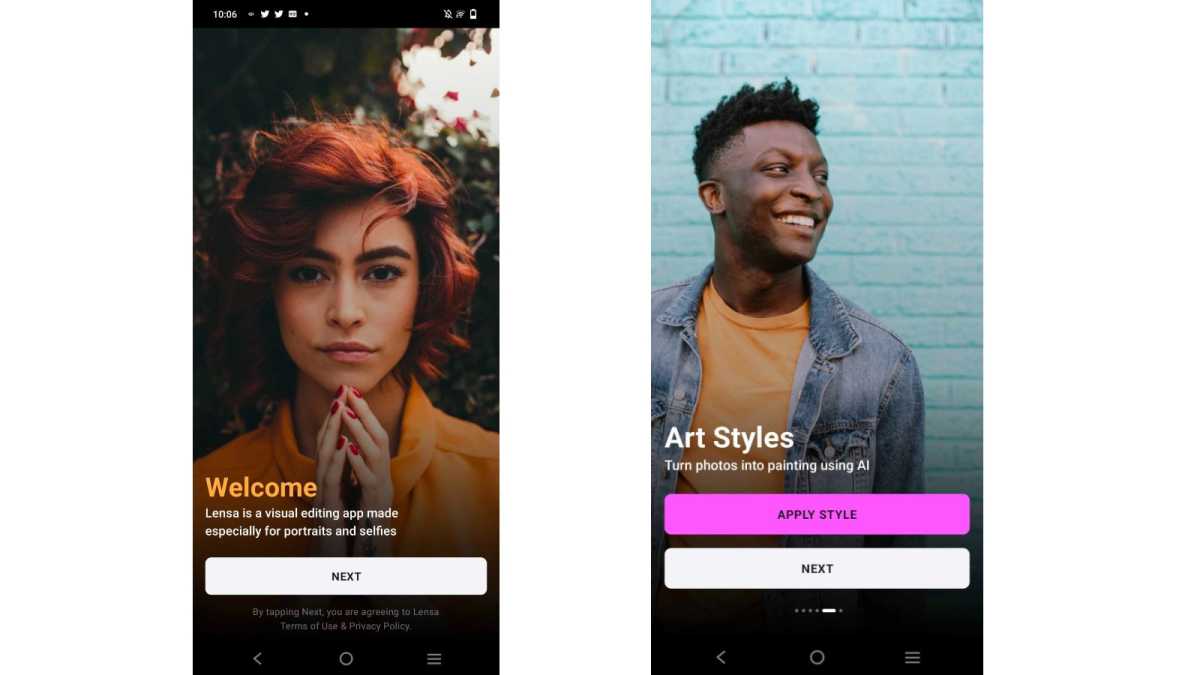
Open the app and tap through the instruction cards
Hannah Cowton / Foundry
A series of cards will display on the screen showing the app’s features. Simply keep tapping ‘next’ to get through to the magic avatars quicker
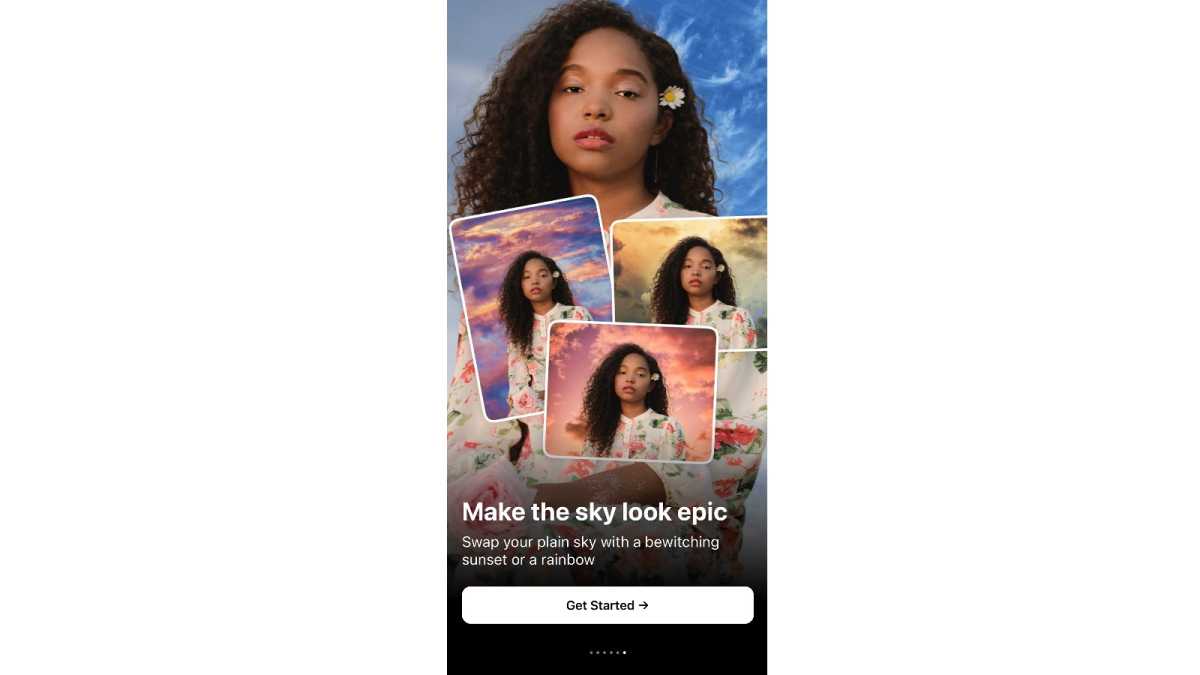
Click ‘Get started’
Hannah Cowton / Foundry
This will start the sign-up process for the app
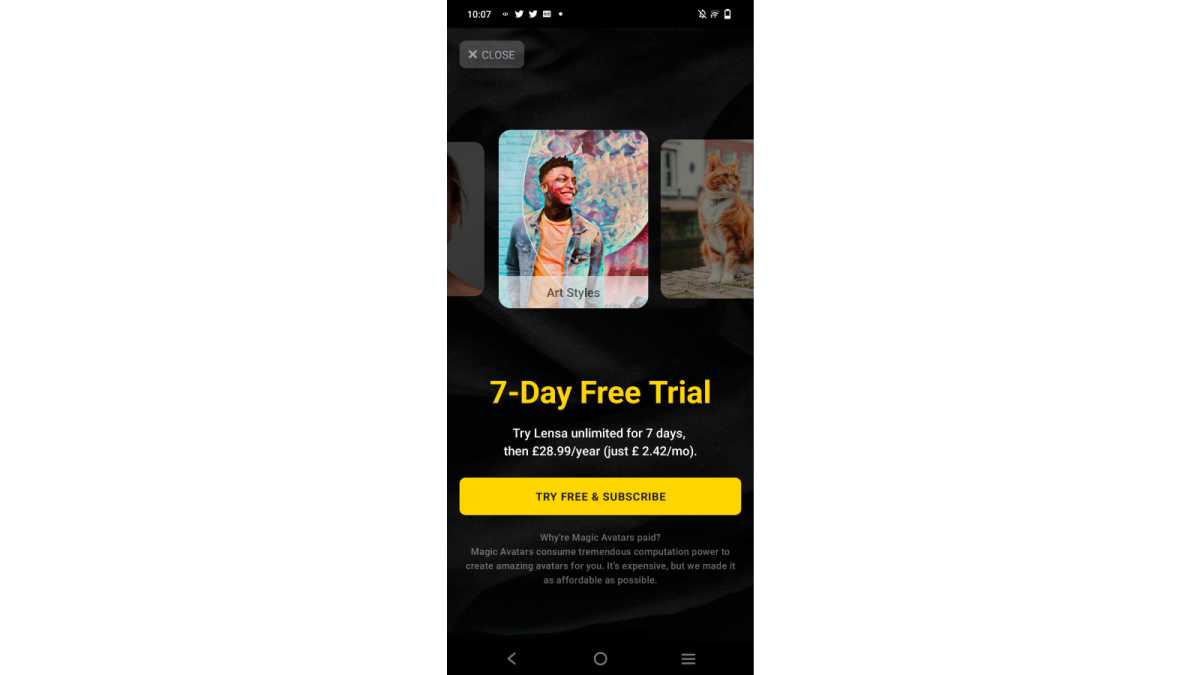
Hannah Cowton / Foundry
You need a subscription to use the Lensa app, but fortunately there is a seven-day free trial for new users. However, make sure you cancel within seven days, or you will be charged $29.99/£28.99
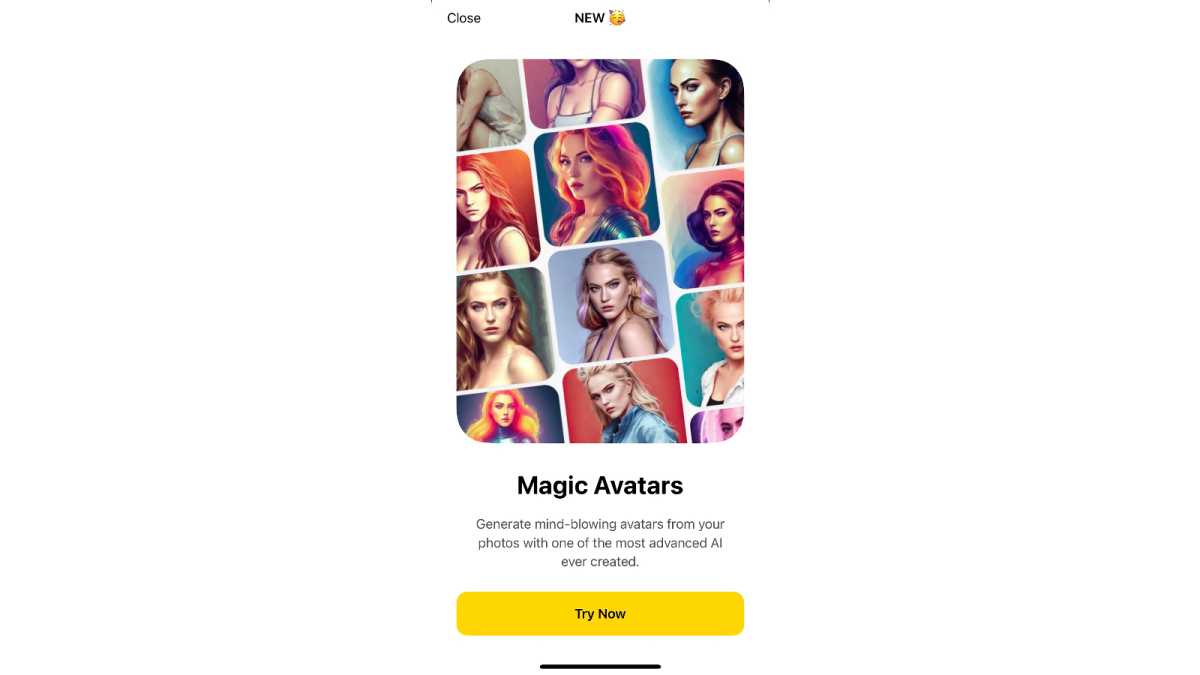
Select ‘Try now’ on the magic avatars card and then ‘Continue’
Hannah Cowton / Foundry
This will take you straight to the magic avatars section, and explain what the feature is all about
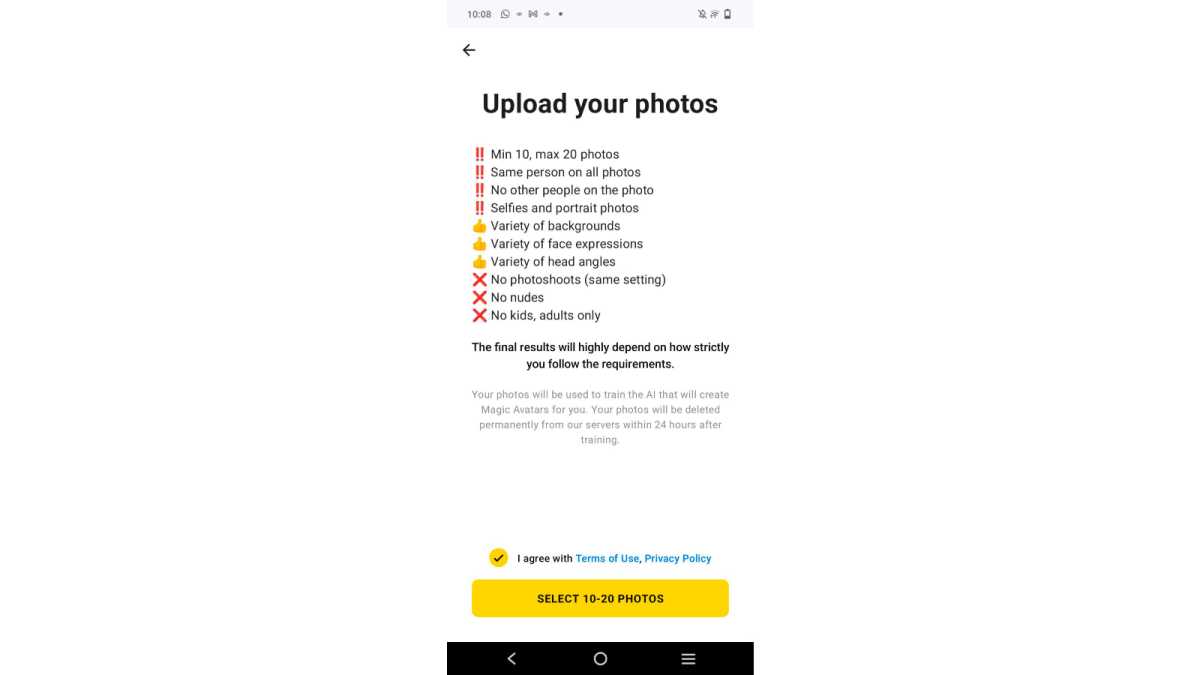
Read the instructions and tap ‘Select 10-20 photos’
Hannah Cowton / Foundry
Try to follow the instructions where possible, as otherwise the app may generate some strange photos. For example, I accidentally included a full body shot, which ended up generating drawings of me with more than two legs (very disturbing)
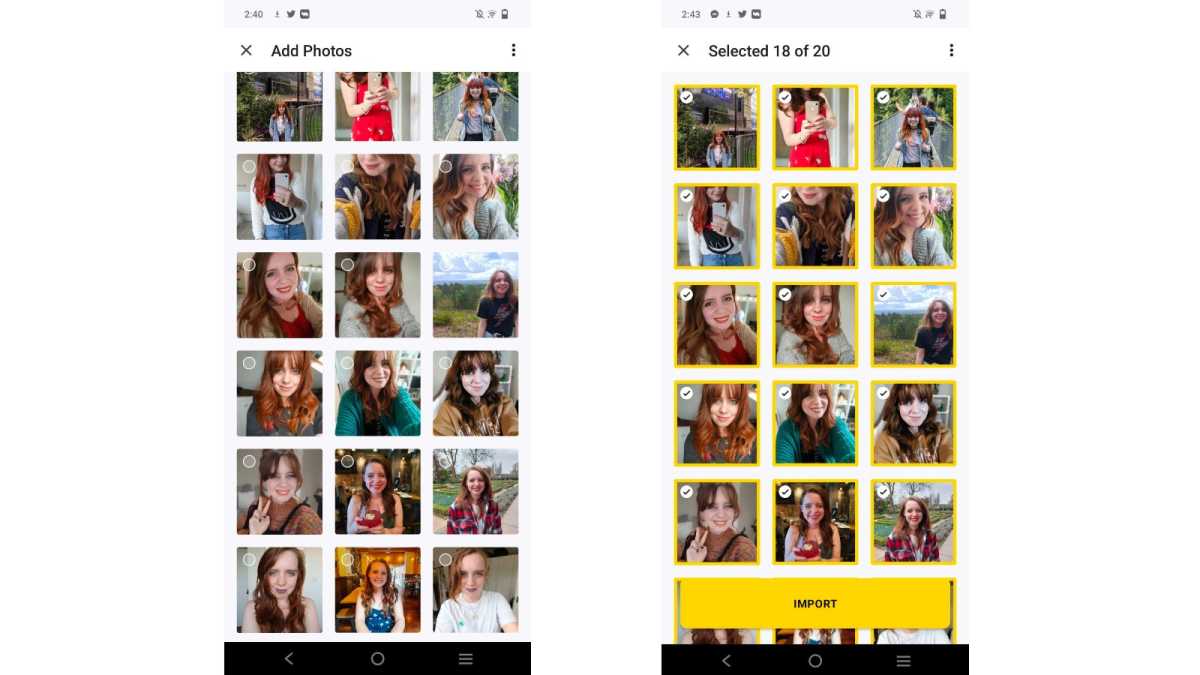
Select 10-20 images of yourself and import them
Hannah Cowton / Foundry
You will need to select a minimum of 10 before the yellow ‘Import’ button will appear
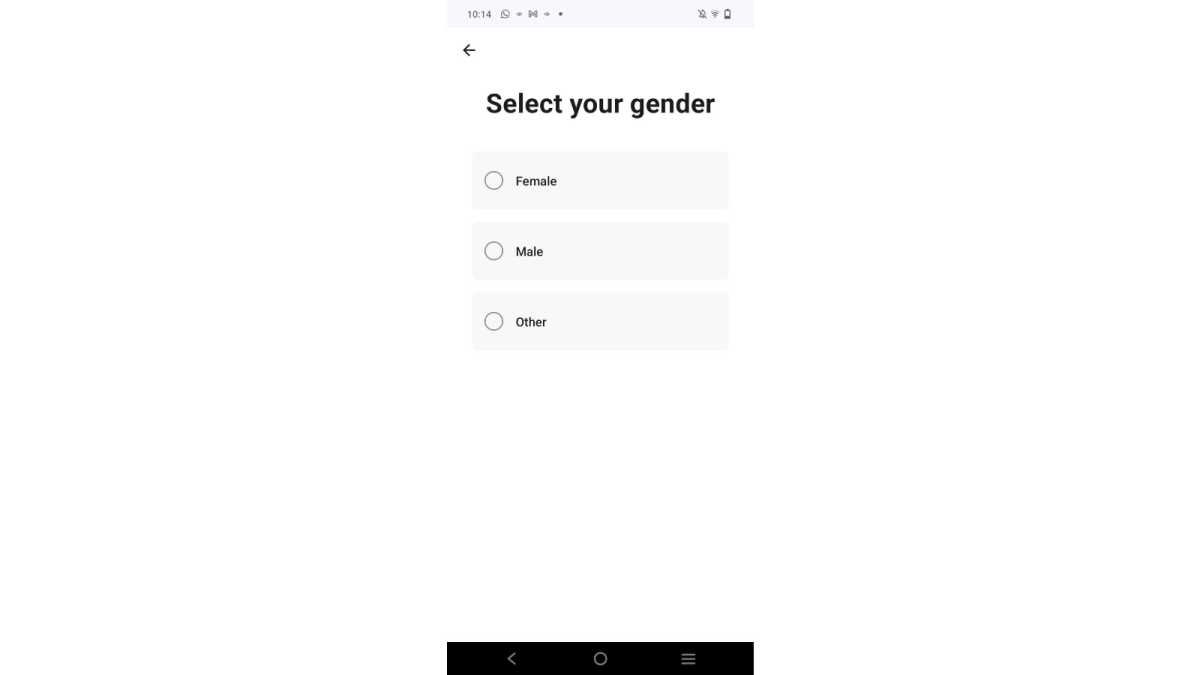
Select your gender
Hannah Cowton / Foundry
This should influence the types of photos that the app produces
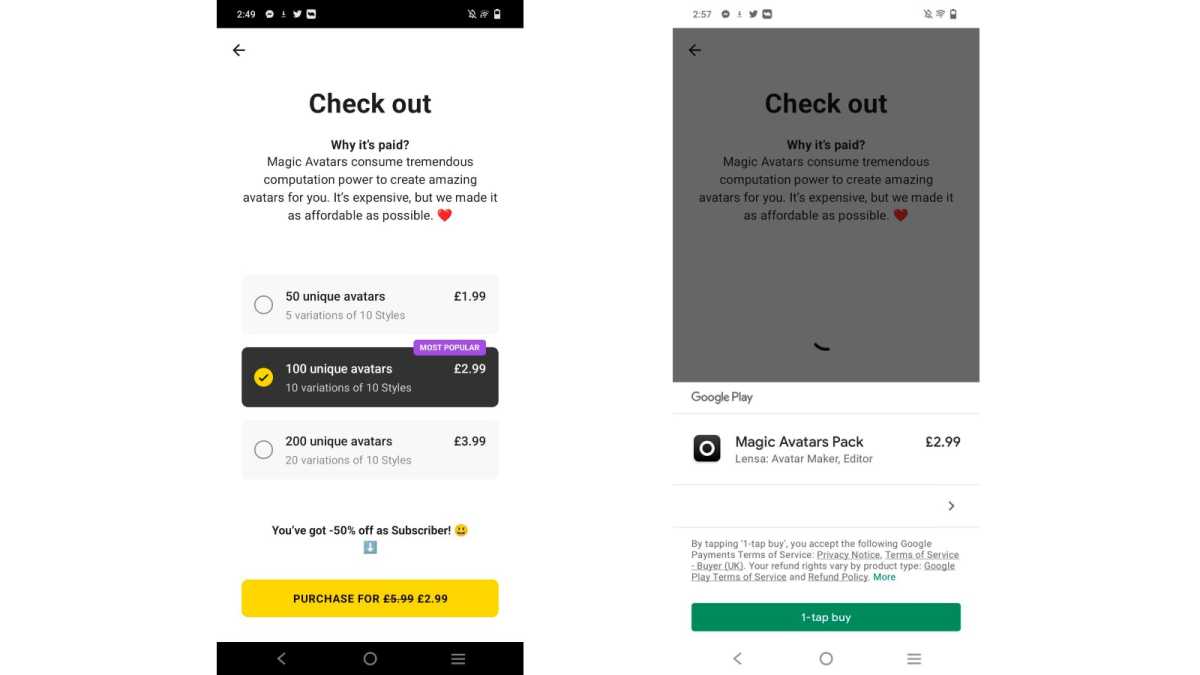
Choose how many avatars you want to purchase
Hannah Cowton / Foundry
The cheapest option is 50 for $1.99/£1.99, but you can also get 100 or 200. You may need to confirm your purchase via your iOS/Google Play account
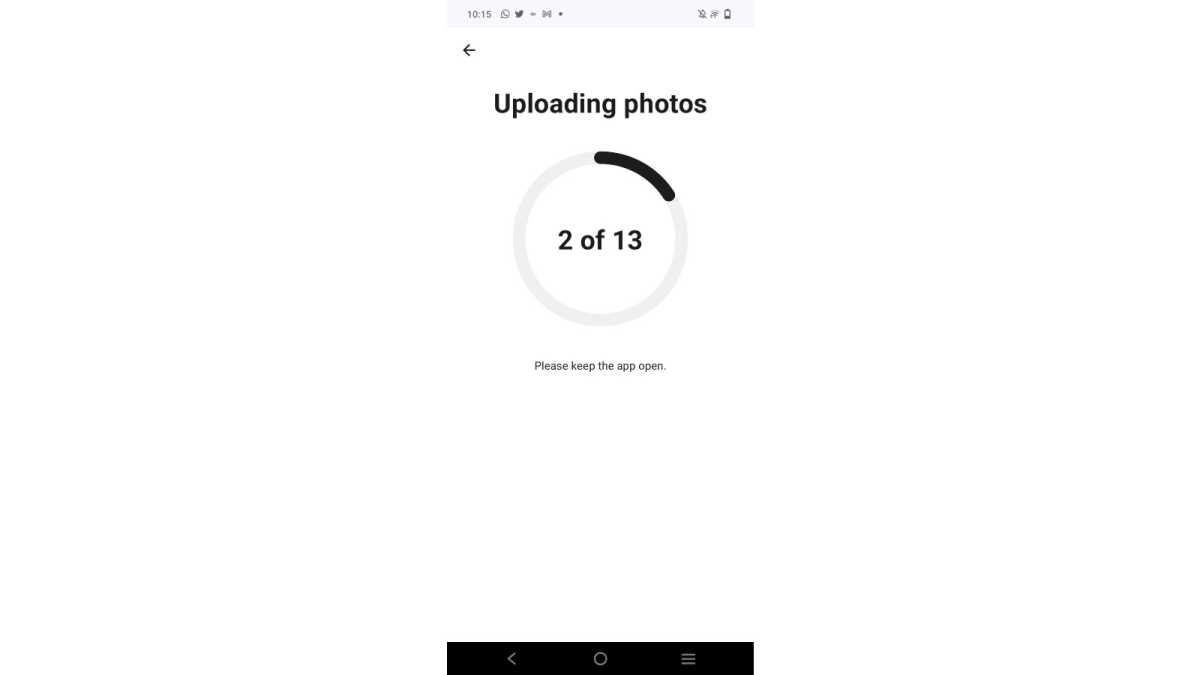
Wait for the Lensa app to upload your photos
Hannah Cowton / Foundry
Make sure that you keep the app open on your phone whilst this is in progress
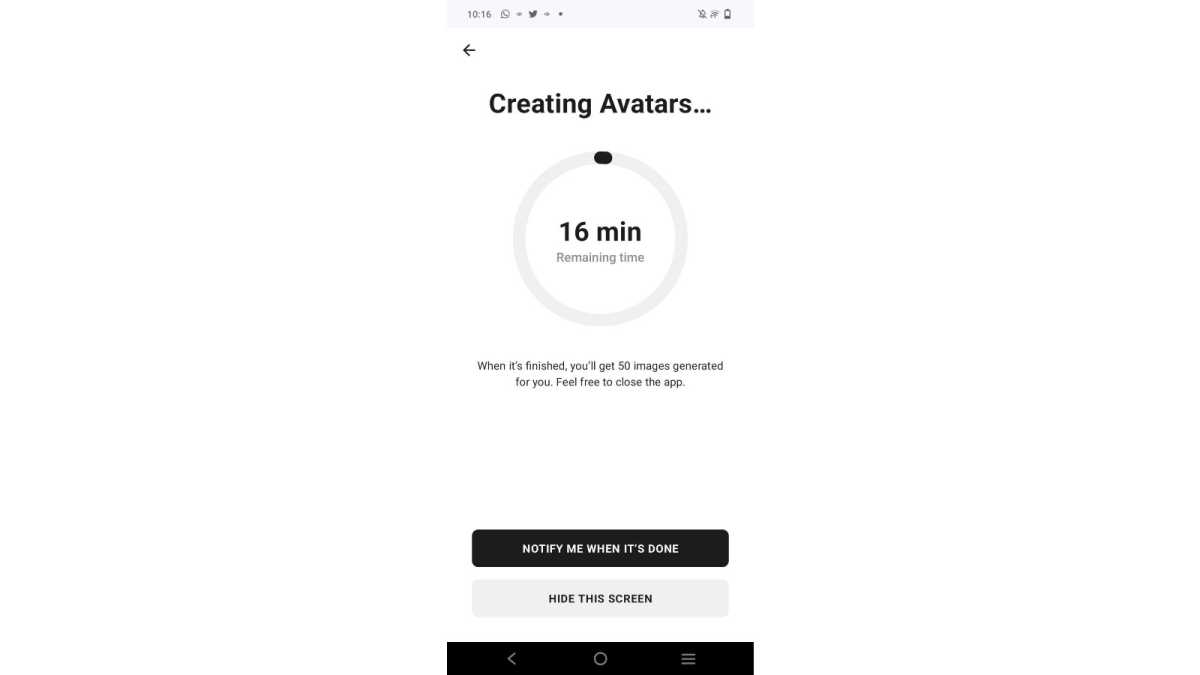
Allow the Lensa app to process the photos
Hannah Cowton / Foundry
Now the app will start to create the AI processed images. This took around twenty minutes for me, but the app can run the background whilst you do other things
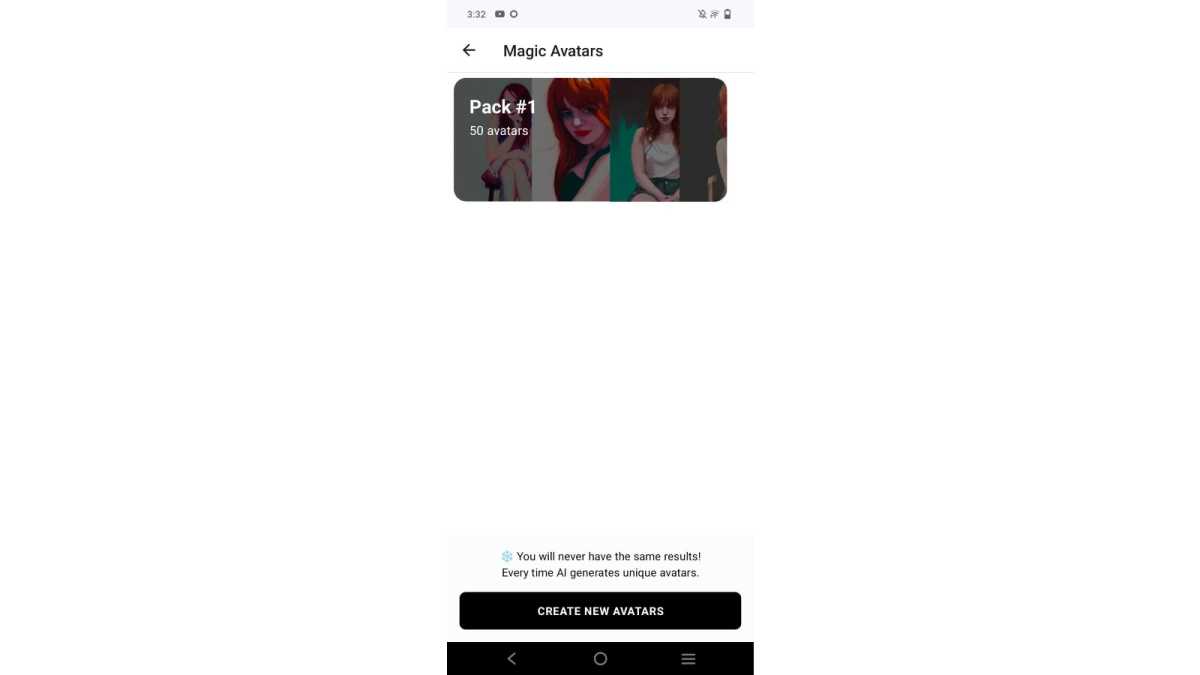
Open the app and select ‘Magic avatars’, and then click on your newest pack
Hannah Cowton / Foundry
Tap on your pack of avatars once it shows up on the screen
Browse through your avatars and save the ones you like
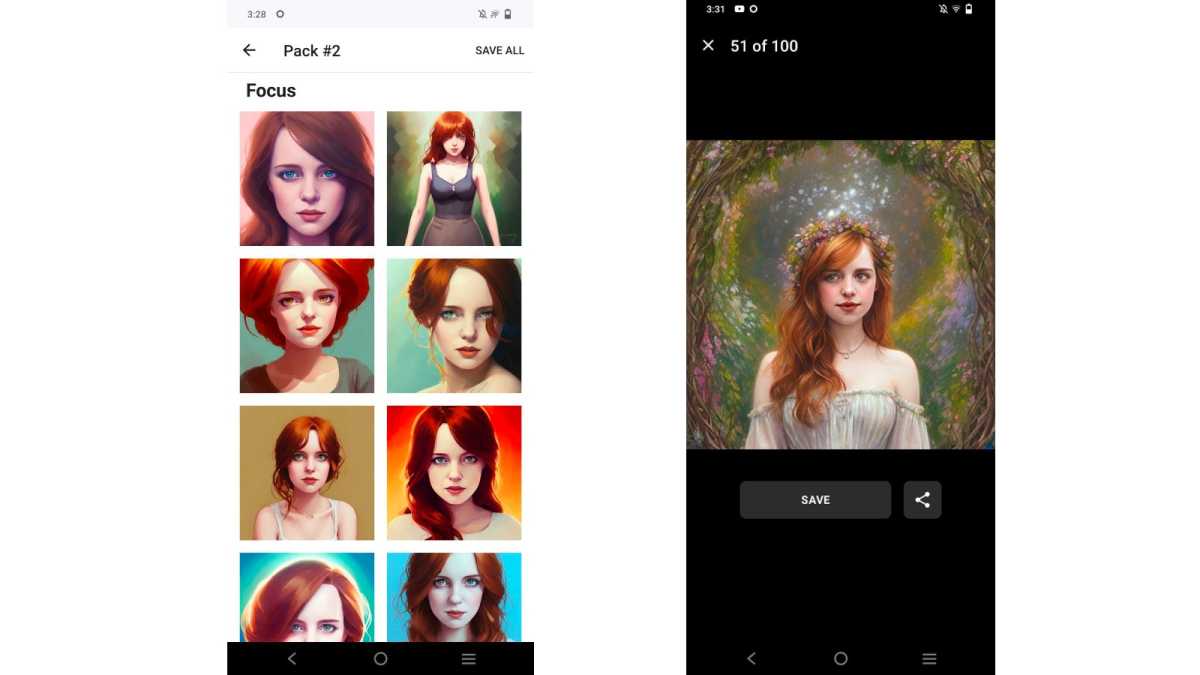
Hannah Cowton / Foundry
The AI produces numerous different styles including Pop Art, Fantasy, Anime and more. You can either download and select photos individually by tapping on them, or select ‘Save all’ in the top right-hand corner
Can you get the Lensa magic avatars for free?
Sadly, no. Whilst the subscription offers a free seven-day trial for new users, you will still have to pay at least $1.99/£1.99 for the avatars.
Make sure you don’t pay more than you need to by cancelling your free trial before you are billed for a subscription.
You can do this by tapping on the settings cog wheel on the top left-hand side of the app, and then selecting ‘Manage plan’.
If you’re looking for a free alternative and you don’t mind something that uses one specific image rather than numerous, then Prisma is one to consider. Whilst it will encourage you to pay, you can just ignore the prompts. This is available on iOS and Android .
Is it safe to use the Lensa app?
There have been some safety concerns over Lensa, specifically how it stores and uses your data. Your face is a form of biometric data, like a fingerprint. And allowing an app to have multiple photos of it can be a risky business. This is what you should know.
Wired emailed the CEO and cofounder of Prisma Labs, Andrey Usoltsev, who provided the following statement on storing images of its users:
Lensa uses a copy of the Stable Diffusion model and teaches it to recognize the face on the uploaded images in each particular case. This means there is a separate model for each individual user. The user’s photos are deleted from our servers as soon as the avatars are generated. The servers are located in the US.
Of course, there is no way to know for sure how the data is being stored without an independent organisation verifying it. Otherwise you have to take the company’s word for it that it does what it says.
We spoke to Jake Moore , Global Cybersecurity Advisor at ESET to get an independent take on it:
Similar to apps in the past like FaceApp that requested lots of permissions and access to data for them to function, people need to be very wary of what they are allowing these apps to view, own, share or even profit from. By using Lensa, users will be granting permission to release ownership of the generated photo which will be placed in a database along with other potentially identifiable information such as the user’s IP address and their cookies from the device. This invasive collection of data can be used to refine their algorithms so they can learn a great deal about their users and their corresponding habits. This personal data is often used to micro target users with adverts but it can also become an interesting target for threat actors wanting to get their hands on sensitive and personally identifiable information.
Third, the app advises that you should not upload pictures of children, nor should you upload anything explicit.
Sophia Smith-Galer reported that there have been instances where users, particularly women, have had images generated that are hypersexualised, even when the images uploaded are pictures of the users showing no skin below the neck.
If you have already signed up and are concerned with the possibility of the company retaining any data relating to you, then you can email privacy@lensa-ai.com. Those using the iOS version of Lensa on an iPhone can opt out in the privacy settings within the app. You can also delete any photos you’ve taken within the app settings, but you may also want to delete them from your camera roll and any cloud storage services that the roll automatically backs up to.
- How to create an avatar on WhatsApp
- How to download your Twitter history
- How to post a Collab on Instagram
Author: Hannah Cowton-Barnes, Entertainment Editor, Tech Advisor

As Tech Advisor’s Entertainment Editor, Hannah is the resident expert in all things streaming, film and TV. Before joining Tech Advisor in 2019, she studied Theatre and Performance at the University of Leeds and created a website dedicated to geek culture and lifestyle. She’s also reviewed a whole range of gadgets including flagship smartphones, wearables and styling tools. Outside of Foundry, she’s written freelance pieces for Polygon, Metro and Den of Geek, and is proud to be a Women Techmakers Ambassador for Google.
Recent stories by Hannah Cowton-Barnes:
- When is Black Friday 2025? Early Deals go Live
- I switched from Android to iPhone for the first time, and I need to apologise to Apple
- Do you need an eSIM for Japan? Yes and no
