You might have seen the headlines in 2022 – Zoom shuts down its Chromebook app. Support officially ended in August, before it was fully removed from ChromeOS in February 2023.
So, does that mean you can’t use Zoom on a Chromebook anymore? Absolutely not. The regular Zoom app has been replaced with a PWA (progressive web app), which runs faster and takes up less storage space.
It’s more limited than the Windows or Mac versions, but very easy to use.
How to use Zoom on a Chromebook
The Zoom PWA only works on Chromebooks which include the Google Play Store. To check, search for ‘Play Store’ on your computer, or see the full list of supported devices on the Google website .
Install the Zoom app in the Play Store
Anyron Copeman / Foundry
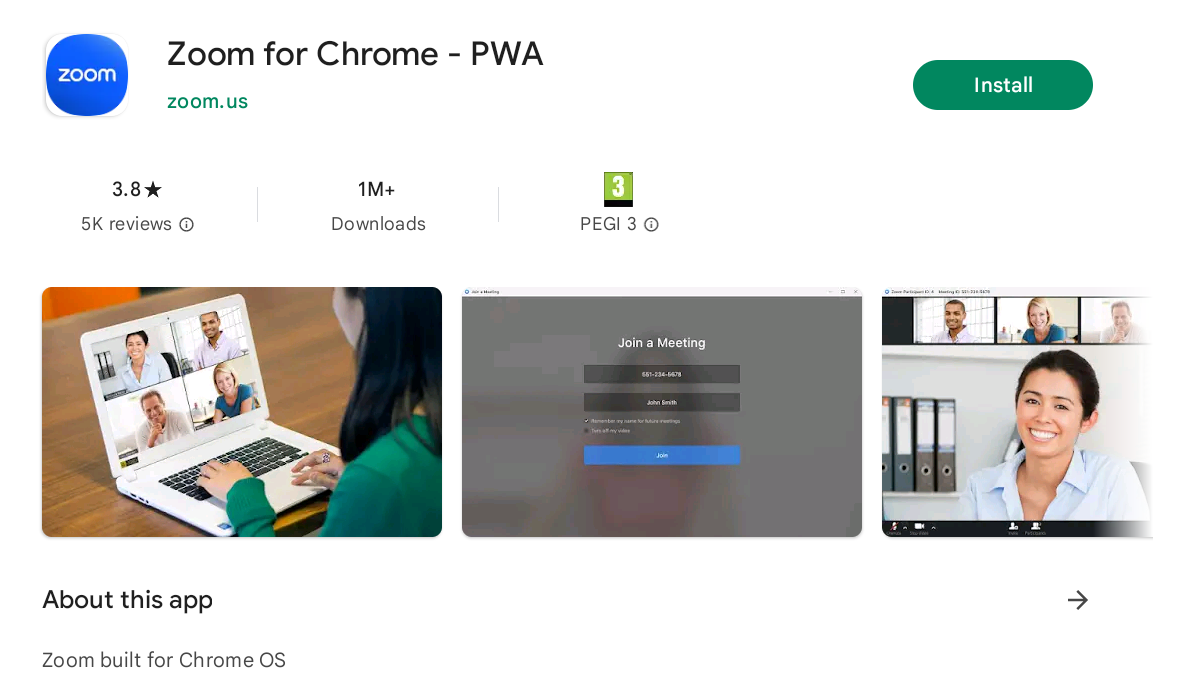
Open the Play Store app on your Chromebook, then type ‘Zoom’ in the search bar and hit enter.
Scroll down until you see ‘Zoom for Chrome – PWA’ and click it. Click the green ‘Install’ button, then again once it becomes ‘Open’.
Anyron Copeman / Foundry
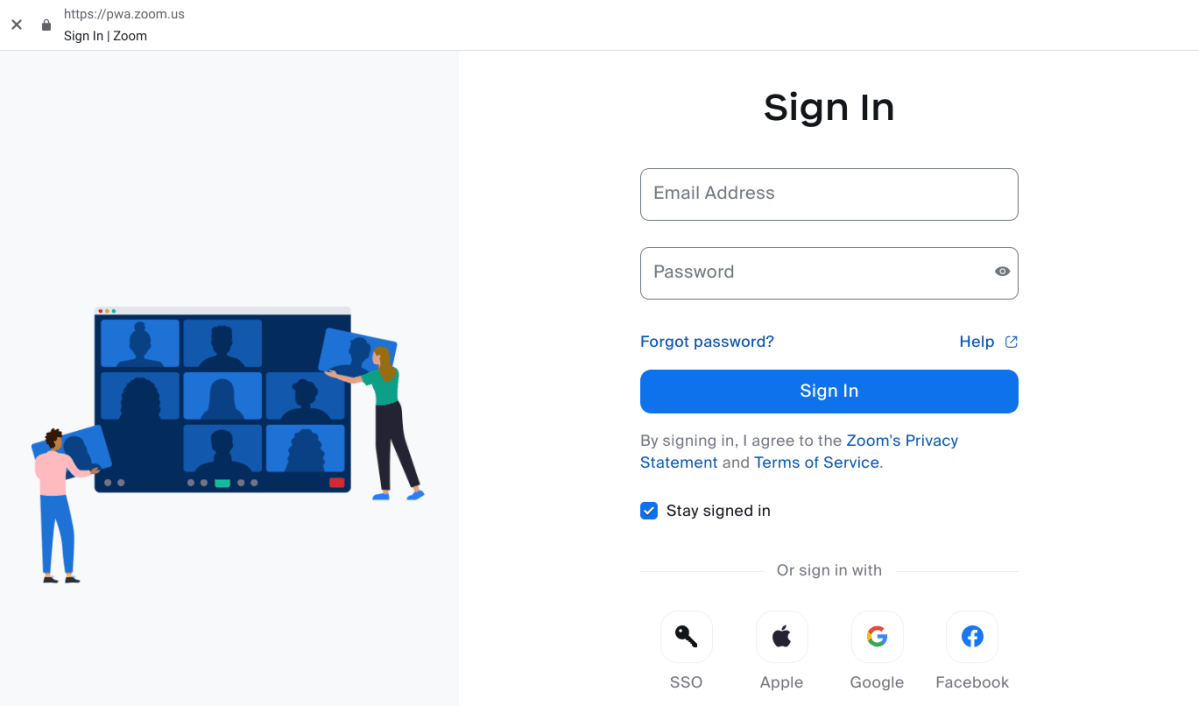
If the pop-up appears, decide whether you’d like to allow notifications.
Then, click ‘Sign In’ from the initial screen and enter your details. If you don’t have an account, create one via the Zoom website first.
Start or join a meeting, then enable permissions
Anyron Copeman / Foundry
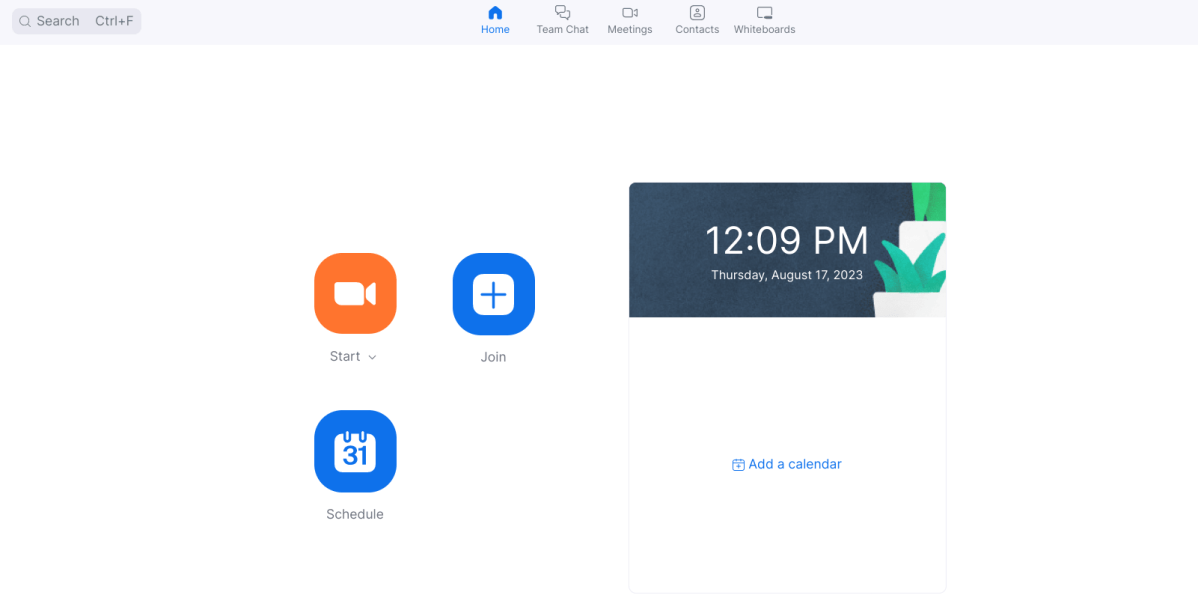
Once signed in, you’ll see a familiar-looking homepage if you’ve used Zoom before. When you start or join a non-encrypted meeting for the first time, click ‘While using the app’ to allow access to your webcam. Click the ‘Join Audio’, then ‘Wifi’, then ‘While using the app’ for microphone access.
Is Zoom on a Chromebook the same as Windows or Mac?
Not quite. As you might notice when comparing them, there are a few options missing from the ChromeOS version.
Integration with your email and calendar, support for third-party apps, screen sharing without being in a meeting and the ability to create short clips are all missing.
However, the lack of support for end-to-end encryption is undoubtedly the most significant. This is a feature that’s often enabled in meetings by default, so you’ll need to ask the host to turn it off.
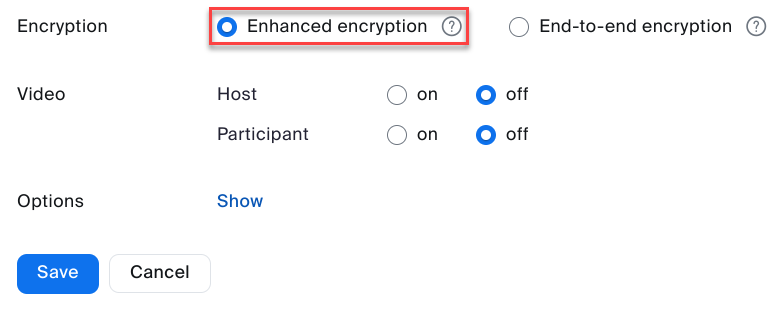
To create a meeting of your own, click ‘Schedule’, then select ‘Enhanced encryption’ rather than ‘End-to-end encryption’.
Anyron Copeman / Foundry
If end-to-end encrypted meetings are unavoidable, use the mobile app from the Play Store instead. It’s listed as ‘Zoom – One Platform to Connect’.
- How to enable encryption on Zoom
- Best online video conferencing services
Author: Anyron Copeman, Mobile Editor, Tech Advisor

Anyron is Mobile Editor at Tech Advisor, where he’s been a mainstay of the editorial team since 2019. In his current role, Anyron is responsible for all smartphone, tablet and mobile network coverage on the site. A BA Journalism graduate, he has experience with a wide range of consumer tech products and services, including smartphones, tablets, foldables, wearables and more.
Recent stories by Anyron Copeman:
- Google Meet’s new translation feature is coming to rival Microsoft Teams
- Google Gemini’s new AI features could finally fix email, and I can’t wait
- What is DeepSeek AI and why should I care?
