You might have noticed the different shows available while on holiday or business in the US, as you can use a UK Netflix account wherever you happen to be in the world.
However, if you’re not in America then the only way to watch videos from US Netflix is to use a VPN. As long as you have a current Netflix subscription, a VPN can make it appear to any website or streaming service that you live in a particular country, even if your real location is thousands of miles away.
If you’re not yet signed up, find out which of the Netflix plans is best for you .
Which VPN is best for US Netflix?
Using a VPN is amazingly simple: you download the app on your device, sign in with your username and password, then pick the United States and wait for it to connect. Then you can launch Netflix and watch as if you were physically in the USA.

Once the connection to the US is established you’ll find that – almost magically – you now have access to everything in Netflix’s library. And, as you might have guessed, the same trick works for other Netflix regions, so you could watch anime from Netflix Japan.
Of course, you can use the same technique to watch BBC iPlayer when abroad – not just Netflix.
Do check if the streaming service’s terms and conditions specifically state that your account will be terminated with no refund if they detect you’re using a VPN. This doesn’t apply to Netflix, but we have seen it with other services such as F1 TV Pro.
You might also find that there’s more available on the UK version of Netflix than you realised. Take a look at our round-up of the best TV shows and best movies on UK Netflix .
How to use a VPN to watch American Netflix, step by step
Here’s a brief overview of the process:
- Ensure you are logged in to Netflix
- Choose a VPN
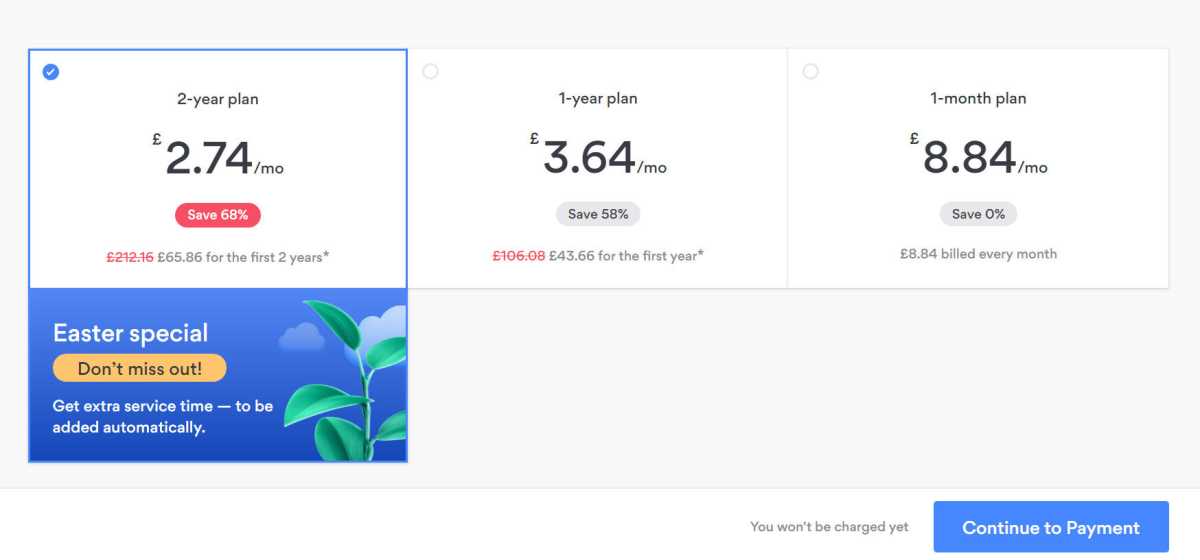
- Choose a subscription plan
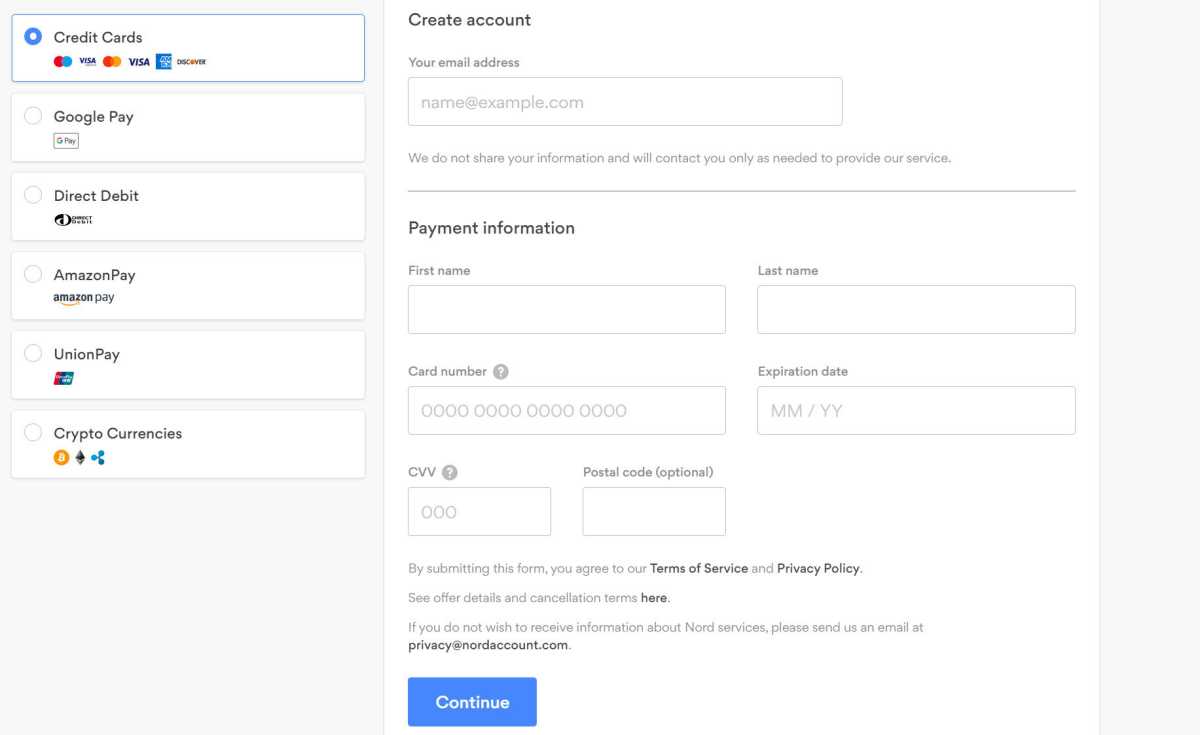
- Enter your payment details and email address
- Receive your login details (or create a password)
- Download the VPN app to your device
- Log in with your credentials
- Choose a server in the United States
- Connect to it
- Launch Netflix
- Now you have access to American Netflix
Here are the steps in more detail:
Make sure you’re signed in to Netflix
Hannah Cowton / Foundry
Trying to sign in after connecting to your VPN may not work
Hannah Cowton / Foundry
Just note that it’s standard practice to pay for the whole subscription upfront, not month-by-month
Enter your payment details
Hannah Cowton / Foundry
There’s usually a choice of payment methods
You’ll also need to enter your email address. Depending upon how the service works, you may be sent a username and password, an activation code, or asked to choose your own password
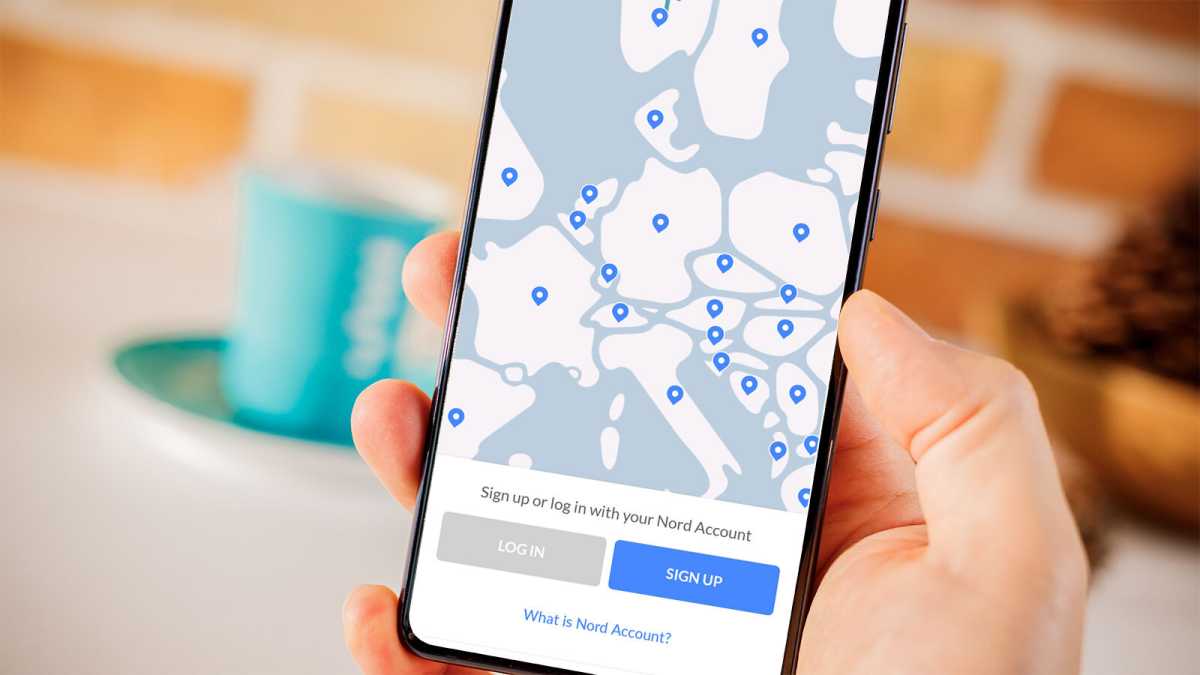
Download the VPN app
Dominik Tomaszewski / Foundry
NordVPN is available on phone, tablet, Fire TV, Android TV or computer
Launch the app and enter your email and password
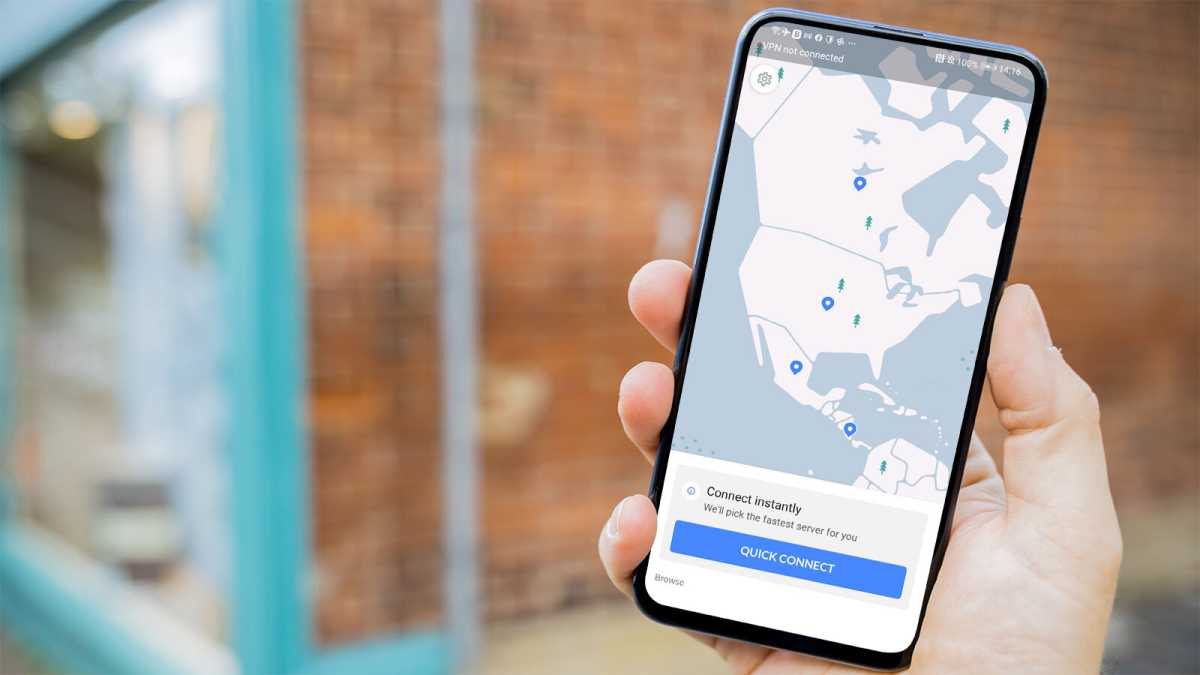
Dominik Tomaszewski / Foundry
Now move the map and tap on the US
An easier method – especially if you’re using a TV remote control – is to click ‘list’ and choose the US from there
Tap Quick Connect and after a few moments, you should be connected
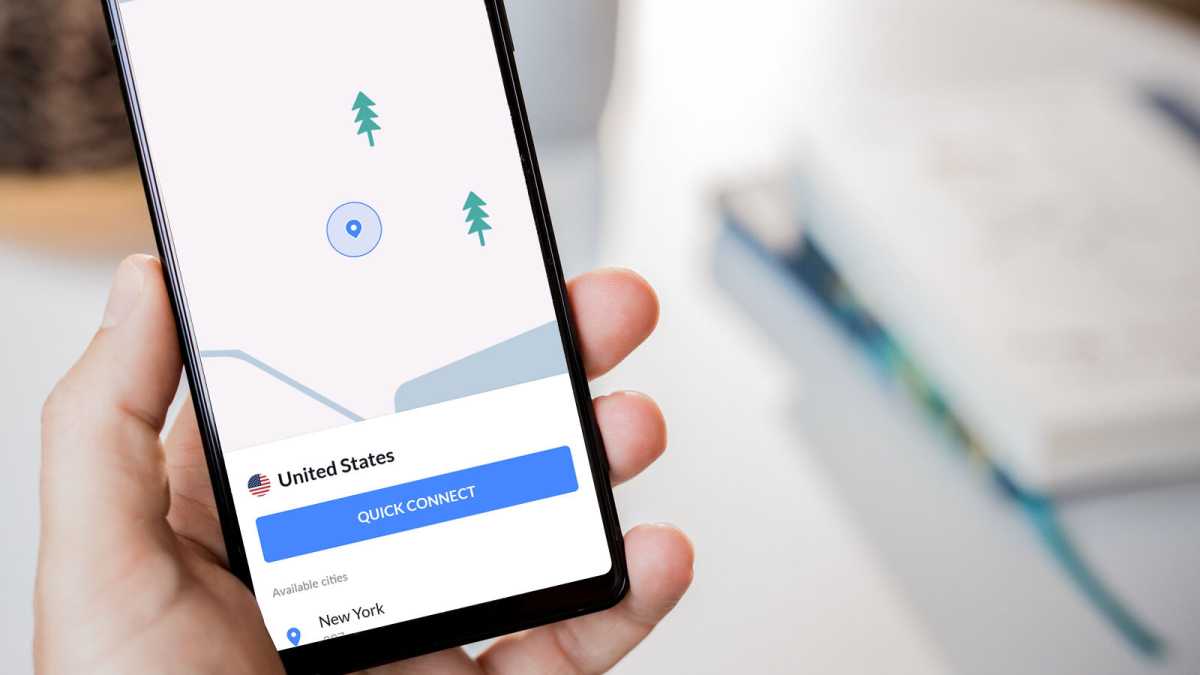
Dominik Tomaszewski / Foundry
NordVPN has servers across numerous states in the US, so if one doesn’t work you can try others
You should now have access to videos that were previously unavailable in your country
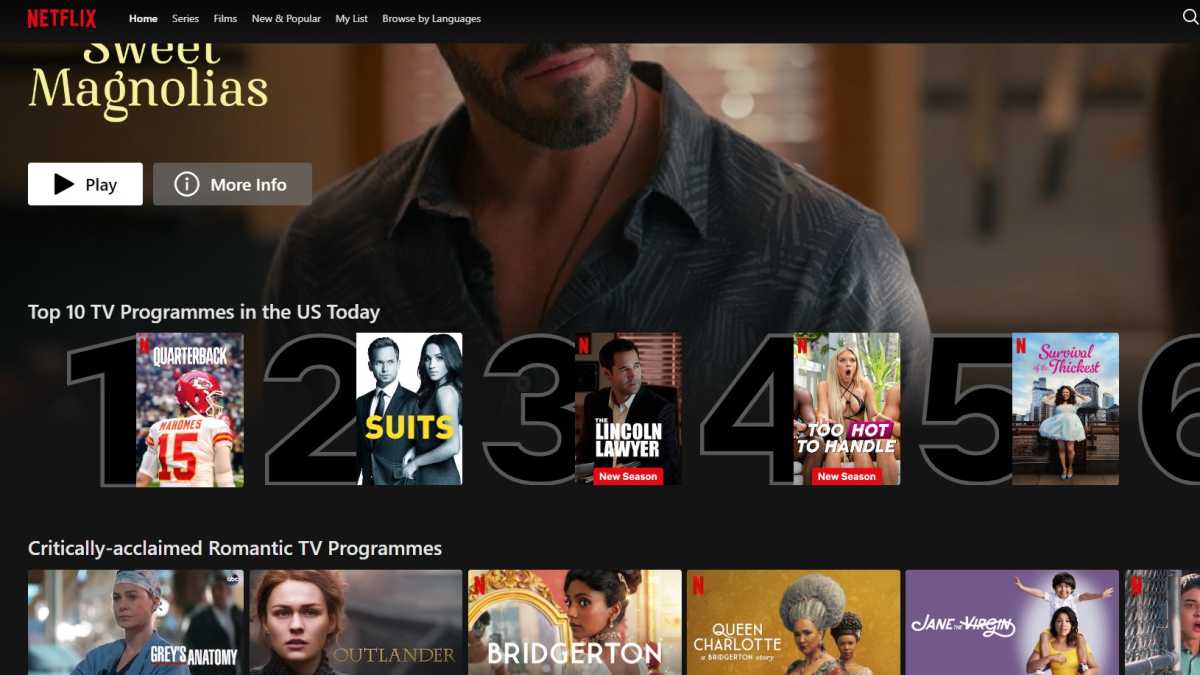
Hannah Cowton / Foundry
You’ll know if you’re successful by the country name on the ‘Top 10’ carousel
If you want to access a different Netflix library, you can always switch to the VPN app, disconnect from the server and choose one that’s in the country of the library you want to watch, such as Brazil, Spain, Japan or somewhere else.
If you struggle to get US Netflix working, try choosing a different server within the US. NordVPN has servers in various US states and you’ll see these in the list after initially tapping on America on the map. We’ve also found trying to stream on different days or times works. 3
Using a VPN on a game console or smart TV
While most of the major VPNs now have apps for smartphones and tablets, as well as PCs and Macs, there are probably still some devices you use that aren’t supported, such as a game console or smart TV (though some VPNs do support those directly). Don’t worry though, you can still use a VPN to watch foreign Netflix on them too.
One way is to enter the settings for your chosen VPN into your home router, which will run all of your internet traffic through the VPN. That means you can appear to browse from the US or another country no matter which device you use – though it also means you can’t easily set specific devices to not use the VPN.
The way to set this up will vary depending on your VPN and your router, but generally, you’ll have to go into the web configuration panel of your router from a computer connected to it and use your login details to connect to your chosen VPN. An easier option is just to buy a Fire TV Stick or another device that natively supports VPNs.
Take a look at the articles below for further instructions on installing a VPN on your chosen device:
- How to use a VPN with a Fire TV stick
- How to use a VPN on PS4 and PS5
- How to use a VPN on Xbox One
