In summary:
- Tech Advisor explains how to access Channel 4’s streaming content outside the UK, including popular shows like Taskmaster and The Great Celebrity Bake Off.
- Geo-restrictions prevent international viewing due to licensing agreements, but a VPN can mask your location to appear in the UK.
- The process involves signing up for NordVPN, creating a free Channel 4 account with UK details, and connecting through a UK server. Detailed instructions are provided below.
Any show that airs on Channel 4, E4, More4, Film4 and 4Music is available to stream on the Channel 4 streaming hub – previously known as All 4.
Channel 4 is only available to watch when you’re located within the UK borders due to licensing issues related to the shows. That can be a problem if you’re going abroad and want to keep up with your favourite shows while you’re away, or if you live outside the UK but don’t want to miss out on the most popular shows right now.
On 22 December 2025 at 9pm , Channel 4 will air Taskmaster Champion Of Champions season 4 , in which past winners of the main show will compete for the ultimate prize.
The Great Celebrity Bake Off Christmas Special will return on 25 December 2025 at 8pm , while The Great New Year’s Bake Off will kick-start 2026 on 1 January at 6.40pm.
Here’s how to watch Channel 4 from outside the UK.
How to watch Channel 4 with a VPN
By far the easiest way to access Channel 4 from abroad is to use a VPN (or virtual private network) which allows you to browse the internet while appearing to be in a different country from where you actually are.
This means that although the Channel 4 website is locked to people in the UK, you can still access it with a VPN, as it will mask your true location.
There are loads of VPNs out there, though we managed to successfully unblock the Channel 4 website with NordVPN , which is known for its reliability, speed and affordability – especially if you lock in for a multi-year plan.
You can also check out our guide to the best VPNs for streaming video – our ranking of all the best VPNs we’ve tested for watching films and TV.
Get NordVPN here
Once you have chosen a VPN service, simply install it onto your device – most work on PC, Mac, iOS, Android, and more. Then take the following steps:
- Tools required: NordVPN, Channel 4 website or app, smartphone or PC/laptop
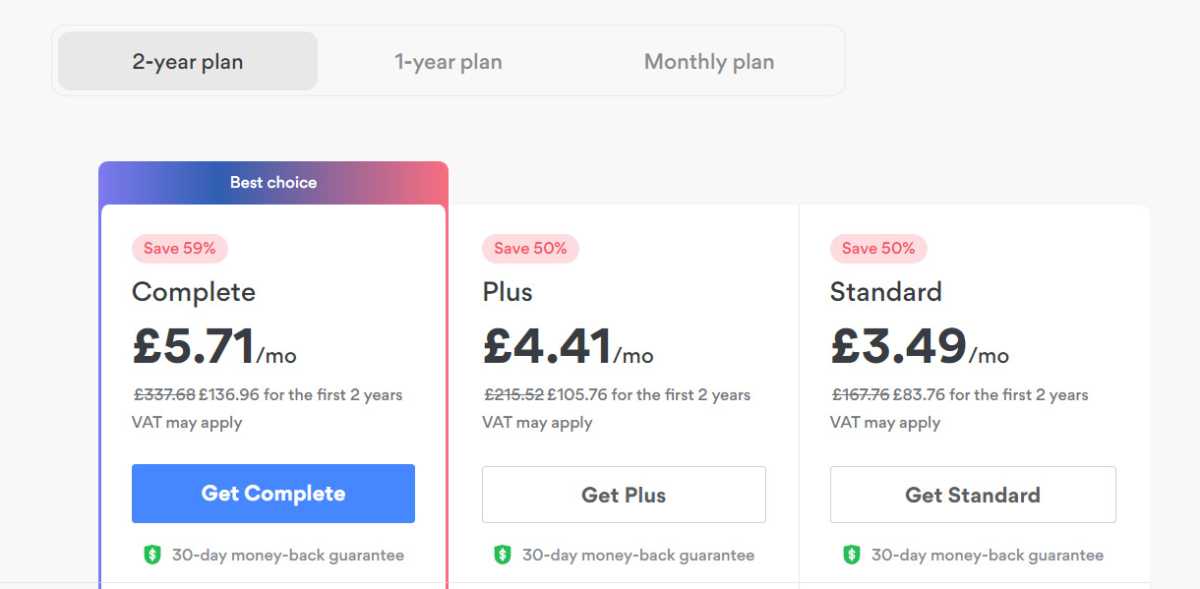
Jim Martin / Foundry
Install NordVPN
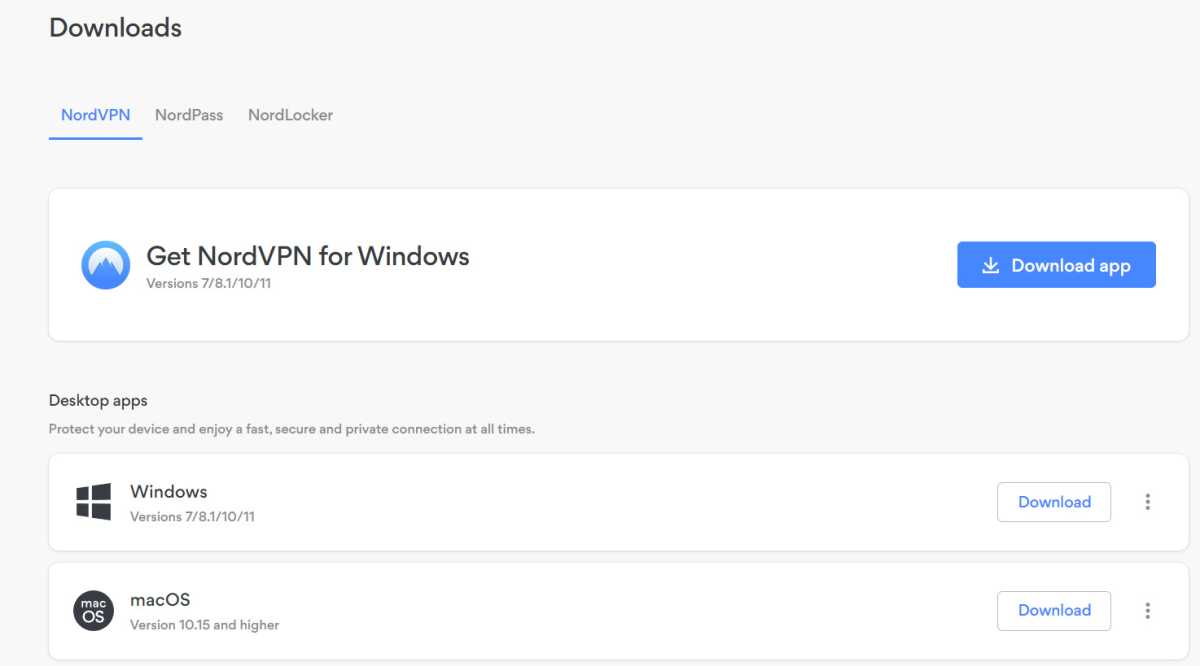
Jim Martin / Foundry
If you’re on PC, head to the NordVPN website , log in to your account and then download the PC app under the section labelled ‘Downloads’
If you’re on a smartphone or tablet, then just search for NordVPN in the app store
Connect to a UK server on your chosen VPN
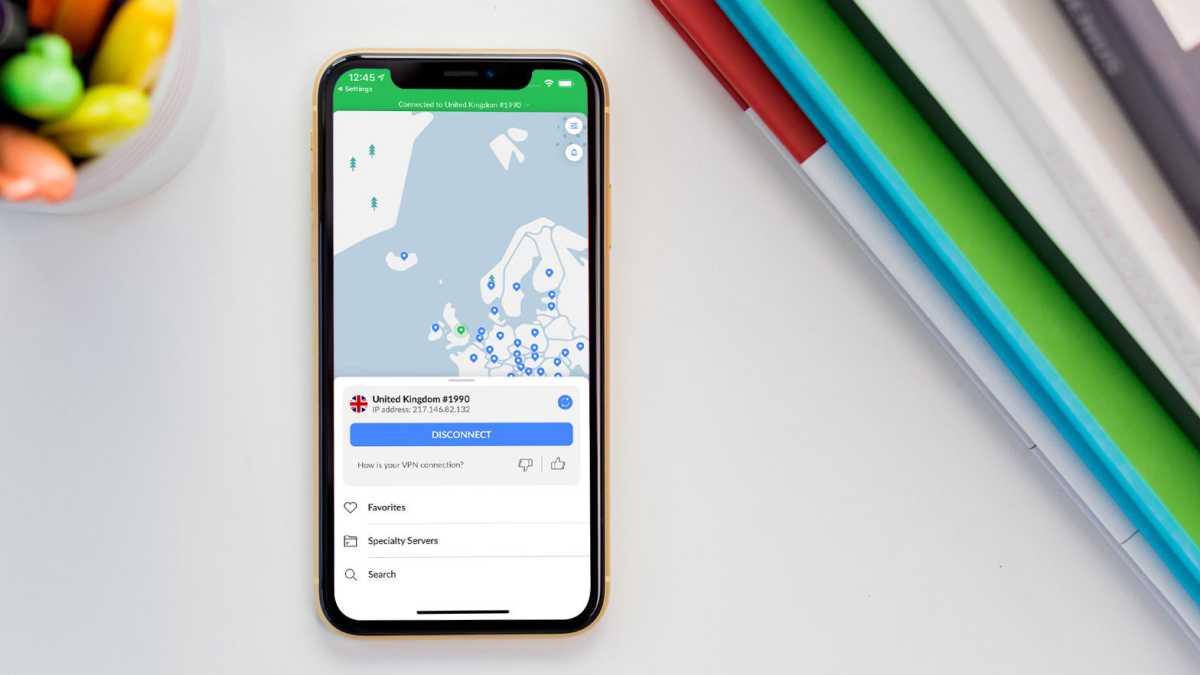
Dominik Tomaszewski / Foundry
Many VPNs have numerous servers to choose from, so if one doesn’t work you can try another
Head to the Channel 4 website or app
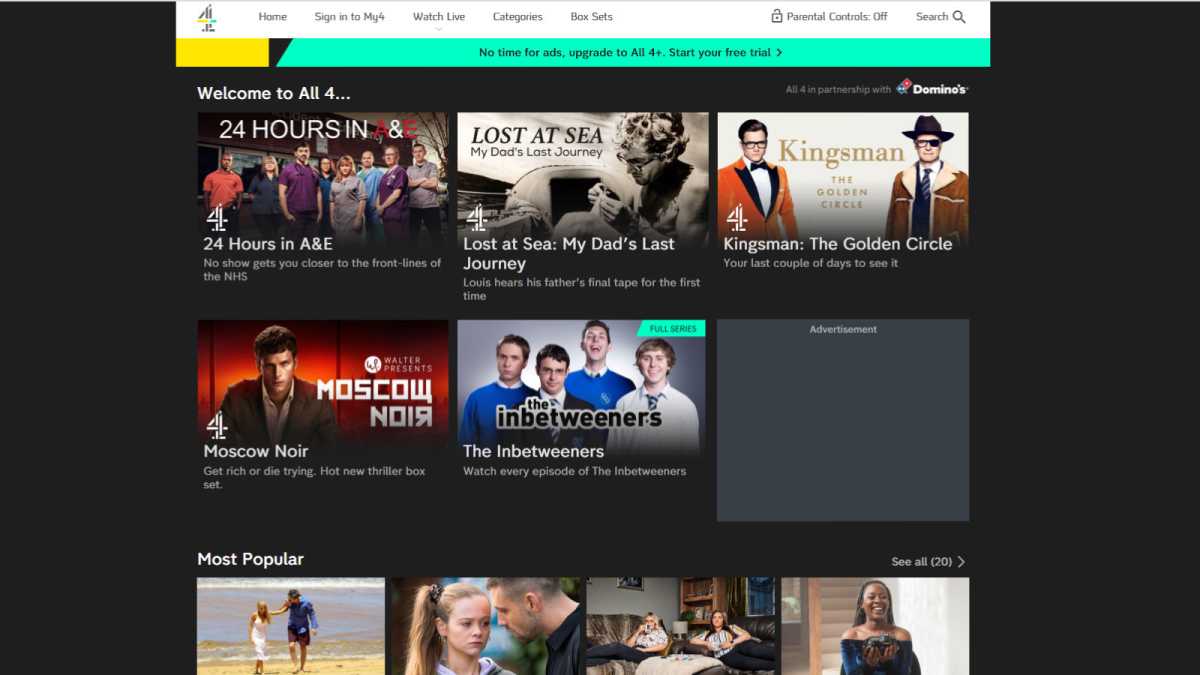
Hannah Cowton / Foundry
With your UK VPN server, you should now be able to access the Channel 4 website – click on ‘Sign in to My4’
On the sign in page, select ‘I don’t have an account and I’d like to register’
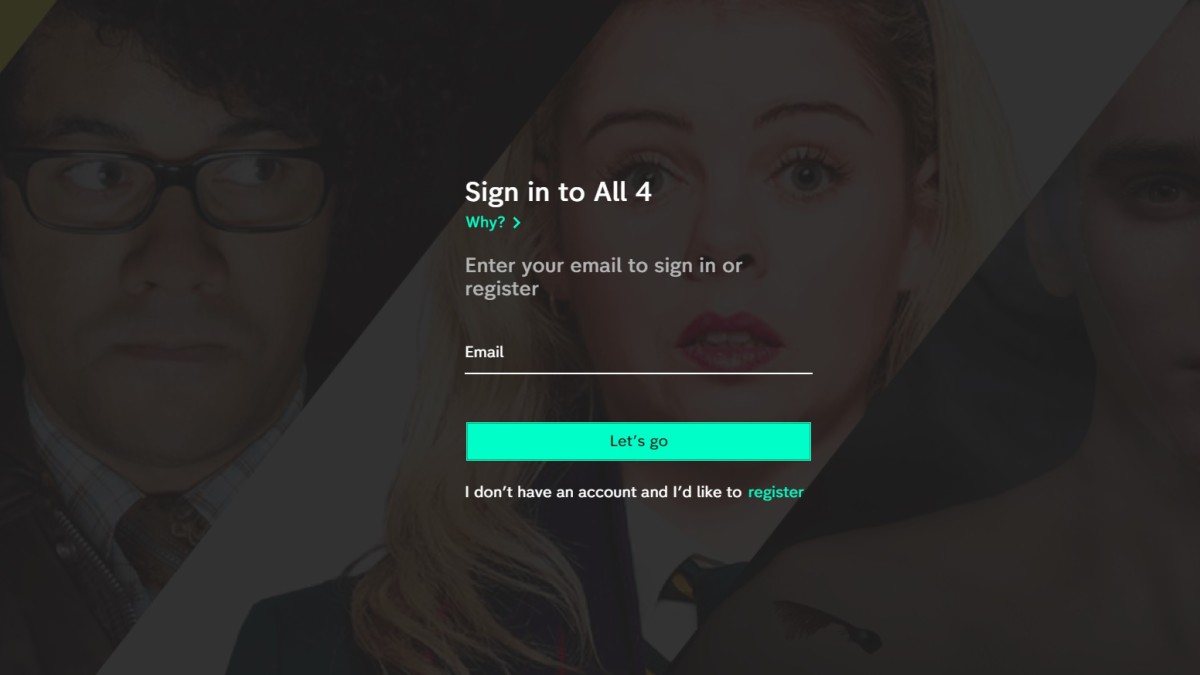
Hannah Cowton / Foundry
If you already have a Channel 4 account, simply sign in with your usual details
Choose an email address and password for your account
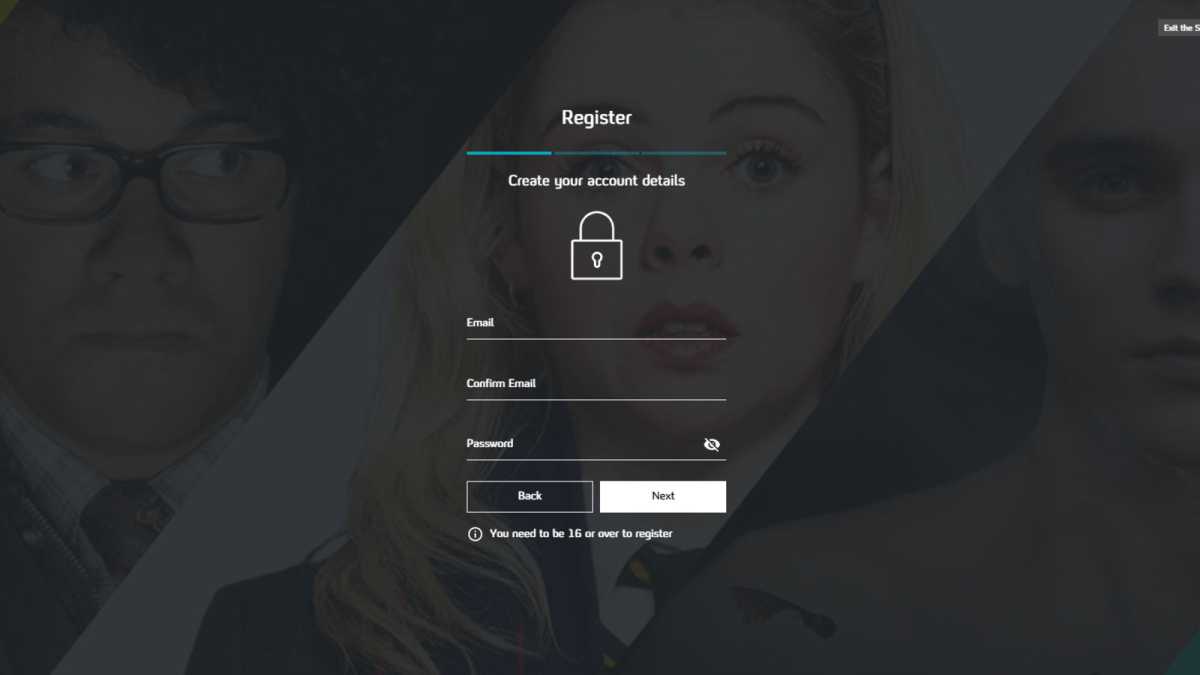
Hannah Cowton / Foundry
Add a name, date of birth and UK address
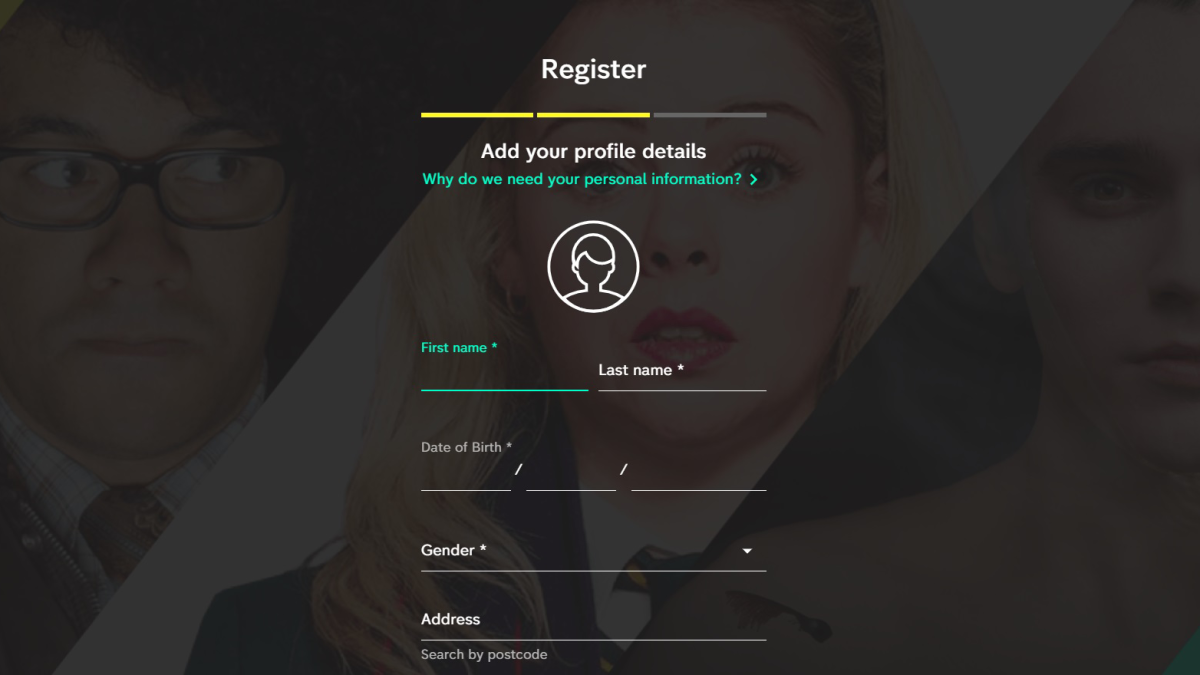
Hannah Cowton / Foundry
You’ll need a UK postcode for the address
Channel 4 will send a confirmation email to your email once you are signed up
Search for the show you want to watch
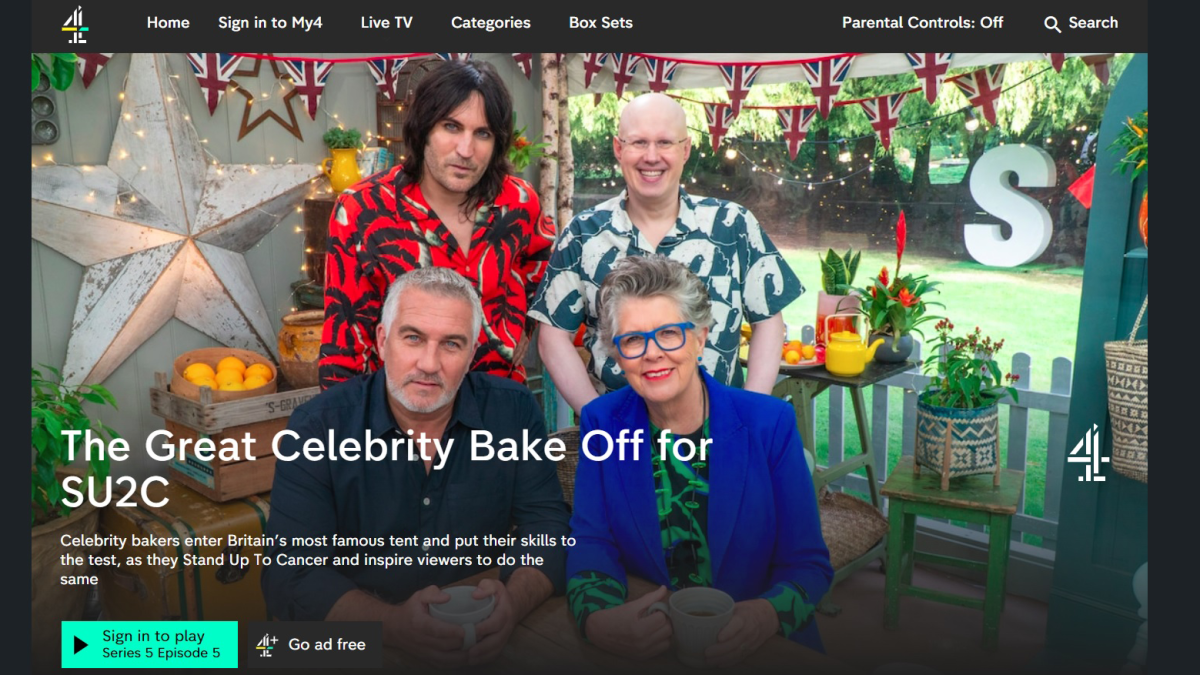
Hannah Cowton / Foundry
Channel 4 requires you to turn off any ad-blockers – which includes any optional ad-blocking in your VPN – so make sure you do that before trying to watch
If you still can’t connect, try a different server within your VPN until you find one that works for you
Just remember that to watch Channel 4 you’ll need to turn off any ad-blockers (including any optional ad-blocking in your VPN). If you still can’t connect, try a different UK server – content providers try to block VPN traffic, so you might need to try a few different connections to find one that works.
Get NordVPN here
And on that note, using such workarounds is against Channel 4’s terms and conditions, and there is a small risk that your account could be blocked.
We have found that the Channel 4 app had trouble loading while we were testing abroad on iOS. The way to get around this is to sign in on your web browser, which should allow you stream. Just be patient, as the video may take a little while to fully load.
Author: Hannah Cowton-Barnes, Entertainment Editor, Tech Advisor

As Tech Advisor’s Entertainment Editor, Hannah is the resident expert in all things streaming, film and TV. Before joining Tech Advisor in 2019, she studied Theatre and Performance at the University of Leeds and created a website dedicated to geek culture and lifestyle. She’s also reviewed a whole range of gadgets including flagship smartphones, wearables and styling tools. Outside of Foundry, she’s written freelance pieces for Polygon, Metro and Den of Geek, and is proud to be a Women Techmakers Ambassador for Google.
Recent stories by Hannah Cowton-Barnes:
- Harry Potter TV series has finally revealed a release window
- Jessica Jones returns in Daredevil: Born Again season 2 trailer
- The Traitors will return for season 5 with new twists and challenges
