After 46 matches across more than seven weeks, the men’s Rugby World Cup comes to a close this weekend.
The so-called ‘Bronze Final’ sees beaten semi-finalists England and Argentina compete for third place, but it’s the final that everyone’s most excited about.
Can holders South Africa retain their title, or will fellow three-time winners New Zealand be victorious in Paris? You don’t have to wait long to find out.
Here’s how to watch both of the remaining Rugby World Cup matches live, whether you’re based in the US, UK or elsewhere in the world.
Rugby World Cup fixtures
The third-place play-off and final are both being broadcast live in the US and UK:
Fri 27 Oct
- Argentina vs England – KO 8pm UK/3pm ET/10am PT = Peacock/ITV
Sat 28 Oct
- New Zealand vs South Africa – KO 8pm UK, 3pm ET, 10am PT – Peacock/ITV
See all the fixtures and results on the Rugby World Cup website .
How to watch the Rugby World Cup in the US
In the US, NBC has full rights to the Rugby World Cup. All 48 matches will be broadcast live on NBC Sports, but also available via the Peacock streaming service.
However, 15 live matches will also be broadcast on CNBC. That includes the final and several other games (see the full list on the NBC Sports website ), and may already be included with your cable subscription. If you’re happy to miss some matches, you might not need to pay anything extra.
How to watch the Rugby World Cup in the UK
In the UK, ITV is showing every single live match, and you can watch live either on your TV or via ITVX its streaming service.
As a free-to-air channel, you don’t need a dedicated subscription to watch ITV. But like any live content in the UK, you will need a TV Licence – it currently costs £159 per year .
How to watch the Rugby World Cup outside the US and UK
The Rugby World Cup broadcasters in the US and UK are geo-restricted, meaning you can only officially watch in the country where they operate. But if you’re only temporarily out of country, on holiday or a business trip, it makes sense to use a service you’ve already paid for.
To appear as if you’re in the US or UK and access local content, you’ll need a VPN.
We’re using NordVPN for the purposes of this tutorial, but there are plenty of great alternatives in our best VPN chart . Just make sure it unblocks the service you’re trying to use before signing up.
Once that’s done, here’s what you need to do.
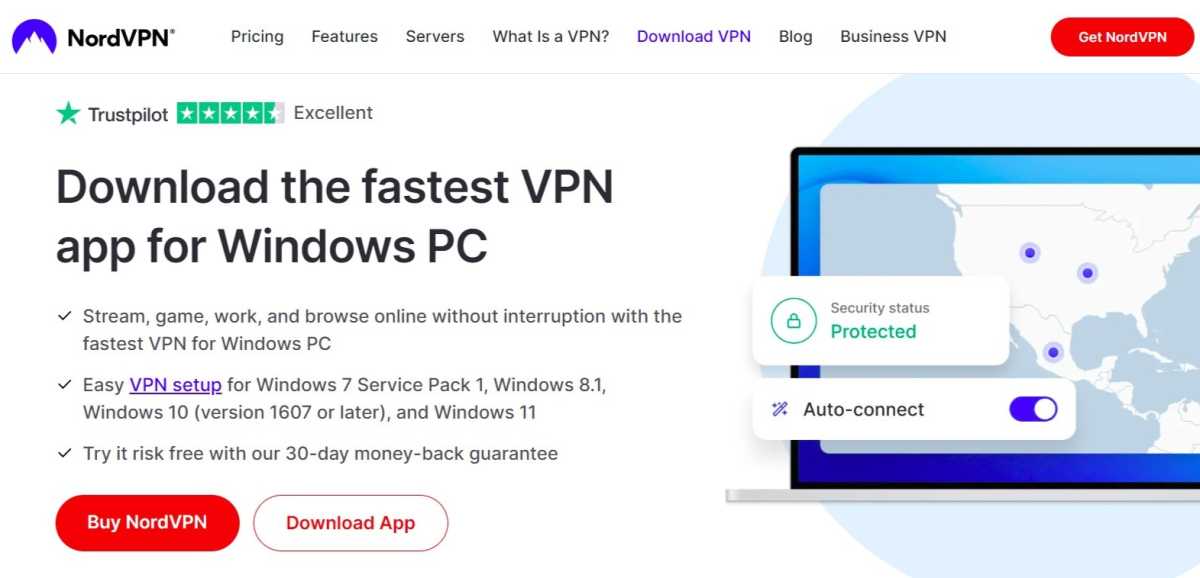
Download the relevant VPN app
Anyron Copeman / Foundry
Head to the download page for the VPN you’d like to install and click ‘Download App’. The likes of NordVPN are available on a range of devices.
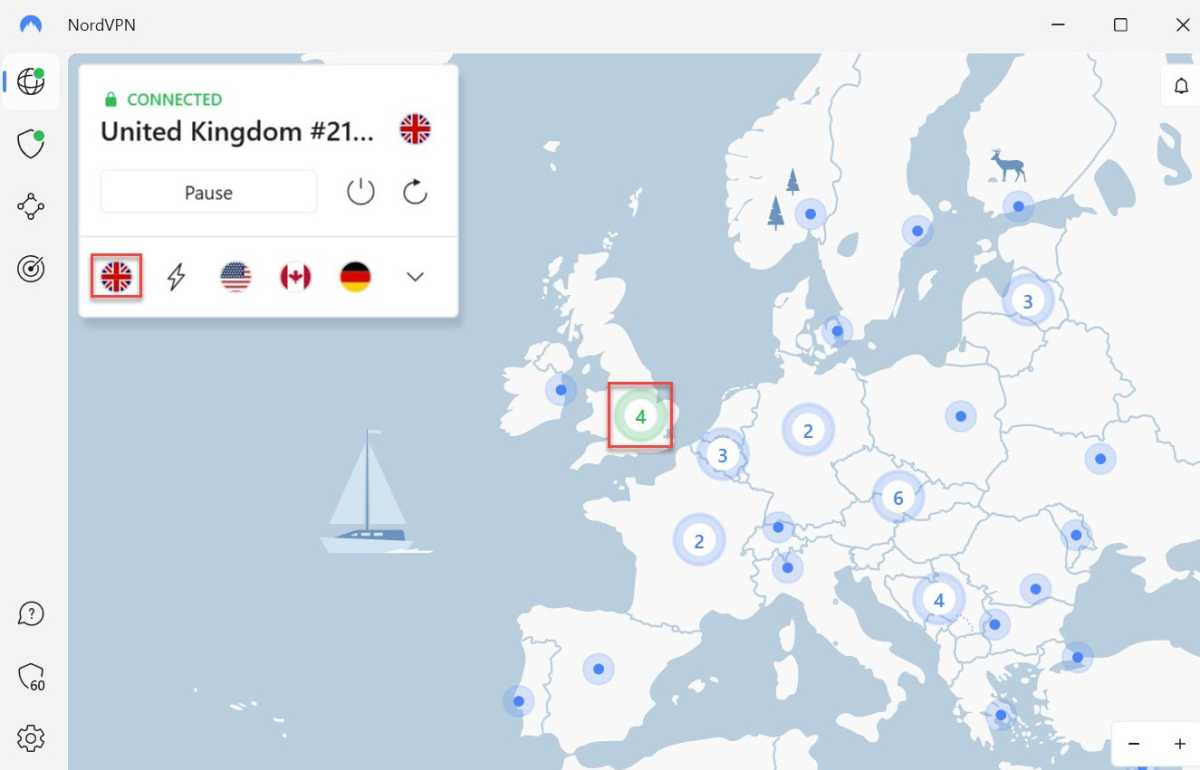
Connect to a US or UK server
Anyron Copeman / Foundry
Open the app and sign in to your account if necessary. Then, select any US or UK server and connect to it.
Depending on the service you’re using, it might look quite different to the above. But this should be relatively easy to find.
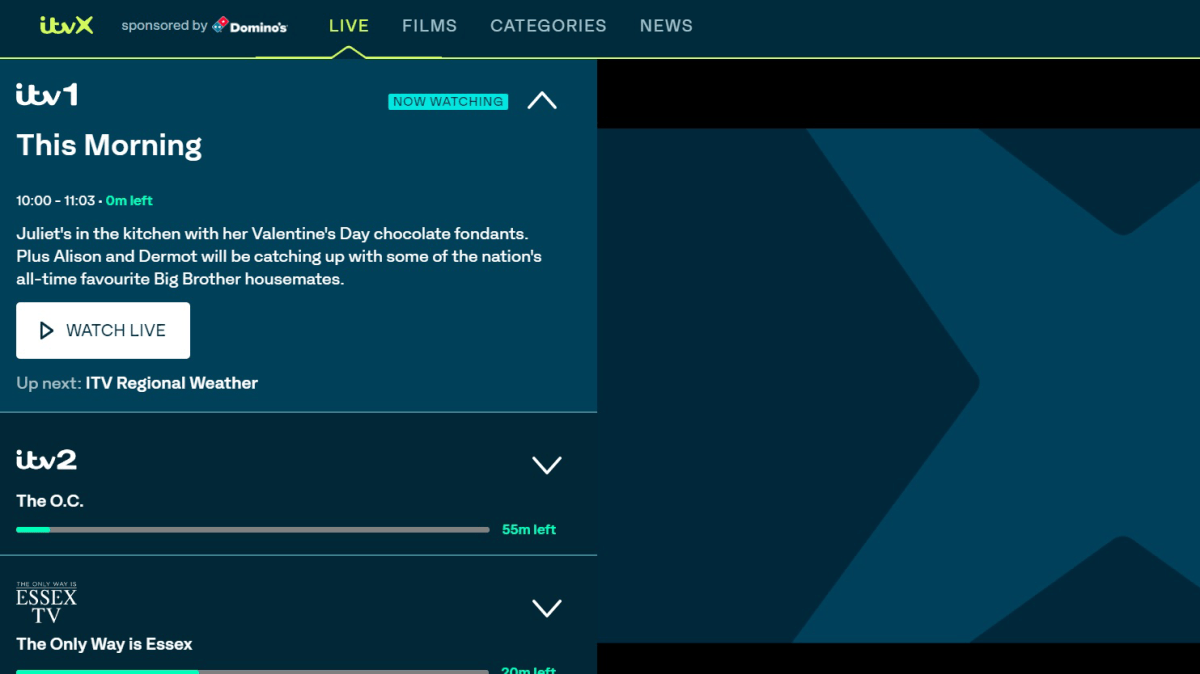
Start watching as usual
Hannah Cowton / Foundry
Head to the website or app you’d usually use to start watching. You should now be able to stream content as normal and without any restrictions.
- How to watch the Rugby World Cup live
- How to watch the Premier League live
- How to watch F1 races
Author: Anyron Copeman, Mobile Editor, Tech Advisor

Anyron is Mobile Editor at Tech Advisor, where he’s been a mainstay of the editorial team since 2019. In his current role, Anyron is responsible for all smartphone, tablet and mobile network coverage on the site. A BA Journalism graduate, he has experience with a wide range of consumer tech products and services, including smartphones, tablets, foldables, wearables and more.
Recent stories by Anyron Copeman:
- Is BT down? Outage information and fixes
- The Premier League is back – here’s how to watch every match
- Vodafone and Three merger complete: What it means for you
