Our Flag Means Death made waves across the internet, with the heartwarming (and equally heartbreaking) story of Ed, Stede and the crew capturing a dedicated audience across the world.
The second season debuted in the US last year, and is currently set to serve as the final instalment after Max announced its cancellation . Since then, the fanbase have been rallying using the hashtag #AdoptOurCrew to encourage other networks to give it a revival.
If you’re in the UK, then you may have been missing out on all the action. Fortunately, the wait for the new season is now over.
When will Our Flag Means Death season 2 release in the UK?
Get your popcorn and drinks at the ready, because all episodes of Our Flag Means Death season 2 are now available to stream on BBC iPlayer .
If you’d prefer to watch on TV, then Our Flag Means Death season 2 will drop its first episode in the UK on Monday 5 February 2024 at 9pm GMT .
It will air on BBC Two, and then new episodes should drop every Monday.
To access BBC iPlayer (or BBC Two) you’ll need a TV licence. If you don’t, then there is another way to watch Our Flag Means Death in the UK.
How to watch Our Flag Means Death on Max in the UK
You can also stream Our Flag Means Death season 2 on Max by using a VPN. However, the sign-up process is a little complicated, but we have tested this method and can confirm that it works.
Having a VPN (virtual private network) allows you to change your IP address so you can browse the internet as if you’re based in another country. For Max, you will need a US server. For the best performance and pricing, we recommend either NordVPN or Surfshark . You can also take a look at our list of the best VPNs for Max .
Once you’ve chosen your VPN, you’ve gotten past the first hurdle of watching Max. The next will be when you need to input your payment information.
For the next step, you’ll need the Max app . We have successfully tested this method using NordVPN and an Android phone .
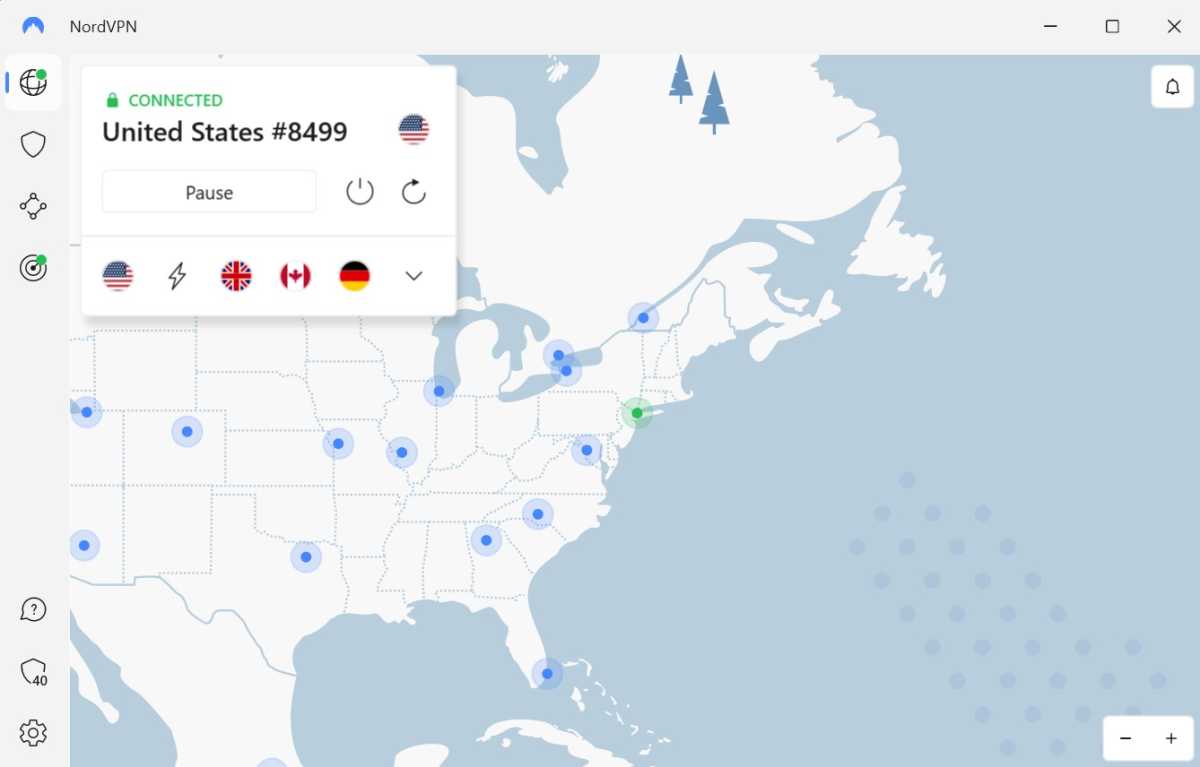
Find a US server on your VPN on your smartphone
Anyron Copeman / Foundry
There is a range of US servers on NordVPN – some may be more successful than others.
Ensure you are connected to a US server on your smartphone for the entire process.
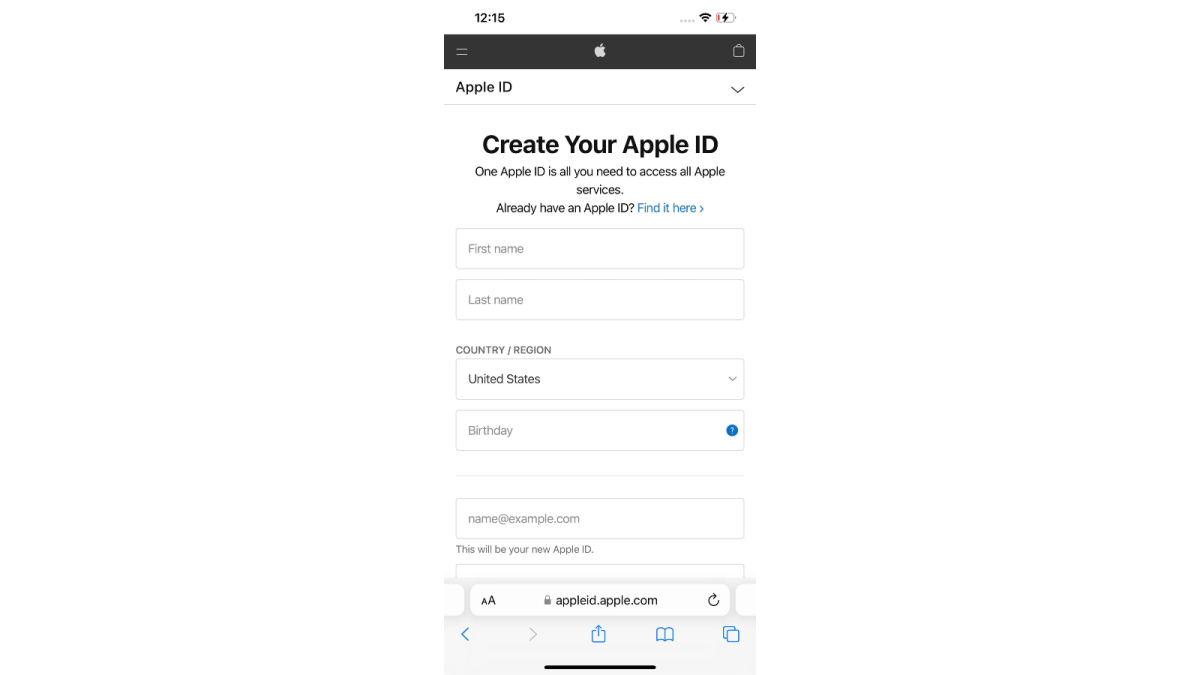
Create a new Apple ID/Google Play account in your browser that’s tied to the US
Hannah Cowton / Foundry
Ensure the country is either set to the United States, or left blank.
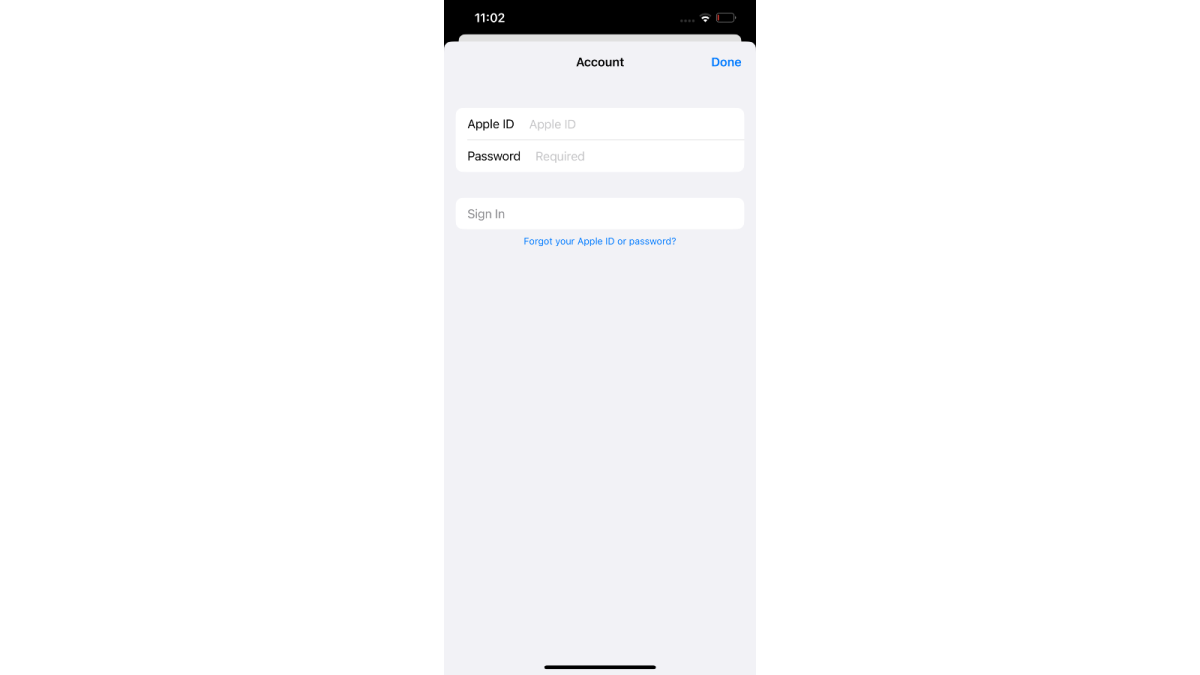
Register your new account on your phone
Hannah Cowton/Foundry
Sign in on the App Store/Play Store and register your new US account on your device.
Download and install the Max app

Hannah Cowton / Foundry
Verify your purchase if needed.
Tap ‘skip’ if the app store asks you to add payment information to your iOS/Google Play account before you’ve installed Max.
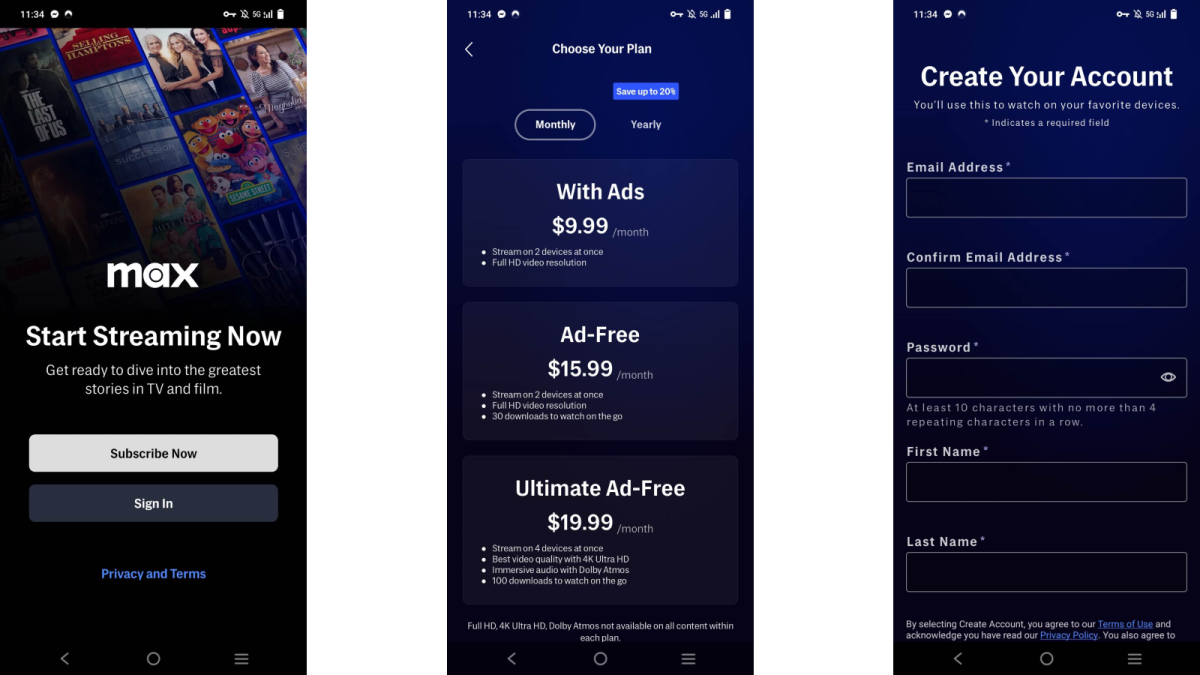
Create a new account in the Max app with your email address and password
Hannah Cowton / Foundry
Choose whether you want the ad-supported or ad-free plan and if you want to pay monthly or annually.
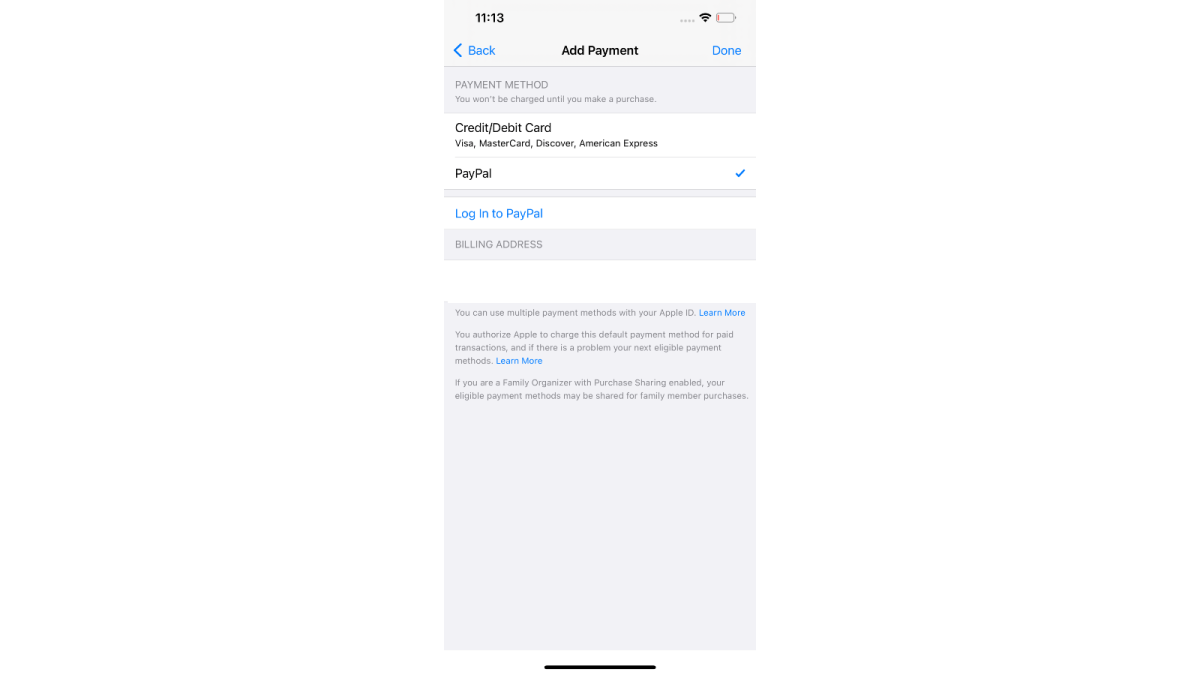
Use PayPal as your method of payment (this can be a UK account)
Hannah Cowton / Foundry
Verify PayPal with your phone number if you have two-factor authentication set up.
Once your account is verified, you can sign in from any device.
Sometimes, the Google Play Store does not change to the US version, even when creating a new account.
The way to get around this is by connecting to a VPN on a PC, signing into the Google Play Store US website , searching for the app you need and sending it to your phone (whilst still connected to the VPN). You can see an example using Peacock below:

There have been reports of users not being able to install Max on iOS as the app store forces users to register their payment details and doesn’t accept UK PayPal if you try to register with this account.
To get around this, we recommend purchasing US App Store credit via a digital gift card – which can be added as a US payment option.
When the site asks you to put in the recipient, enter your own email address and the code to redeem the money will be sent to your inbox. Then when you need to add payment information in the app store, select ‘redeem gift card or code’, and you should be able to add the money as credit on your account.
Author: Hannah Cowton-Barnes, Entertainment Editor, Tech Advisor

As Tech Advisor’s Entertainment Editor, Hannah is the resident expert in all things streaming, film and TV. Before joining Tech Advisor in 2019, she studied Theatre and Performance at the University of Leeds and created a website dedicated to geek culture and lifestyle. She’s also reviewed a whole range of gadgets including flagship smartphones, wearables and styling tools. Outside of Foundry, she’s written freelance pieces for Polygon, Metro and Den of Geek, and is proud to be a Women Techmakers Ambassador for Google.
Recent stories by Hannah Cowton-Barnes:
- Harry Potter TV series has finally revealed a release window
- Jessica Jones returns in Daredevil: Born Again season 2 trailer
- The Traitors will return for season 5 with new twists and challenges
