The May Pixel Drop seems to have messed up battery life for a number of Google Pixel smartphone users.
No sooner have we reported on Samsung’s One UI 7 update causing battery drain issues , then another similar issue appears to have reared its head on Pixel phones.
9to5Google carries a report pointing to Google’s support forums, as well as the Pixel subreddit, which both appear to be filling up with complaints of poor battery life following the company’s latest OS update.
May Pixel Drop battery issues
“Is anyone else experiencing bad battery life after May 2025 update?” reads one support forum post from a Google Pixel 9 user.
Elsewhere, a Google Pixel 9 Pro user reports that their phone “becomes hot after minutes of use and has an impressive battery drain especially with Instagram” following the May update.
Meanwhile, in the Battery Megathread over on Reddit , a number of users have had similar things to say. Pixel phones of all stripes are getting hot and losing battery life to an uncomfortable degree.
While the two examples listed above are current devices, the issue also seems to affect older phones such as the Google Pixel 6 .
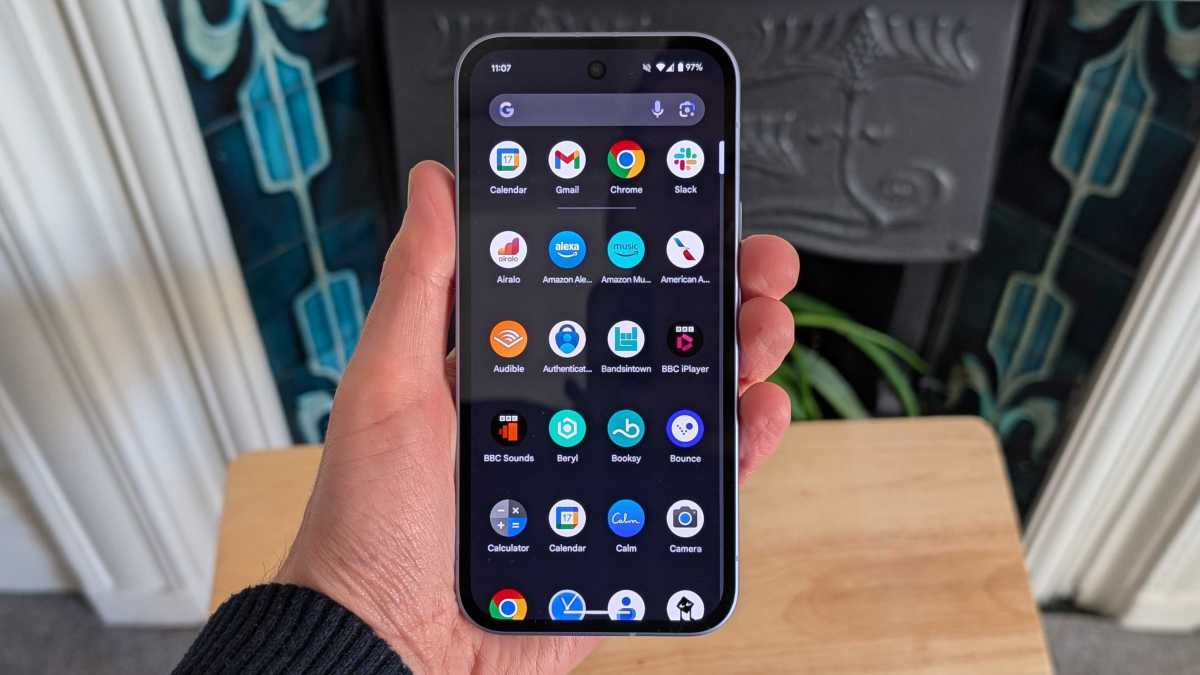
Anyron Copeman / Foundry
How to fix bad Pixel battery life
As per the aforementioned battery drain issue that’s affecting Samsung user following the One UI 7 update, there are a few things you can do to mitigate battery life issues on your Pixel phone.
The main culprit for battery drain is often a third party app (Instagram is mentioned above), so limiting background app usage can be effective. On Pixel phones, head into Settings > Apps > App battery usage, tap on an individual app that you suspect might be problematic, and toggle the ‘Allow background usage’ off.
Location tracking can also drain your Pixel phone’s battery, so head into Settings and search for Location Accuracy, then toggle off Improve Location Accuracy.
If you really want to try an extreme method for resetting your Pixel phone’s battery performance, there’s always a complete factory reset. Make sure you’ve backed up, then head into Settings > System > Reset options and Erase all data (factory reset).
Really, though, we would want Google to issue a fix through a firmware update, pronto. There’s clearly a wider issue here, which isn’t ideal when the entire point of the May Pixel Drop was to squash bugs.
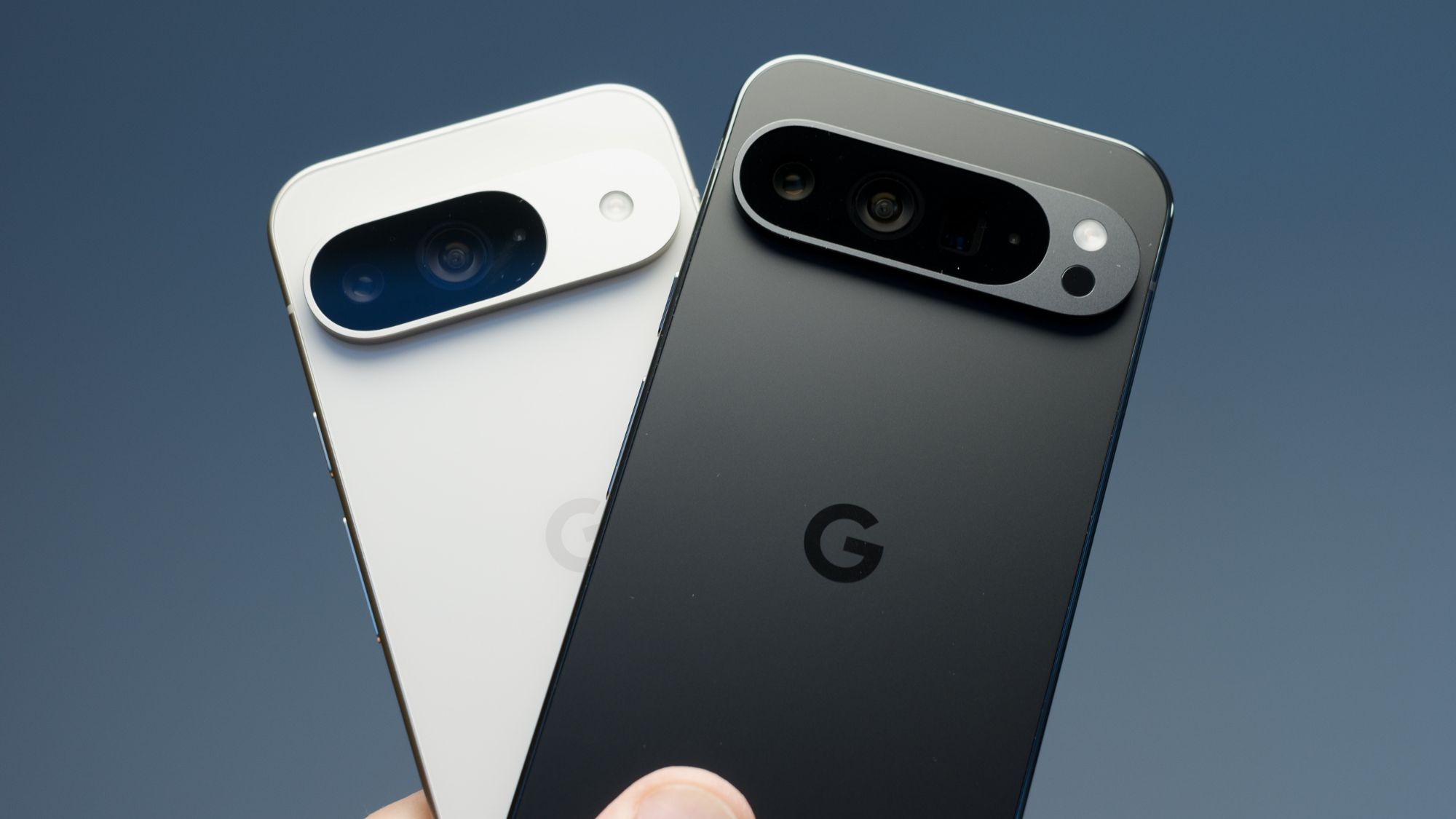
Google Pixel 9
Author: Jon Mundy, Contributor, Tech Advisor

Jon is a freelance journalist who got his start covering mobile games at the dawn of the App Store. He has since covered everything from smart home tech and laptops to food and culture, but always seems to return to his fascination with smartphones.
Recent stories by Jon Mundy:
- Nothing Phone (4a) and Pro get tipped release date
- Xiaomi 17 Ultra European pricing leaks, and it’s good news
- Samsung Galaxy Wide Fold could be a bigger deal than expected
