Once upon a time, buying or borrowing a physical book was the only way to read it.
Computers made digital reading possible for the first time, but it wasn’t until eReaders came along that it was considered preferable to getting a paper copy. eReaders do have finite battery life, but provide instant access to books and can store thousands of titles on a small device. Opting for e-ink displays means it’s easier on your eyes than colour screens, too.
But in the last few years, these devices have become about more than just reading. First it was taking notes, but now there are fully fledged tablets that use the technology.
To reflect that, this article isn’t all about Kindles and Kobos – the leading eReader brands. You’ll also find devices from reMarkable, Onyx and Huawei here, plus eReaders which support stylus input.
Best eReader 2023
1. Kindle Paperwhite (2021) – Best Overall

Pros
- Larger display with colour warmth
- Longer battery life
- Great Audible integration
- USB-C
Cons
- Price rise compared to previous model
- Charging not the fastest

The latest Kindle Paperwhite (2021) takes the top spot once again thanks to a number of upgrades.
This comes at a slightly higher price than the last generation but it is justified and the Paperwhite won’t disappoint should you have enough budget to afford one.
It’s also worth considering the Paperwhite below, but the extra features won’t be worth it for most people.
2. Kobo Clara 2E – Best Kobo
Pros
- Lightweight and portable
- IPX8 water resistance
- OverDrive integration
- No ads
Cons
- Sluggish performance
- Screen doesn’t sit flush
- Can’t sync eBooks with audiobooks
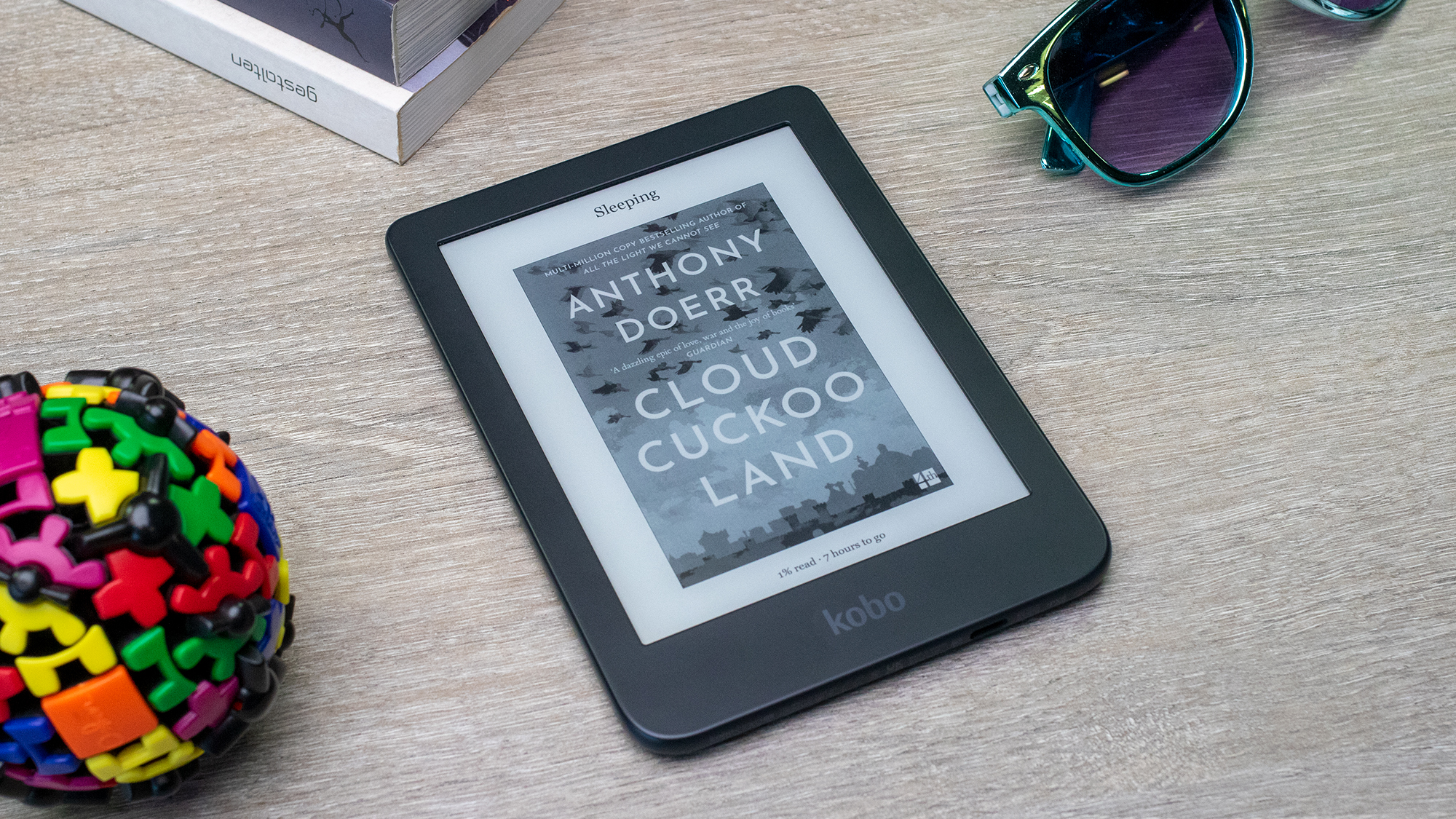
The Kindle might dominate the eReader market, but it’s by no means the only option. Canadian company Rakuten Kobo are an alternative brand worth considering, and the Clara 2E is its best effort yet.
With IPX8 water resistance, strong battery life and no ads anywhere, the Kobo Clara 2E has a lot going for it. Sub-par performance is undoubtedly its main weakness, while the screen doesn’t quite sit flush with the bezels and you can’t sync audiobook progress with your eBooks.
But despite these inconveniences, the Clara 2E is the best Kindle alternative.
Read our full Kobo Clara 2E review
3. Kindle (2022) – Best Budget Model
Pros
- Impressive display
- Solid performance
- USB-C charging
- Decent battery life
Cons
- Must pay extra to remove ads
- No waterproofing
- Scuffs easily
- Hard to sideload content
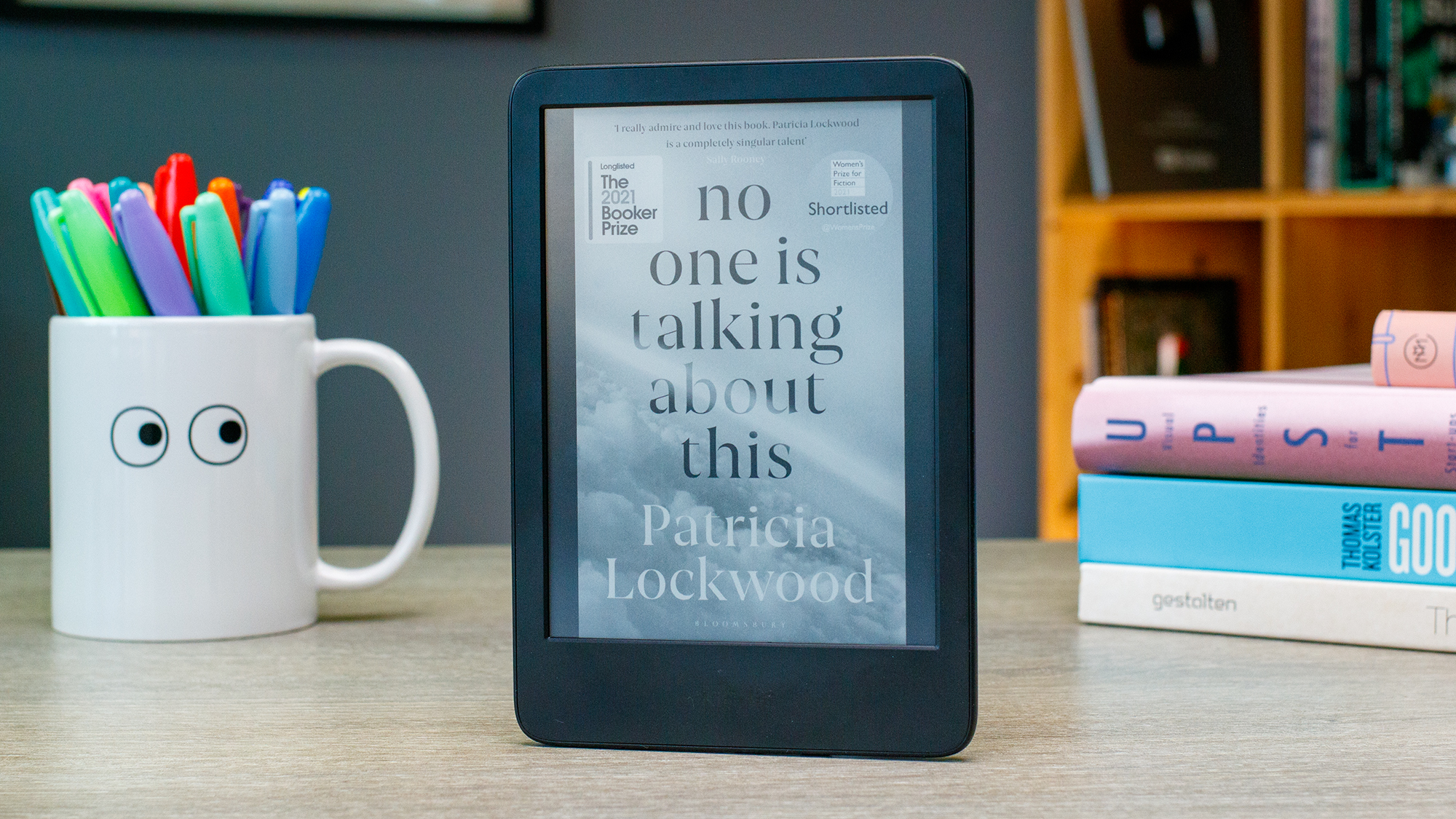
Alongside an improved display with backlighting and solid performance, it’s easier than ever to recommend if you’re considering a Kindle. Battery life is measured in weeks, while 16GB of storage is plenty for most people.
However, it’s not perfect by any means. There’s no waterproofing of any description, while the durable body is prone to scuffs. Kindles in general are mostly limited to the Kindle Store for content, while the likes of Kobos let you sideload easily.
Its affordable price point makes the regular Kindle a great option for most people, although it’s disappointing that you still have to pay $10/£10 extra to remove ads.
4. Kobo Elipsa 2 – Best for Annotating
Pros
- Great note-taking features
- Impressive performance
- OverDrive and Pocket integration
- Solid display
Cons
- No waterproofing
- Limited audiobook selection
- Expensive
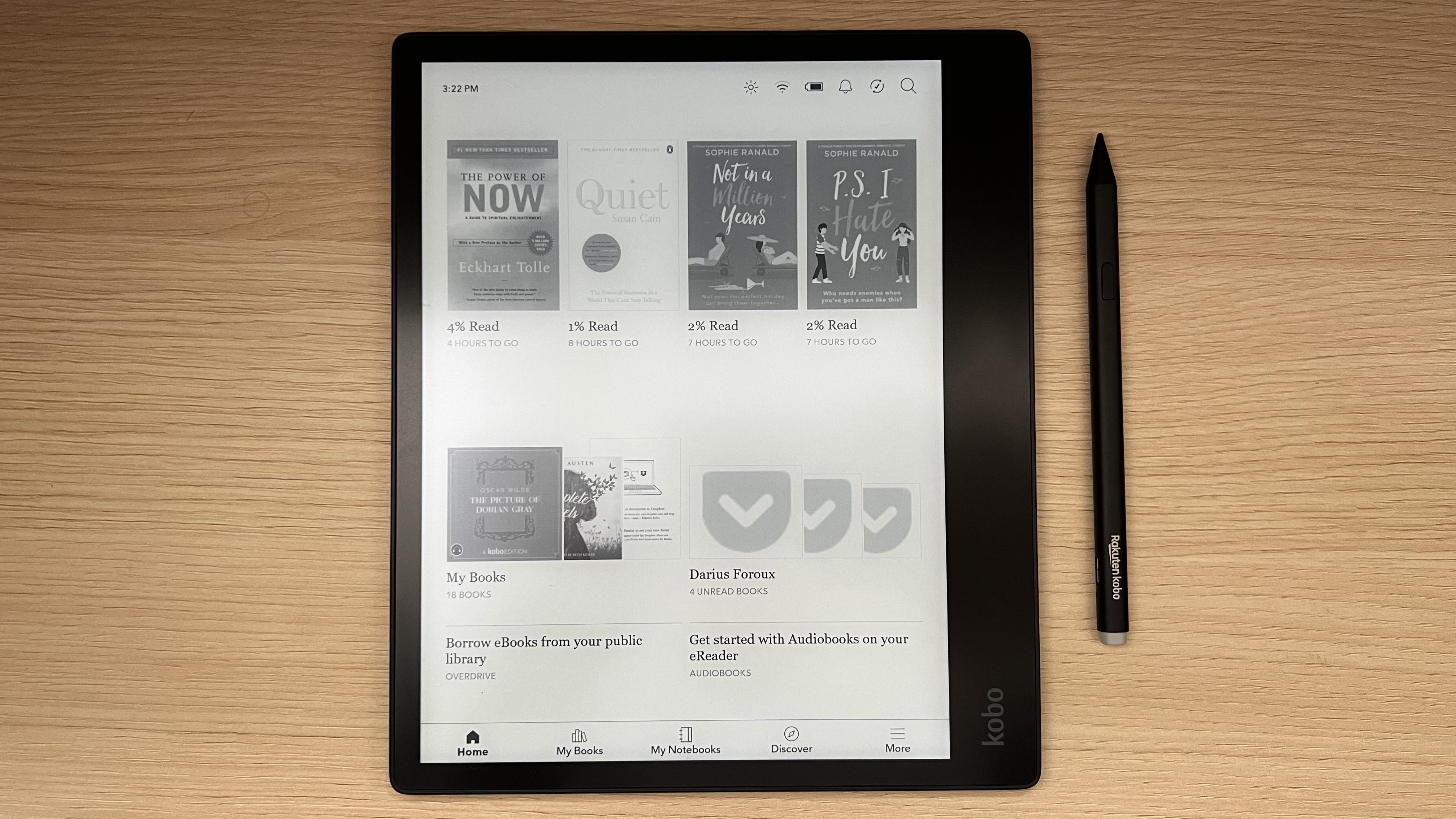
The Elipsa 2E is arguably more capable than any other eReader, but that doesn’t mean it’s the one you should buy.
A crisp 10.3in display is great for writing notes and annotating any book using the included stylus, but less practical for travelling or before bed. It’s also much more expensive than the entries higher in this list.
But as an E Ink tablet designed for both reading and note-taking, the Elipsa 2E is unmatched. You can get books from the Kobo Store or import them via Dropbox, borrow eBooks from your local library or instantly read articles saved from the web to Pocket. Alongside impressive performance and solid battery life, Kobo is onto a winner here.
Read our full Kobo Elipsa 2E review
5. Onyx Boox Note Air 2 Plus – Best for Apps
Pros
- Full Google Play Store support
- Slim, premium design
- Impressive display
- Solid stylus
Cons
- Only runs Android 11
- Relatively expensive
- Charging port blocked by case
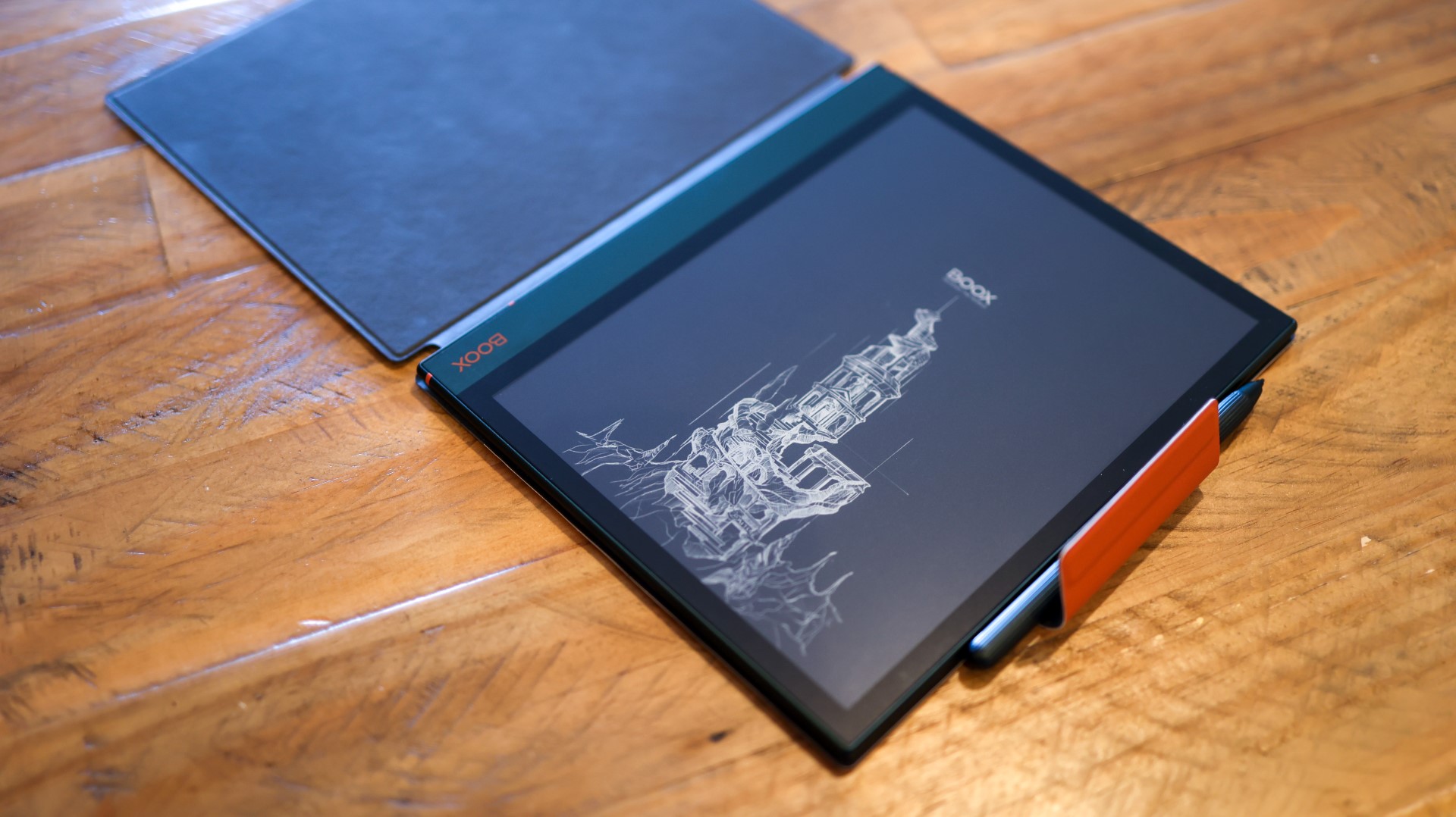
If you’re looking for an e-ink device but don’t want any software limitations, the Boox Note Air 2 Plus is for you.
It runs a full version of Android, meaning you can download all the same Google Play Store apps as a full colour tablet. Most apps still run on this older version of Android (11), although it has a very different look and feel to normal.
However, with a premium design, powerful note-taking experience and highly customisable display, the Air 2 Plus has a lot going for it. It’s a very smart device indeed, aside from the USB-C port being blocked when the folio case is applied.
The price tag is the other main reason to hesitate before buying one – it’s more expensive than almost all other e-ink tablets. But if you’re willing to pay top dollar, the Air 2 Plus is definitely worth considering.
Read our full Onyx Boox Note Air 2 Plus review
6. Kindle Paperwhite Signature Edition (2021) – Best Premium Features

Pros
- Great display
- Stellar battery life
- Solid performance
- USB-C and wireless charging
Cons
- Ineffective auto brightness
- Some software inconsistencies
- Expensive
- No 4G model
New to the Paperwhite range is this Signature Edition which strikes a balance between the regular model and the premium Oasis.
While many specs are the same as the cheaper Paperwhite, this model has extras like auto-adjusting light sensors and wireless charging. With the same 6.8in screen, it’s debatable whether those are worth the extra money.
Still, it’s a solid eReader, especially if the Oasis – which hasn’t been updated since 2019 and adopts a very different design – isn’t for you.
7. Kobo Libra H20 – Best Durability

Pros
- Waterproof
- Nice design
- Large screen
Cons
- Kobo store
The Libra H20 is an excellent eReader. It offers largely the same appealing design as the Forma, with a light chassis, chunky grip, textured back and IPX8 water resistance, as well a 300ppi screen and 8GB of storage.
But by compromising slightly on the size of that screen (at 7in) you can get the device for a far more manageable price tag.
Kobo’s eBook store remains unhelpful in terms of genre curation and user recommendations, but the Libra supports EPUB (so you can sideload free eBooks from Project Gutenberg) and OverDrive (so you can get eBooks from your local library). This is a great choice of eReader.
Read our full Kobo Libra H20 review
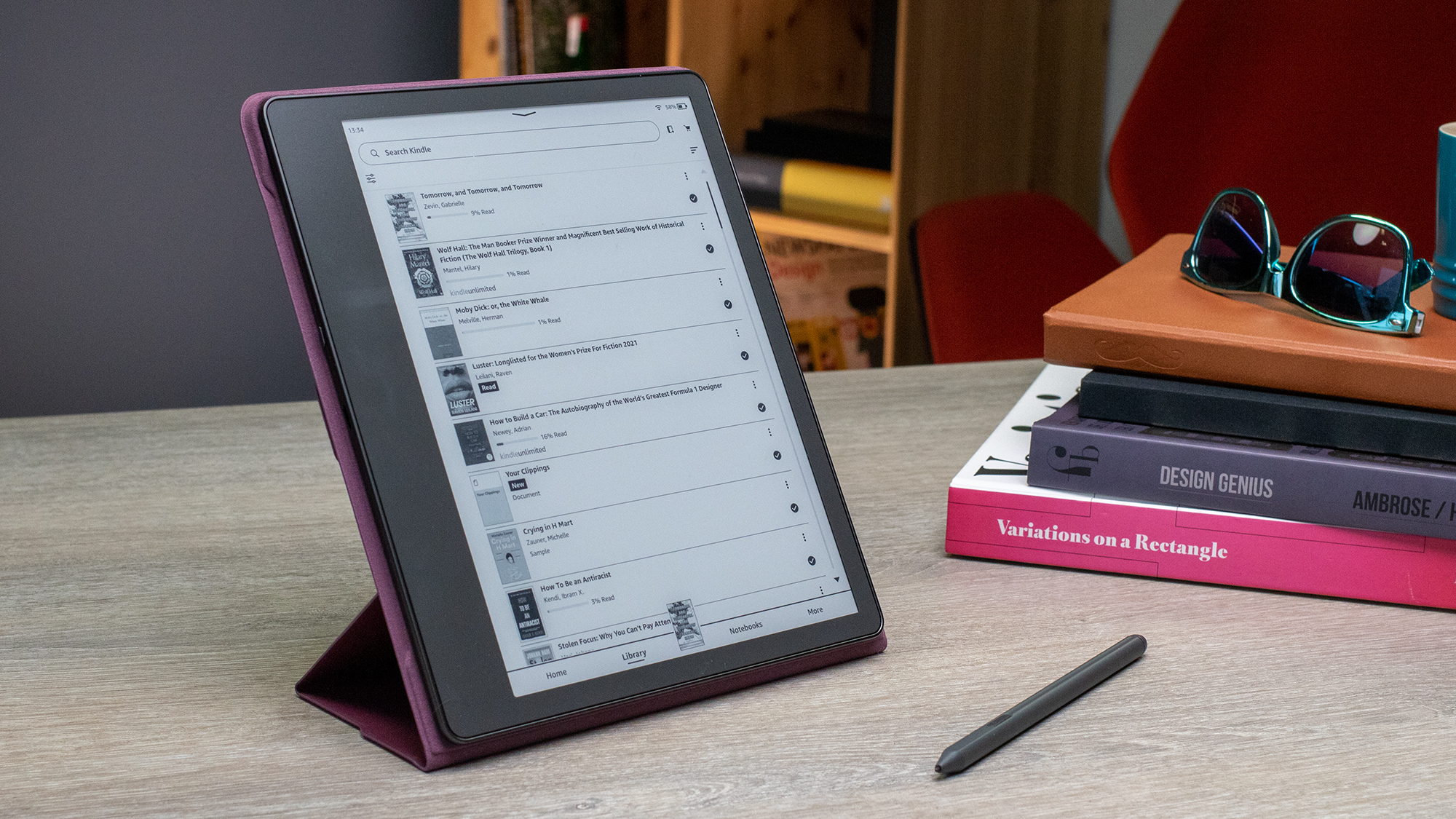
8. Kindle Scribe – Best Big Screen
Pros
- Large, high-quality screen
- Great for reading
- Excellent battery life
- Stylus included
Cons
- Poor note-taking experience
- Hard to organise notes
- Clunky Kindle software
The Kindle Scribe is the first Kindle that can be used for note-taking, but it’s large screen that’s the big draw here. A 10.2in panel is much larger than most e-ink devices, and it offers a better reading experience than similarly-sized devices in this list.
If you want to fit more text on a page or read comics and magazines, this is the Kindle for you.
It’s a great Kindle for reading, but most people can get that from a device that’s significantly cheaper.
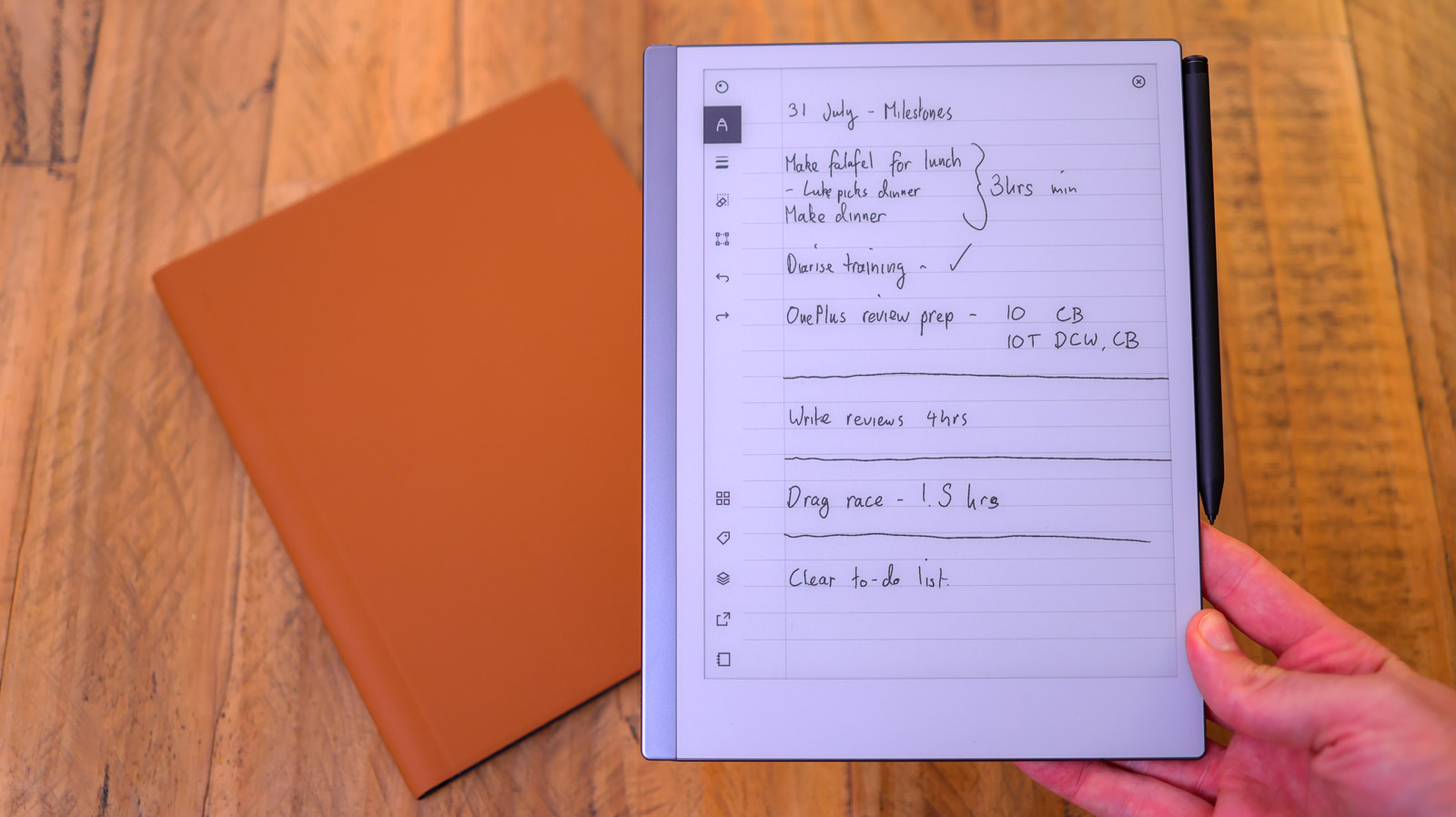
9. ReMarkable 2 – Best for Note-taking
Pros
- Thin and light design
- Large display
- Great pen input
- Excellent software support
Cons
- Pen sold separately
- Best features require subscription
- No backlight
The ReMarkable 2 was first released back in 2020, but several software updates have improved the experience since then.
Its primary focus is note-taking rather than reading books (although it can do both), with a large 10.3in display and excellent pen support. However, the compatible stylus is sold separately.
But ReMarkable’s stripped-back software experience is one of the big reasons why it’s so good. The tablet runs on a custom version of Linux, offering extensive customisation and easy exporting to other devices via the companion app.
However, the latter is one of several features exclusive to the $2.99/£2.99 per month ReMarkable Connect subscription. Considering its already high price tag in comparison to other e-ink devices, the ReMarkable 2 is only right for certain people.
Read our full reMarkable 2 review
10. Huawei MatePad Paper – Best Display

Pros
- Excellent, larger screen
- Stylus support
- Limited software
Cons
- Expensive
- Small native book selection
Specced much more like a conventional Android tablet, as opposed to a dedicated eReader, Huawei’s debut E Ink-based slate offers the largest display in this lineup and includes a few standout features that you won’t find elsewhere too.
For a start, that 10.3in E Ink touch-responsive panel serves up a respectable 227ppi, paired to a backlight with 32 brightness levels and if you add in the company’s second-generation M-Pencil stylus, the MatePad Paper becomes a serious note-taking device too, with a respectable 26ms of latency and integrated handwriting to text conversion.
The main caveat here isn’t really to do with the Paper’s hardware, so much as the lack of compatible reading experiences up for grabs on the Harmony OS-based software out the box. Huawei’s own Books app is a little light on content, so you’ll have to spend more time side-loading supported media (including ePub and PDF files) than you do on competing eReaders.
At least 64GB of storage for all your media, plus up to 28 days of battery life per charge.
Read our full Huawei MatePad Paper review
Why should I use an eReader instead of a tablet?
There are plenty of reasons why investing in a dedicated eReader is a good idea. They’re a lot cheaper than most, for example, and they’re simply a better tool for digital reading. They can be lighter than a book, yet store thousands of books, so you can read your way through a fortnight-long holiday just by taking your eReader along.
The E Ink device vs tablet debate is more complicated when it comes to note-taking, but the lack of distractions on the former is something you might prefer.
What type of display should I go for?
Most eReaders have displays between 6-8in, although some go a little bigger. Devices designed for note-taking often have screens larger than 10in, but Kindles and Kobo’s focused only on eBooks and audiobooks don’t go bigger than 7in.
E Ink screens look much like paper and are easier on the eyes than the colour LCD or OLED panels of a phone or tablet. It also shouldn’t stop you from going to sleep like the bright lights emitted from colour displays, although the science surrounding the benefits of e-ink displays isn’t conclusive.
How good is the battery life on eReaders?
Compared to phones, tablets and laptops, battery life is much better on dedicated eReaders and e-ink devices. It’s usually measured in page turns rather than hours.
So while your tablet could conk out halfway home, creating a genuine cliffhanger at the most inopportune point within your novel, an eReader could keep going for weeks or even months without needing a recharge.
Do eReaders have backlights?
Most, but not all. However, do be aware that those with built-in backlights won’t last as long between charges, but it may be worth it if you often read in dark environments.
What content do I need to access?
Many devices also let you play audiobooks. Read our Kindle Store vs Kobo Store comparison to find out more.
What type of files work on eReaders?
A memory card can boost the storage capacity for ebooks and, if supported, music, video and other media. Be sure to check which file formats a device supports – not just media, but also whether it can handle EPUB, PDF, TXT, RTF and other document file types.
Kindles don’t support officially epub, but there’s still a way to put epub ebooks onto a Kindle .
What connectivity do I need?
While your device will probably hold more than enough books to keep you occupied until you’re next in range of a Wi-Fi hotspot, a cellular connection will allow you to download content on the move. However, be aware that it will also add to the device’s price.
Author: Anyron Copeman, Mobile Editor, Tech Advisor

Anyron is Mobile Editor at Tech Advisor, where he’s been a mainstay of the editorial team since 2019. In his current role, Anyron is responsible for all smartphone, tablet and mobile network coverage on the site. A BA Journalism graduate, he has experience with a wide range of consumer tech products and services, including smartphones, tablets, foldables, wearables and more.
Recent stories by Anyron Copeman:
- Best Kindle 2023
- Huawei MatePad Paper review
- Amazon Kindle Paperwhite Signature Edition review
