Every VPN service runs on Windows. At least every major VPN service we’ve tested, that is. The problem with that is there are hundreds to choose between.
The good news is that we’ve done all the hard work, testing dozens of VPN services and digging through their privacy policies and doing a virtual check under the carpets to see if there’s anything there that shouldn’t be.
And so what you’ll find here are our top five picks: not so many that you still can’t decide which is right for you.
Since you’re looking for a VPN for Windows, we’ve prioritised that when making those picks. The good news is that each service’s Windows app tends to have more features than the Mac and mobile apps, but you can use those as well as any smart TV apps they may offer. Typically you can install the apps on as many devices as you want, but there’s usually a limit on how many can be connected to the VPN at once.
VPNs don’t just unblock video: their encryption means your online activity is more private and prevents your internet service provider (and others) from seeing what you’re up to.
It also means better security when you’re in a restaurant, airport lounge or hotel with free Wi-Fi. Free Wi-Fi often lets you connect without a password, and that’s risky from a security point of view.
Here, then, are the best VPN services for Windows.
1. NordVPN – Best overall VPN for Windows

Pros
- Fantastic all-round VPN
- Fast connection speeds
Cons
- Price hike when subscription renews
- Limit on number of devices
With apps for Android, iOS, macOS, Fire TV as well as Windows, NordVPN isn’t only for your laptop and PC.
But even if that’s all you need it for Windows, NordVPN’s app is simple and intuitive to use. A world map makes it easy to connect to server in the country or region you want.
There are lots of reasons to pick Nord, but the one is that it is one of the fastest VPN services around. Another is that it’s been audited multiple times. That means you can trust that it sticks by its no-logs policy and won’t keep any records of how and when you use its service.
If you really care about privacy, there’s also Double VPN, a feature that routes your connection through two servers instead of one.
NordVPN is great at unblocking both popular and more obscure streaming services, too.
The only reason you might not go for NordVPN is the price: it’s a bit more expensive than some of the other services here. However, we think the two-year subscription deal is good value.
Read our full NordVPN review
2. Private Internet Access – Best budget option
Pros
- Cheap two-year subscription
- Audited no-logs policy
Cons
- Price doubles after two years
- Inconsistent speeds
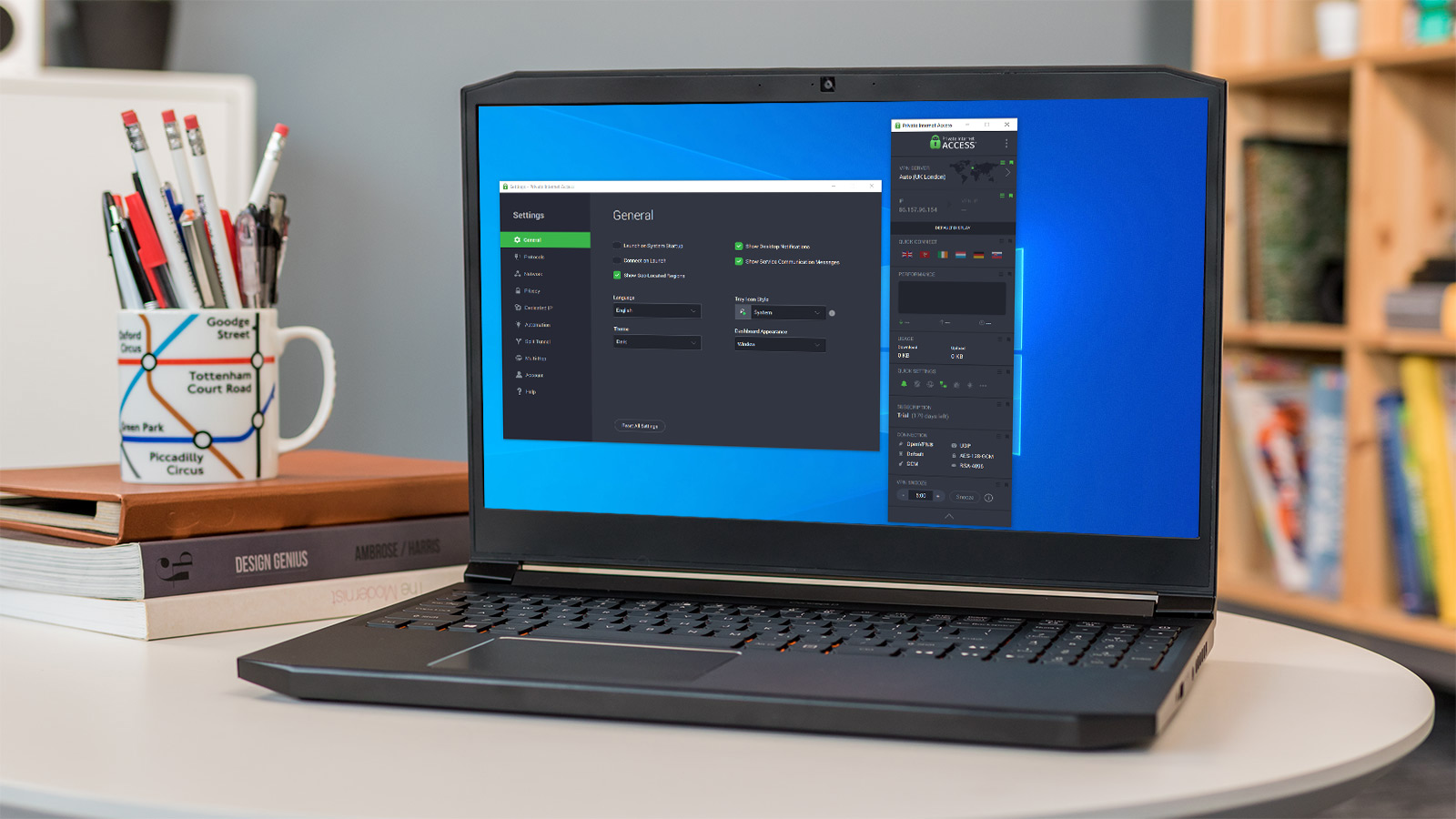
Private Internet Access ticks a lot of boxes. It has a huge network of servers, unblocks a variety of streaming services and has good privacy credentials including an audited no-logs policy.
The only snags are that speeds aren’t the best and it’s based in the US. The location isn’t ideal because the US is far from privacy friendly, though the audit certainly adds much reassurance that there would be no data to hand over if PIA was ever asked to do that.
When we last tested PIA, some servers offered great speeds, such as 660Mbps from the local Silicon Valley server. But switching to London chopped that speed to only 80Mbps, and we got a miserable 25Mbps when connected to the server in Japan. Those are using WireGuard, and we know rivals do a lot better with the same protocol.
If you pay extra, there’s also the option of a dedicated IP address.
The highlight, though, is that PureVPN has servers in 141 countries, which is more than its rivals. Sure, some are virtual locations (and not physically present in those countries) but they behave as if they were, which is really all you need.
Read our full Private Internet Access review
3. Surfshark – Best for features
Pros
- Audited no-logs policy
- Good range of features
Cons
- Price doubles when subscription renews
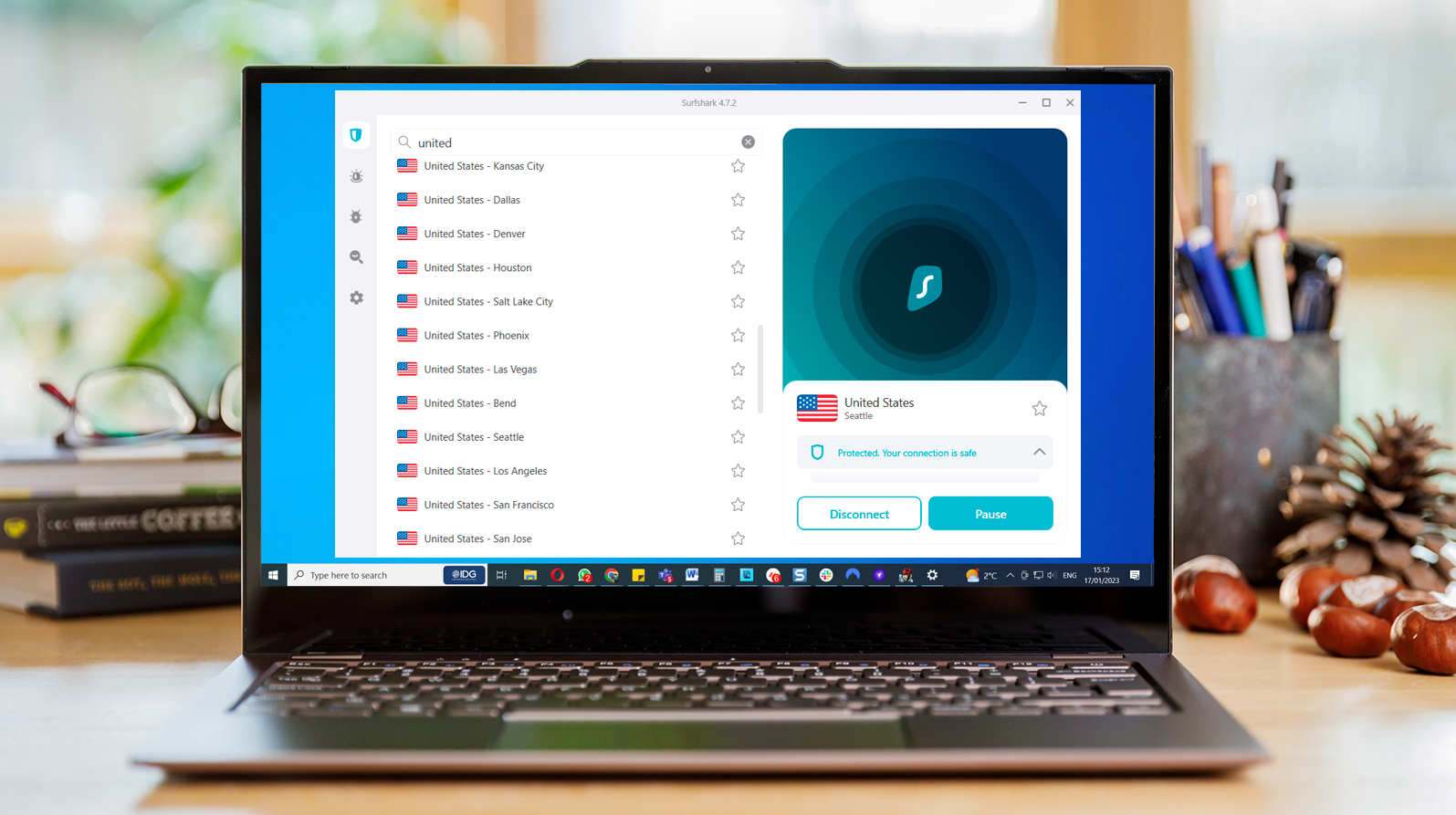
Surfshark is cheaper than NordVPN and for this reason alone could persuade you to pick it instead.
Speeds are almost on a par with NordVPN (which is to say they’re really fast) and there are loads of countries and servers on offer.
Surfshark successfully unblocks streaming services including Netflix, Disney+, HBO Max and BBC iPlayer. Unlike NordVPN, Surfshark doesn’t put a limit on how many device you can connect at one time.
Besides Windows, there are apps for macOS, iOS, Android, Fire TV and others.
One nice feature – if you care about privacy – is ‘MultiHop’ which runs your connection through two servers. But here you can choose which servers those are: most VPNs have a small set of pre-defined routes which might not be in the countries you want.
The live chat means you can help almost instantly if you ever have a problem, but best of all, the company has now had an audit of its no-logs policy. This proved it isn’t merely words on a web page: it doesn’t record your activity.
Read our full Surfshark review
4. CyberGhost – Best for unblocking streaming services
Pros
- Great for unblocking video streaming services
- Independently audited
Cons
- Price doubles subscription renews
CyberGhost is a well-known VPN which has been around for years. It is based in Romania, which has favourable privacy laws. And recently, it underwent an audit to prove it doesn’t log user data.
There are thousands of servers in 90 countries to pick from, plus NoSpy servers, all in Romania, which offer extra privacy.
Those servers offer fast internet connections, so even if you have fast home broadband, CyberGhost won’t slow it down when you’re downloading files, streaming in 4K and gaming.
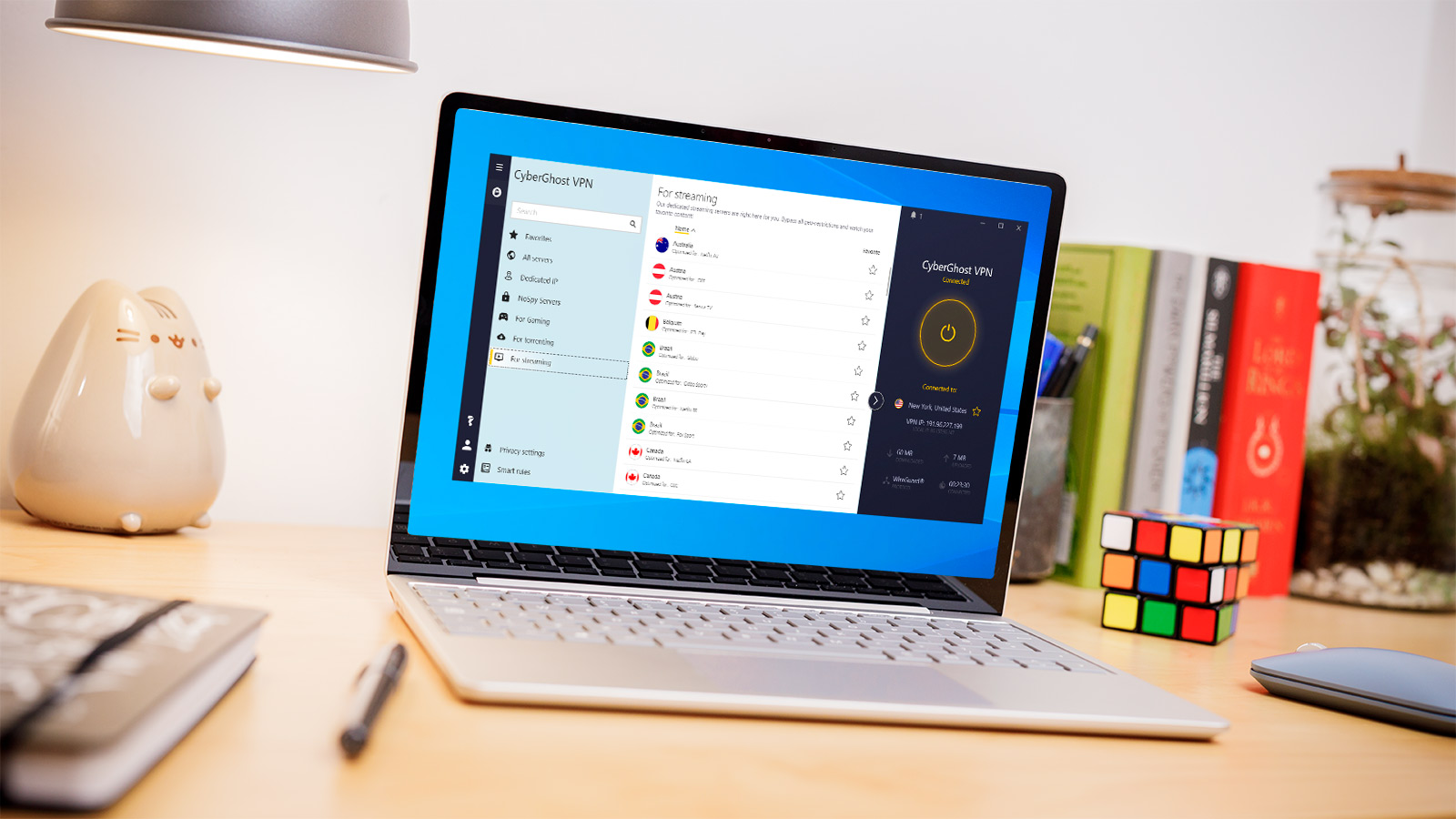
Talking of streaming CyberGhost’s Windows app has an ‘For Streaming’ section: you just choose the country you want and it will pick the best server to use so you can watch Netflix, Disney Plus, BBC iPlayer and lots more.
Read our full CyberGhost review
5. ExpressVPN – Best premium VPN

Pros
- Good for privacy
- Unblocks masses of streaming services
Cons
- Expensive
ExpressVPN, as you can see by the price, is more expensive than its rivals. That’s because it positions itself as the premium choice and doesn’t do crazy discounts for multi-year subscriptions.
This means you don’t have a shock when your subscription renews: it’s just always expensive.
There are still reasons to choose ExpressVPN. One is if you really care about privacy. It uses what it calls TrustedServer technology that helps to ensure your data (and your identity) is protected. It’s based in the British Virgin Islands with favourable privacy laws and has many third-party audits for its no-logs policy as well as the security of its apps.
It’s among the fastest VPNs, using its own proprietary encryption protocol, and offers 24/7 live chat customer support for times when you have a problem.
Now, there’s also an ad-blocker included in the subscription (for Windows, Android and iOS), and you can use the VPN service on up to eight devices at the same time. Opt for ExpressVPN’s Aircove router, though, and that becomes an unlimited number of devices.
The team behind ExpressVPN constantly monitors over 200 streaming services and tries to ensure it unblocks all of them, all the time. It also includes MediaStreamer, a DNS-based unblocking option which you can use if the VPN fails to unblock what you want to watch.
Read our full ExpressVPN review
- All security news
- What is a VPN and why you need one
- How to use a VPN
- Best VPN services (plus free options )
- Best VPN deals
Author: Jim Martin, Executive Editor, Tech Advisor

Jim has been testing and reviewing products for over 20 years. His main beats include VPN services and antivirus. He also covers smart home tech, mesh Wi-Fi and electric bikes.
Recent stories by Jim Martin:
- The best VPN services 2026: Stay protected with our expert top picks
- The best VPN for streaming in 2025
- Get 85% off lifetime cloud storage in this incredible Black Friday offer
