Firesticks are an awesome piece of tech. Not only do they allow you to watch all the streaming content you’d want, but they can also breathe new life into your aging smart TV, making it responsive and snappy again for a fraction of the price of a new one.
You can even plug them into a computer monitor and turn it into a TV of sorts.
However, with all these streaming platforms at hand, there still exists a bigger problem with them all – the availability of their content. Region-locking is rampant on every major streaming service and might make it impossible to watch your favourite shows even if they are technically available, just locked out of your country.
Without a VPN app installed, you can only watch videos that are available in your region. You’ll either see an error when you try to watch something that’s only for other regions, or you simply won’t see shows and movies that are only present in other countries.
But go to the appstore on your Fire TV Stick (or Fire TV Cube, or even a TV that runs Fire TV) and install a VPN and you can change your location (virtually, of course) and watch shows as if you were in those regions or countries.
Some streaming services, such as BBC iPlayer, Max and 9Now, can only be used if you’re in the UK, US or Australia respectively. If you want to watch shows from anywhere else, you’ll need a VPN with a server in those countries.
There’s another benefit of a VPN: it encrypts all the information between your device and the server, so no-one can see which videos you’re watching, whereas a proxy won’t.
1. NordVPN
Pros
- Unblocks pretty much every streaming service
- Fast speeds for 4K streaming
Cons
- More expensive than some rivals
- Subscription price increases a lot at renewal
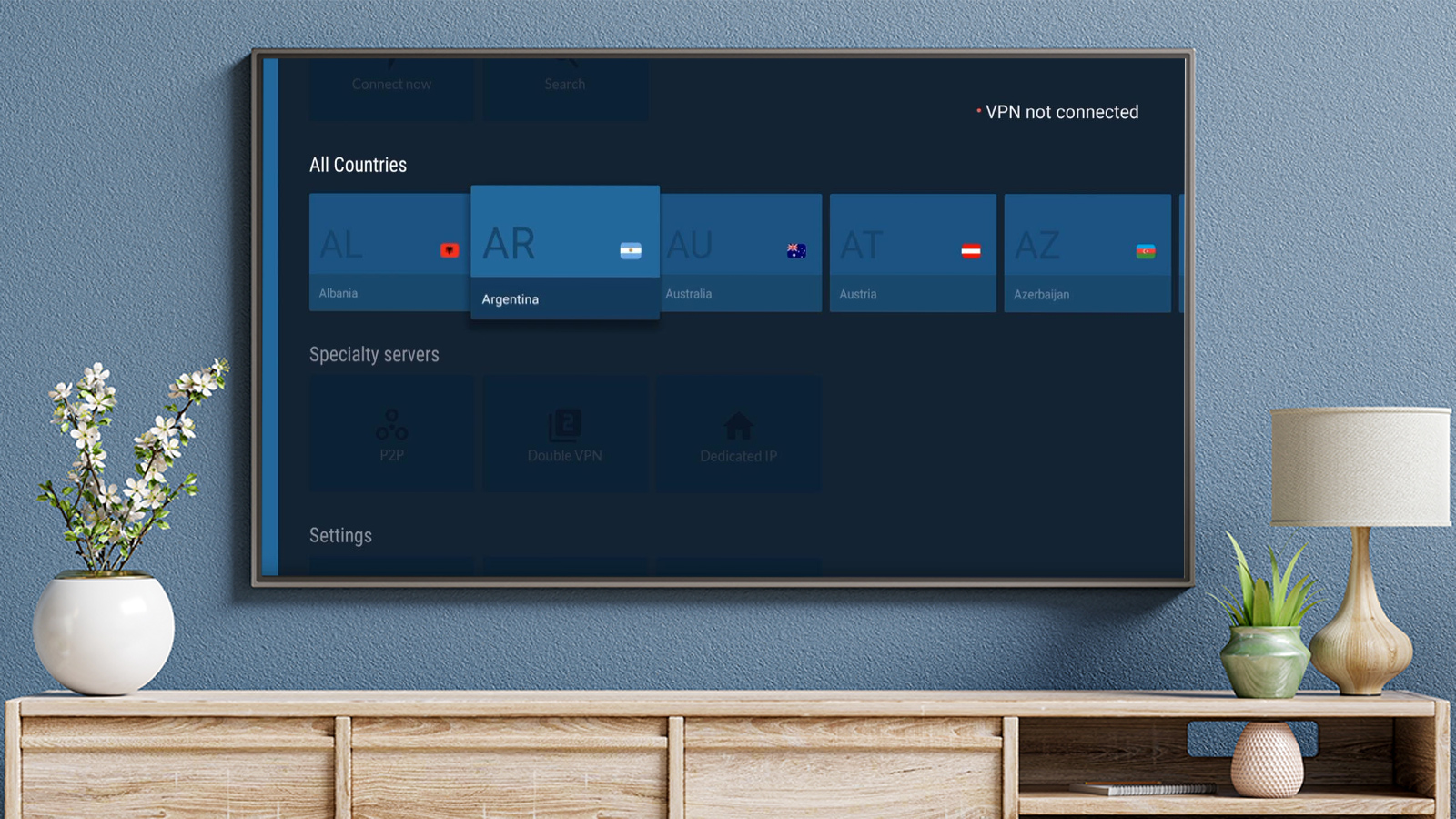
NordVPN has a decent interface is tailored for TV use, which means it’s easy to use with your Fire TV remote control.
As a service, NordVPN is one of the best. It has a huge number of servers (>5000) in around 60 countries. It’s consistently good at unblocking popular streaming services. That’s partly thank to its Smart Play feature that automatically picks the most appropriate server for any given country.
Performance is among the best of any VPN service and more than enough for streaming video. Speeds are quick enough for 4K video if your broadband connection can also handle that.
NordVPN isn’t only good for your Fire TV: you can use the service on your laptop, phone and other devices – up to six of them at the same time.
Read our full NordVPN review
2. Surfshark
Pros
- Unblocks most popular services
- Unlimited number of devices
Cons
- Doesn’t unblock as many services as NordVPN
- Subscription cost doubles on renewal
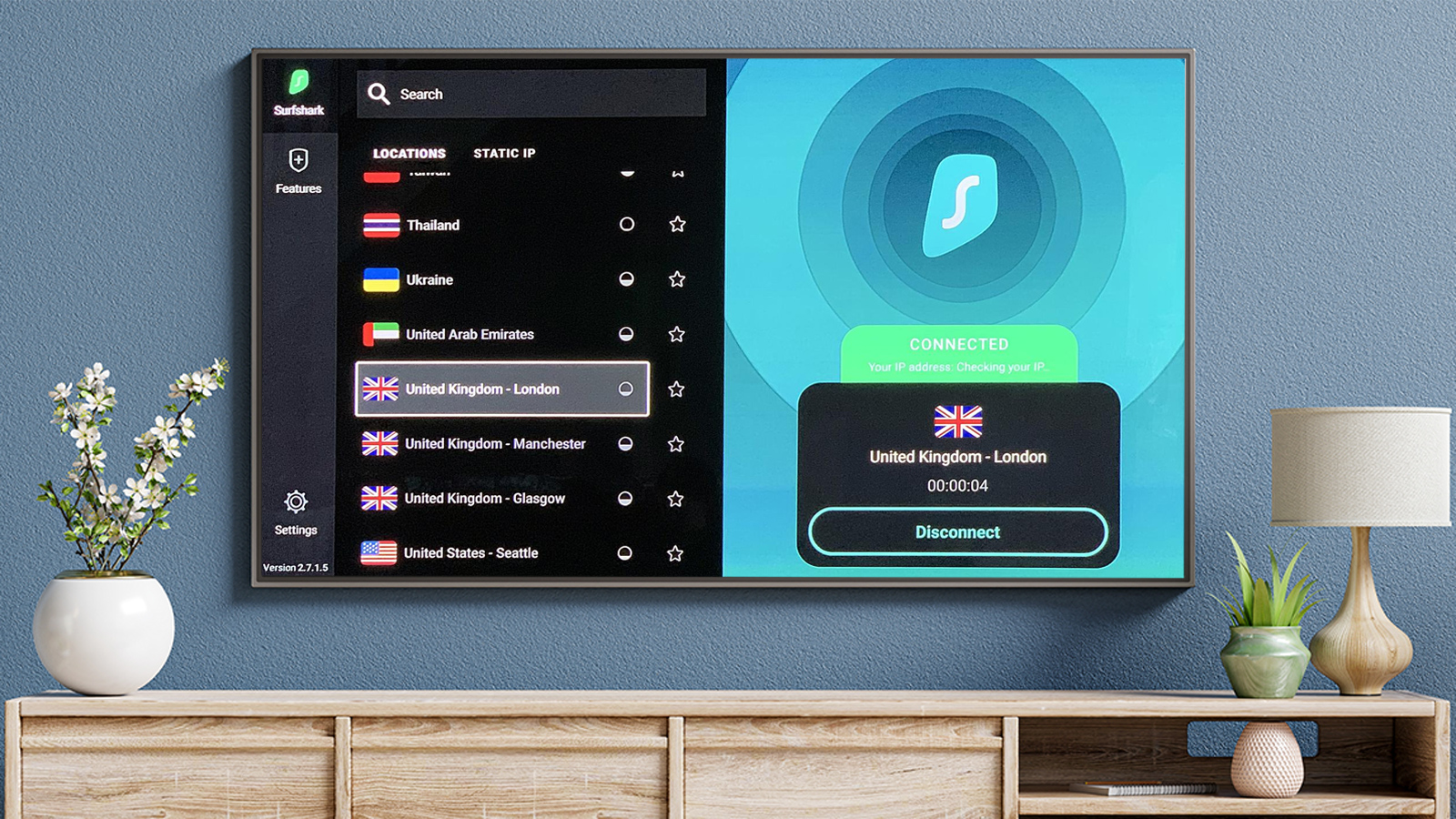
Surfshark is another excellent VPN for your Fire TV. It isn’t quite as good as Nord at unblocking streaming services, but it’s there or thereabouts, and it’s crucial to remember that things change on a regular basis as the VPN companies play cat and mouse with the streaming services.
There’s 24/7 live chat support if you run into problems unblocking a specific service, and when we last tested Surfshark, it unblocked BBC iPlayer, Netflix, Disney+, Max and others.
Speeds are excellent, and more than good enough for streaming in 4K. The only time you might run into problems (as with any service here) is if you’re trying to stream from a service on the opposite side of the planet at peak time.
The fact that Surfshark undercuts Nord on price, and allows you to use its service on an unlimited number of devices at the same time makes it a great choice for many.
Read our full Surfshark review
3. ExpressVPN
Pros
- Best unblocking of any VPN service (that we know of)
- Doesn’t hike the price when subscription renews
Cons
- Expensive all the time
ExpressVPN is one of the absolute best services for unblocking video. It regularly ensures that around 200 streaming services are available to its users, including some of the more obscure ones that other VPN providers don’t necessarily support.
Services such as Kayo, which streams live sporting events as well as a good selection of Netflix regions (Japan, Australia and France, for example, in addition to Netflix US).
It also prides itself on its security and privacy, as well as its customer service. You do pay more for all this though: ExpressVPN certainly isn’t the cheapest option here.
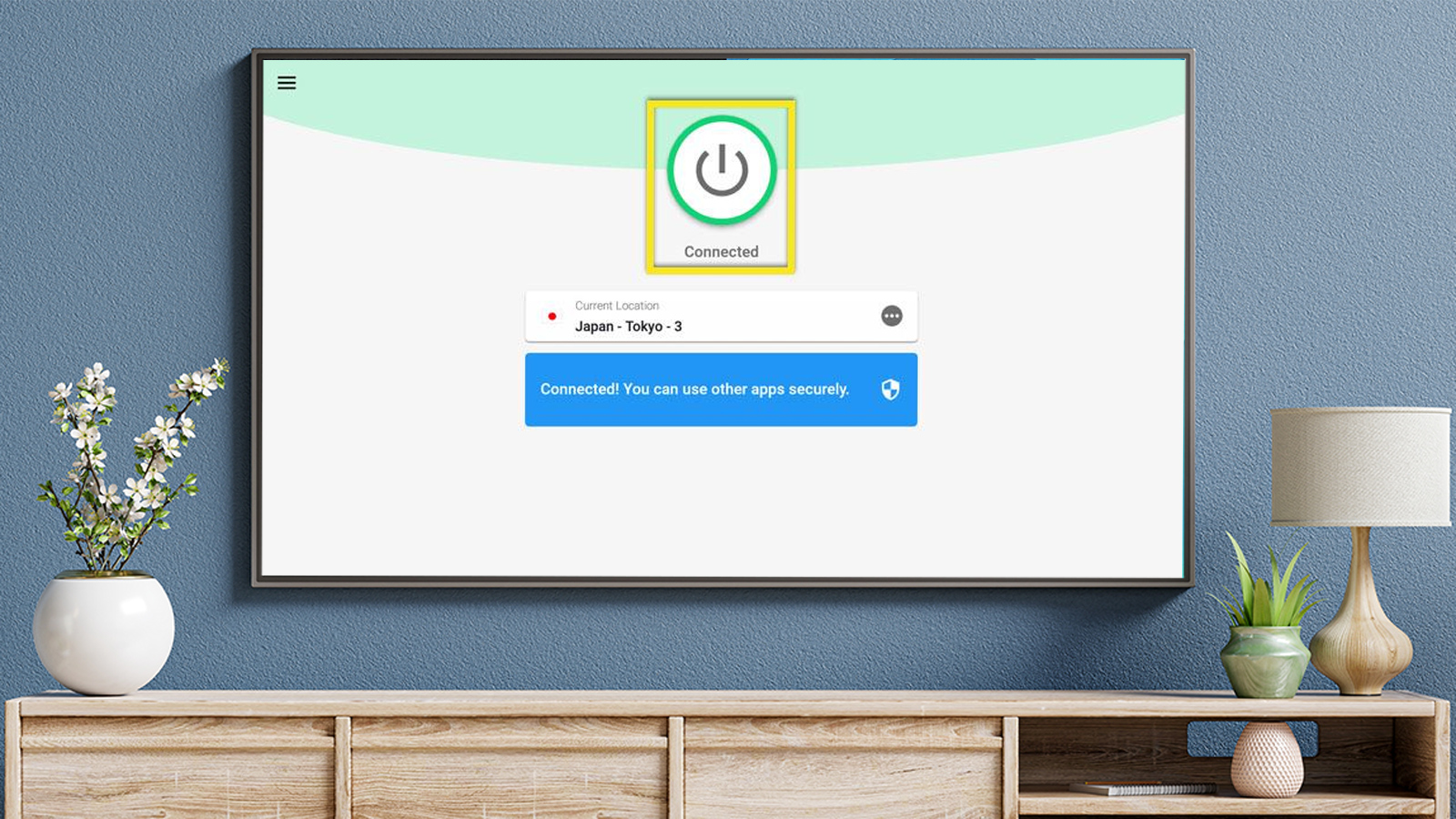
ExpressVPN’s Fire TV app is easy to use on your FireStick, or whichever Fire TV model you have.
No doubt you’ll want to use a VPN service on other devices too, and ExpressVPN is notable here for it’s great router app which lets you unblock video on games consoles, Apple TV boxes and other devices that don’t support VPN connections.
Read our full ExpressVPN review
4. PureVPN
Pros
- Unblocks plenty of steaming services
- Good-value two-year plan
Cons
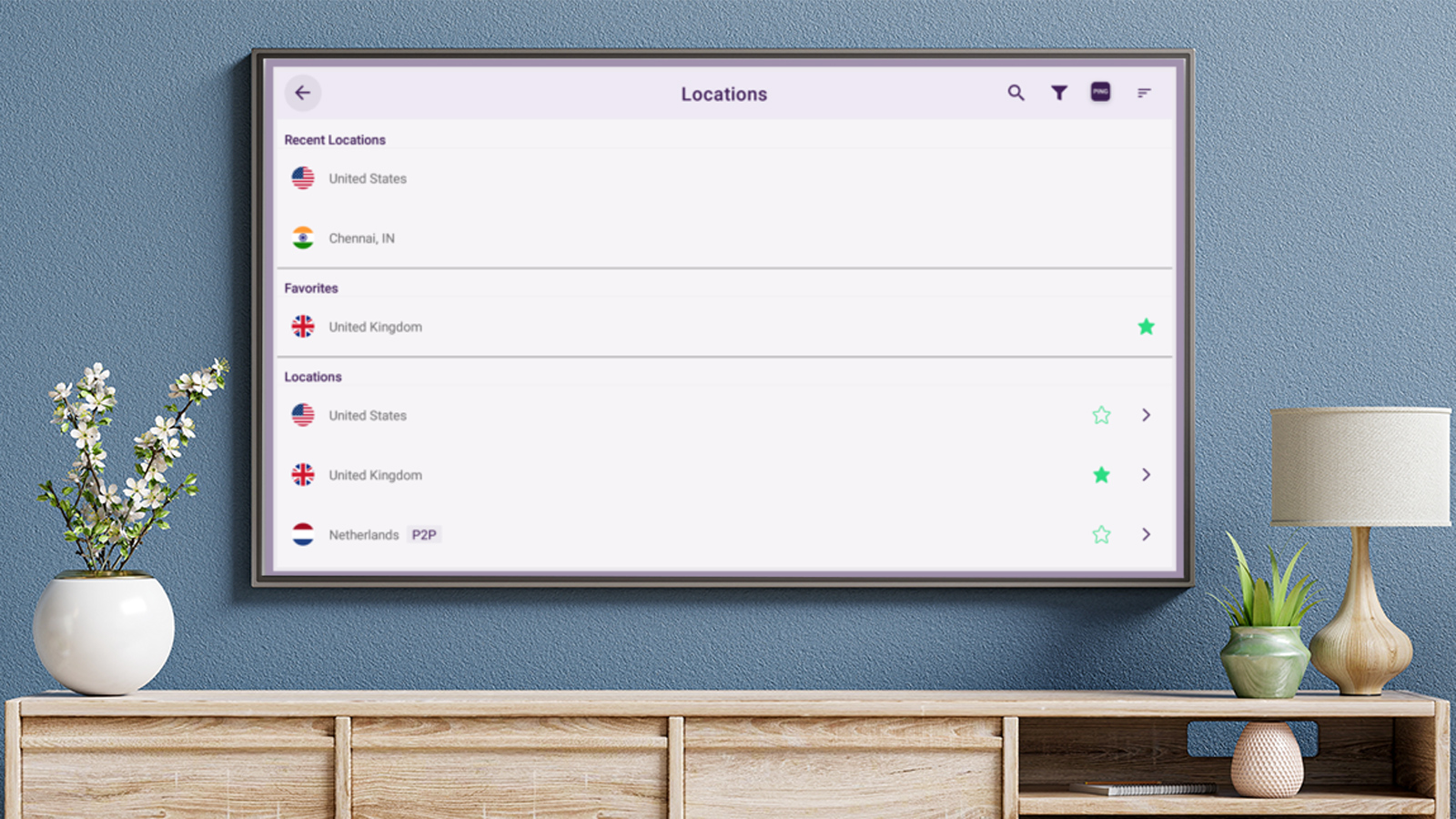
- App isn’t the slickest
PureVPN is a great all-rounder, and another service that has a Fire TV app ready to install in the app store.
In fact, it has just updated its Fire TV and Android TV apps to increase the available locations from 25 to 96, and added support for 11 more languages. Also useful is the new in-app live chat support.
PureVPN allows you to use your subscription on up to 10 devices at once, too.
Read our full PureVPN review
5. Privado VPN
Pros
- Free tier unblocks Netflix & iPlayer
- Paid, unlimited tier is very affordable
Cons
- Free users limited to 10GB per month
- Some streaming services unblocked only for paying users
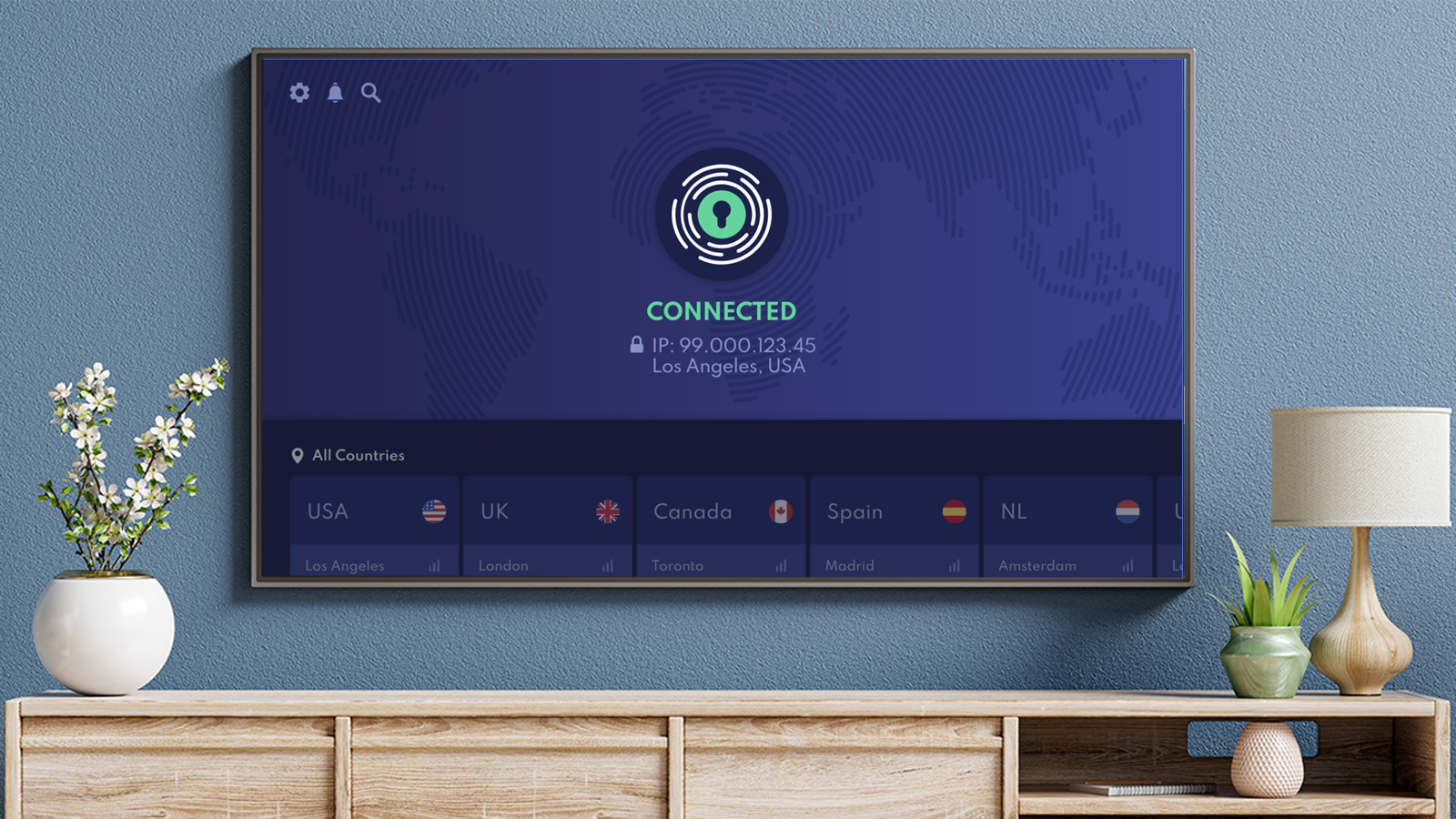
Privado’s free tier lets you choose between 12 servers in the US, UK, France, Germany, Switzerland, Canada, Mexico and Argentina.
The only catch, which is fair enough considering it’s free, is that you’re limited to 10GB of streaming per month. Of course, if you want unlimited bandwidth, you can go for a paid subscription. At the time of writing, that was very cheap indeed.
Read our full Privado VPN review
6. Windscribe
Pros
- Free plan with 10GB per month
- Very easy to use
Cons
- No guarantee free plan will unblock streaming services

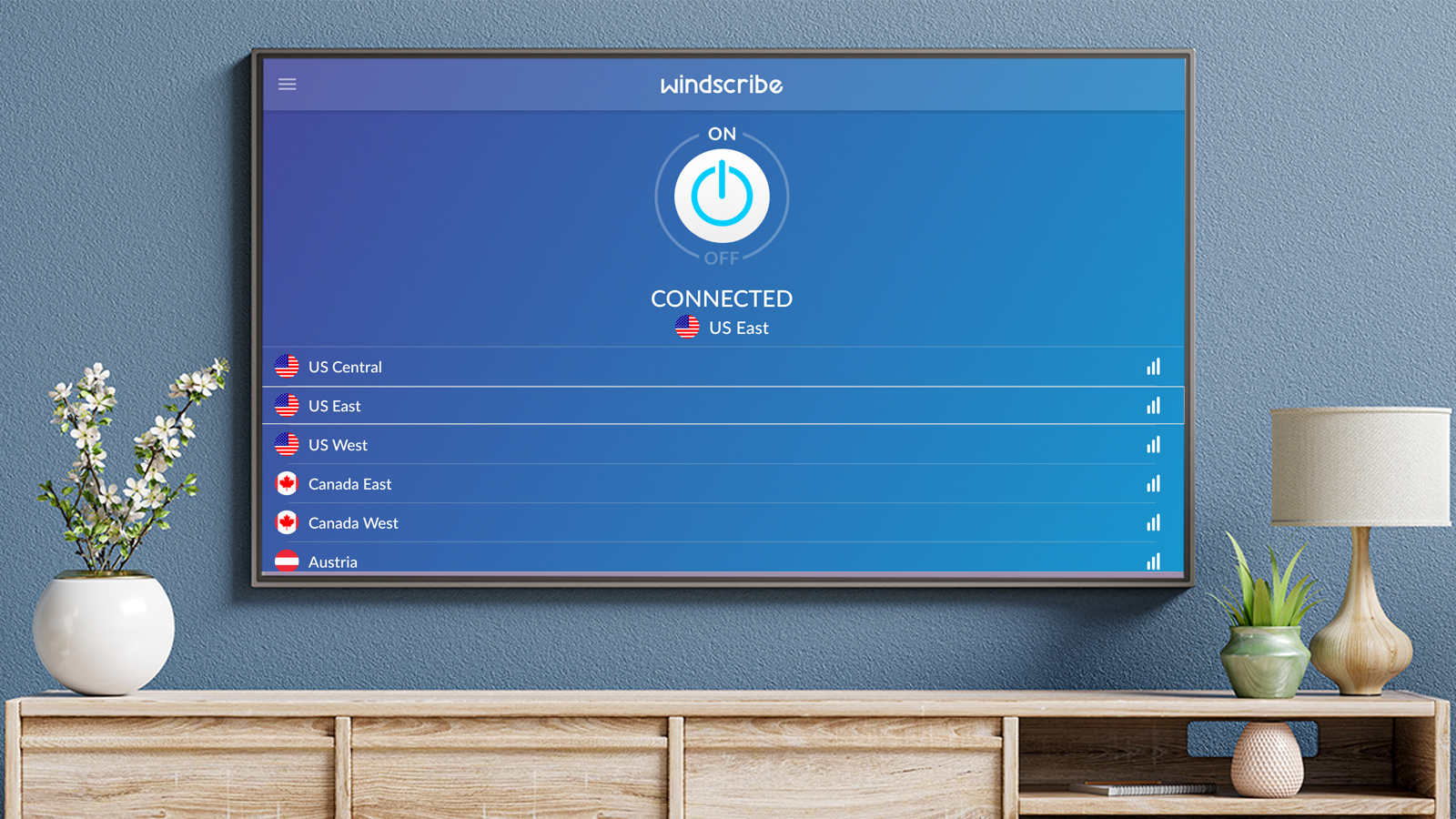
Windscribe is another free VPN that’s worth checking out for streaming video on your Fire TV Stick.
The other reason it’s a good option is because the Windscribe app is right there in the appstore on your Fire TV so it’s simple to install and set up.
Under Windscribe’s free plan you get to use its servers in US and UK plus Canada, France, Germany, Netherlands, Norway, Romania, Switzerland and Hong Kong . The catch here is that you don’t have access to Windflix servers – the ones optimised for streaming – so you’ve no guarantee of unblocking Netflix or other services. However, we found it does unblock some of them.
To use the optimised servers, get unlimited bandwidth and access to all of Windscribe’s servers you need to upgrade to one of the Pro plans.
Speeds aren’t the best around, but as it’s free you can test it out and see if it’s quick enough to stream the videos you want to watch.
What do I need to look for in a VPN?
You’ll find a more in-depth guide in our roundup of the best VPN services , but here’s a summary of what you’ll want if you’re choosing a service primarily to use with your Fire TV.
- App: It should offer an app in the Fire TV app store
- Speed : Servers and connections need to be fast enough to stream video in HD
- Choice of servers : There should be servers in the countries or regions where the content is available
- Bandwidth : Video uses a lot of data, so you don’t want any cap on your data allowance
- Price : You won’t get all of the above for free!
There are other considerations, too, such as the quality and availability of tech support, and whether or not the VPN service keeps logs.
A lot more VPN services now offer apps for Fire TV, and since it’s inconvenient if there isn’t an app, we’ve only recommended services that have one.
