18 years after its debut, the Kindle is still the big name when it comes to e-readers. However, it’s struggled to make larger note-taking E Ink devices a success so far.
The original Kindle Scribe launched in 2022 and immediately faced problems, with criticisms including features that didn’t work, basic note-taking functions and poor format support. It was only a small step forward over Kindle’s other e-readers, though several subsequent updates made it much more appealing.
Updated in 2024, the second-gen Kindle Scribe moved to a white border around the page to better imitate paper, while also changing the glass surface for a more paper-like writing experience and boosting the performance with a new processor. It also expanded the software features to make it more appealing overall.
I was at the launch of the new model to give it a quick test. Here are my early impressions.
A refined design
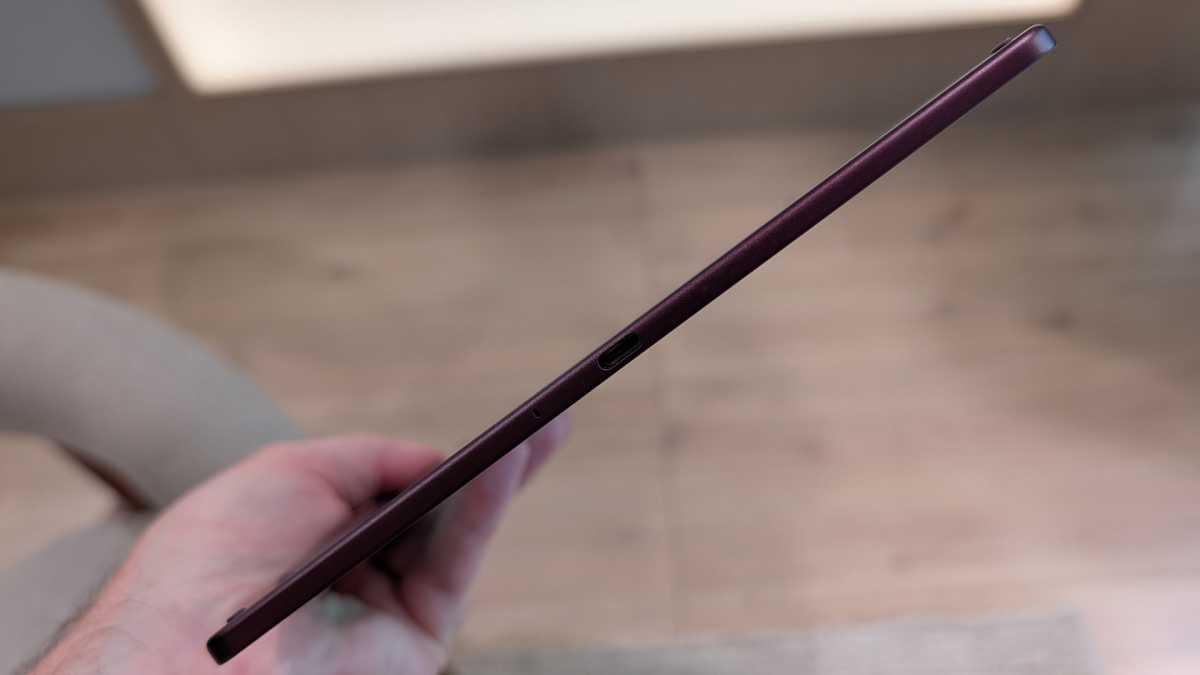
While the Scribe remains a slim slab, there have been a number of changes to the design that make it more attractive. It’s now only 5.4mm thick, compared to the 5.7mm of the previous version, while it weighs 400g instead of 433g previously.
Chris Hall / Foundry
However, the biggest design change is that it’s now symmetrical. Previously, there was a wider section running down the left-hand side that was wider. It never looked great, so now that it has been removed, the new Kindle Scribe just looks better and more premium than both of its predecessors.
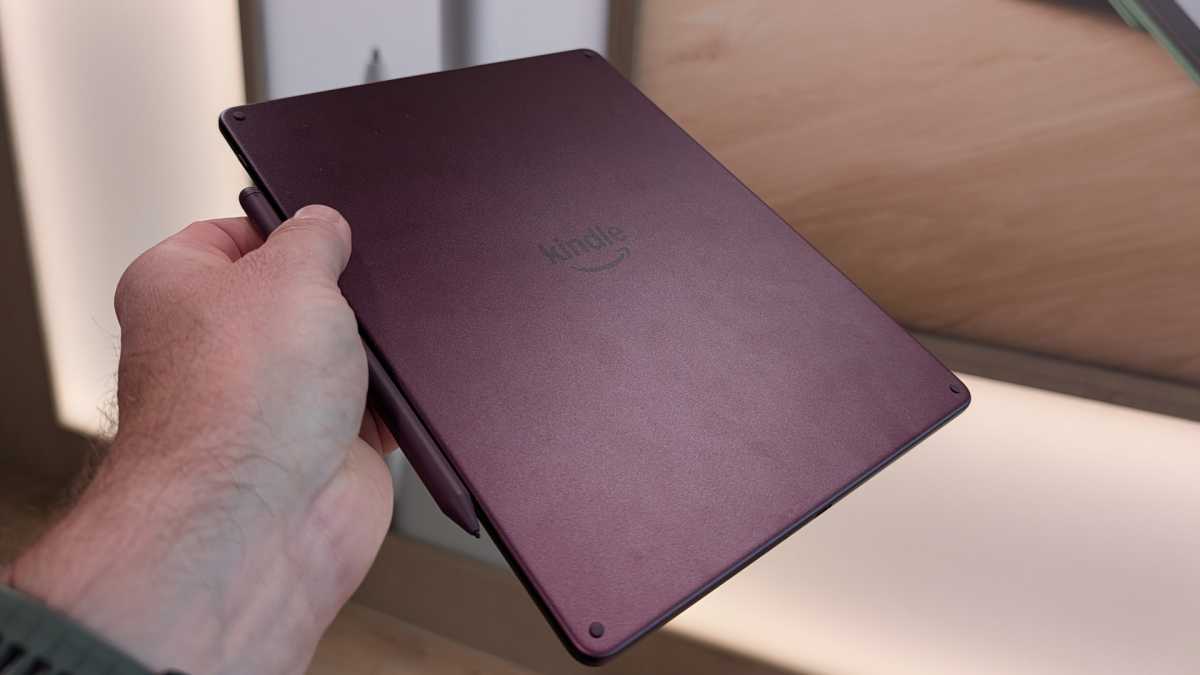
There are a couple of colours – the Fig pictured here, or Graphite for the Colorsoft, while the regular black and white version comes in Graphite only. Interestingly, the black and white model keeps the white surround to the display, which is a quick way to tell them apart.
Display improvements – and the addition of colour
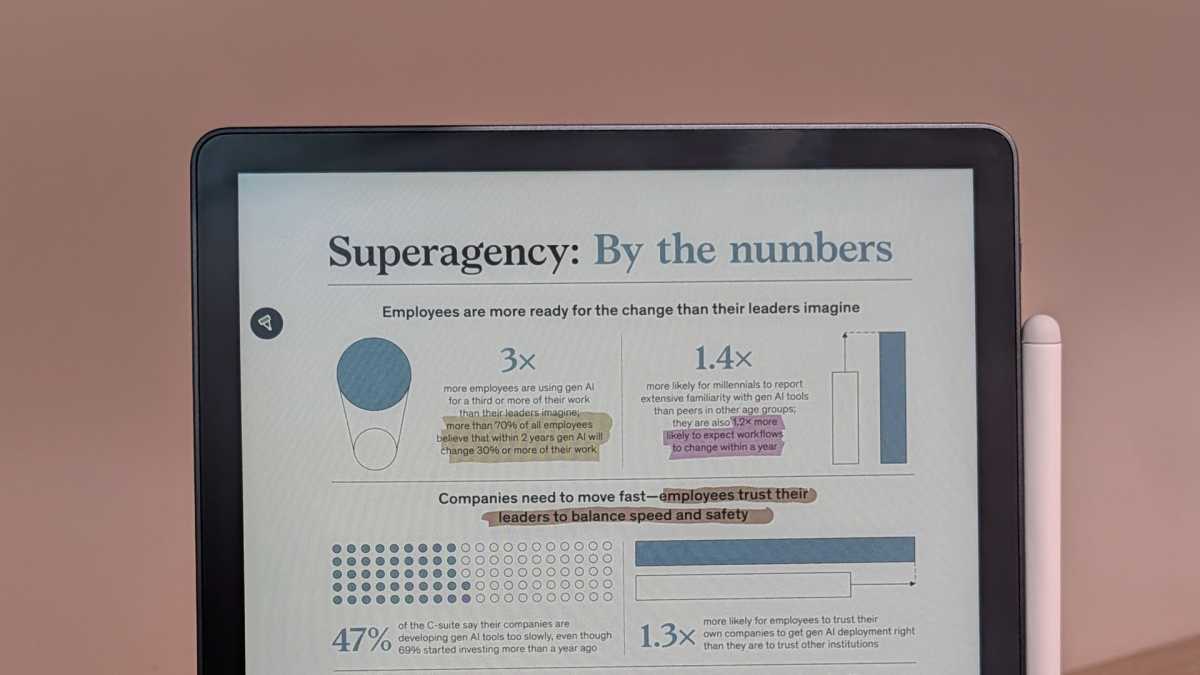
It’s not just the processor that boosts the experience: the display has been redesigned on both models, too. There are 70 mini LEDs running down the side to improve the illumination, while the screen surface is again a textured glass designed to sound and feel like paper.
Elsewhere, the gap between the surface of the screen and the surface where the ink appears has been reduced to boost the natural look when writing. It appears in 12ms, so there’s a really seamless look, and it feels great – just like writing on paper.
Chris Hall / Foundry
The display also runs at a higher voltage to speed up the page turning, so you’ll also have a smooth experience when reading. All this applies to both models of the Kindle Scribe, but the huge change – and the one that makes the Kindle Scribe now make sense – is the addition of colour.
We first saw colour on the Kindle Colorsoft, a version of the Paperwhite with a 7-inch screen. On that model, colour made no sense at all – books that small really don’t call for colour that much.
But larger format books, such as graphic novels or textbooks, can really benefit from colour, and this is where the Colorsoft has a purpose. For the smaller model, I think it missed the mark, but for the Scribe, it fits well.
That’s cemented by the writing functions, because the sort of people who want to read textbooks would also benefit from notetaking and highlighting. It’s a boon for anyone studying, with easy access to content through the Kindle Store for starters, but also support for PDFs and other documents.
Chris Hall / Foundry
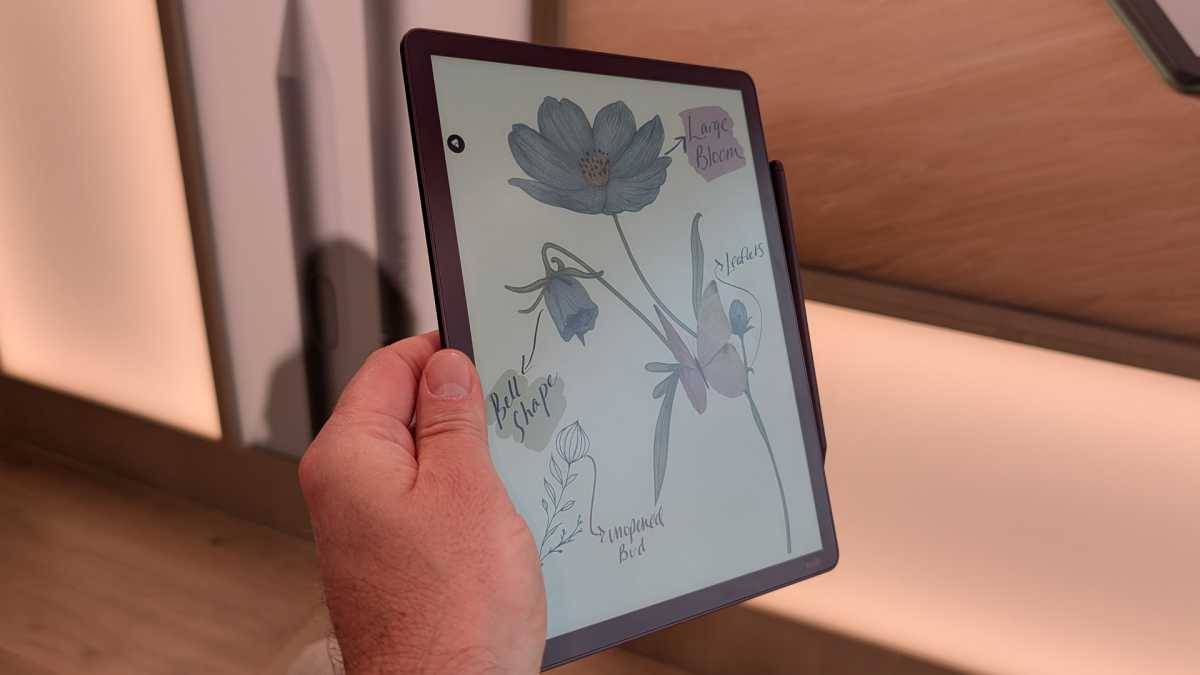
There are ten ink colours, five highlighter colours and five brush styles, so loads of variety when it comes to marking up or sketching out new notes and ideas. While you can use this for drawing, it’s not going to offer the sort of experience that you’ll get from a full colour device like the iPad, though it’s still possible.
Better software support
One of the big new features is the ability to sync with Google Drive and Microsoft OneDrive. That’s going to make it much easier to get documents on and off the Scribe and fit them into your workflow. It sounds boring, but integration with third-party cloud storage providers is probably the Scribe’s most meaningful upgrade.
The best news is that this feature is coming to older Kindle Scribe devices, too, so everyone is a winner.
There’s also a new home page, giving access to Quick Notes to get you writing, while existing notebooks are arranged down the side and books across the bottom.
Chris Hall / Foundry
Elsewhere, the Kindle Scribe continues to be supported by artificial intelligence, including an AI-powered search which can scan your handwriting to find things. This is also supported by an AI chat, which can help you process your notes by asking questions. This also means you’re not limited to precise word searching; it’s more dynamic.
I didn’t test the AI features to any great extent, but I did witness a demonstration where the AI summarised the notes and suggested follow-up questions. There’s plenty to be explored here, but more time with them is required for proper testing.
There’s a but, and it’s a big one
While everything sounds great – giving the Kindle Scribe Colorsoft the skills it needs to compete as a reading and writing device – it all comes at quite a cost. The Kindle Scribe Colorsoft starts at £569.99 in the UK or $629.99 in the US .
If you’re happy to drop the colour and just want the updated Scribe, it will cost £449.99/ $499.99 or £449.99. Finally, there will be a version with no front light for £389.99/$429.99.
The new Kindle Scribe will be available in the US before the end of 2025; in the UK it will be available in early 2026.
Author: Chris Hall, Contributor, Tech Advisor

Chris has been writing about consumer technology since 2008 and during that time has covered everything from small screens to big, covering smartphones, tablets, laptops and everything up to televisions and cars. Chris is a freelance journalist, co-founder of tech website The Disconnekt and former Editor of Pocket-lint.
Recent stories by Chris Hall:
- Every CES 2026 award winner from this year’s show
- Samsung Galaxy Tab S11 Ultra review: The ultimate Android tablet
- Honor MagicPad 3 review: Power, value for money and an odd omission
