Android has some interesting options for real-time translation. All Android phones have Google Translate baked in; recently you might have also seen Samsung talking up the Interpreter feature on its Z Flip foldable phones, and Google the Assistant-powered translation on its Pixel Buds.
When it comes to communicating outside your native tongue, all these tools can help you to understand the gist of the conversation. If you’ve got time to process, translate and understand the message, and properly prepare your response, it’s hard to go wrong.
But what about understanding cross-language conversations in real-life face-to-face situations? Even if you can cope with the awkward silence as you tap a button and wait for your device to listen and record, translate and then play back the translation to you, it’s a recipe for some truly stunted conversations in which it’s difficult for either party to fully engage.
If you’re conversing with a client and hoping to persuade them to seal the deal, you’ll want to ensure you have their full attention, and that your message is heard loud and clear, giving you the best possible chance of success. You’ll also want to be sure that the translation is accurate, and that you’re not miscommunicating your company’s objectives (or calling their mother a dog).
Or perhaps you’re chatting with an international business colleague, and the language barrier is preventing you from making that big breakthrough your boss has been hounding you for. In the boardroom, with multiple voices all vying for center stage, it’s going to be even more difficult to follow the conversation.
And think about the potential scenarios you could find yourself in outside the office, if you’re living or studying abroad. Imagine being in a foreign restaurant and the waiter asks if you have any allergies – you do, life-threatening ones, but you don’t understand the question or know how to respond. Before you know it, you’re in anaphylactic shock, wishing you’d learned a second language – or perhaps relied on a different translation device.
Timekettle W4 Pro promises more natural cross-language conversations
Timekettle
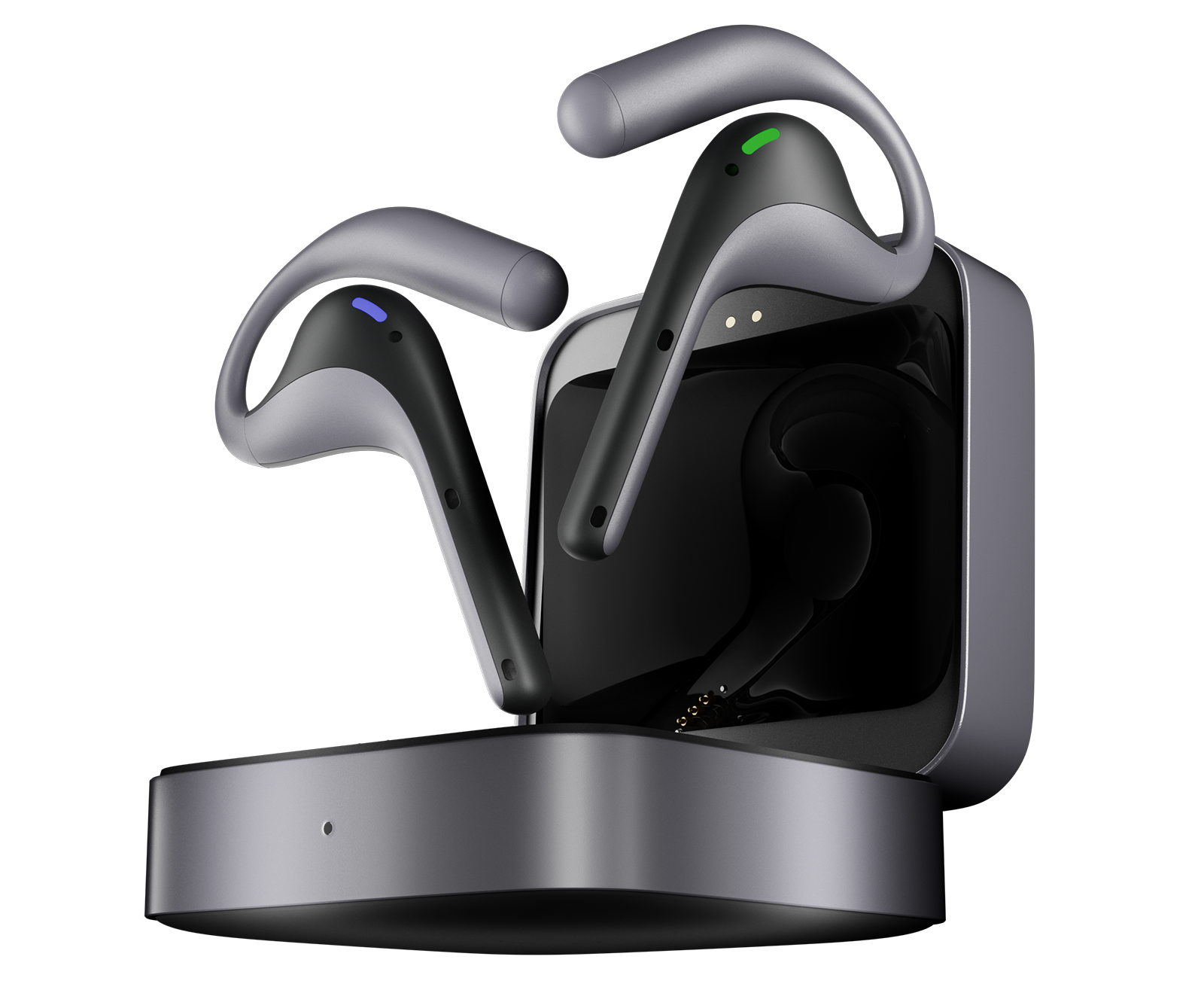
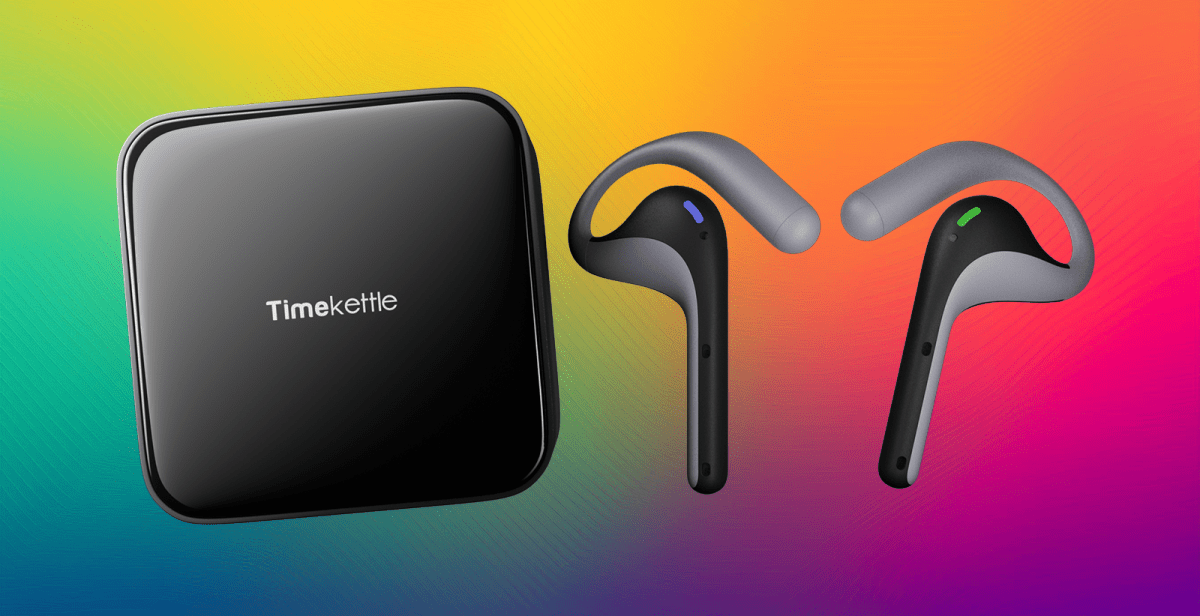
If you’re looking for a device that can deliver instant translation in two-way conversations and keep the chat flowing more naturally, Timekettle ’s W4 Pro could answer your call.
These ‘AI Interpreter Buds’ are in essence a pair of Bluetooth buds with an open-fit headset design, which connect to your phone (Android 10/iOS 14 or later) via a mobile app. Their AI-powered HybridComm technology can combine two voices into a single feed for faster translation, and this happens without your input.
As Bluetooth buds they also play music, and you can expect 12-hours of high-end, crystal-clear sound from the W4 Pro. For real-time translation expect runtime of six hours, but the bundled charging case offers two full charges and takes only 1.5 hours to recharge over USB-C.
The Timekettle W4 Pro will keep going for as long as you can keep talking, and their compact, lightweight design should be comfortable to wear for extended periods.
Fast and accurate translation in all situations

Timekettle
Accuracy of audio pickup and translation is important in keeping the conversation on track, and Timekettle promises up to 95% here, across 40 languages and 93 accents. There’s a personalized glossary so you can add your own lingo to the database, while hardware smarts include a three-mic array with enhanced voice recognition and vector noise cancellation.
For offline use the mobile app supports translation from English, Chinese, Japanese, German, French, Spanish, Russian and Korean into English or Chinese, but it’s in those more personal situations where things get interesting. Here, the W4 Pro supports three modes of operation:
One-on-one: Use this in face-to-face conversations for real-time, handsfree translation that will keep the conversation flowing.
Listen & Play: Use this mode in group settings, where AI-powered rapid sentence parsing aids information absorption and retention, and audio can be processed in five languages simultaneously. AI Memo is a handy feature that offers post-meeting notes, and you can also download a recording of the meeting.
Media Translation: Use this mode if you’re chatting over the phone or on a video call, or streaming video. Real-time subtitles and after-event summaries are helpful in you understanding what’s happening as it happens.