Missing calls can be frustrating and sometimes worrisome.
If your Android phone or iPhone isn’t ringing, the problem could be anything from simple settings issues to more complex hardware or software problems.
Regardless, below you’ll find the most likely reasons that your phone isn’t ringing and what you can do to fix it.
Why isn’t my phone ringing?
A specific mode could be enabled
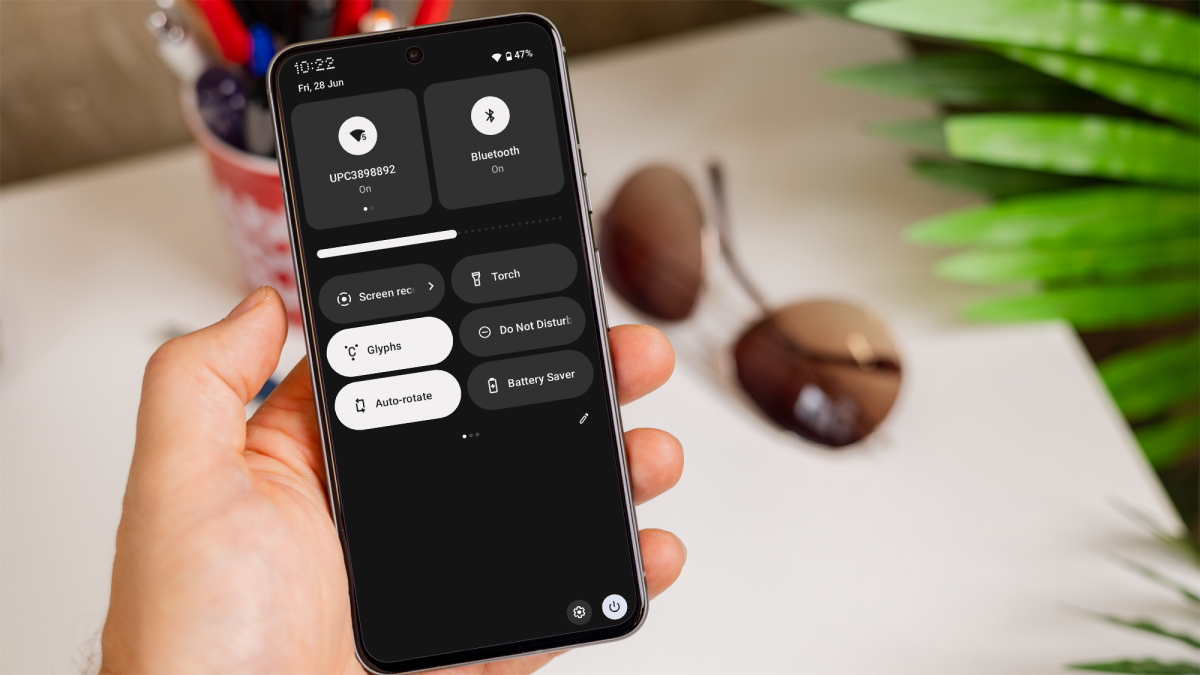
One of the most common reasons for a phone not ringing is that it’s been set to ‘Silent’, ‘Do Not Disturb’ or ‘Airplane’ mode.
If you turn on ‘Silent’ mode, it disables all sounds, including ringtones, while ‘Do Not Disturb’ mode blocks calls and notifications during specific times or in response to conditions you set.
Dominik Tomaszewski / Foundry
Finally, ‘Airplane’ mode disables all wireless communications, including phone calls.
If your phone is in ‘Airplane’ mode, you won’t receive any calls, and therefore it won’t ring.
Network issues
Poor network coverage or a temporary outage from your service provider can prevent calls from coming through, resulting in a silent phone.
Check your signal strength and try moving to a location with better coverage.
The volume is turned down
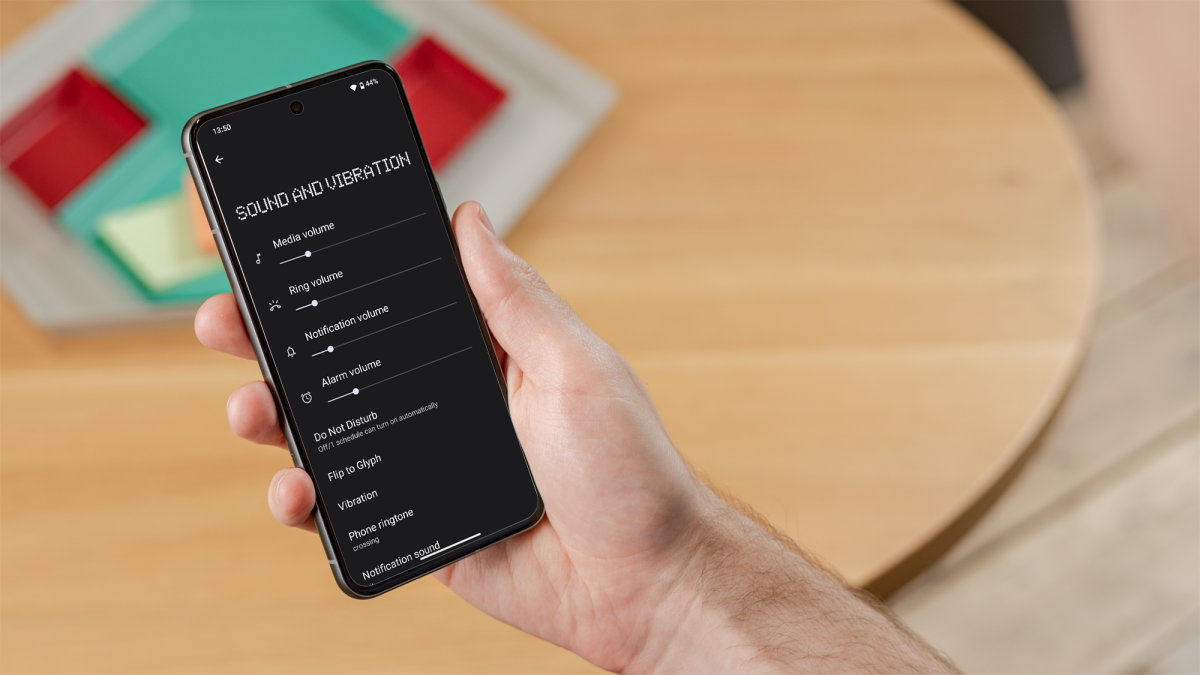
If the ringer volume is turned all the way down or muted, your phone won’t ring. Check the volume settings by using the physical volume buttons or through the settings menu.
Dominik Tomaszewski / Foundry
You might have blocked the number
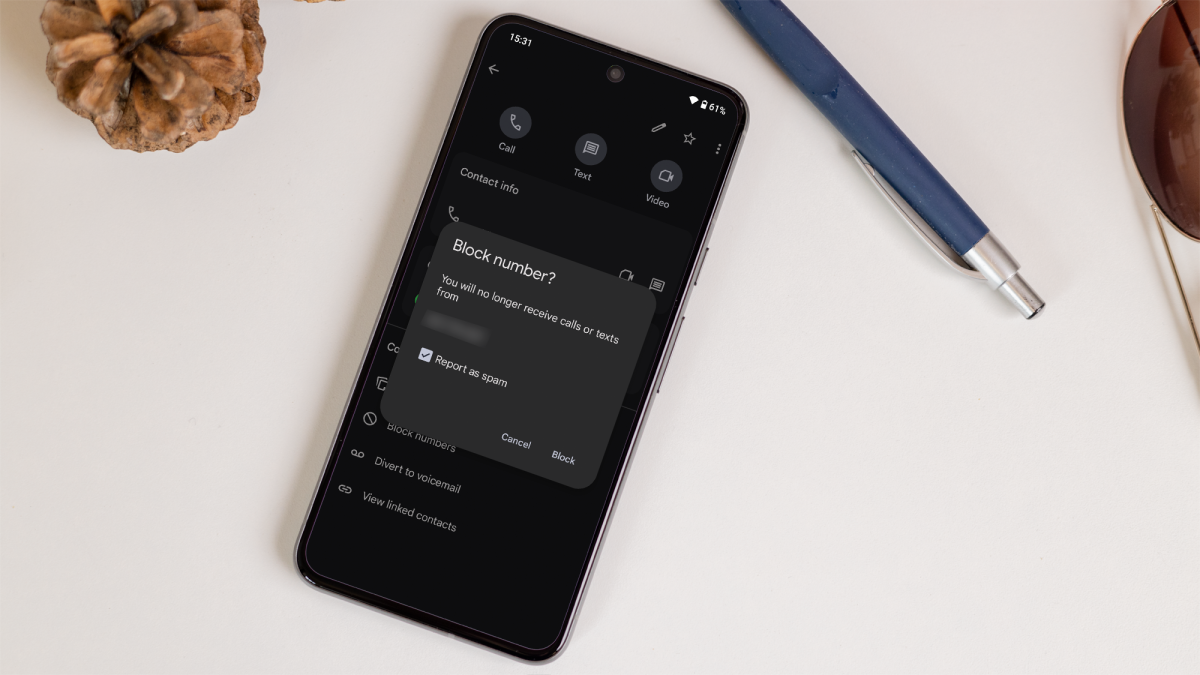
If you’ve blocked the number that’s trying to call you, your phone won’t ring in response. Review your blocked numbers list to ensure you haven’t accidentally blocked someone important.
Software glitches
Occasionally, software glitches or bugs in your phone’s operating system can cause issues with the ringer. Keeping your phone’s software updated can help to prevent these problems.
Your phone might be broken
If your phone’s speaker or ringer is damaged, it won’t ring. This can happen as a result of physical damage or wear and tear over time. Testing your phone’s speaker with other sounds, like music or alarms, can help determine if this is the issue.
What to do if your phone isn’t ringing
Check if any modes are enabled
First, make sure your phone isn’t in ‘Silent’ or ‘Do Not Disturb’ mode.
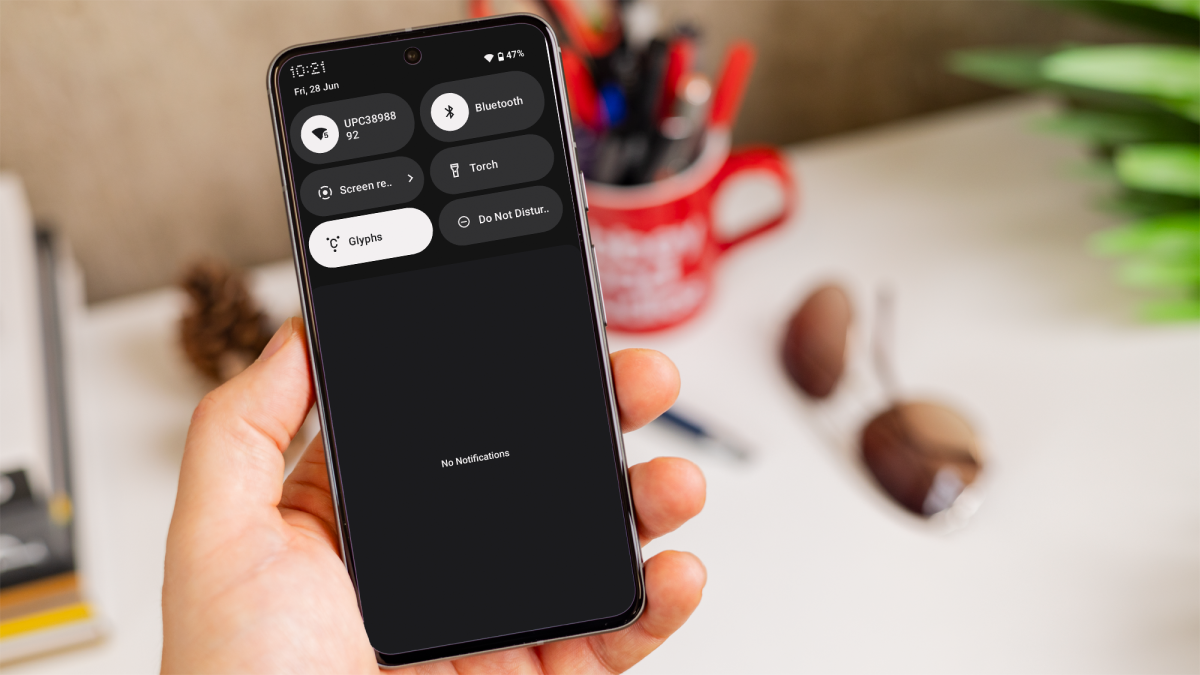
If you have an iPhone, look for the ‘Silent’ switch on the side of your phone. You can also access ‘Silent’ and ‘Do Not Disturb’ modes through the settings menu and in the notification centre on Android or in the control centre on iOS. Disable these modes to restore your ringer’s functionality.
Dominik Tomaszewski / Foundry
Also, ensure that ‘Airplane’ mode is turned off. You can typically find this setting in the quick settings menu or under network settings.
Adjust volume settings
Increase the ringer volume using the physical volume buttons on your phone. You can also go into your phone’s settings to adjust the volume levels and ensure that the ringer is set to an audible level.
Check your network connection
Verify that your phone has a strong signal. If you’re in an area with poor reception, try moving to a different location or restarting your phone to refresh the connection.
Unblock numbers
Go to your phone’s call settings or contact list to check for any blocked numbers. Unblock any numbers that you want to receive calls from.
Dominik Tomaszewski / Foundry
Author: Artur Tomala, Mobile Writer, Tech Advisor

Artur is a Mobile Writer at Tech Advisor, where he covers a range of smartphone, tablet and smartwatch-related topics. He has been working in the tech industry since 2021, including time spent leading a team focused on mobile news, reviews and product rankings. As an ambassador for the productivity app Notion, he runs training workshops and creates advanced templates to help people stay organised and productive.
Recent stories by Artur Tomala:
- How to set up a new Android phone
- Samsung Galaxy A26: Everything you need to know
- What is an eSIM and how does it work?
